
Numbered References
Uploads are called Image 1, Video 1 and Audio 1, counted in the order you add them. Say what each one does, such as which image sets the rooftop and which one is the rapper.

Bring a prompt, an artist photo or a set of references, and the Wan 3.0 AI video generator returns a 2-30 second scene with sound in 480p, 720p or 1080p for your next rap video.
The Wan 3.0 AI video generator renders 30 seconds of picture and sound in one generation, so characters, props and camera direction hold together from the first frame of a music video scene to the last.
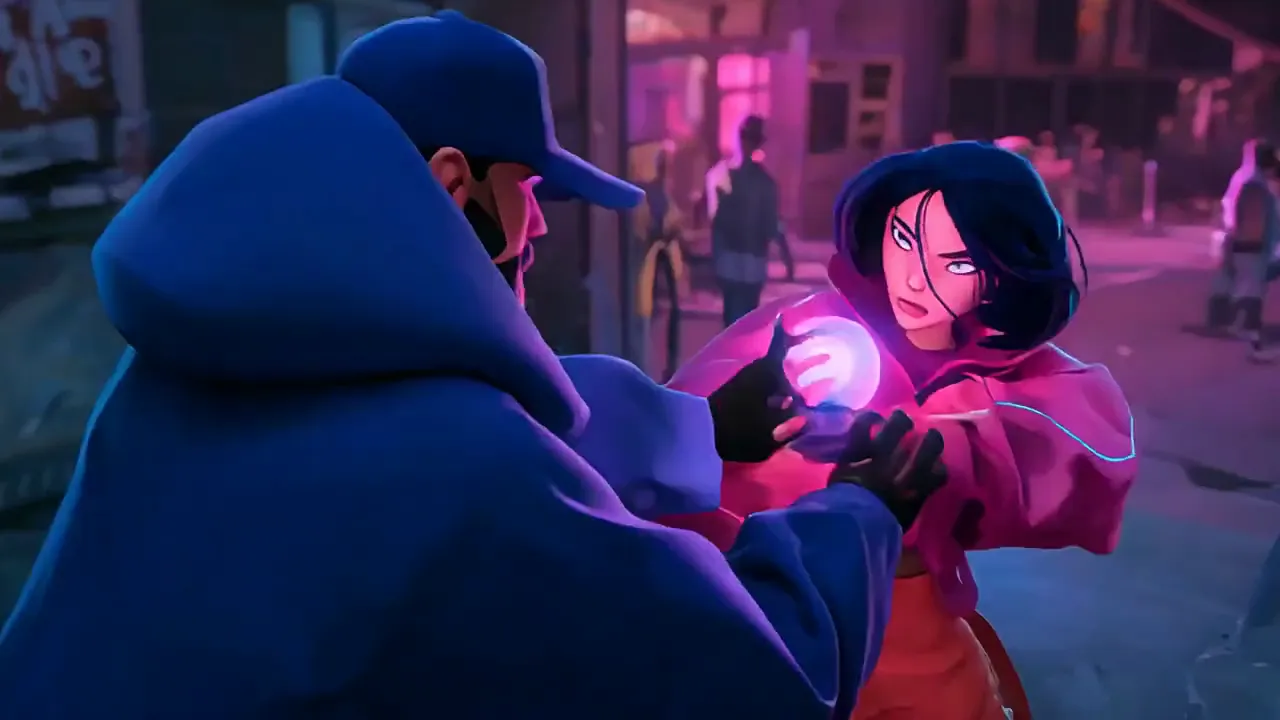
Two-Character Animated Chase One image sets the neon city and one locks in each character. Wan 3.0 keeps both faces and outfits intact through a 30-second chase on foot and by bike, the kind of story beat an animated rap video is built on.
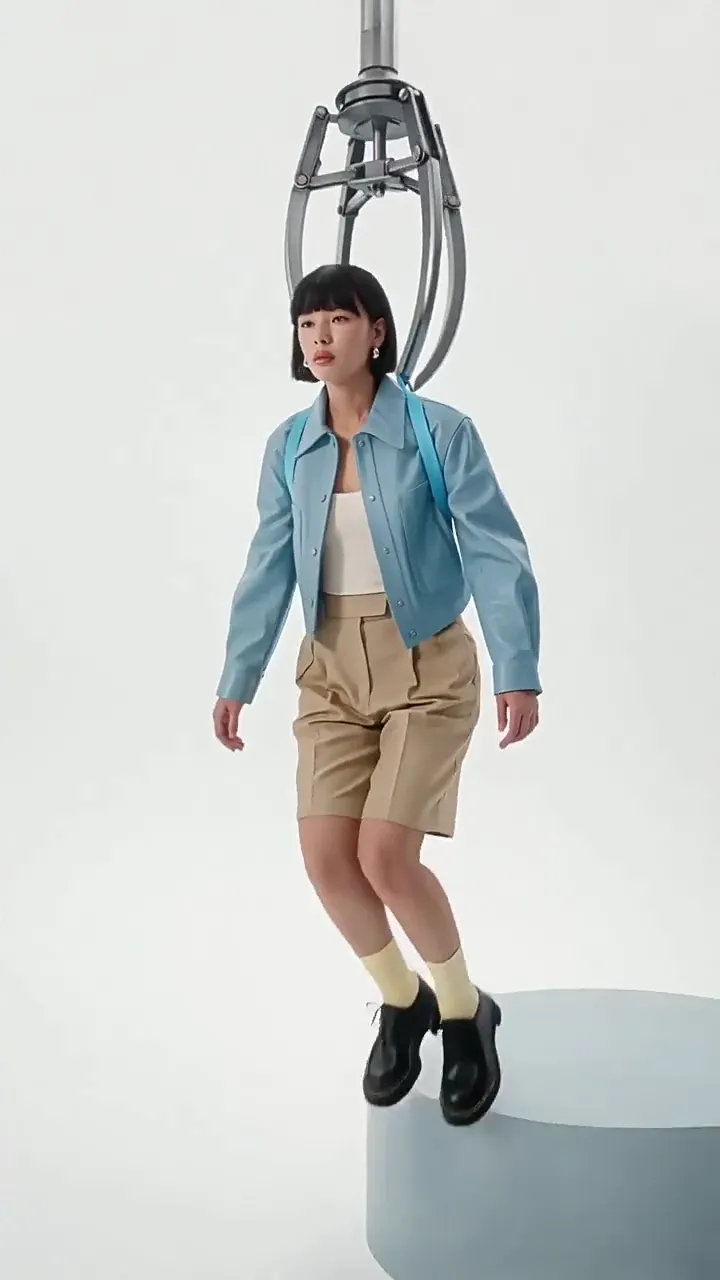
Vertical Styling Clips Framed 9:16 for the full 30 seconds, one model, one outfit and one clean studio set stay put. The format suits fit checks and single teasers on Reels and Shorts.
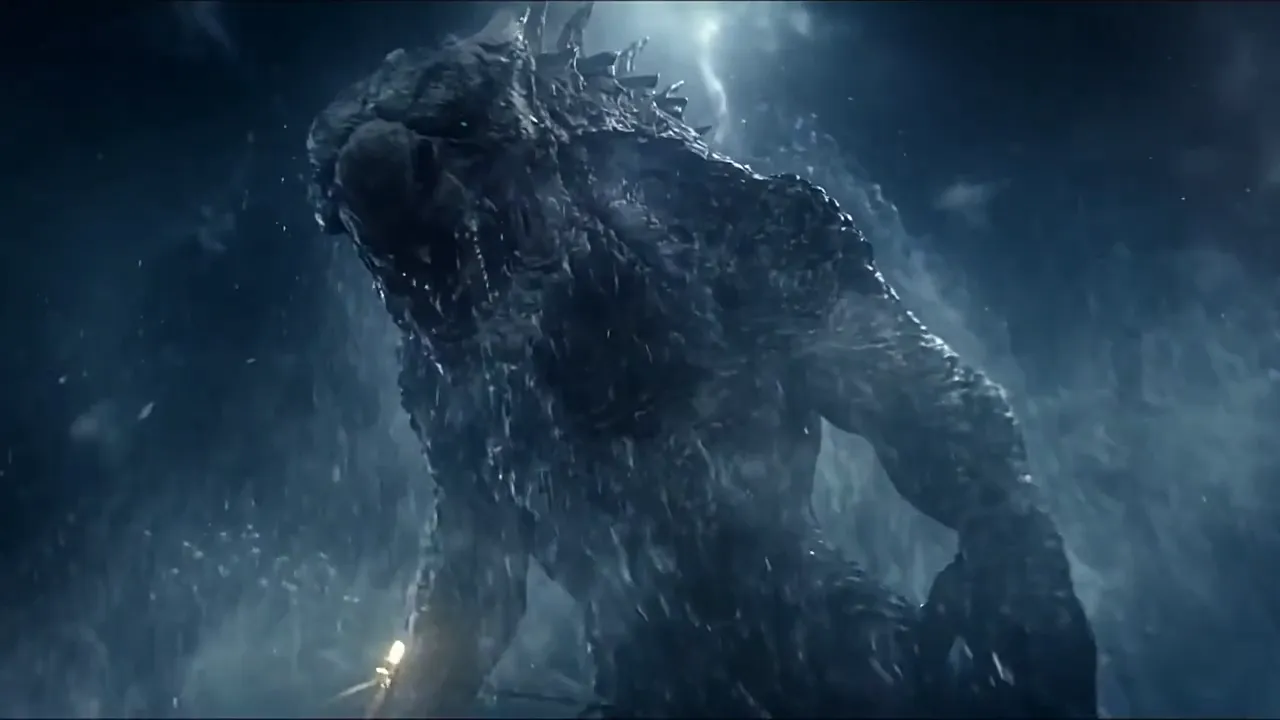
Storm-Sized Intros with Sound Storm waves, lightning and a creature rising from the sea keep their scale beside a small fishing boat, with sound generated along with the picture. Scale like this suits the cold open of a heavy track.
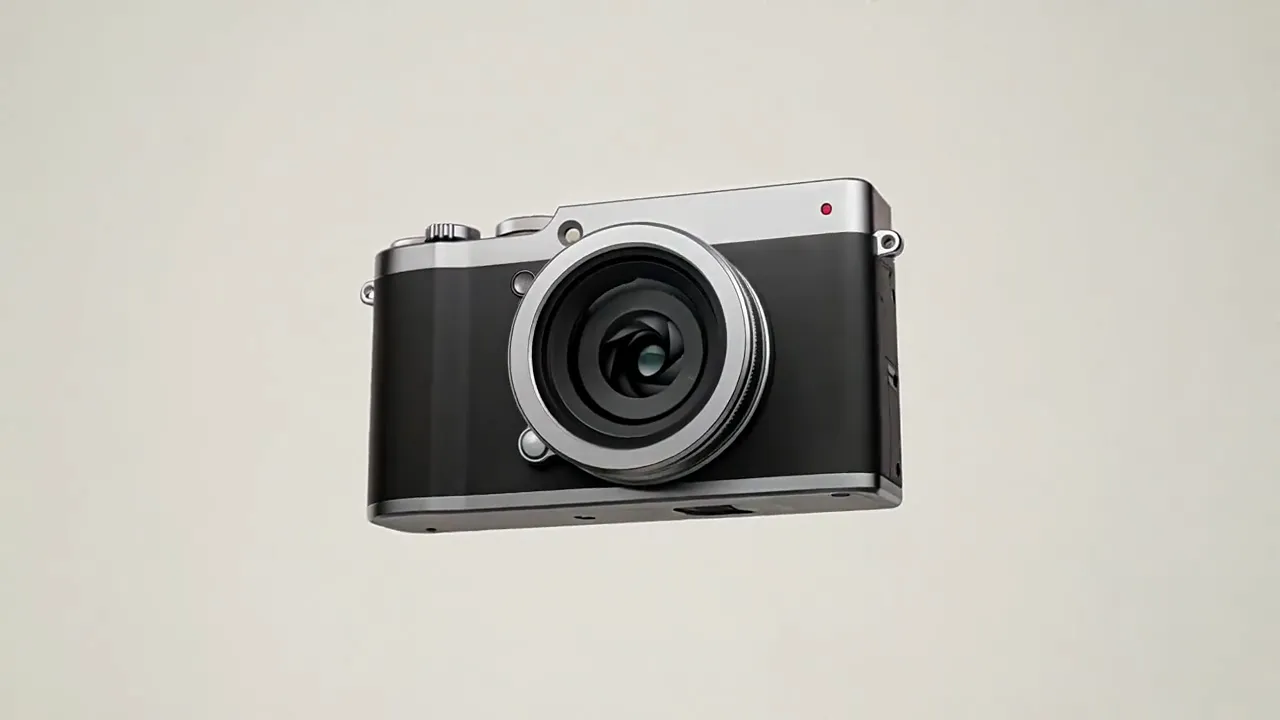
Product Spots from a Single Brief Write the sequence from an aperture macro to the hero shot, and Wan 3.0 delivers a 15-second spot with clean light on metal and glass. The same kind of brief works for merch drops and sponsored gear.
The Wan 3.0 AI video generator builds complete music video scenes, from 30-second takes to clips guided by the images, footage and audio you upload.
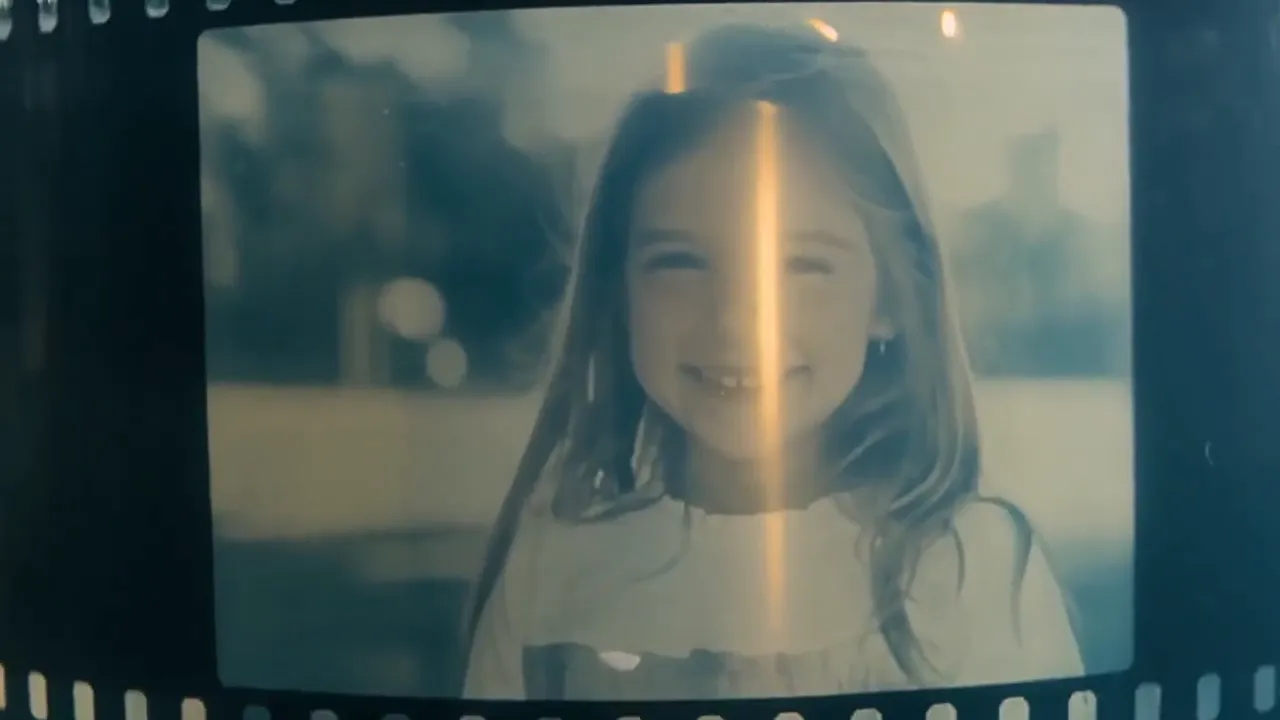
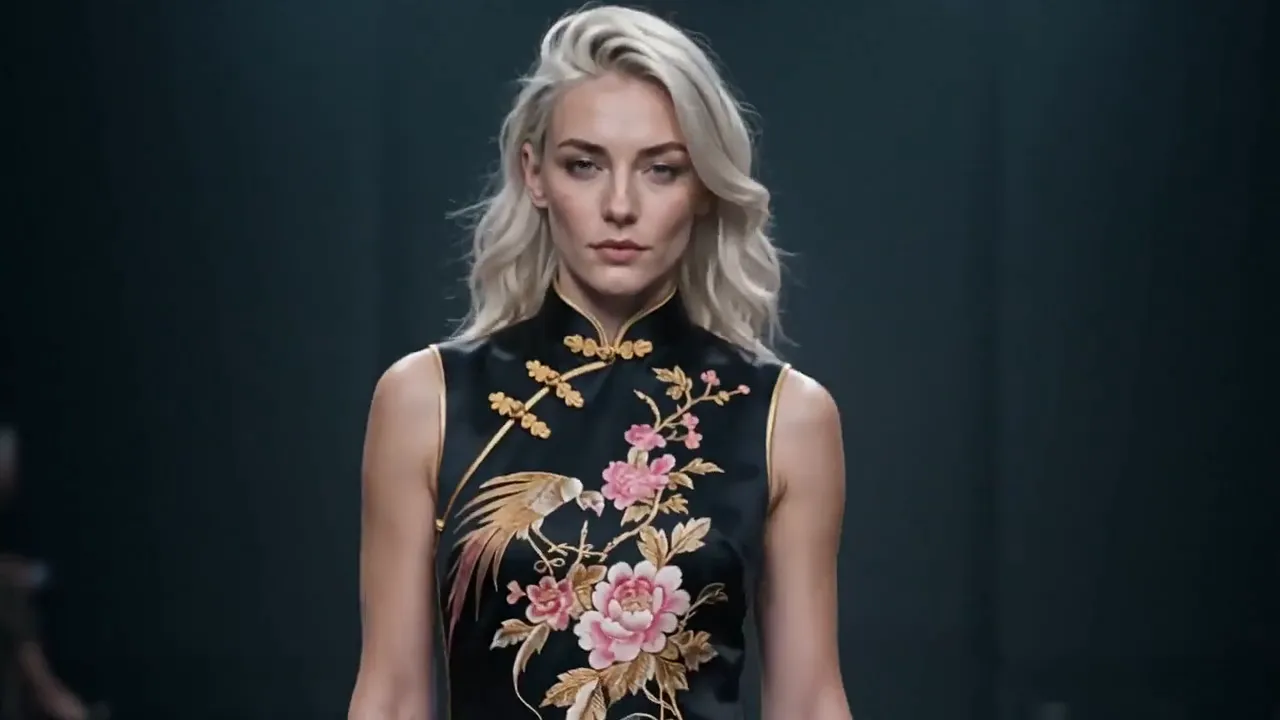
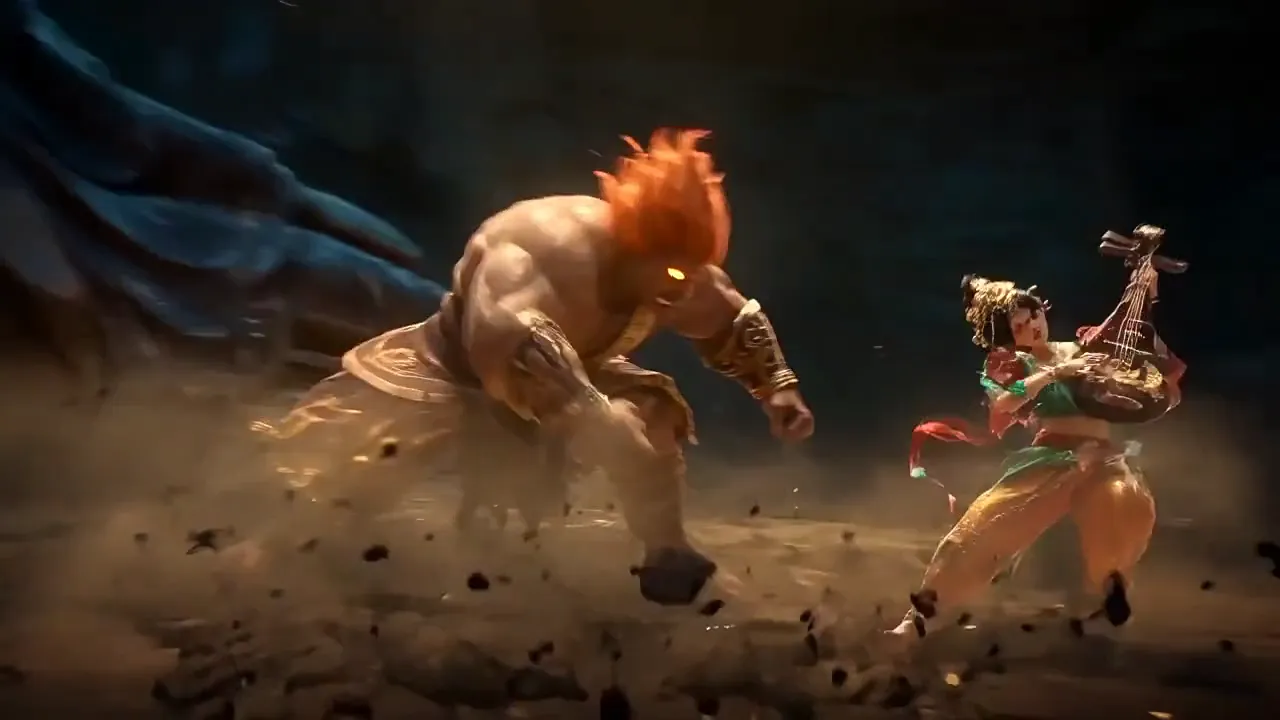
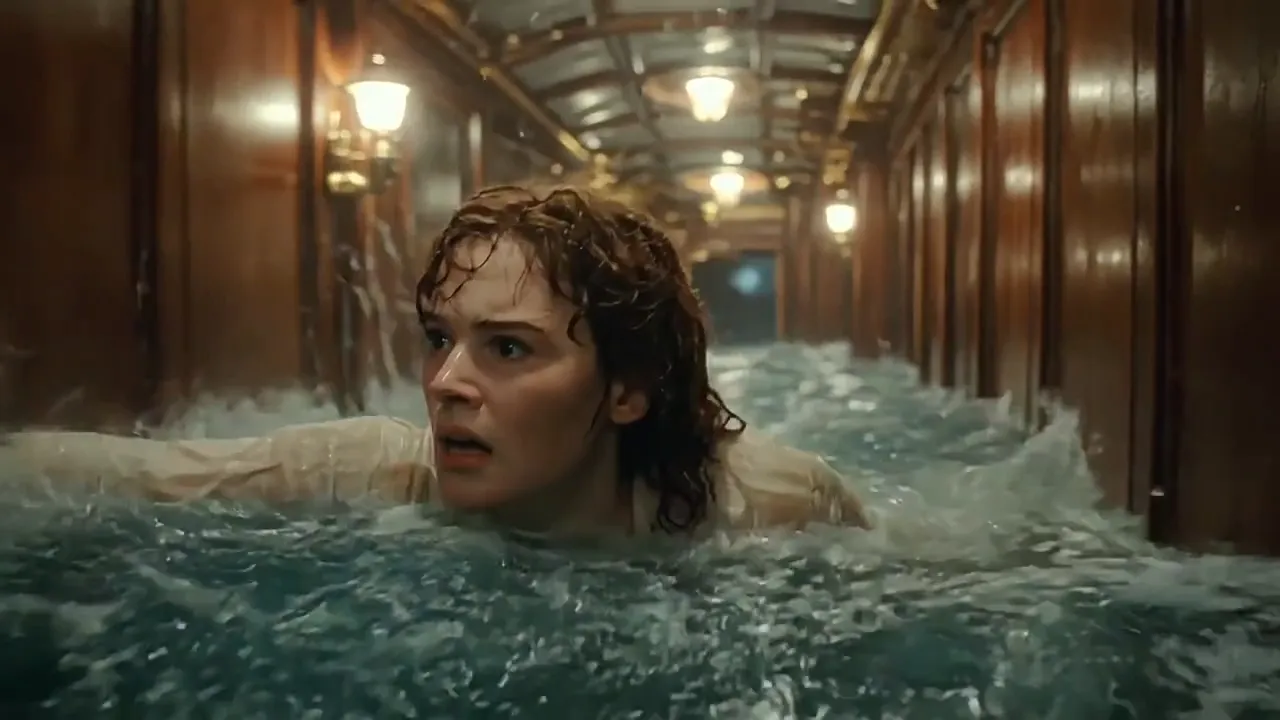
The Wan 3.0 AI video generator takes direction on references, timing, framing and sound for every music video scene.
Uploads are called Image 1, Video 1 and Audio 1, counted in the order you add them. Say what each one does, such as which image sets the rooftop and which one is the rapper.
Split a long take into timed beats, such as 0-4s for the drone pass over the block and 4-8s for the crew stepping into frame. Wan 3.0 plays the beats in order.
Upload an opening image and a closing image, and Wan 3.0 fills in the motion between them. Reach for it when a cover-art reveal or a transition has to land on an exact shot.
Add a style frame and say it sets the look, for example "Refer to Image 1 for the aesthetic style." A clay, anime or film look then runs through the whole video while your rapper stays the same.
Put a spoken line in quotes, such as an ad-lib before the first verse, name the speaker, and describe ambience, effects and music in plain words. Turn sound off when you'll lay your own track over the picture.
Pick 2-30 seconds in 480p, 720p or 1080p. Frame 16:9 for YouTube premieres, 9:16 for TikTok, Reels and Shorts, 1:1, 4:3 or 3:4 for feeds, or Auto to follow the shape of your input.
The Wan 3.0 AI video generator follows long, detailed briefs with shot lists, camera moves, reference roles and sound design, the same kind of direction a music video treatment calls for.
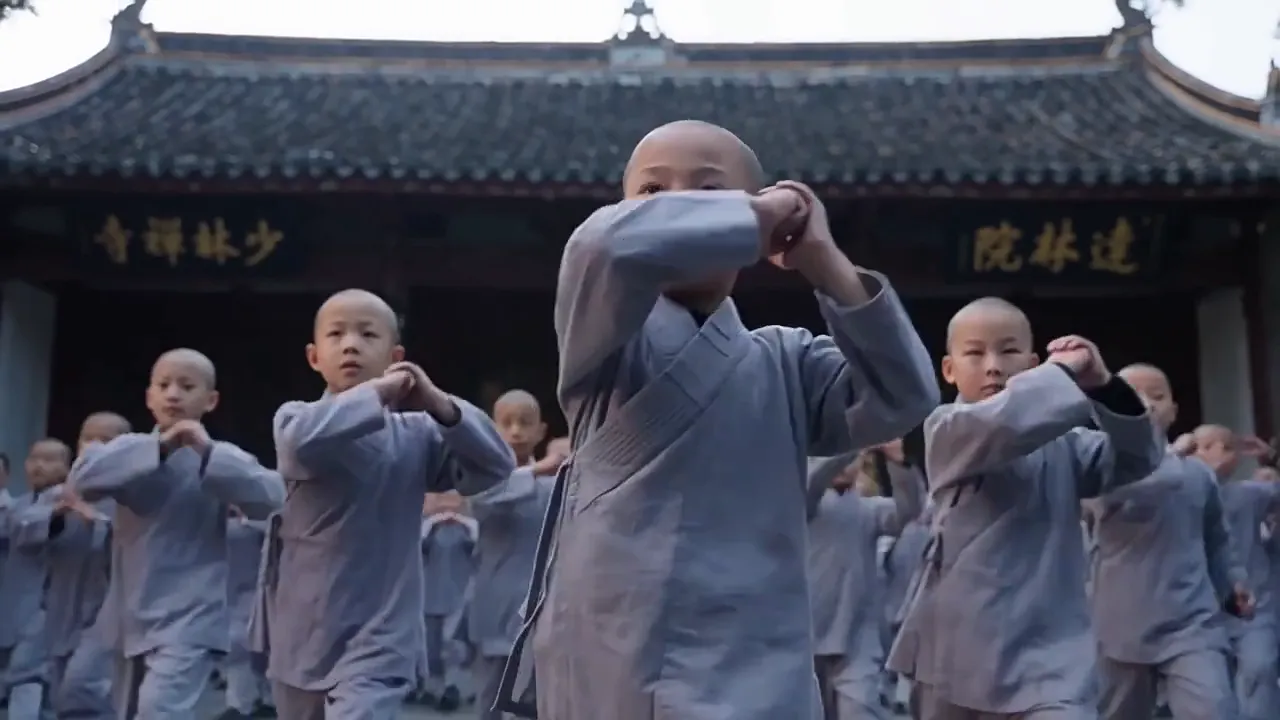
Synchronized Kick Drill
In the stone courtyard behind Shaolin Temple, rows of young novice monks repeat high kicks, side kicks and spinning kicks in perfect unison at the instructor's command. Cut to one boy holding a one-legged stance with palms pressed together while the instructor's staff corrects his elbow. Then senior disciples drill on wooden dummies. Sound is only wooden impacts, shouts and echoes.
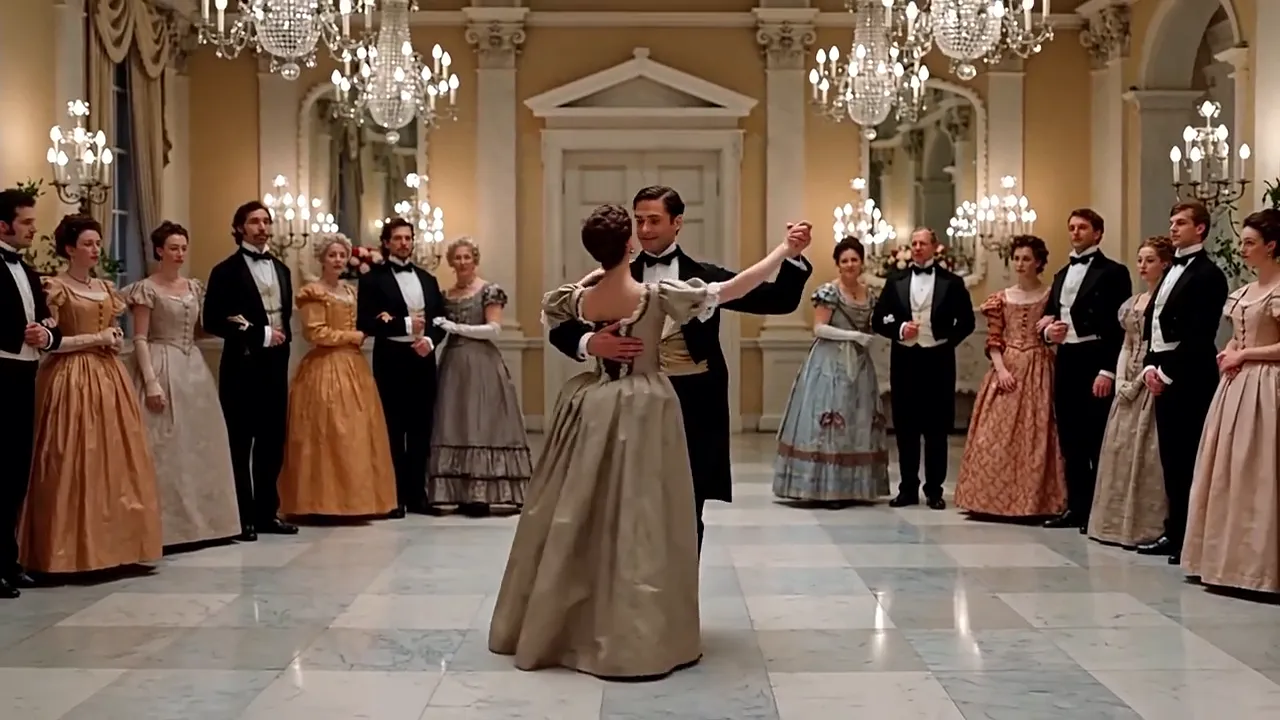
Period Ballroom Entrance
Character A wears a black tailcoat, a white shirt, a bow tie and a beige waistcoat. Character B wears a beige puff-sleeve gown trimmed with black lace. Beneath crystal chandeliers the guests go quiet as a string waltz starts. B enters, A crosses the room, bows and offers his hand, and the crowd steps back as the pair begins to turn. Warm golden tones.
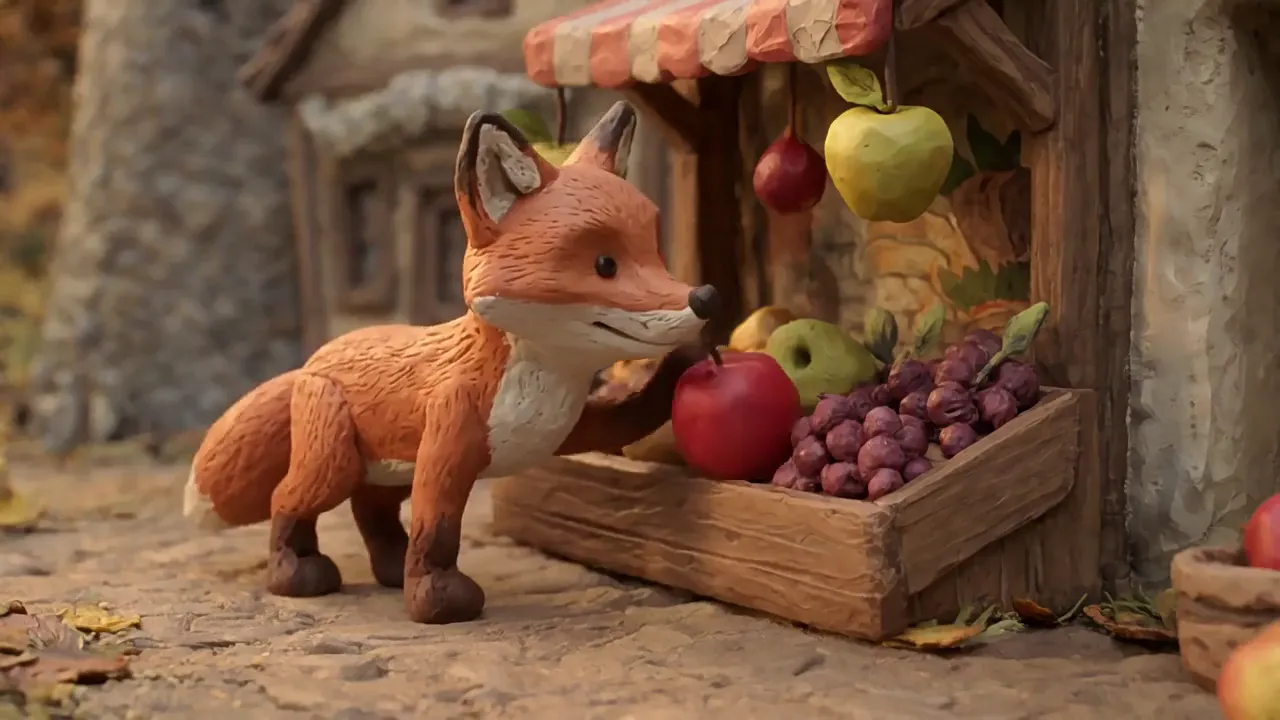
Clay Fox Market Run
Refer to Image 1 for the aesthetic style. A little clay-textured fox runs down an autumn hillside, crosses a tiny stone bridge over a resin-like stream and stops at a fruit stall in the market. It paws a red apple loose, carries it away in its mouth and eats it on a low stone wall at sunset. Miniature scene, shallow depth of field.
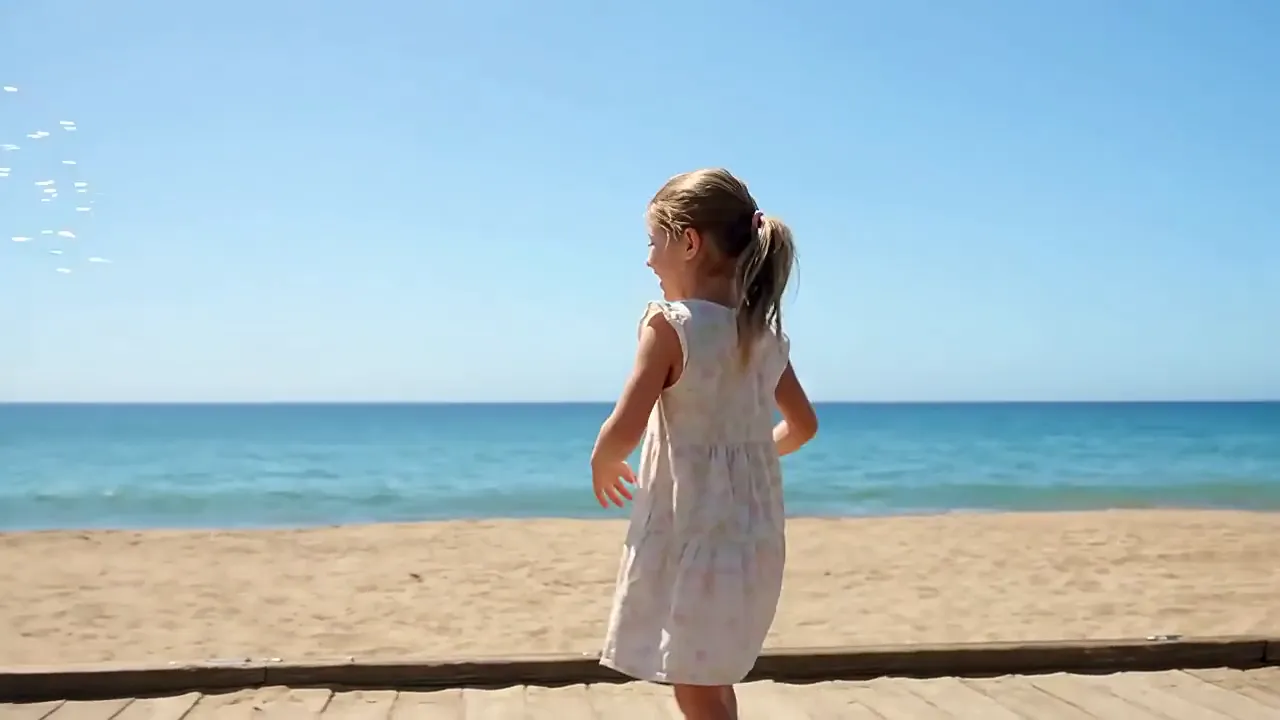
Boardwalk Bubble Spot
A light, dreamy live-action commercial. On a seaside boardwalk, a six-year-old girl in a summer dress dips a small wand into a bottle of bubble solution and blows. The sea breeze carries the bubbles sideways across the frame, and she laughs as she reaches out to pop them. Ocean-blue tones, golden backlight and rainbow reflections on every bubble.
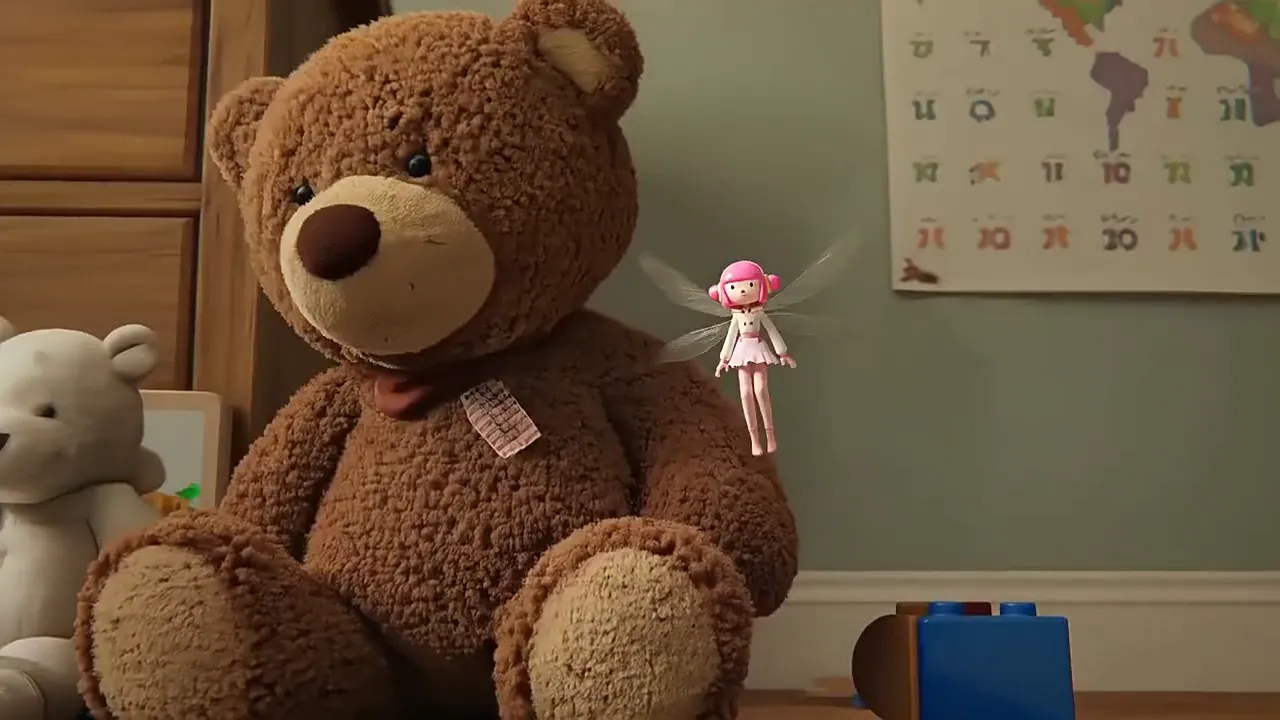
Toy-Room Fairy in One Shot
A single continuous 10-second shot, skimming low over a toy-room carpet. A tiny fairy with dragonfly wings and a pink skirt hovers, then darts across the room in sharp bursts and stops dead each time: past a teddy bear, behind a red toy truck, up the towers of a block castle. The castle collapses and she dives through it into deep-blue water. Style reference: Image 2.
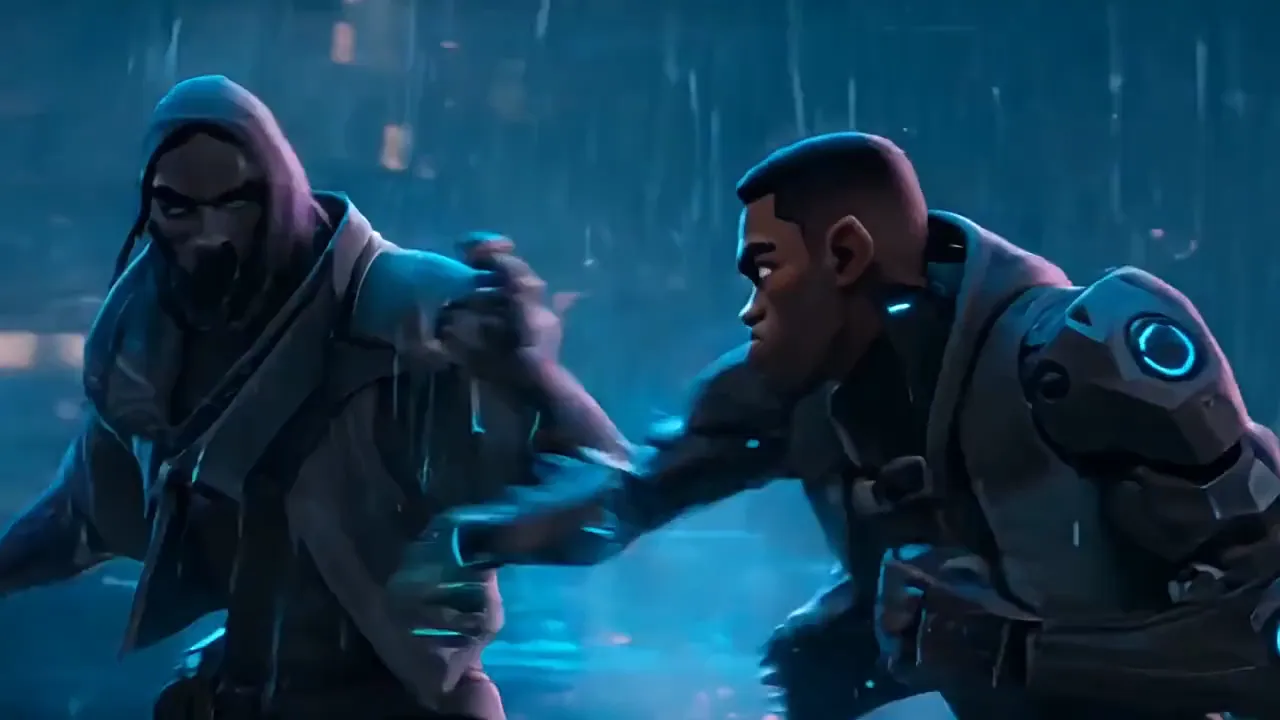
Anime Rooftop Duel in the Rain
Stylized 3D animation on a night of heavy rain. A hooded fighter in a dark cloak and a soldier with armored sleeves trade blows on a wet rooftop lit by blue holograms. A low angle catches the glowing blade sweeping past the soldier's face, then a close-up as they lock hands over the hilt. Rain hiss and metal impacts.
Put the Wan 3.0 AI video generator to work on rap videos, promos and social clips where a scene has to run long and stay consistent.
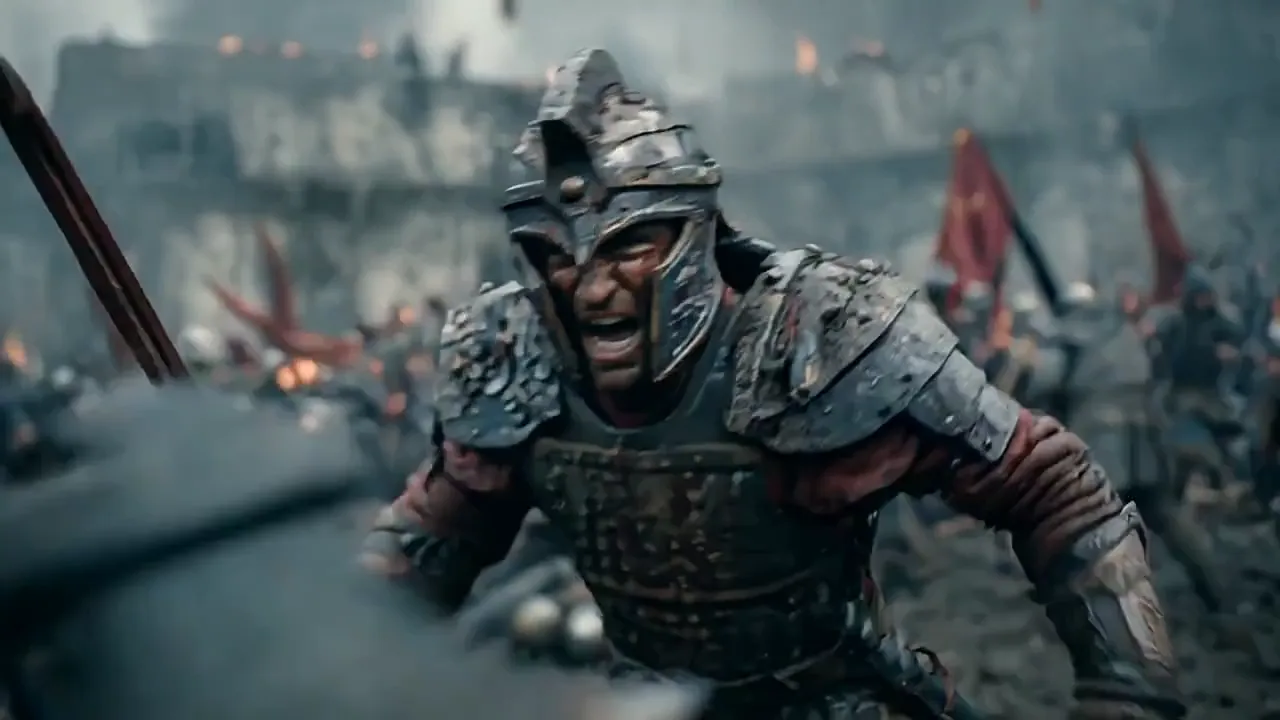
Write the scene as a timed shot list with lens, pacing and blocking, and Wan 3.0 stages it as one continuous take. A battle, a chase or a reveal for the video's story can be tested before anyone books a location.
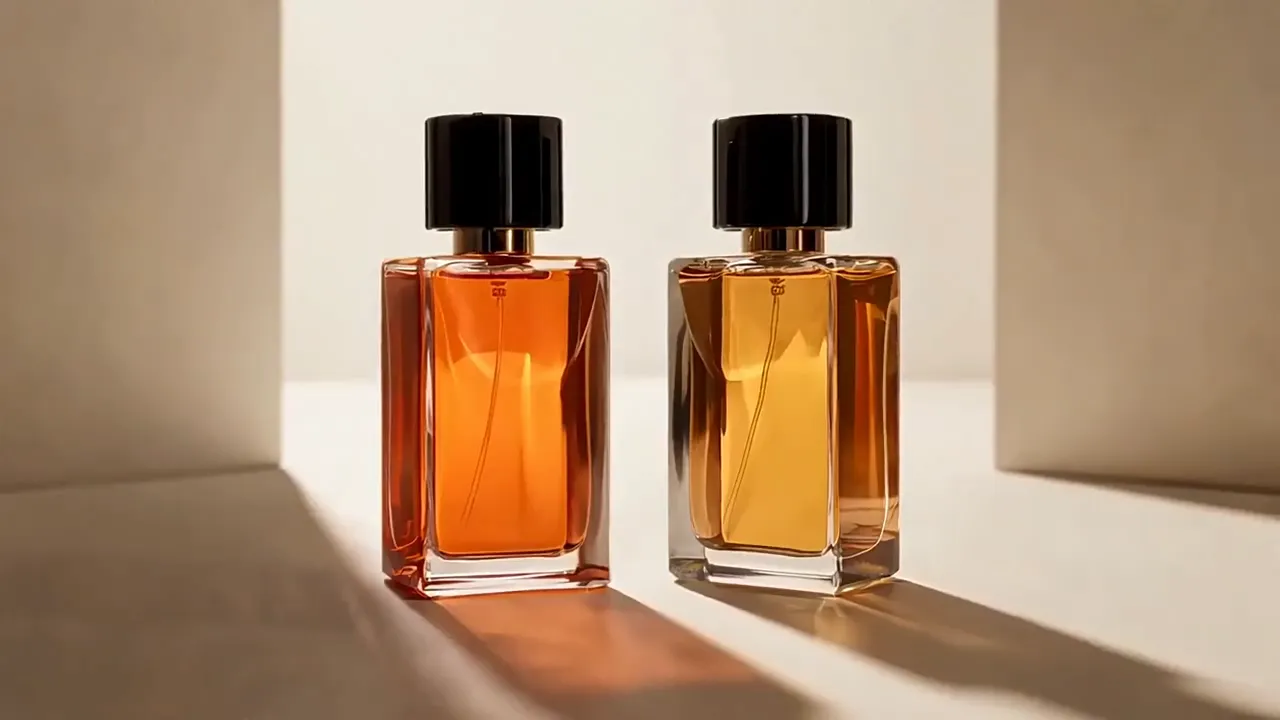
Upload product photos as references and list the shots, from a macro of the liquid to the final hero frame. Logos, materials and proportions stay fixed across shots, ready for an artist's fragrance, sneaker or merch collab and the paid promos around it.
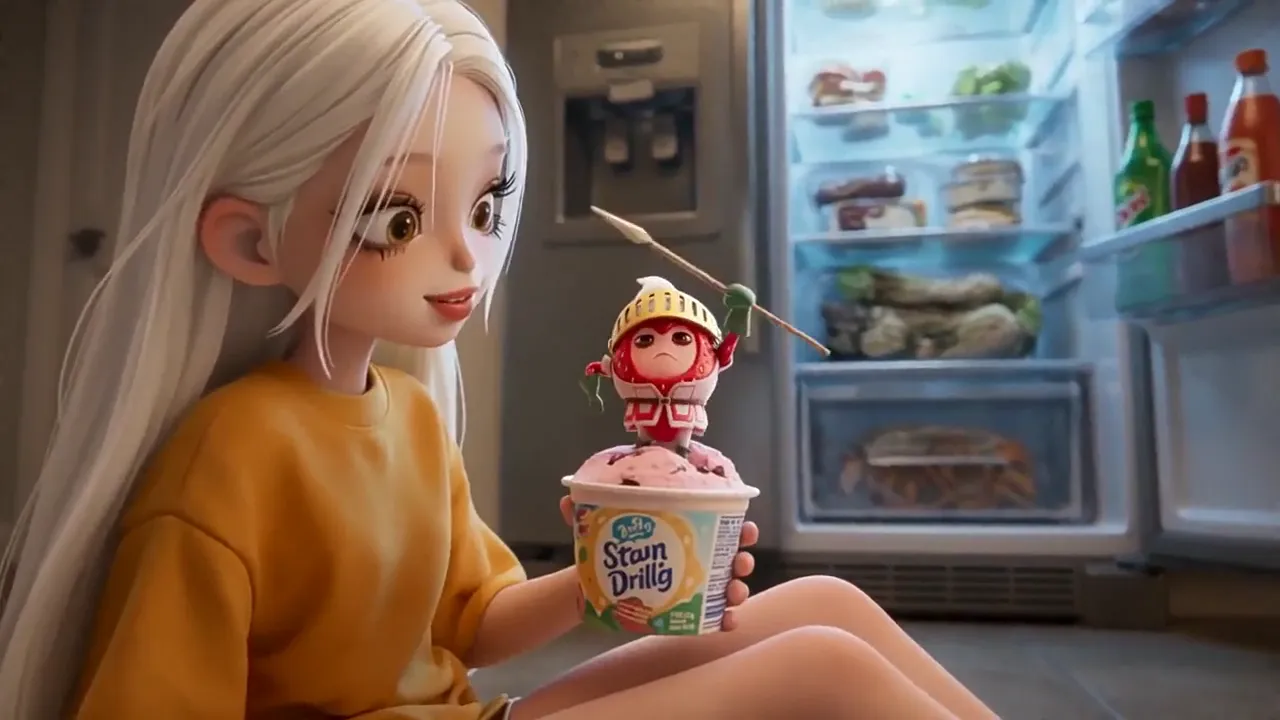
Add your character as Image 1 and describe the adventure in timed beats. A 20 or 30-second generation holds a full arc, from the setup to the escape, in one 3D, clay or anime style, whether the lead is a mascot or a cartoon version of the artist.
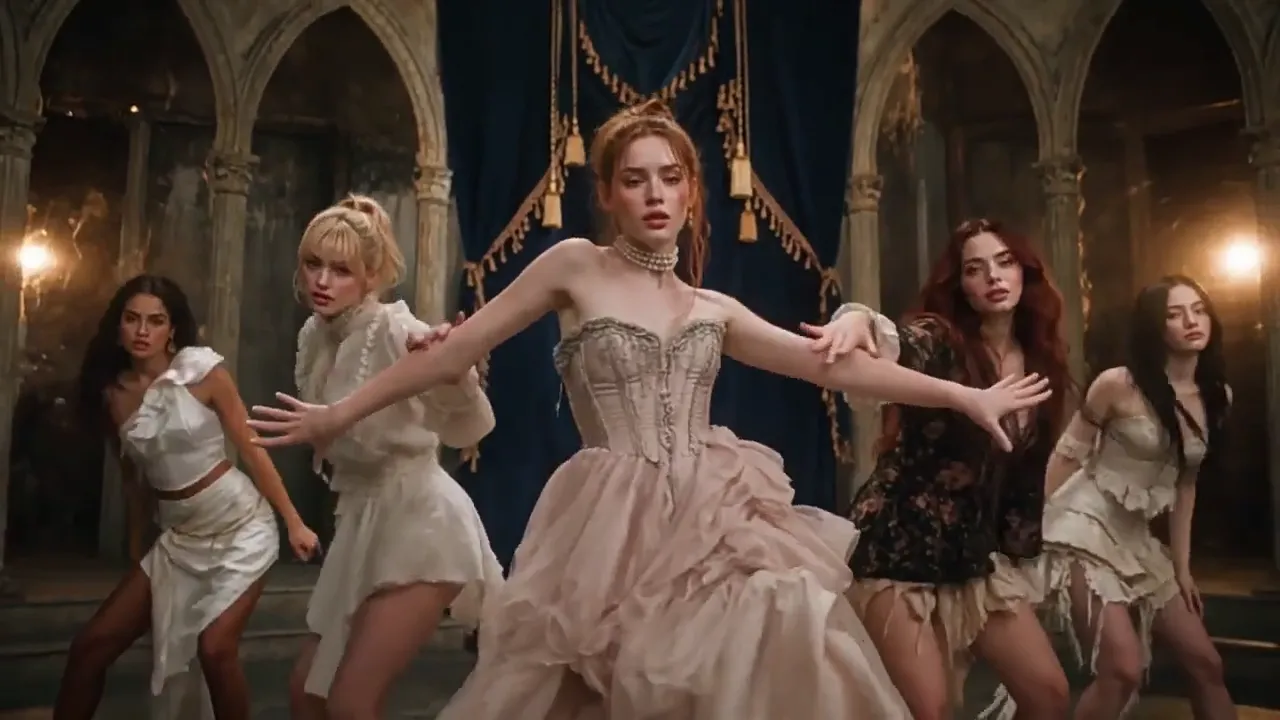
Give every member of the crew a character reference and describe how the formation changes as the beat builds. Faces, outfits and spacing stay put through fast cuts, ready for YouTube and TikTok.
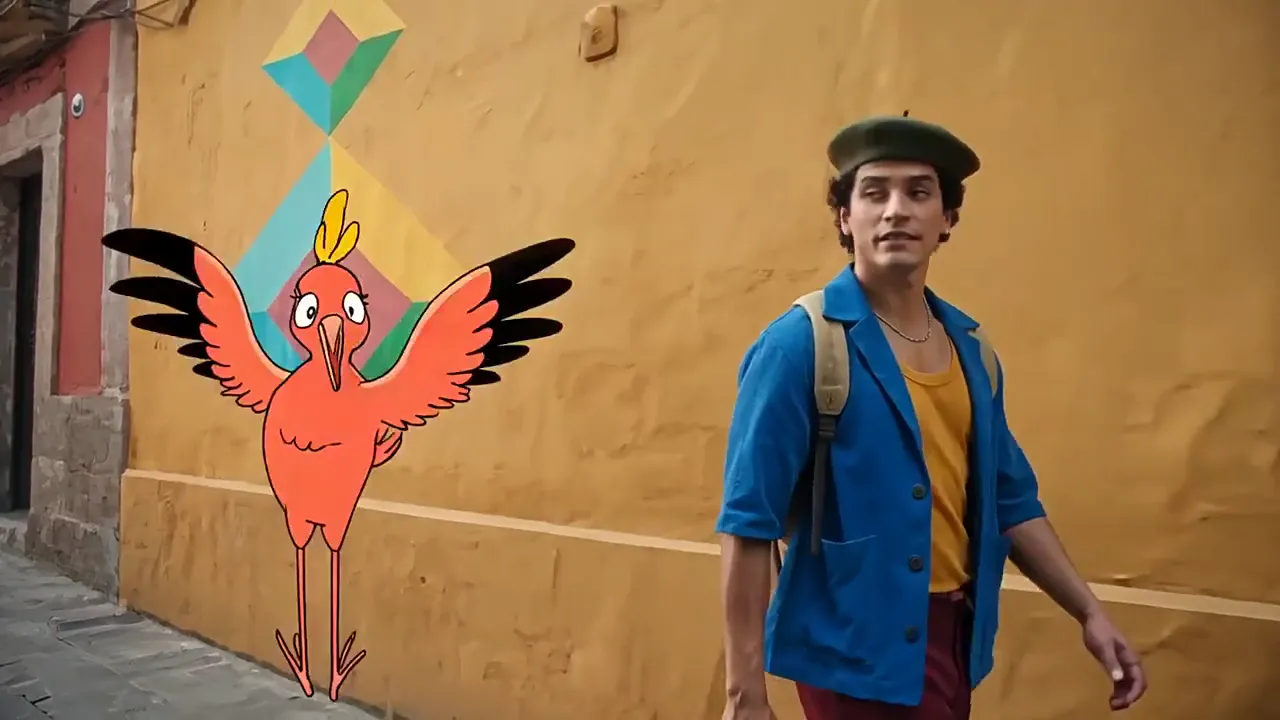
Describe a city's streets, landmarks and food, and Wan 3.0 returns a walk-through in natural light, ready for a hometown tribute or a tour recap. Drop hand-drawn characters into the live-action street for a lighter tone, with no location shoot.
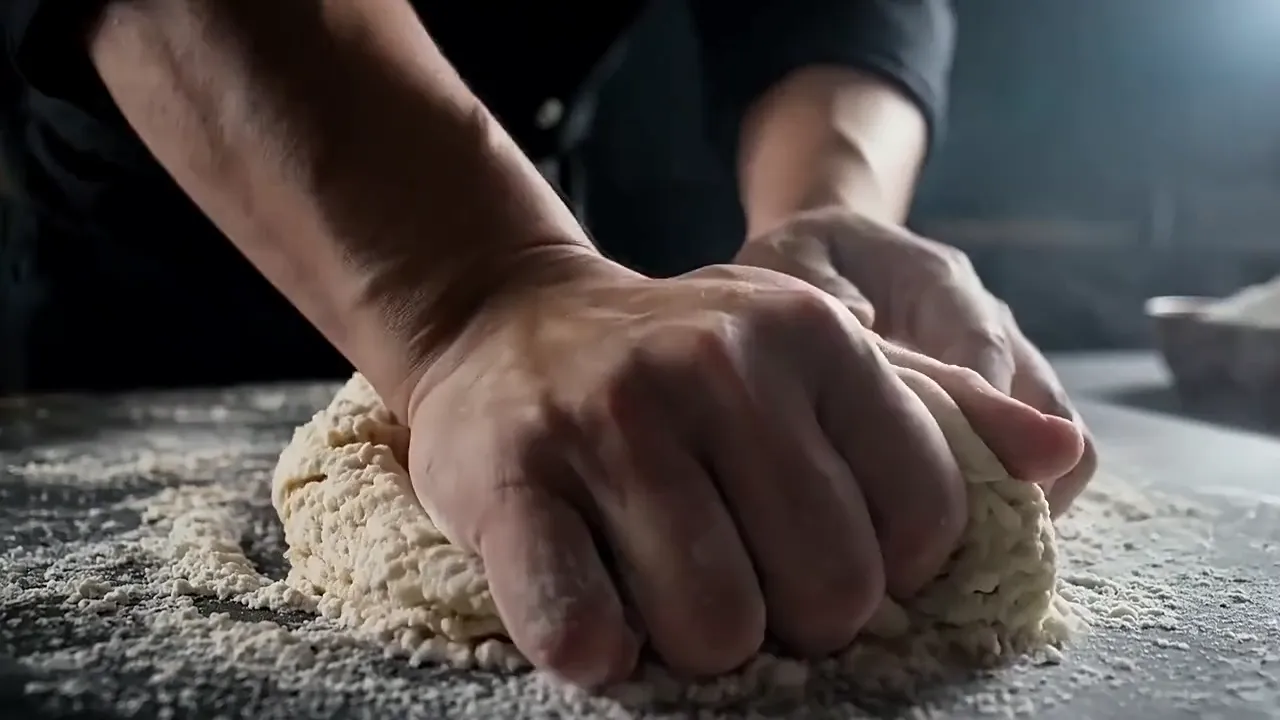
Split a recipe into timed shots, such as 1-3s for the egg dropping into flour and 3-6s for the kneading, then cut them on the beat. Macro detail on dough, flour and hands holds up for recipe reels and restaurant ads.
From upload to download in the Wan 3.0 AI video generator
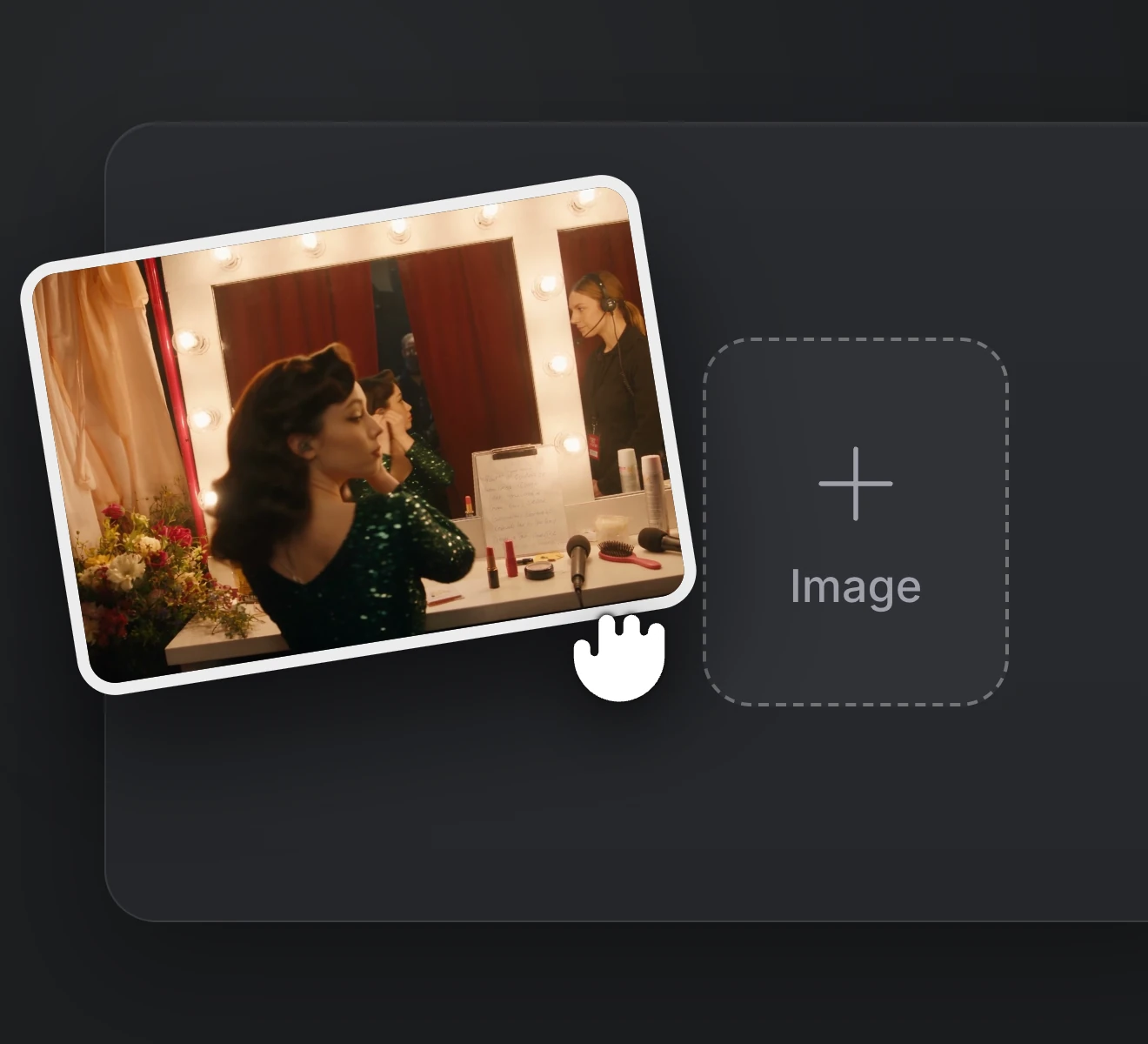
Step 1
Upload a photo to animate, such as an artist shot or your cover art, or add image, video and audio references.
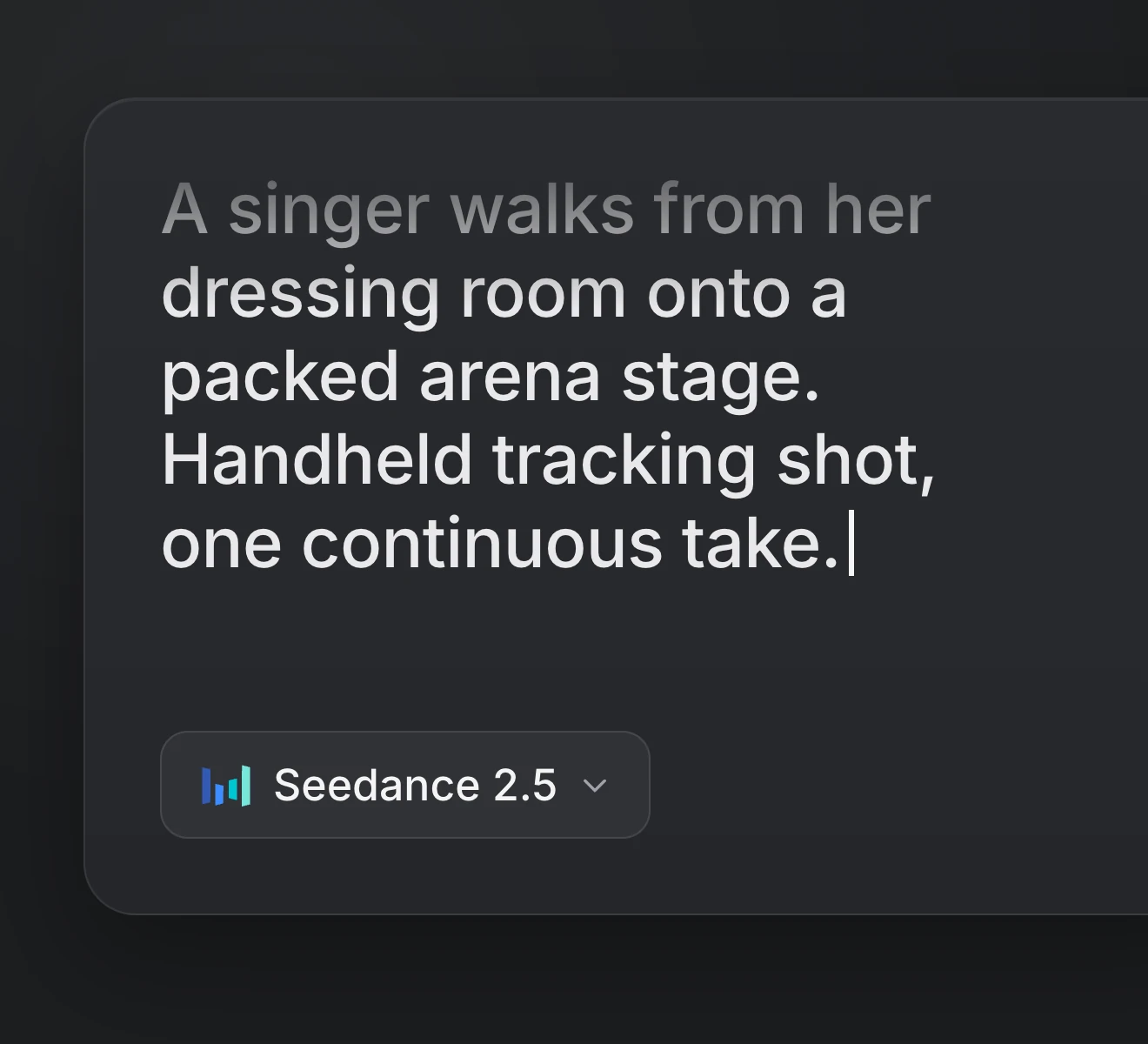
Step 2
Describe the action, the camera and the sound. Put spoken lines in quotes.
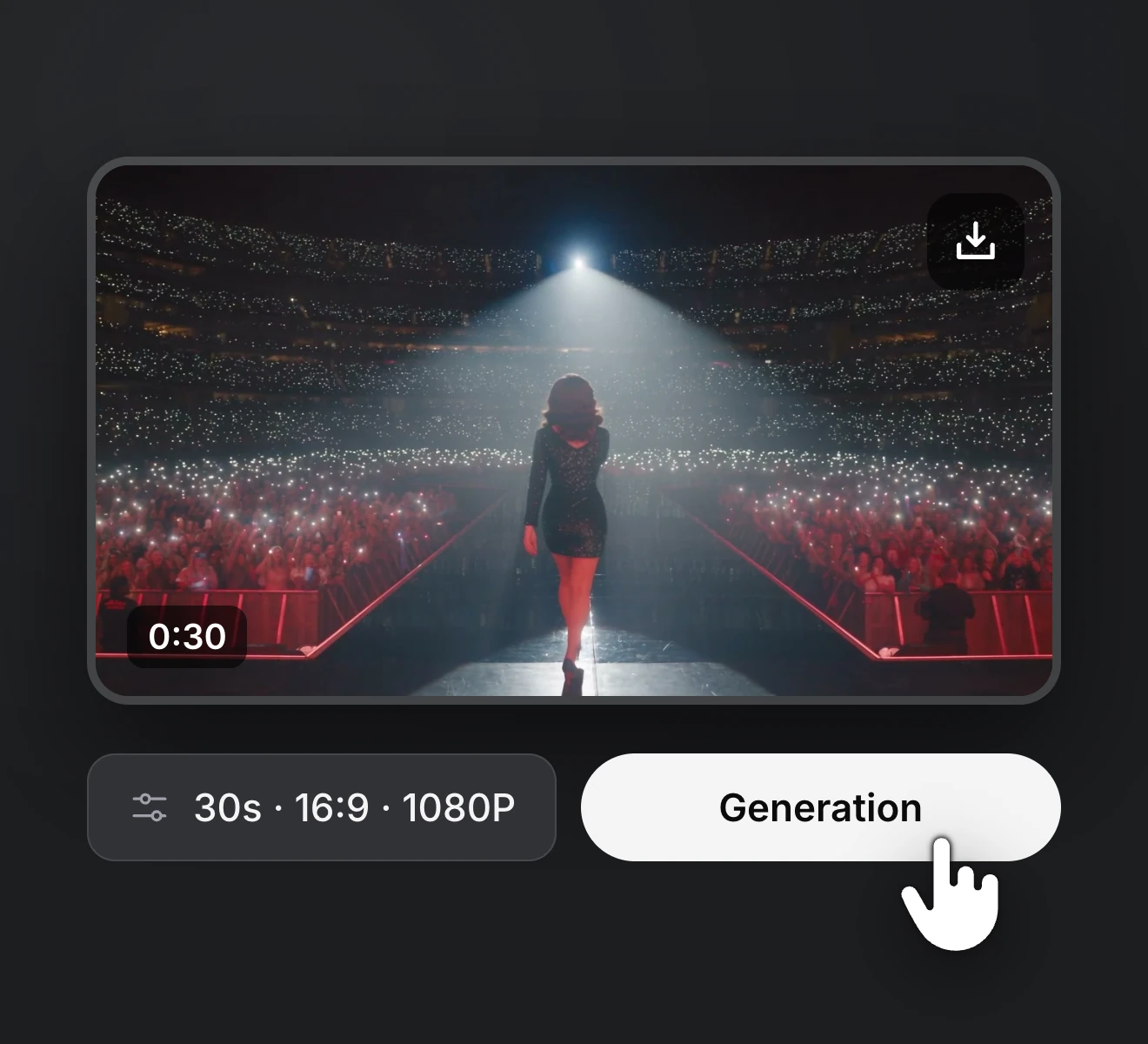
Step 3
Choose the length, resolution and aspect ratio, then generate and save the take you want.
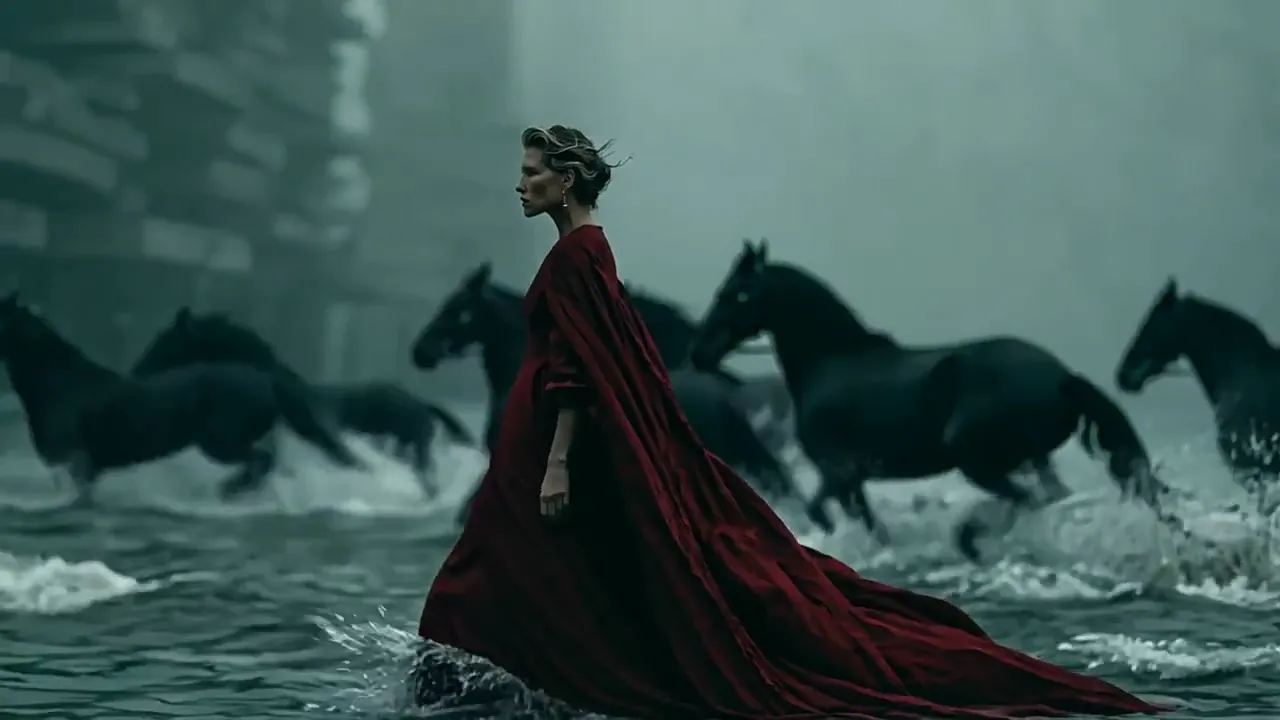
Start from a prompt, an artist photo or a few references. Generate a 30-second scene with sound, compare the takes and download your pick in 1080p.
Upgrade or cancel anytime. Choose a plan for clean output, fast generation, full model access and priority support.
Monthly
Annual
Straight answers about Wan 3.0 for rap and music video work, plus the plans, credits and billing behind it on RapVid.