RapVid

Seedance 2.0
AI Video Generator

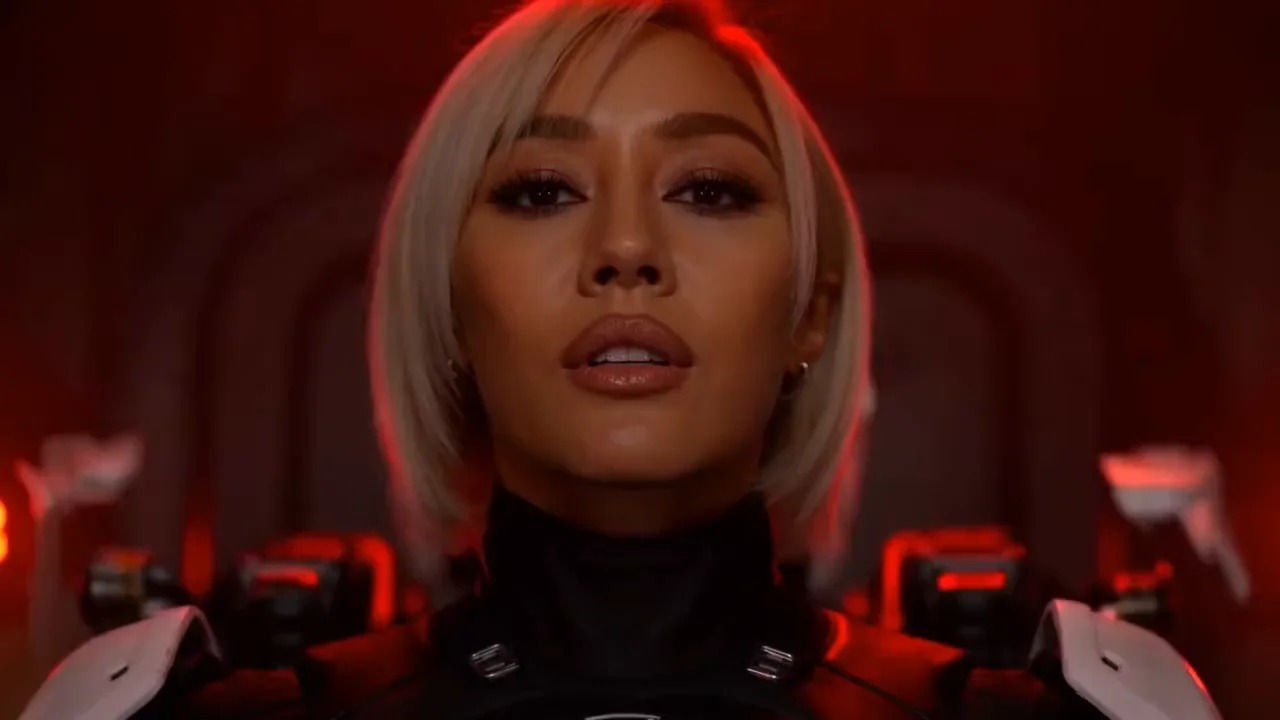
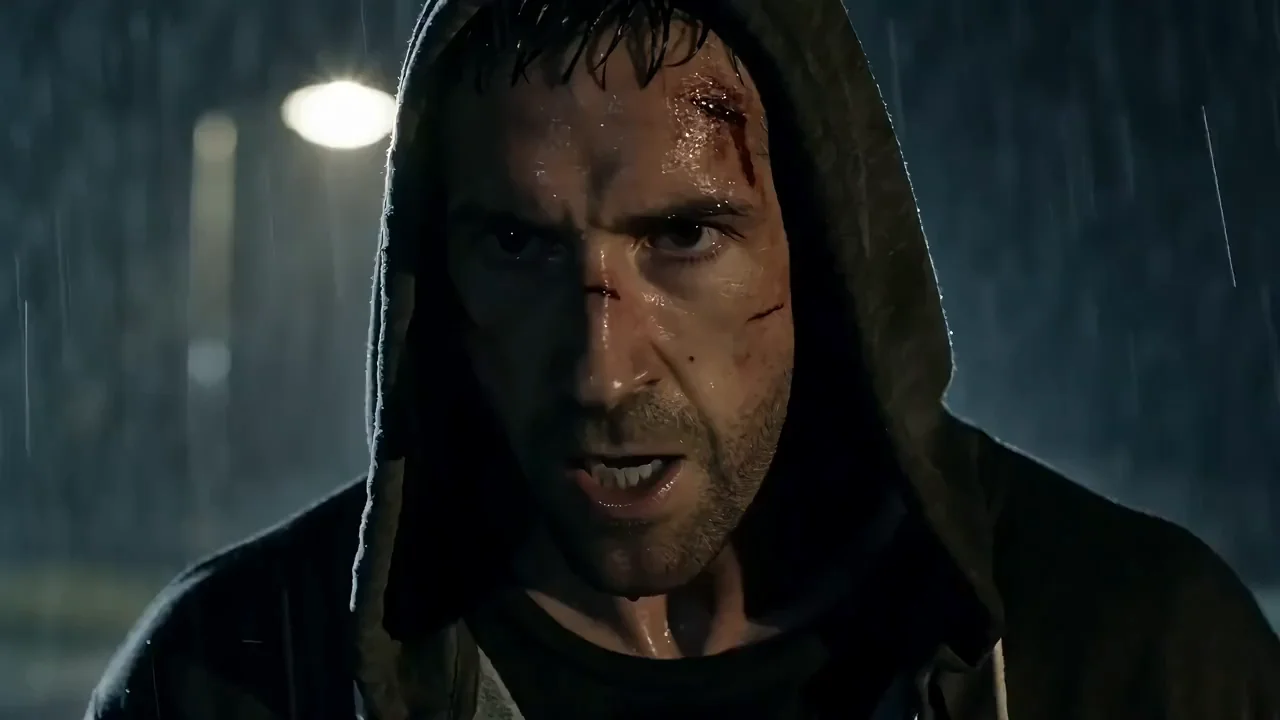
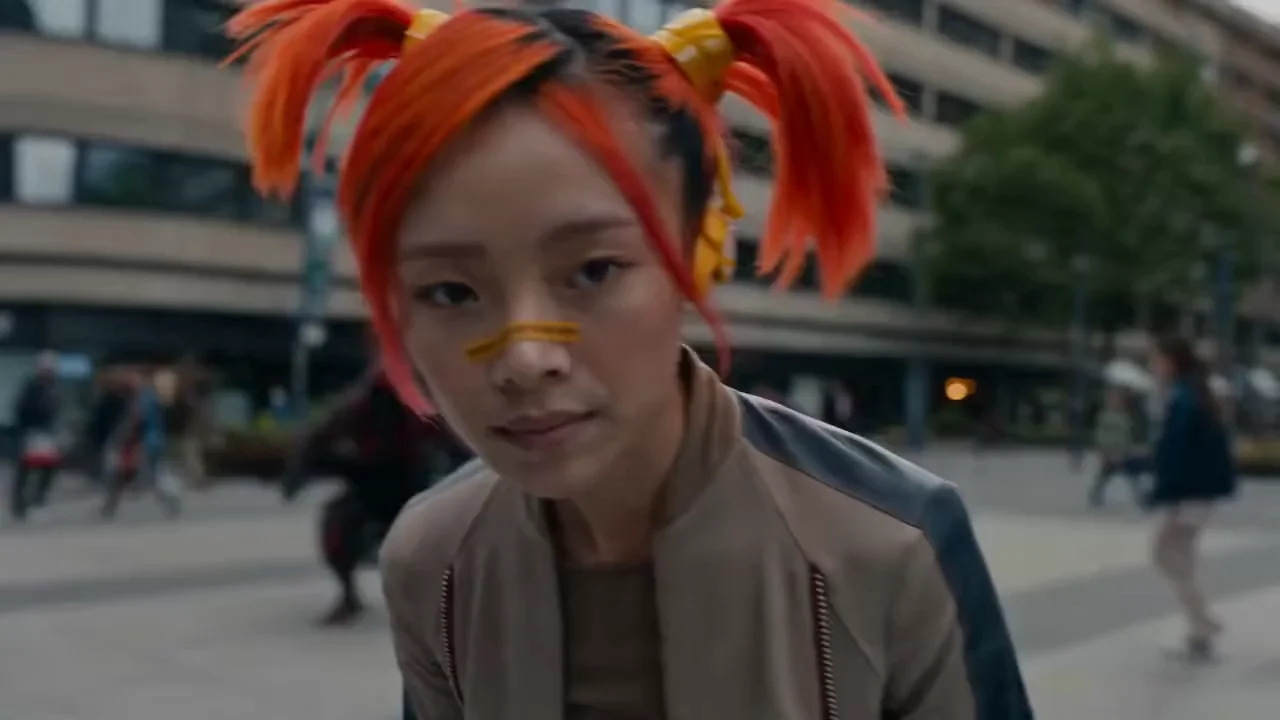
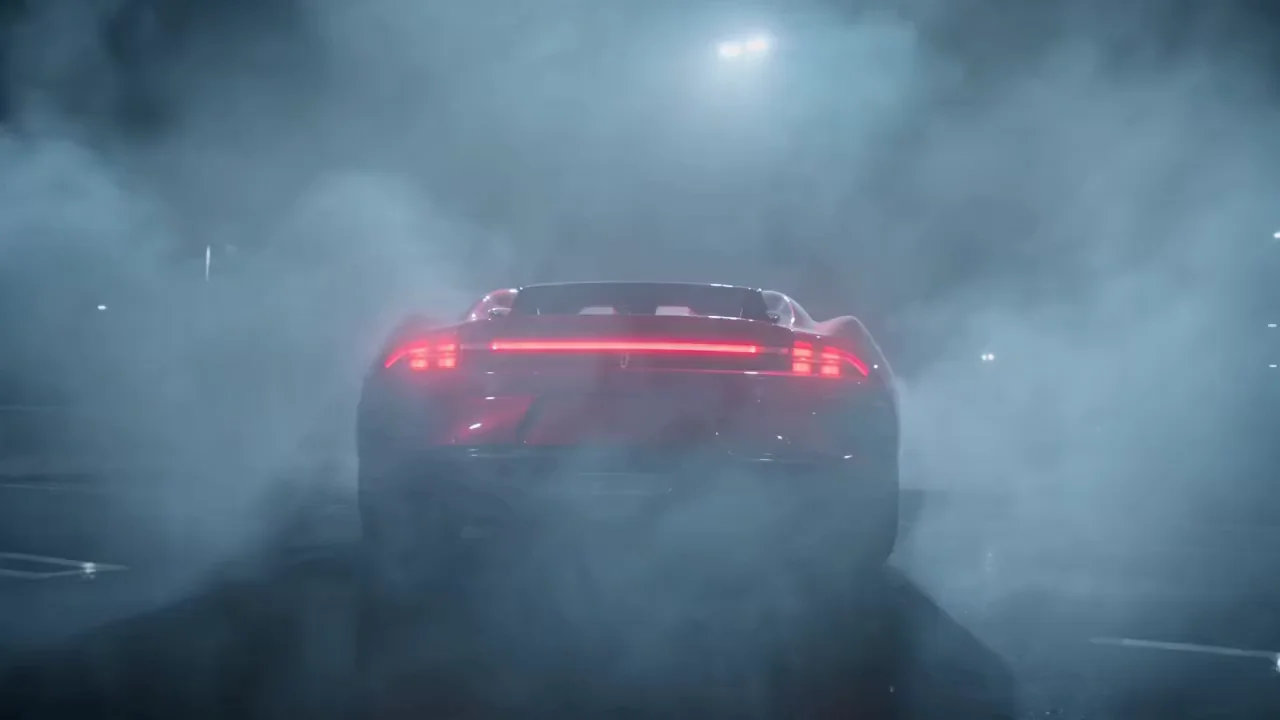
Describe the scene or add an image, and the Seedance 2.0 AI video generator returns a 4-15 second clip with matching dialogue, effects and music in 1080p or 4K, enough for a hook on TikTok or a cut in your music video.

90

Native 4K
for the Final Cut

Make a Clip with Seedance 2.0

Key Features of Seedance 2.0

The Seedance 2.0 AI video generator edits between shots inside one clip, builds the soundtrack alongside the picture and takes faces, looks and choreography from your references, which covers most of what a rap video edit needs.

Several Shots from One Prompt

Several Shots from One Prompt

Label your prompt Shot 1, Shot 2 and Shot 3 and give each one a camera move, and Seedance 2.0 cuts between them inside one video. Characters, props and light survive every cut, so 15 seconds plays like a sequence from an edited music video.

Sound and Lip Sync in the Same Pass

Sound and Lip Sync in the Same Pass

Lines, effects and music are built with the picture, so each hit, step and spoken word lands on its frame. Quote the line, name who says it, and add the language when it's neither English nor Chinese.

References for Look, Motion and Beat

References for Look, Motion and Beat

One generation takes 9 images, 3 video clips and 3 audio clips. Images lock how a character and a location look, clips supply camera moves and choreography, and audio sets the voice and the tempo of your beat.

Animation Between First and Last Frames

Animation Between First and Last Frames

Give Seedance 2.0 an opening frame and a closing frame, write what happens between them, and it animates the path. It suits outfit changes, transformations and shots that have to end on your cover-art composition.

Seedance 2.0, Fast and Mini Side by Side

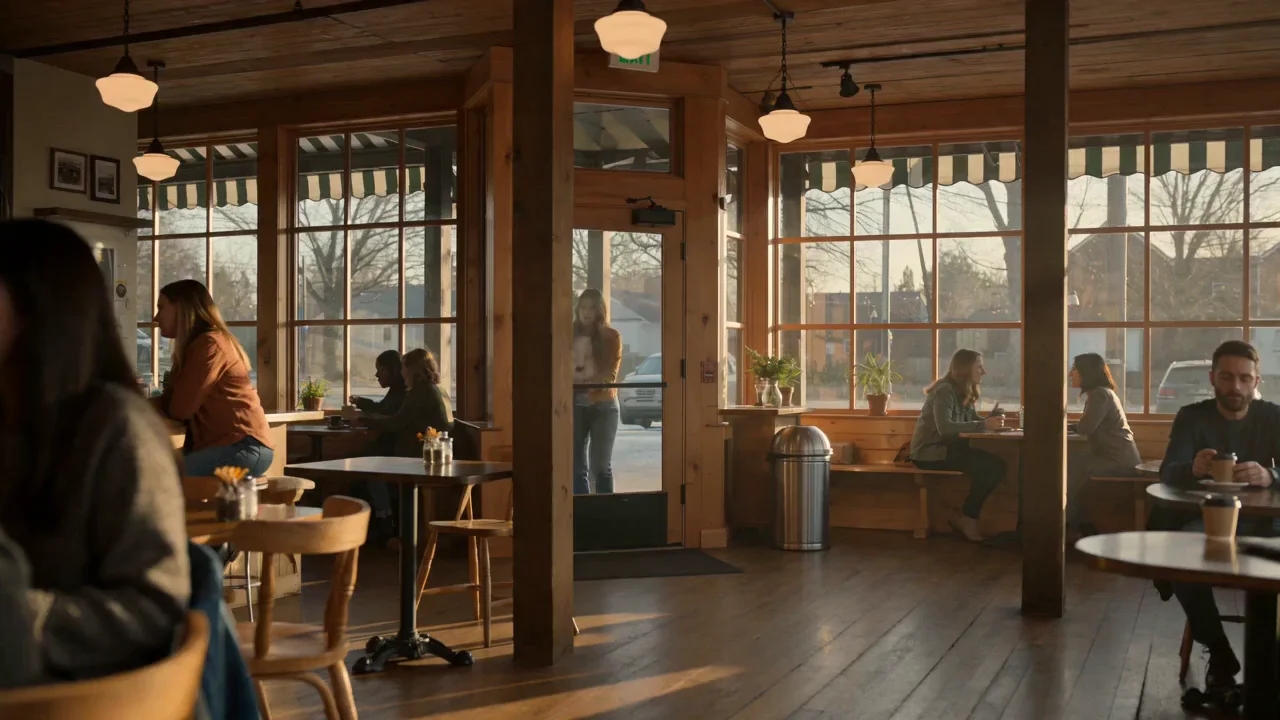
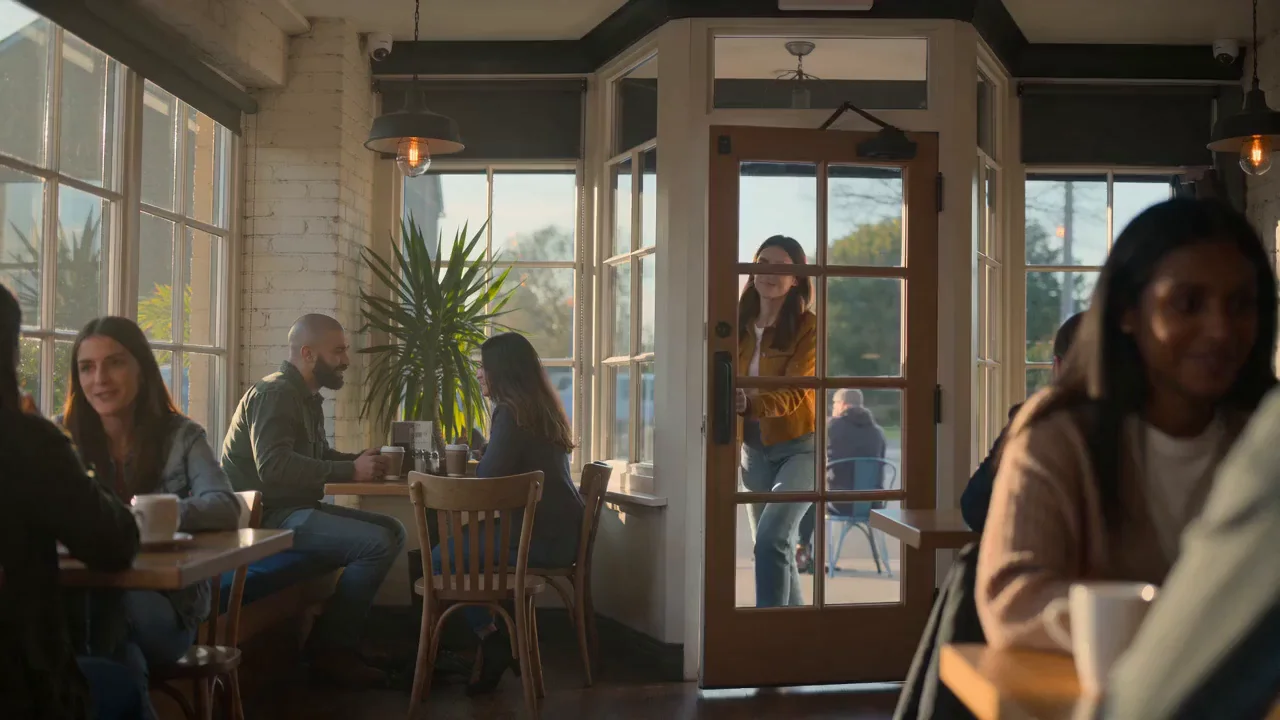
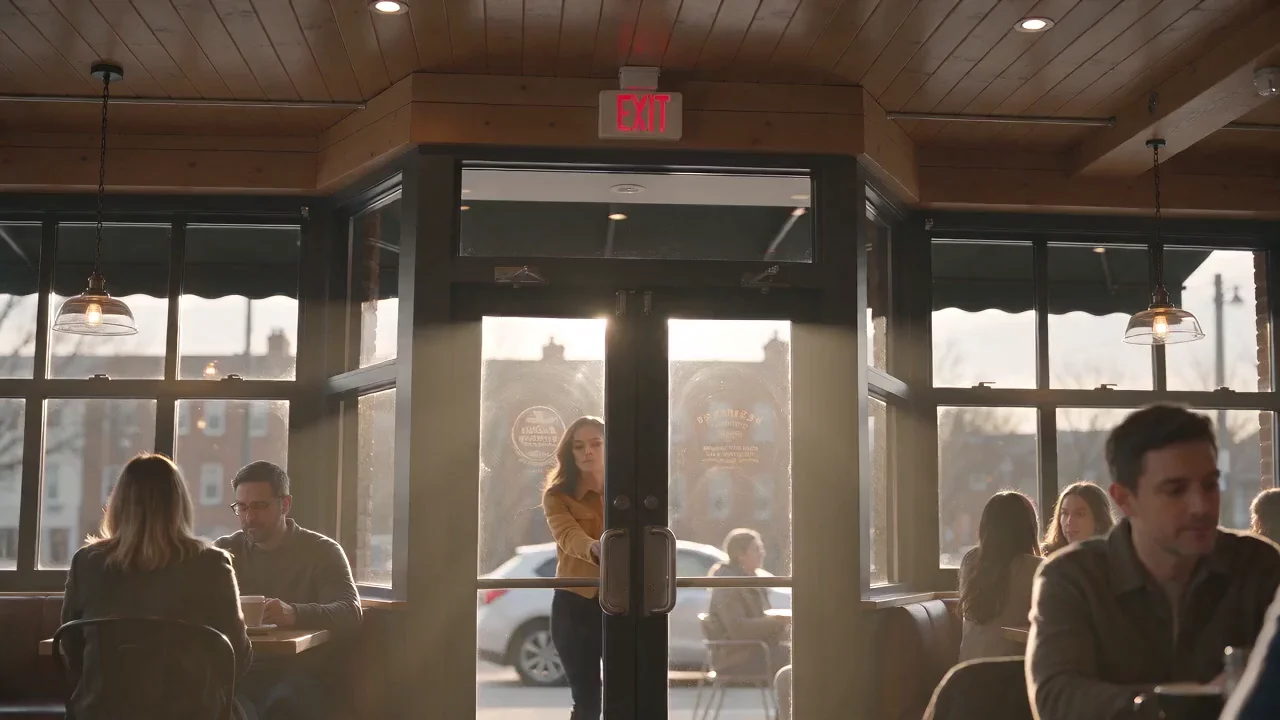
The Seedance 2.0 AI video generator has three versions, each matched to a stage of the same release, from the rough idea to the clip that goes out with the song. Seedance 2.0 Mini gives you about a dozen takes of a concept for the credits of one 1080p render, Seedance 2.0 Fast turns around the shots you keep faster than the full model, and Seedance 2.0 renders the final music video cut in 1080p or 4K.

Seedance 2.0 output: a woman in a tan jacket walks into a sunlit café and opens her laptop at a window table.
Seedance 2.0 Fast output for the same prompt: the woman sits at a window table and starts typing on her laptop.
Seedance 2.0 Mini output for the same prompt: the woman settles at a brick-walled café window and opens her laptop.

Seedance 2.0 Use Cases

The Seedance 2.0 AI video generator hands back clips with the sound and the cuts already done, so a music video edit starts closer to finished. Final takes come out in 4K for release-day posts, channels and label pitches.

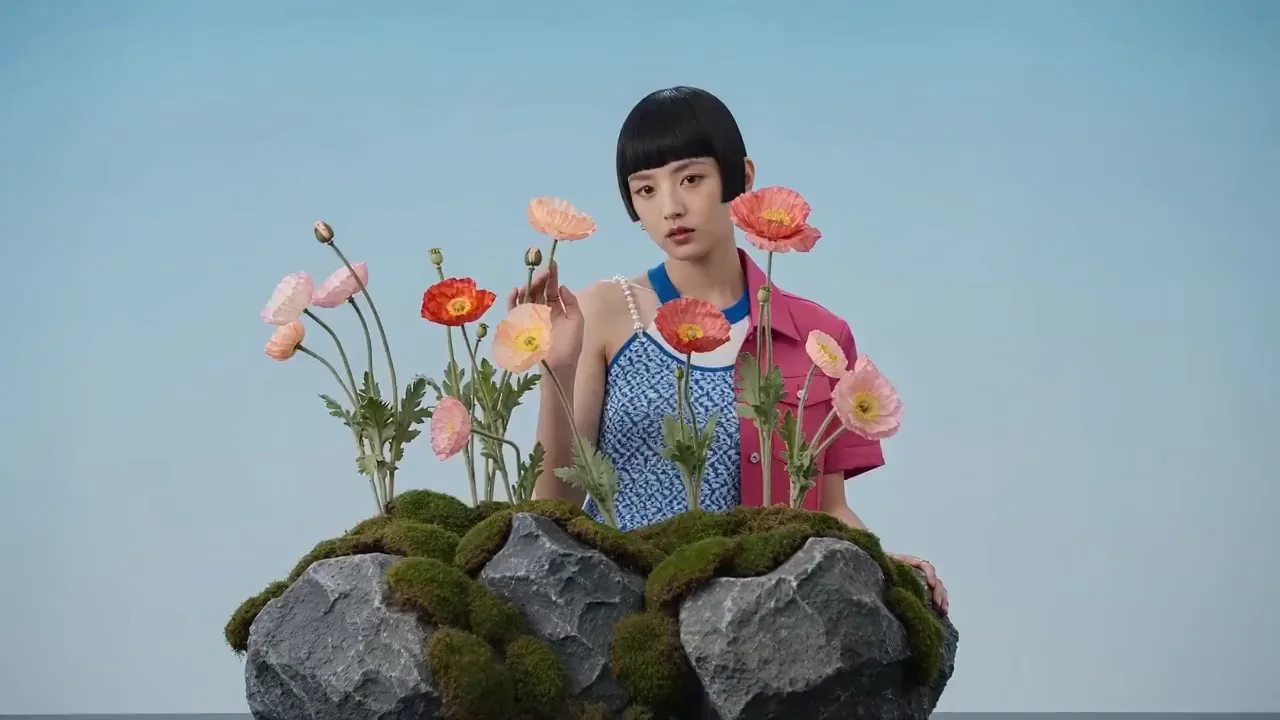
A model with a short bob poses among poppies in a jewelry campaign.

Jewelry Campaigns and Fashion Drops

Upload jewelry or outfit photos as references, then describe a slow pass over the pieces followed by a moment of movement. Seedance 2.0 holds metal, stones, fabric and color close to the photos, ready for a merch store page or an artist's fashion drop.
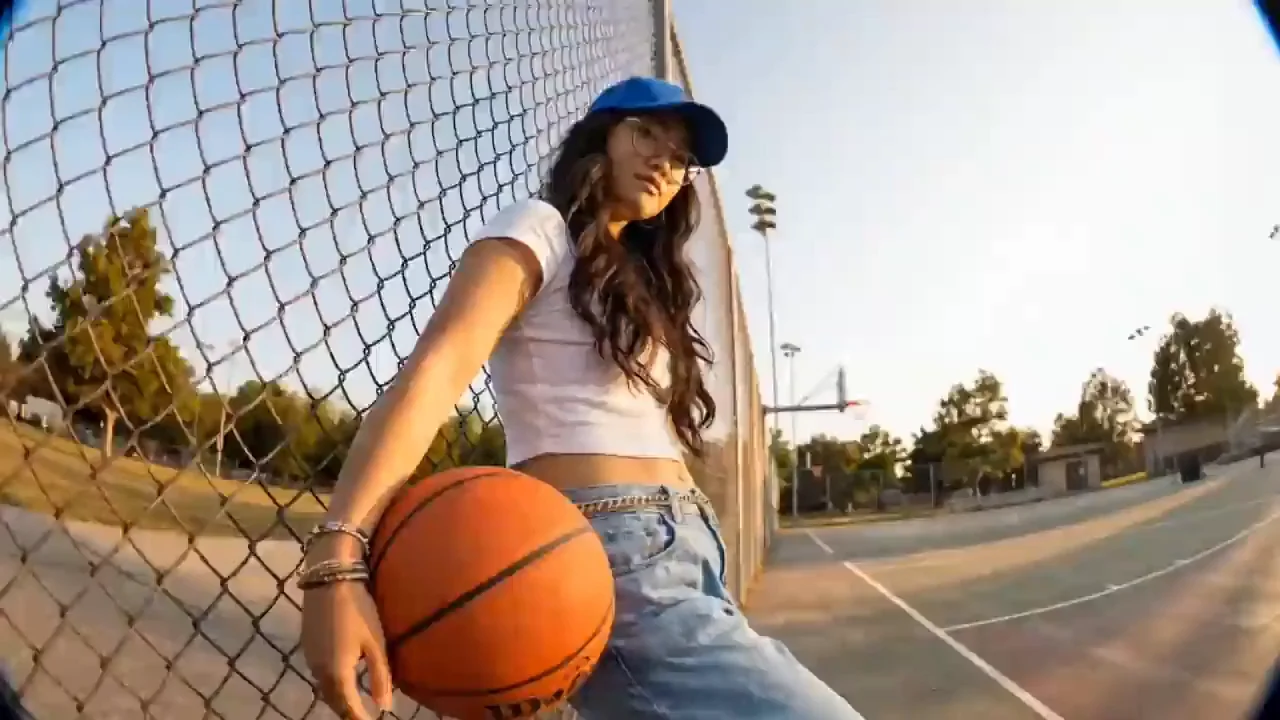
A young woman in a blue cap dribbles a basketball on an outdoor court at sunset.

Street and Court Clips for Short-Form

Write who's on camera, where they are and what they do, one action per shot. The face and fit stay the same across every cut in 9:16, ready as a street clip under your track on TikTok, Reels and Shorts, without booking a shoot.

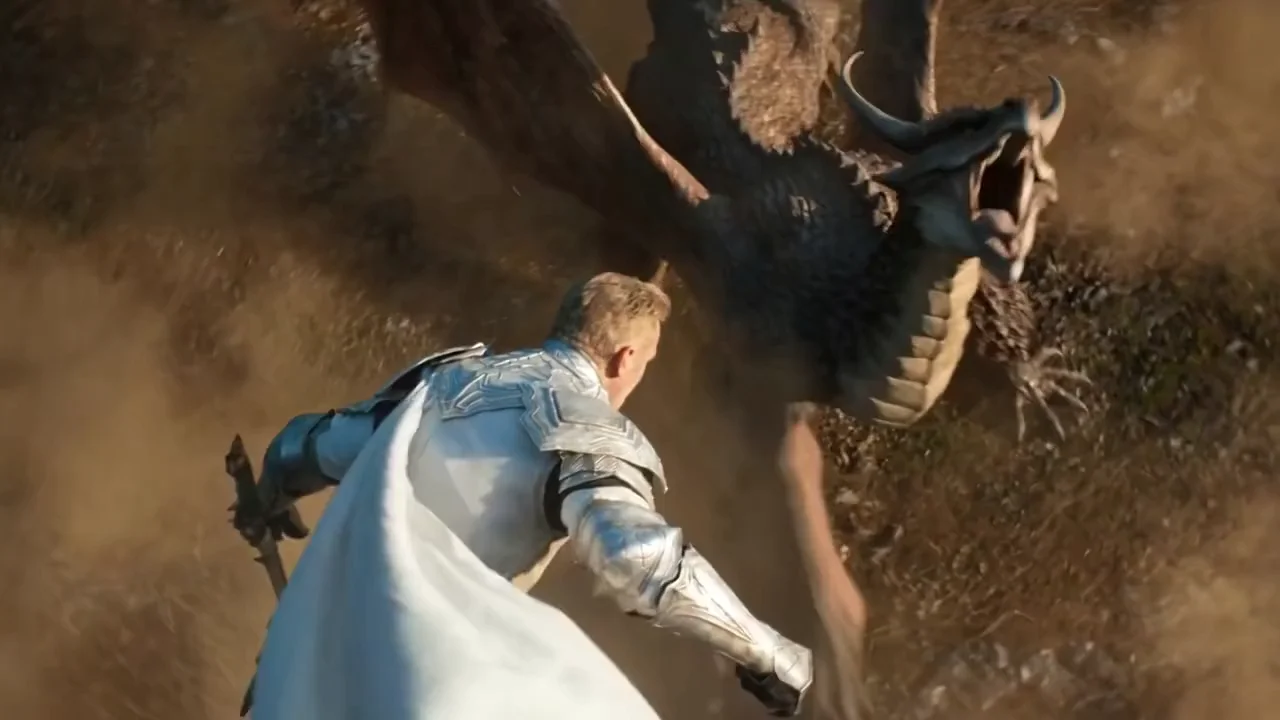
A knight in a white cloak faces a horned dragon on a dusty plain.

Epic Set Pieces for Music Videos

Establish the scale first, then the camera. A dragon touching down in front of a lone knight comes with dust, debris and weight that hold in a 21:9 frame, a big-budget look for a music video centerpiece or a treatment pitch.

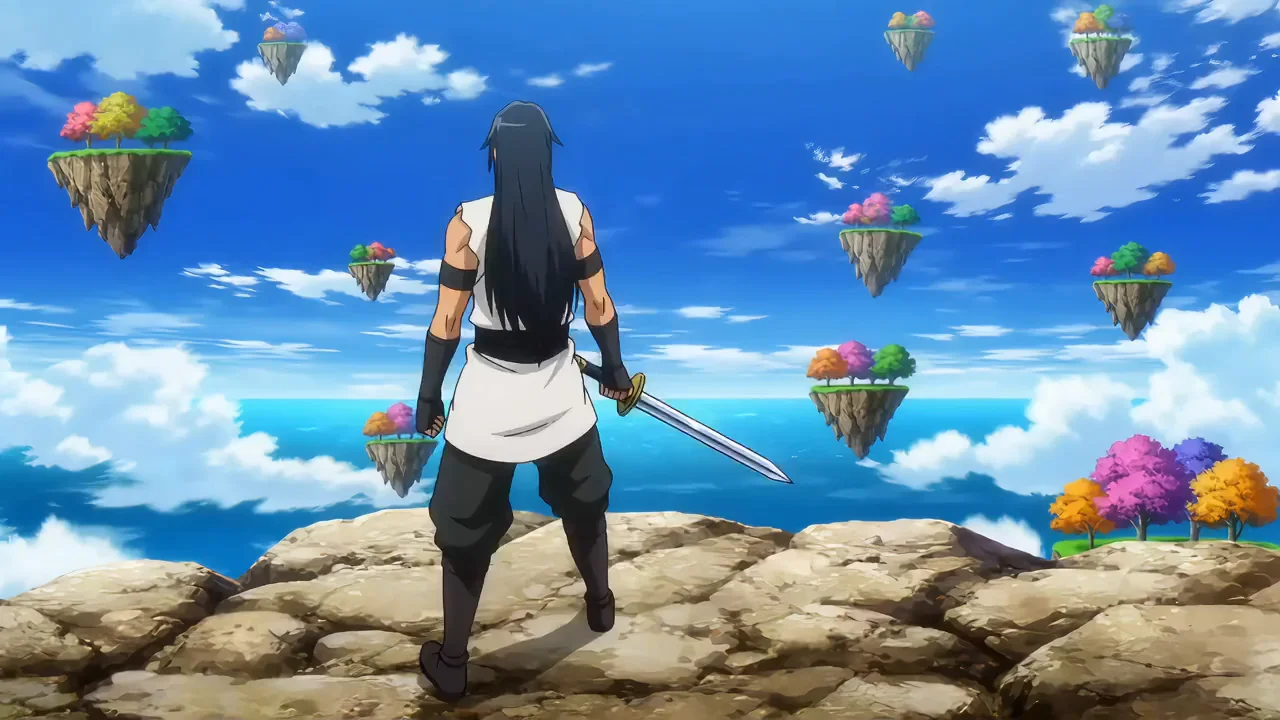
An anime swordsman leaps between floating islands under a bright blue sky.

Anime-Style Music Videos

Upload your character art and write the action shot by shot. Seedance 2.0 keeps the lines, palette and outfit of your design through quick cuts, speed lines and effects, the toolkit of an anime-style music video.

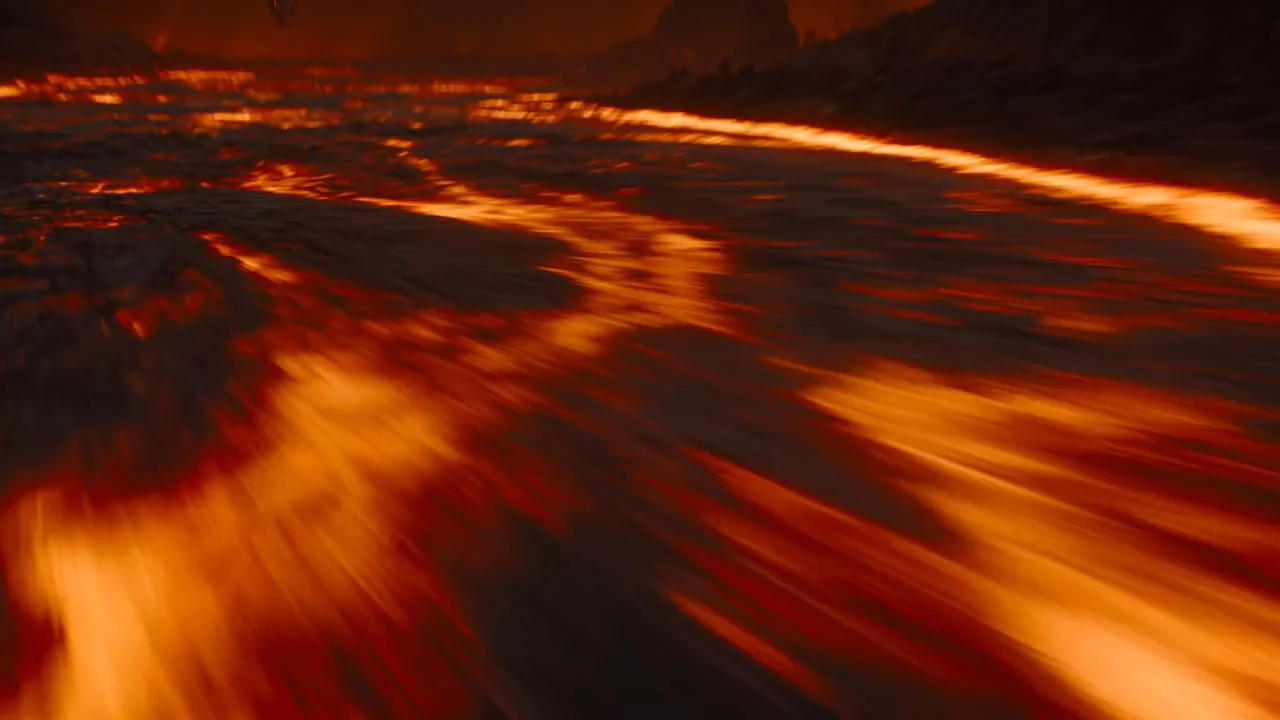
A winged dragon rises from a lava field, breathing fire over the rocks.

Album Trailers and Game Cinematics

Begin from a character sheet or environment art and stage an entrance, a chase or a logo reveal. The cinematic matches your designs, ready for an album trailer, a game store page or a pitch deck.

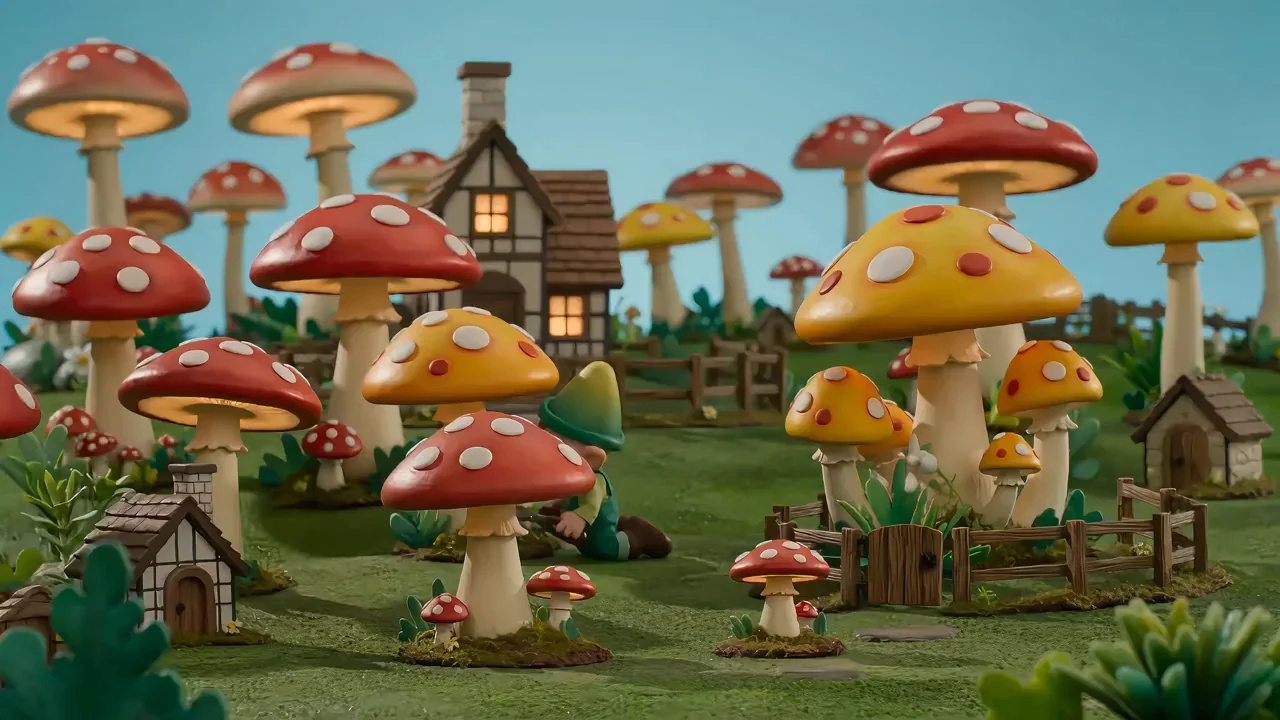
Clay gnomes wander a village of giant red and yellow mushrooms.

Claymation and Stop-Motion Visuals

Name the material, such as clay, felt or paper, and write a small moment in a miniature world. Seedance 2.0 keeps the handmade surface and the slightly stepped stop-motion movement, with ambient sound, a look that suits playful tracks and visualizers.

Made with Seedance 2.0

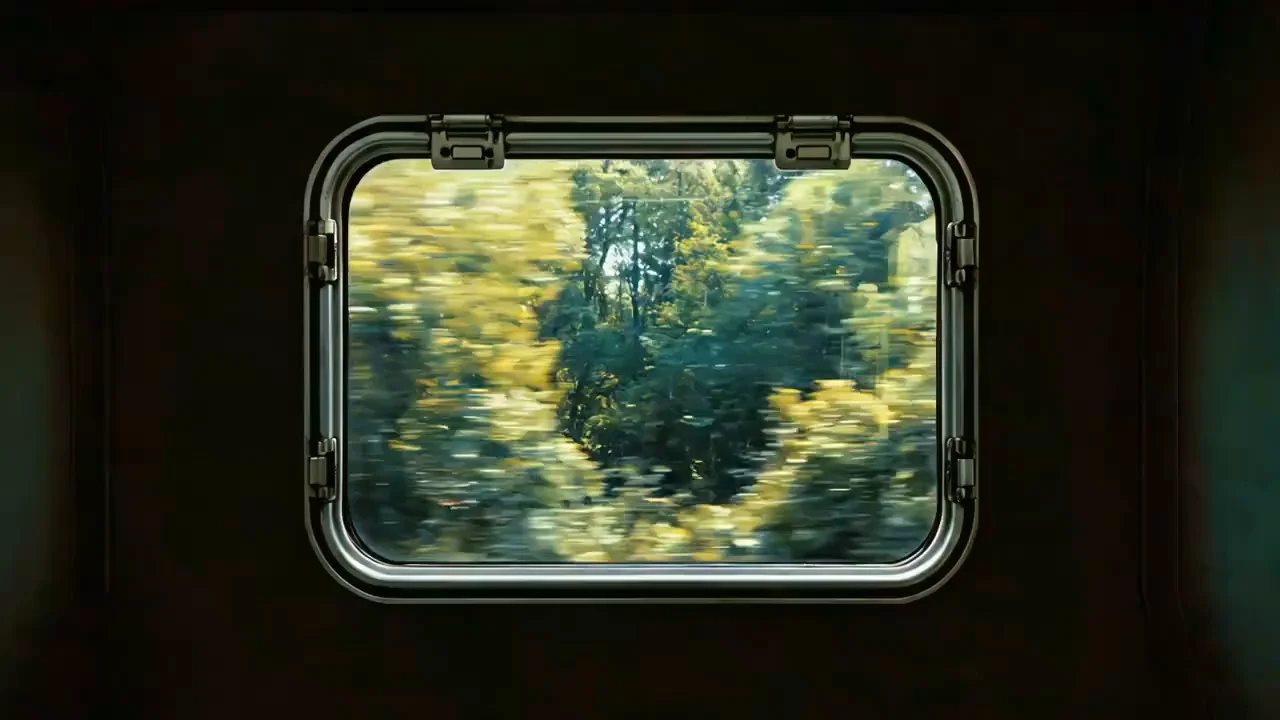
The Seedance 2.0 AI video generator holds detail through quick movement, heavy effects and stylized looks, and generates the sound in the same pass, which is what surreal transitions in a music video depend on.

A view from a train window flows into a flower garden and then an underwater world of jellyfish.

How to make a clip

Rap Video Clips with Seedance 2.0

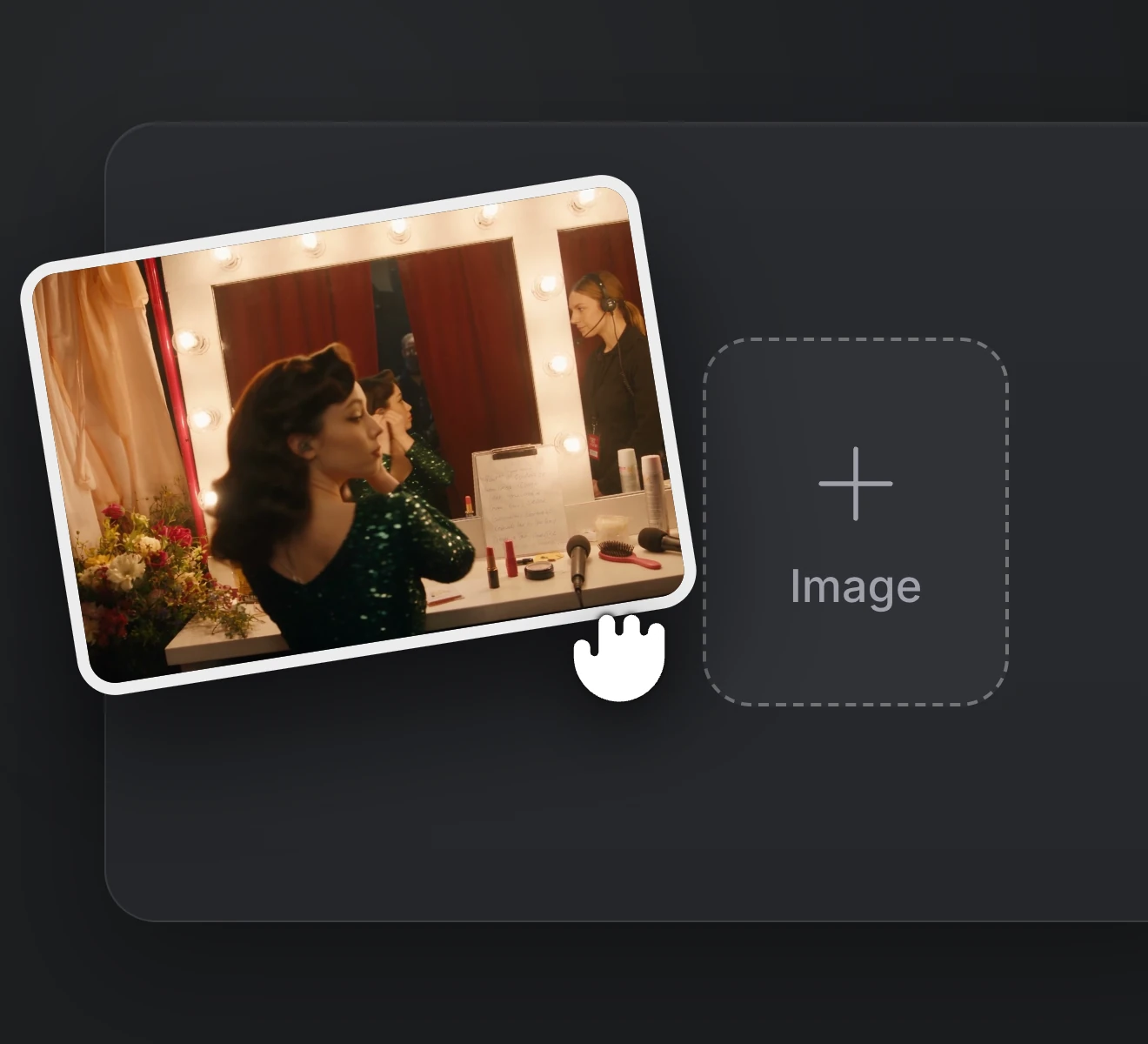
  1. Upload your references

    Step 01

    Upload your references

    Add an image to animate, or attach image, video and audio references such as your beat.

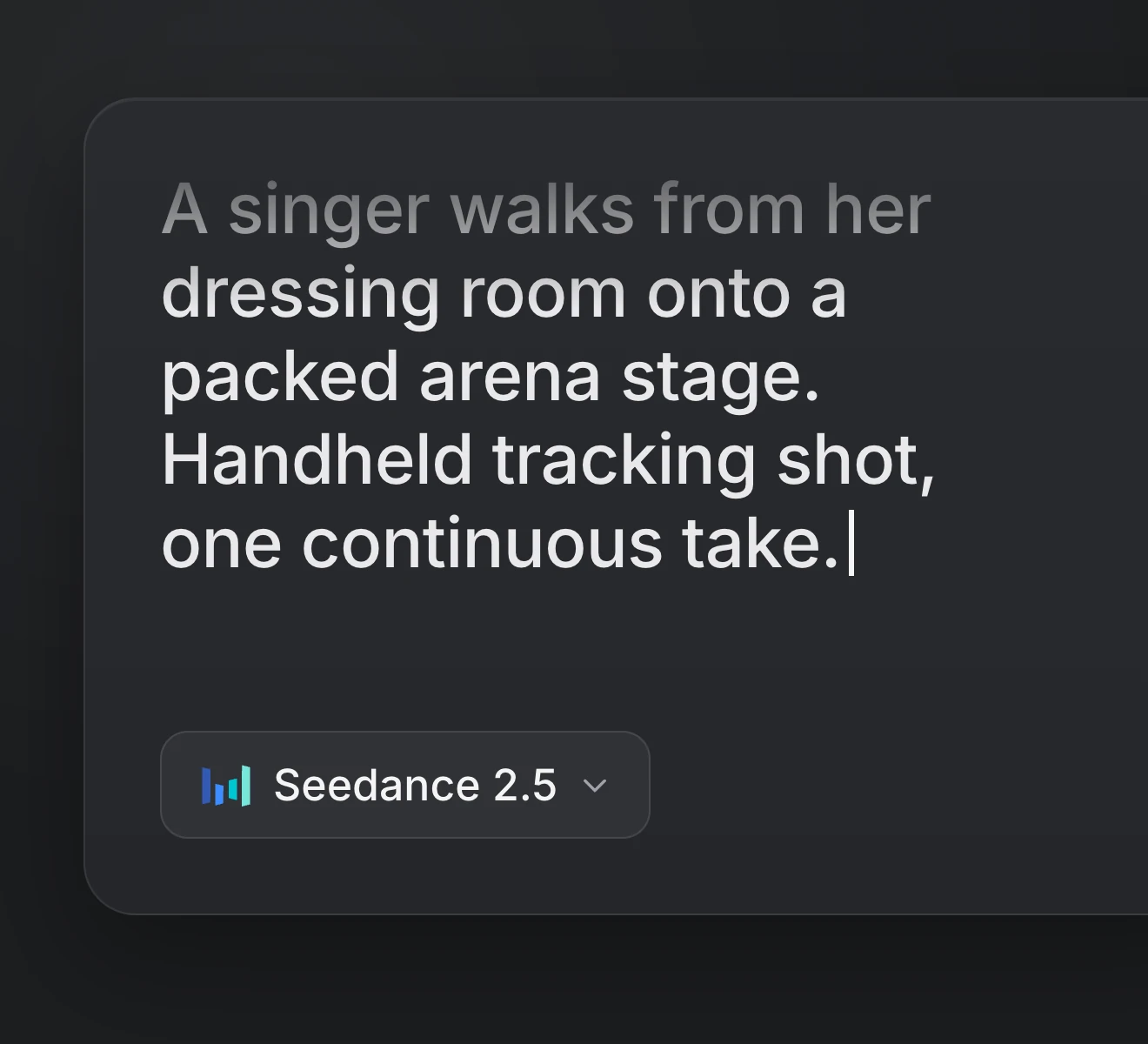
  2. Write the scene

    Step 02

    Write the scene

    Write the performance, the camera move and the sound, with spoken lines in quotes.

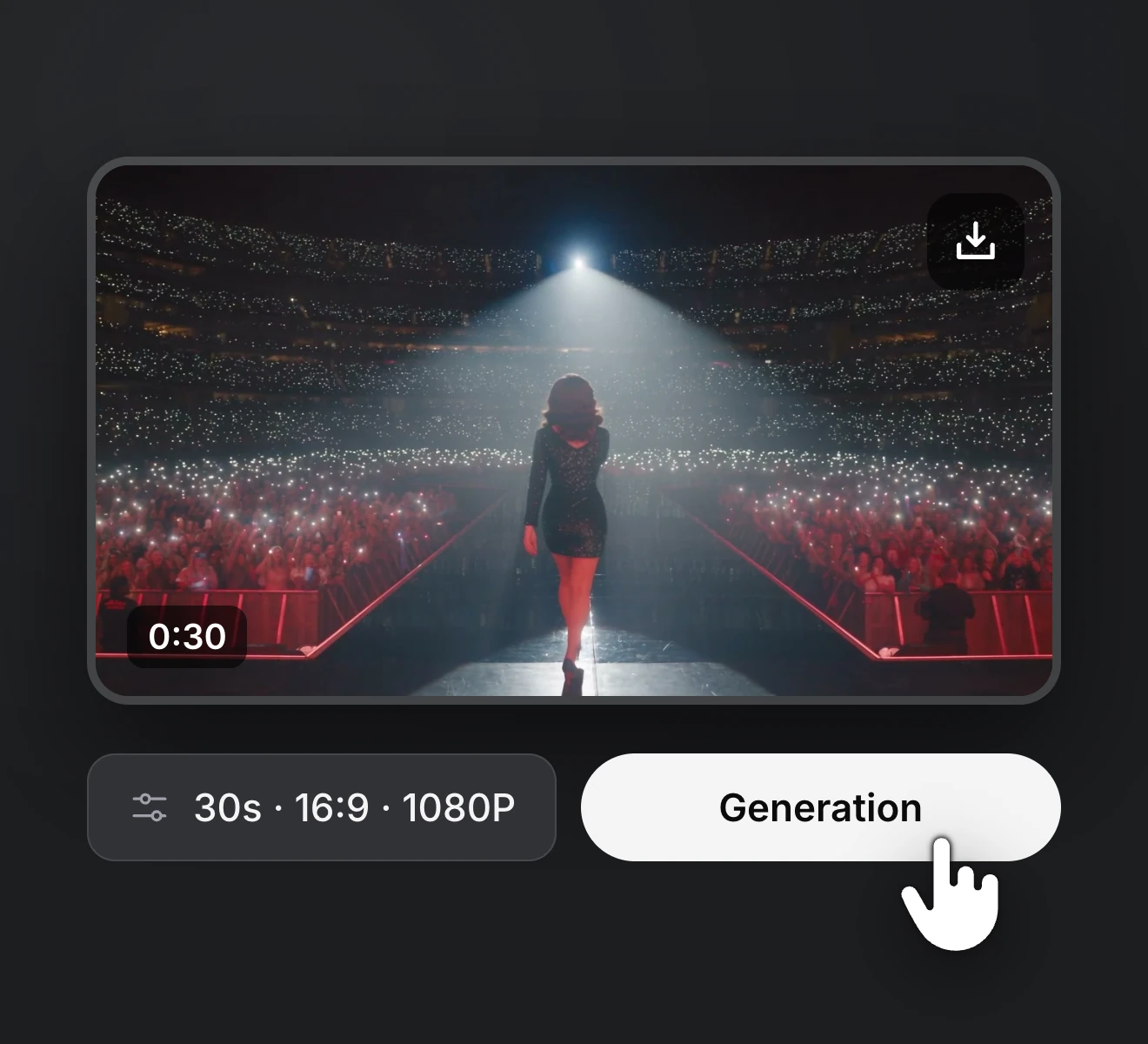
  3. Render and download

    Step 03

    Render and download

    Choose the version, length, resolution and aspect ratio, then render and save.

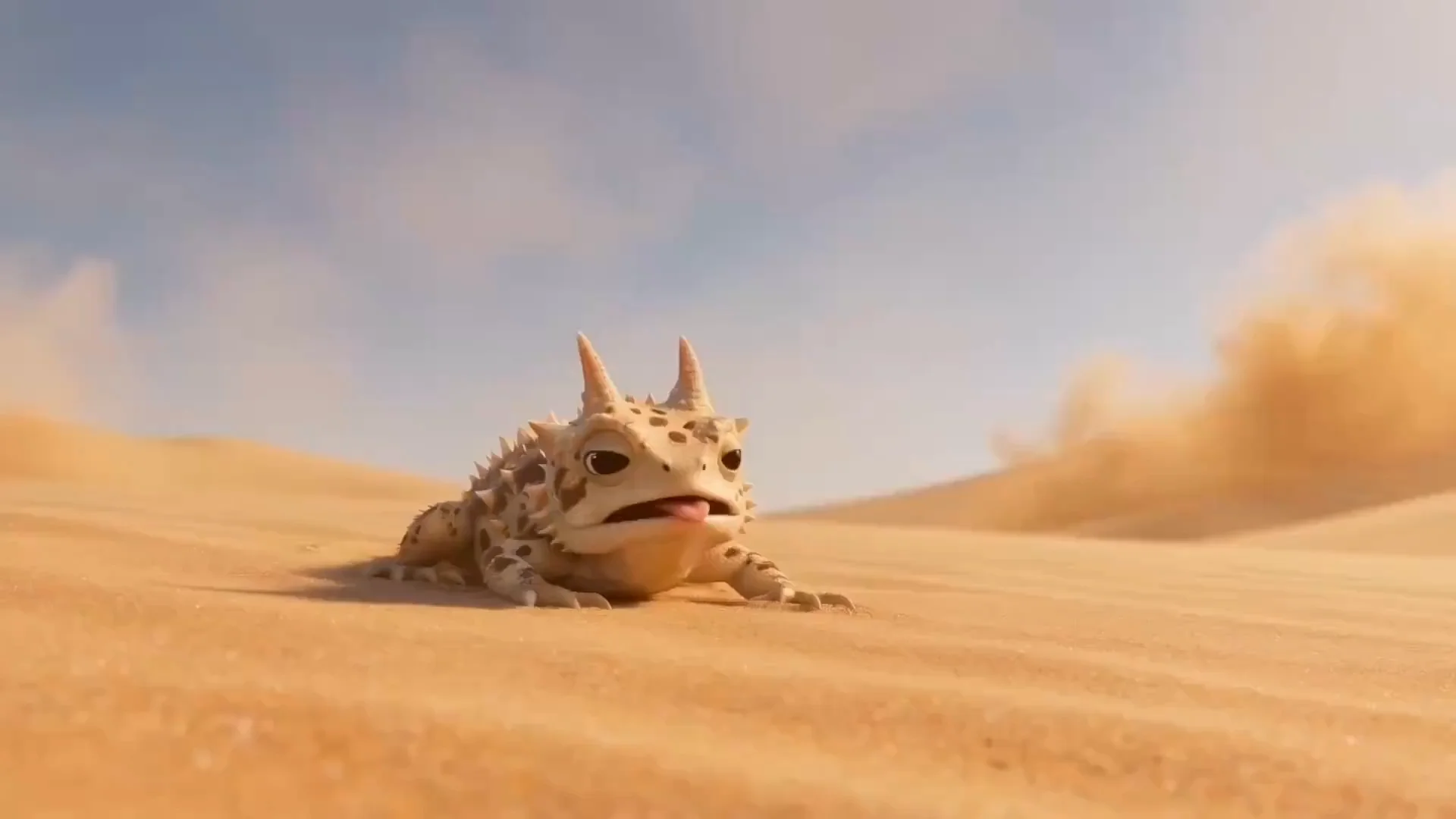
A horned lizard hugs a giant grapefruit on a sunlit desert dune.

Try the Seedance 2.0 AI Video Generator

Begin with a written scene, an image or reference clips and get back a multi-shot clip with sound. Try the concept on Seedance 2.0 Mini, then render the cut that goes out with your song in 4K on Seedance 2.0.

Pricing

Upgrade or cancel anytime. Choose a plan for clean output, fast generation, full model access and priority support.

Monthly

Annual

36% OFF

Seedance 2.0 AI Video Generator FAQs

What to know about the Seedance 2.0 AI video generator on RapVid for rap and music video work, from picking between its three versions to the credits each clip uses.

It's ByteDance's video model, released in February 2026. It makes 4-15 second videos with native sound, can switch between several shots in a single generation and reads 9 images, 3 videos and 3 audio clips as references per request. On RapVid we offer it for text to video, image to video, first and last frame to video and reference to video, and the lighter Seedance 2.0 Mini and Fast handle every one of those modes too.

That depends on the stage of the project. All three share references, native audio, multi-shot prompts, lengths and aspect ratios. Seedance 2.0 Mini is the cheapest per second, so that's where we try out prompts. Seedance 2.0 Fast comes back quicker at 720p, which works for feedback rounds with the artist. Seedance 2.0 draws the most detail and is the only version that renders 1080p and 4K, so we keep it for the final cut.

Anywhere from 4 to 15 seconds at 24 frames per second. Seedance 2.0 renders 480p, 720p, 1080p or 4K, while Mini and Fast go as high as 720p, which is plenty for drafts and most social feeds. You can choose 16:9, 9:16, 1:1, 4:3, 3:4 or 21:9, or Auto to match your input.

Yes. Lines, effects, ambience and music come out with the picture and follow the action. Put each spoken line in quotes, name who says it, and give the language when it isn't English or Chinese, for example "says in Japanese". Stick to one language per line, and expect the steadiest lip sync with one speaker at a time. Planning to lay your own track on top? Switch the audio off for a silent clip.

Fifteen per video: 9 images, 3 video clips and 3 audio clips. Each video or audio clip can be 2 to 15 seconds long, 15 seconds in total per type, and audio only works with at least one image or video next to it. Upload them in the generator, call them Image 1, Video 2 or Audio 1 in your prompt and say what each one does. We get the steadiest output from 4 or 5 strong references, such as a headshot and a full-body image per character. Only upload beats, images and footage you have the rights to use.

Not as uploads. Seedance 2.0 refuses images and videos that show a real person's face, a safeguard ByteDance applies to every request. Illustrated, anime and 3D characters are fine, so an artist can appear as a drawn or 3D version of themselves, and a text prompt can still describe realistic people that the model invents from scratch.

Plus or Premium. Either one opens the full Seedance 2.0 AI video generator, 1080p and 4K included, plus every other model on RapVid. Seedance 2.0 Mini and Fast are available on all plans, Free and Starter included.