RapVid

Nano Banana 2
AI Image Generator

Start from a prompt or a set of reference images, and the Nano Banana 2 AI image generator returns 1K, 2K or 4K images where the lettering reads cleanly and characters look the same from shot to shot.

4

Readable Lettering
Up to 4K

Try Nano Banana 2

Key Features of Nano Banana 2

The Nano Banana 2 AI image generator spells text correctly in many languages, holds people and objects steady across 14 reference images and uses real-world knowledge to structure diagrams.

Text That Reads in Many Languages

Text That Reads in Many Languages

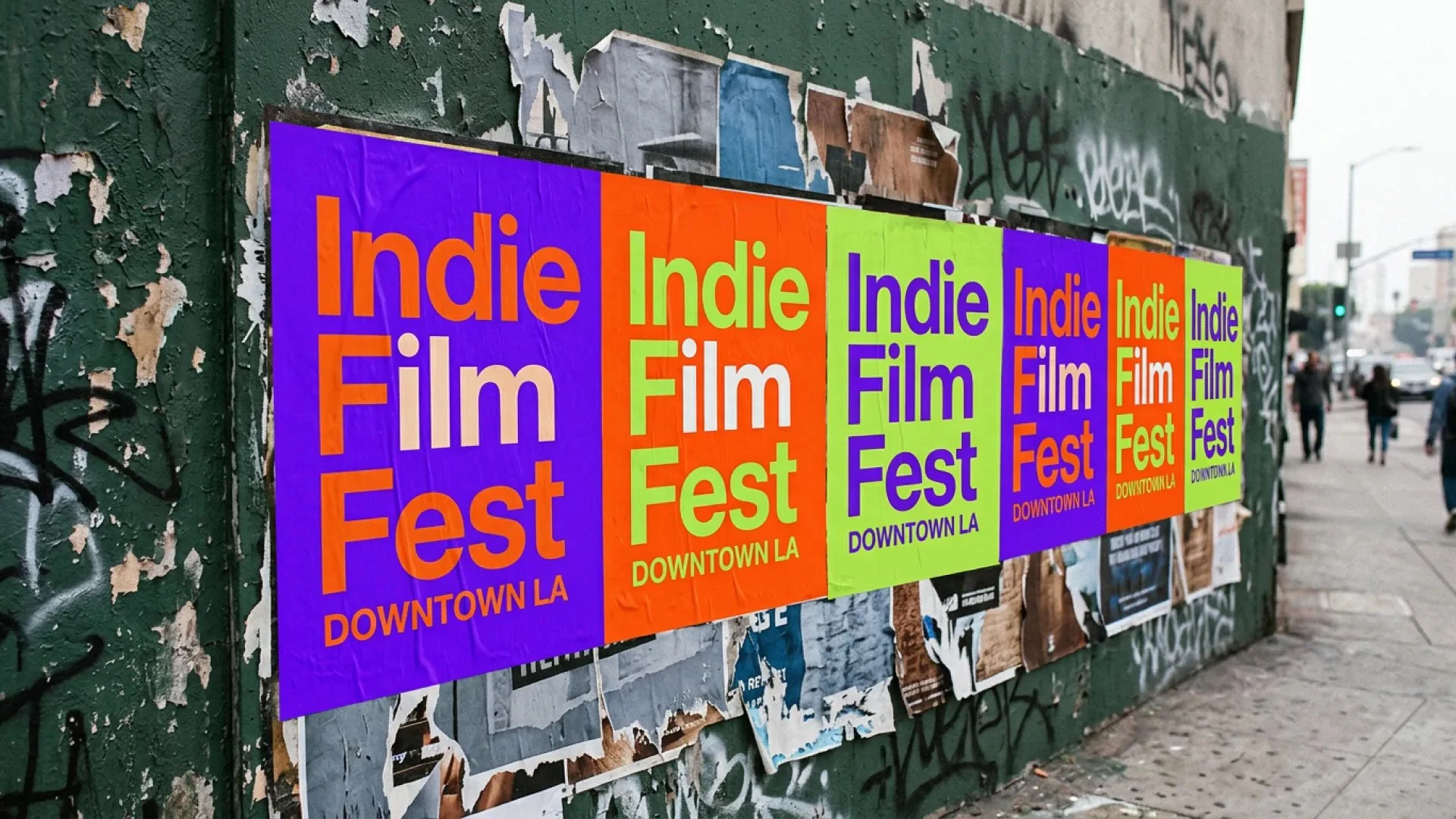
Quote the words and describe the type, for example bold sans serif pasted up on bright paper posters. Nano Banana 2 lays it out on covers, cards and signs, and a second prompt can swap the text into another language with the design untouched.

14 References per Generation

14 References per Generation

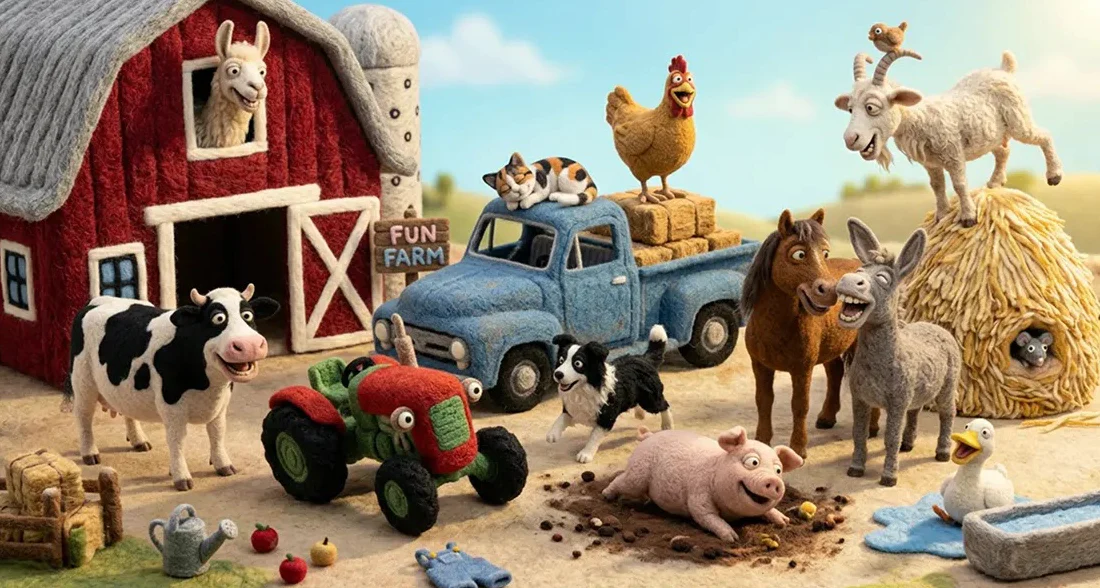
Upload the characters, products and props, then tell Nano Banana 2 the job of each image, such as which one is the lead rapper. Shapes, colors and details carry into the new scene, so a whole crew fits into one frame.

Diagrams Built on Real Knowledge

Diagrams Built on Real Knowledge

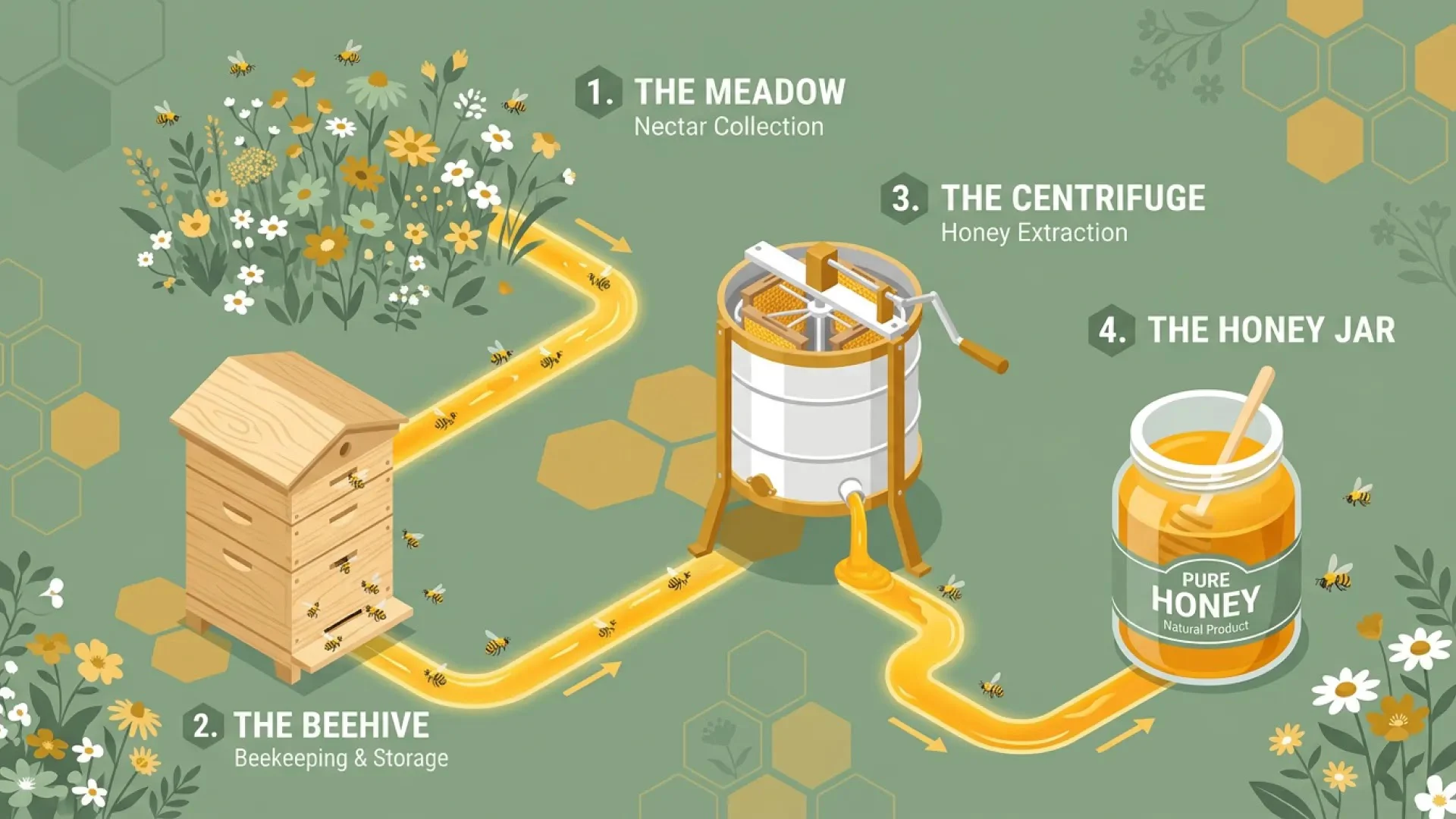
Ask how a process works, like honey moving from meadow to jar, and add the style you're after. Nano Banana 2 uses Gemini's knowledge of the topic to sequence and label the steps. Verify the facts and figures before anything goes public.

Ten Ratios in 1K, 2K and 4K

Ten Ratios in 1K, 2K and 4K

Pick any ratio from 21:9 to 9:16, or Auto to match your input, and choose 1K for drafts or 2K and 4K for delivery. A widescreen music video still, a square cover and a vertical story frame can all come from one prompt.

Nano Banana 2 and Nano Banana 2 Lite

The Nano Banana 2 AI image generator has two versions, one for each stage of the same project. Nano Banana 2 Lite is Google's speed-first build at 1K, fast enough to test a stack of layouts, titles and scenes before you lock one. Nano Banana 2 carries the chosen direction to 2K or 4K with up to 14 references, so it's the version for the finished cover, poster or campaign image.

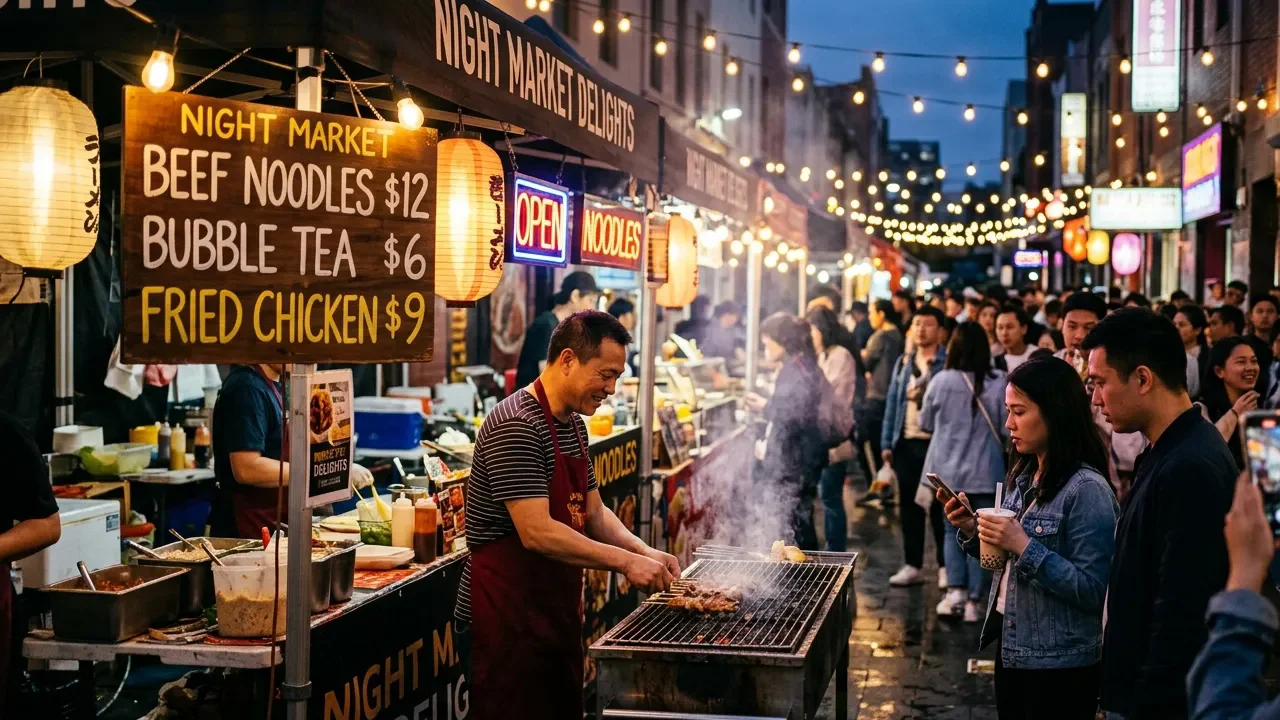
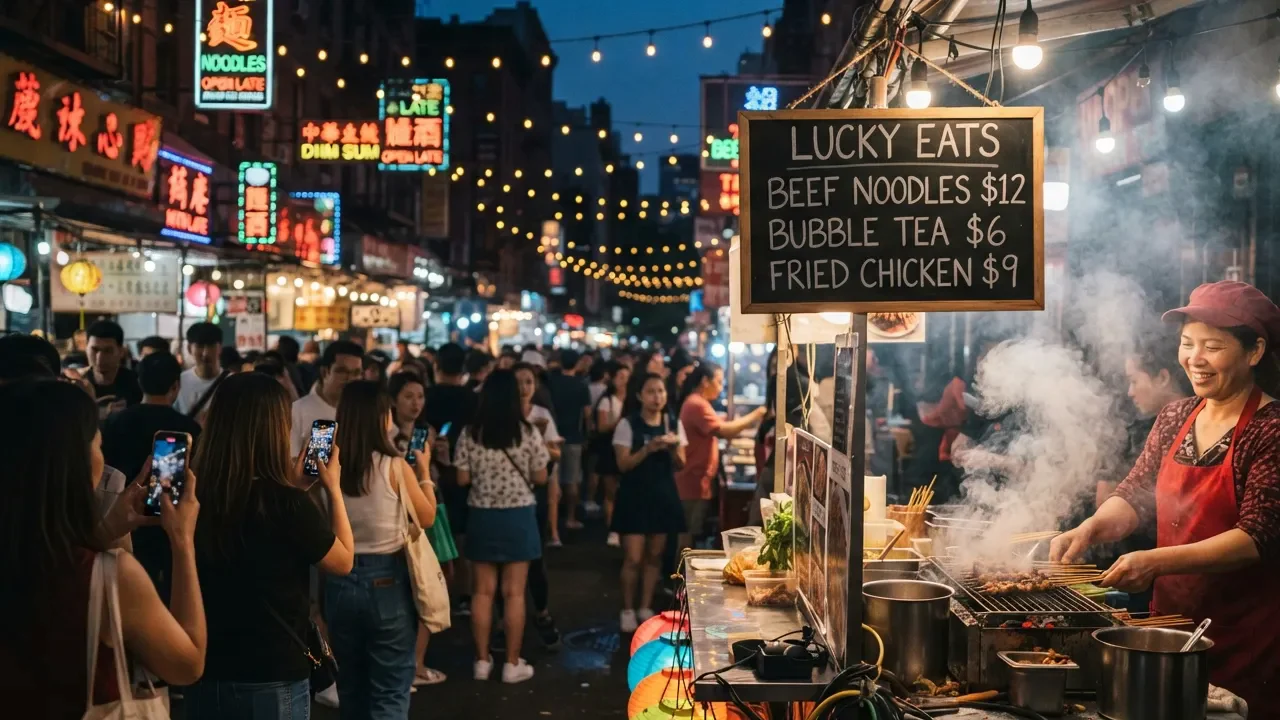
Nano Banana 2 output: a crowded night market with steam rising from a grill under a menu board reading Beef Noodles $12, Bubble Tea $6 and Fried Chicken $9.
Nano Banana 2 Lite output for the same prompt: a chalkboard headed Lucky Eats lists the same three dishes and prices above a smoky stall and a crowd.

Nano Banana 2 Use Cases

The Nano Banana 2 AI image generator covers lettering, recurring characters and labeled layouts in one model, so cover art, promo visuals and explainers come out of the same workspace.

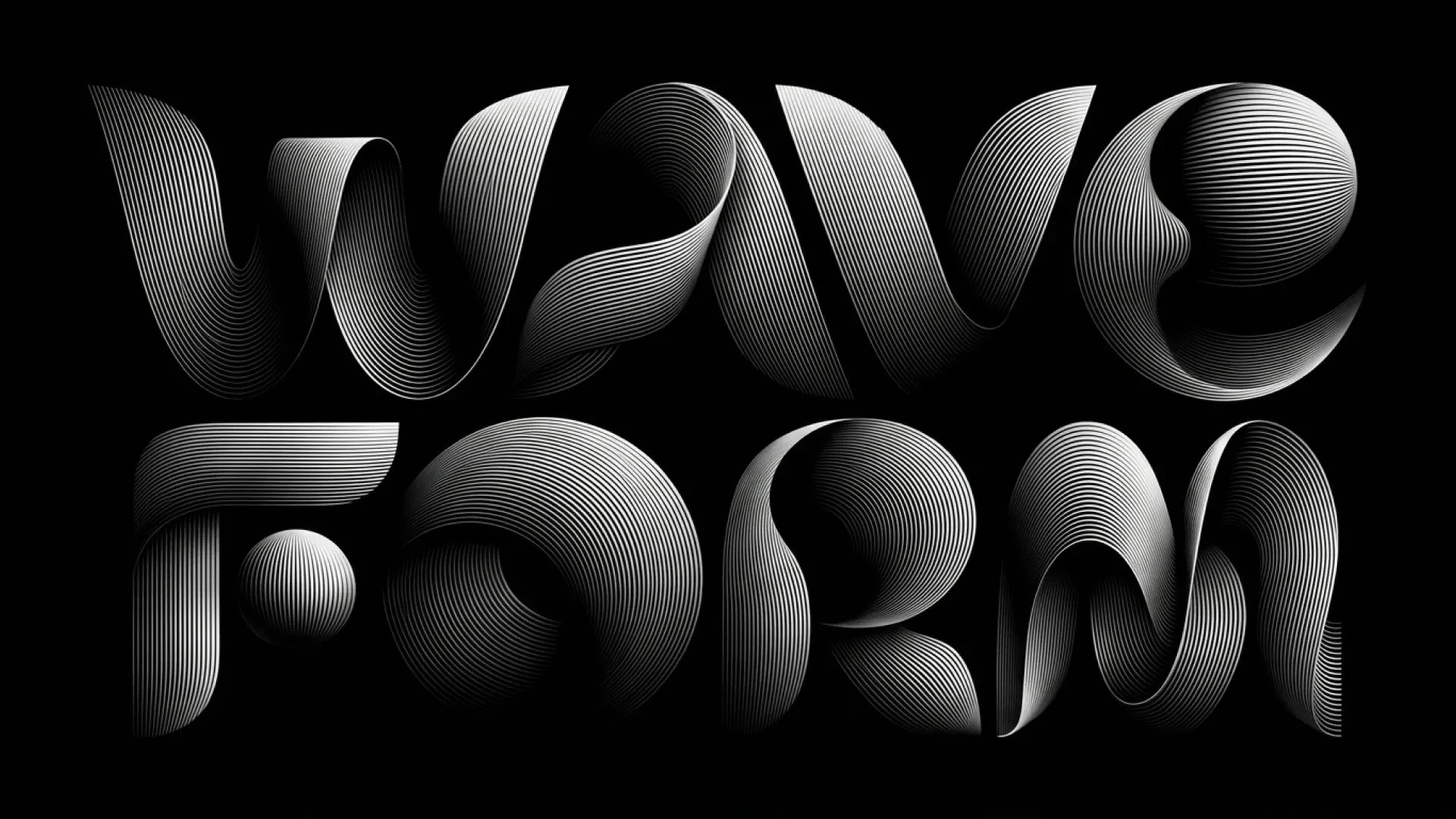
The words WAVE FORM spelled in flowing white line-art letters on a black background.

Cover Art and Type-Led Posters

Give the words, the lettering style and the arrangement, for example two stacked lines of ribbon-like type on black. Nano Banana 2 composes the image around the type, ready for single covers, show posters and channel banners.
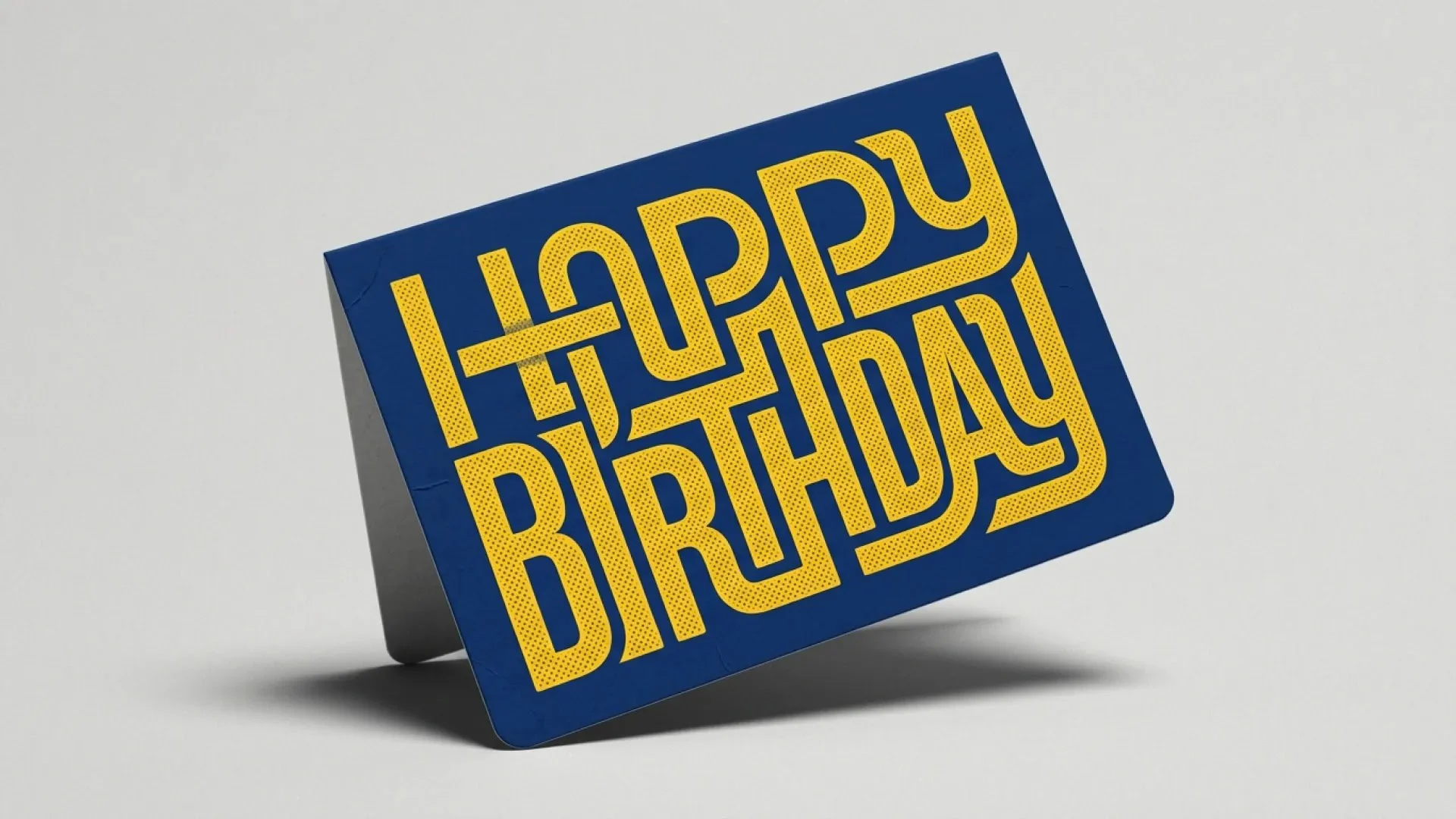
A navy greeting card with interlocking yellow Happy Birthday lettering stands on a light gray surface.

Cards and Print Mockups

Describe the card, quote the message and set up the shot, such as upright on a gray table under soft studio light. The mockup arrives with the lettering in place, ready for merch listings and client sign-off.

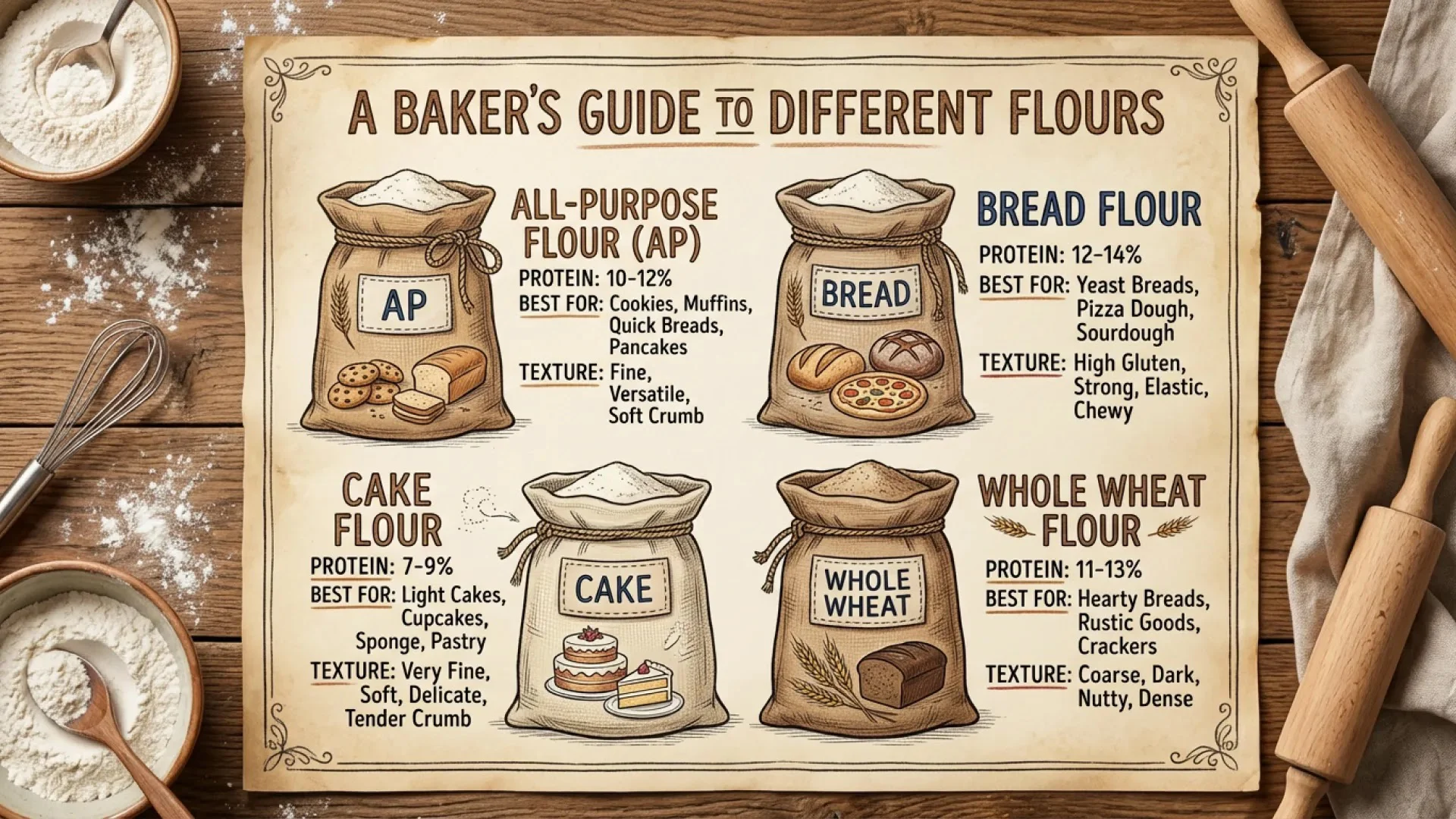
A hand-drawn chart titled A Baker's Guide to Different Flours compares all-purpose, bread, cake and whole wheat flour on a wooden table.

Explainers and Charts

Name what's being compared and the facts for each item, such as protein content and best uses. Nano Banana 2 arranges headings, labels and little drawings around them, ready for lessons, blog posts and guides.

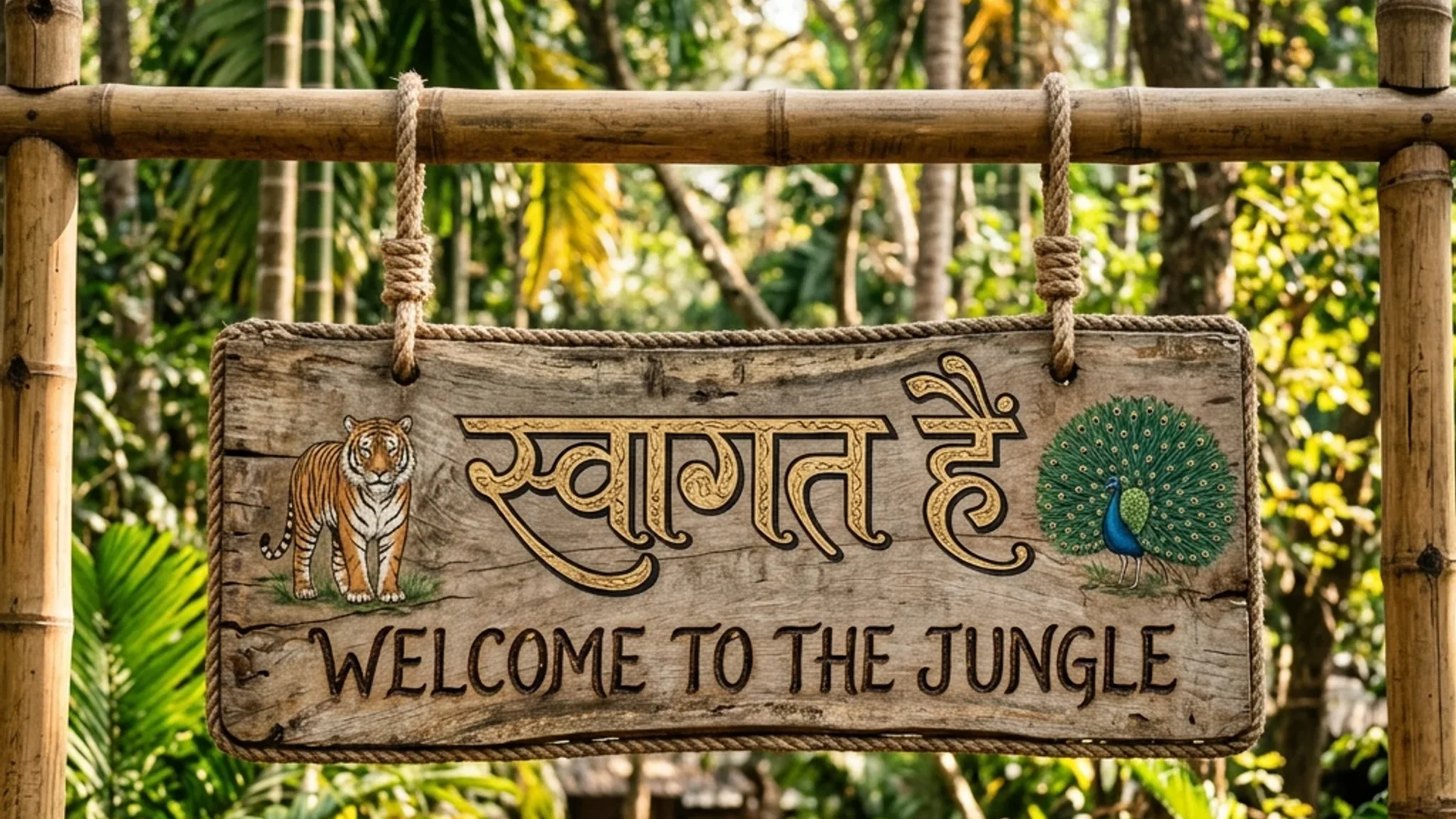
A wooden sign hanging between bamboo posts in a jungle reads स्वागत है above Welcome to the Jungle, with a tiger and a peacock painted at the ends.

Signs and Campaigns in Several Languages

Write every line in the language it should show, like a Hindi greeting over an English one. Nano Banana 2 paints both scripts in one style, and a later edit can translate the whole piece for a tour stop or a new market.

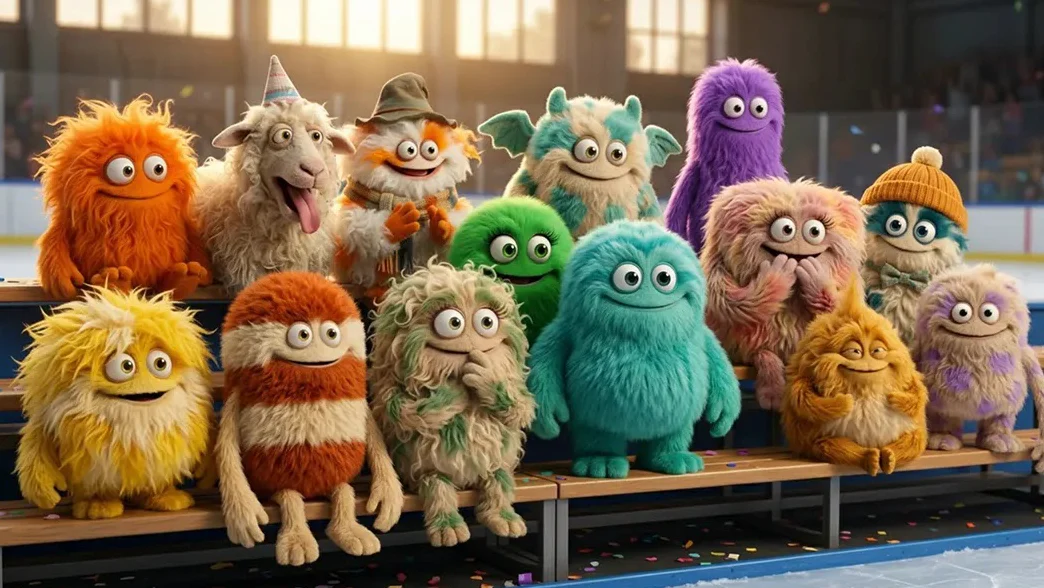
Fourteen fluffy monster characters in orange, green, purple and teal sit together on ice rink bleachers.

Mascot Crews and Character Sets

Add each character as a reference and describe where they all are. Nano Banana 2 keeps every one's fur, colors and accessories, so a mascot crew or a cartoon rapper can appear in new scenes for stories, merch and music video storyboards.

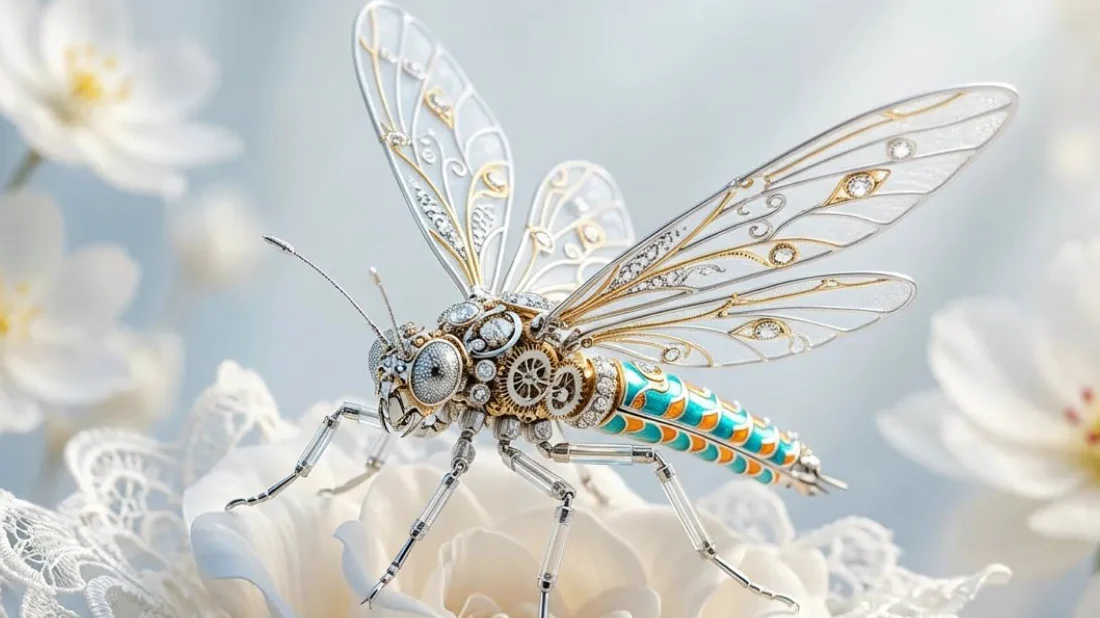
A mechanical dragonfly with filigree wings and a turquoise enameled body rests on a white rose edged with lace.

Concept and Product Renders

Upload photos of the materials and shapes to blend, such as filigree, enamel and lace, and describe the piece. Nano Banana 2 fuses them into one object with fine surface detail, ready for concept boards and jewelry or merch pitches.

Made with Nano Banana 2

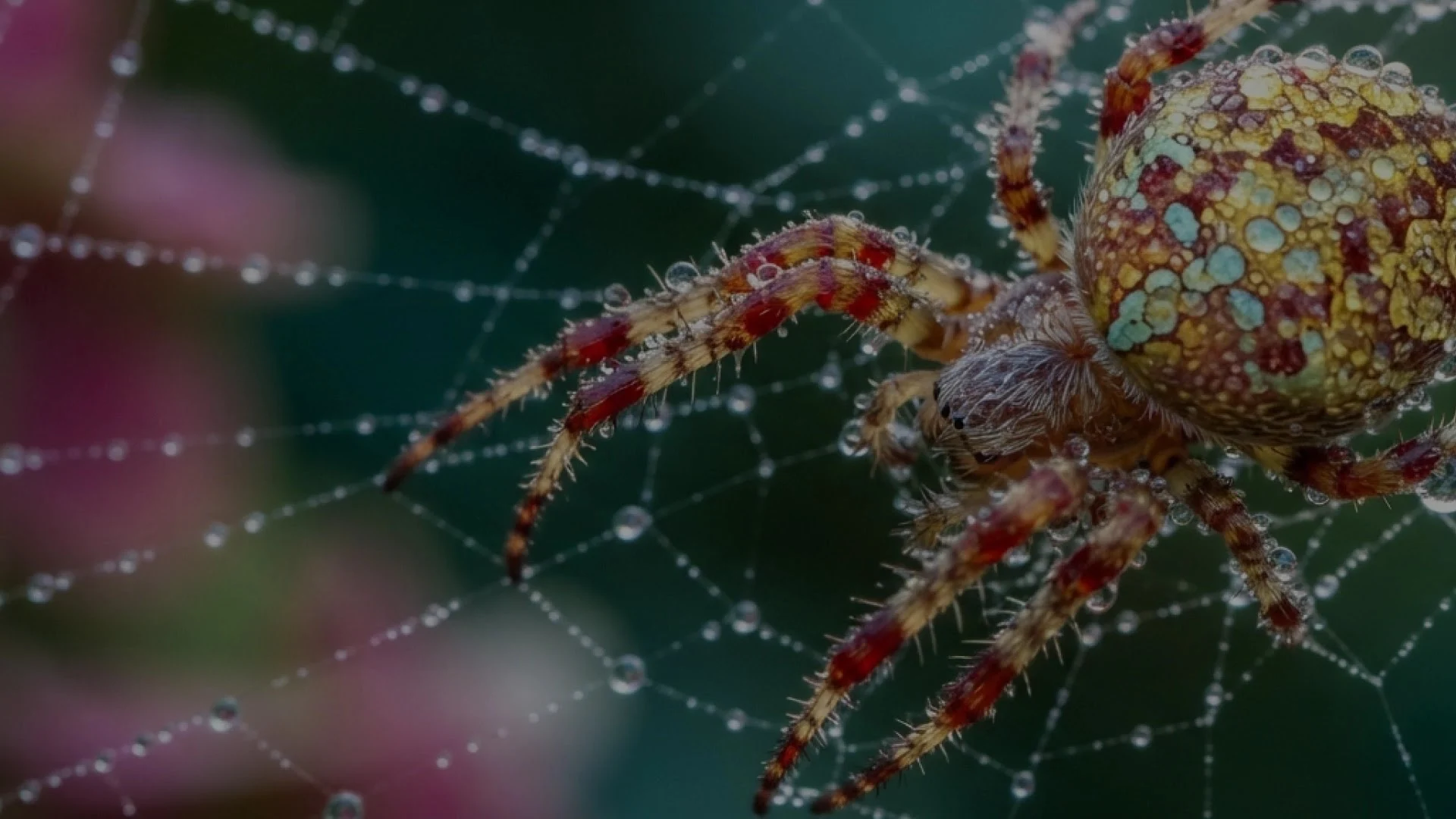
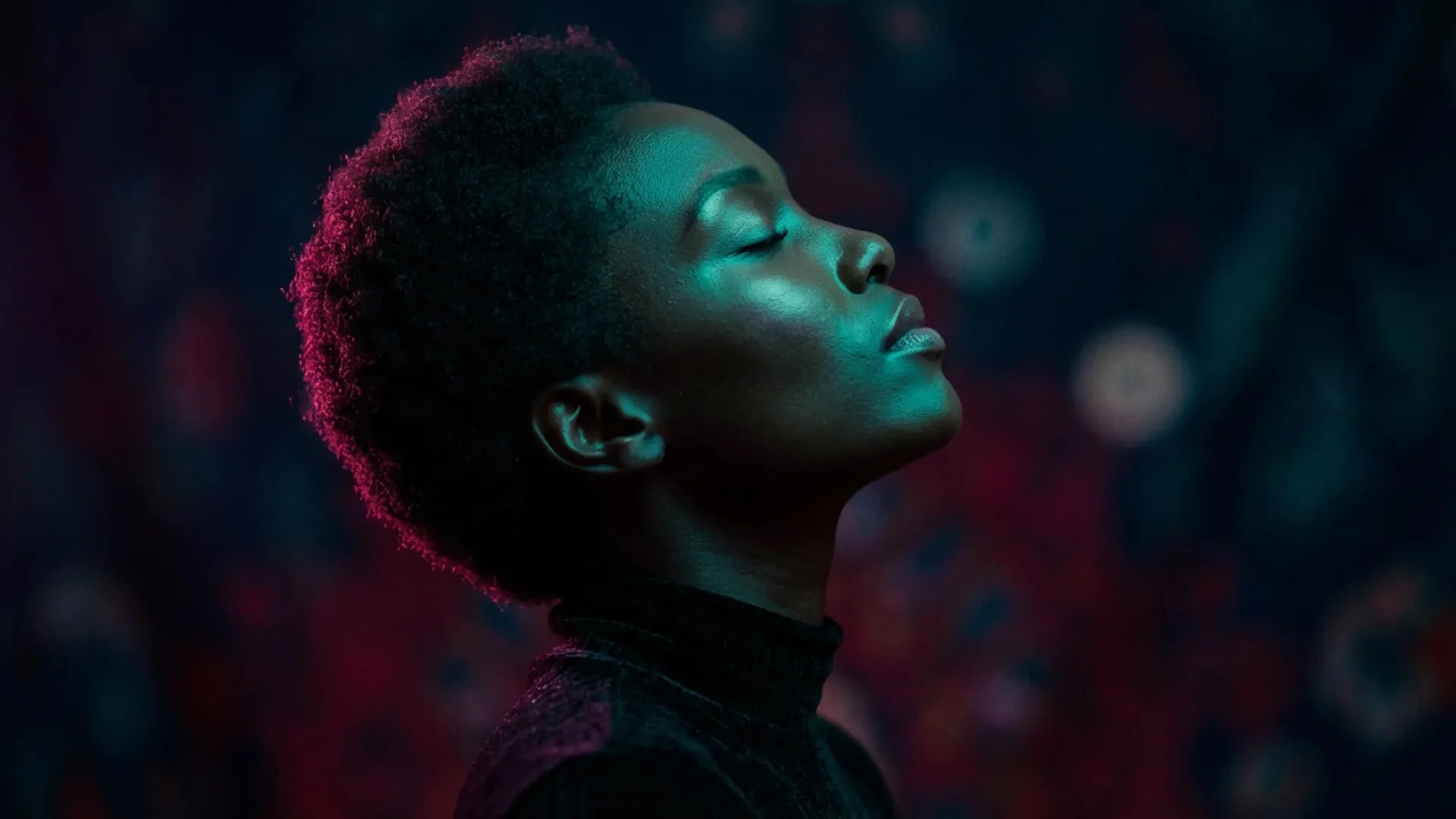
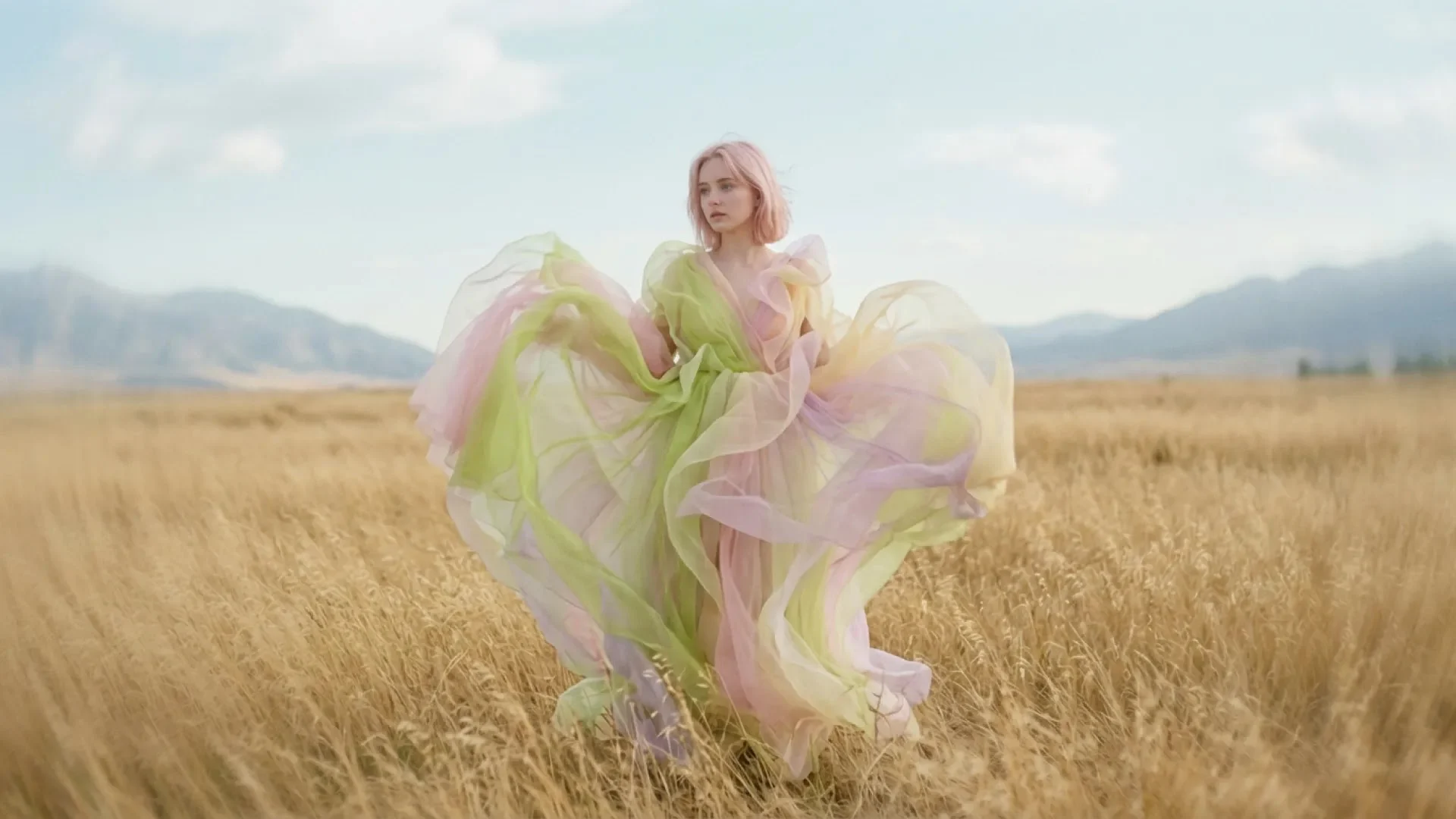
The Nano Banana 2 AI image generator and its Lite version keep fine texture in macro shots, portraits, posters and paintings, from beads of water and gold jewelry to heavy brushwork.

Nano Banana 2 Lite macro photo of a red and yellow spider covered in water droplets on its web.
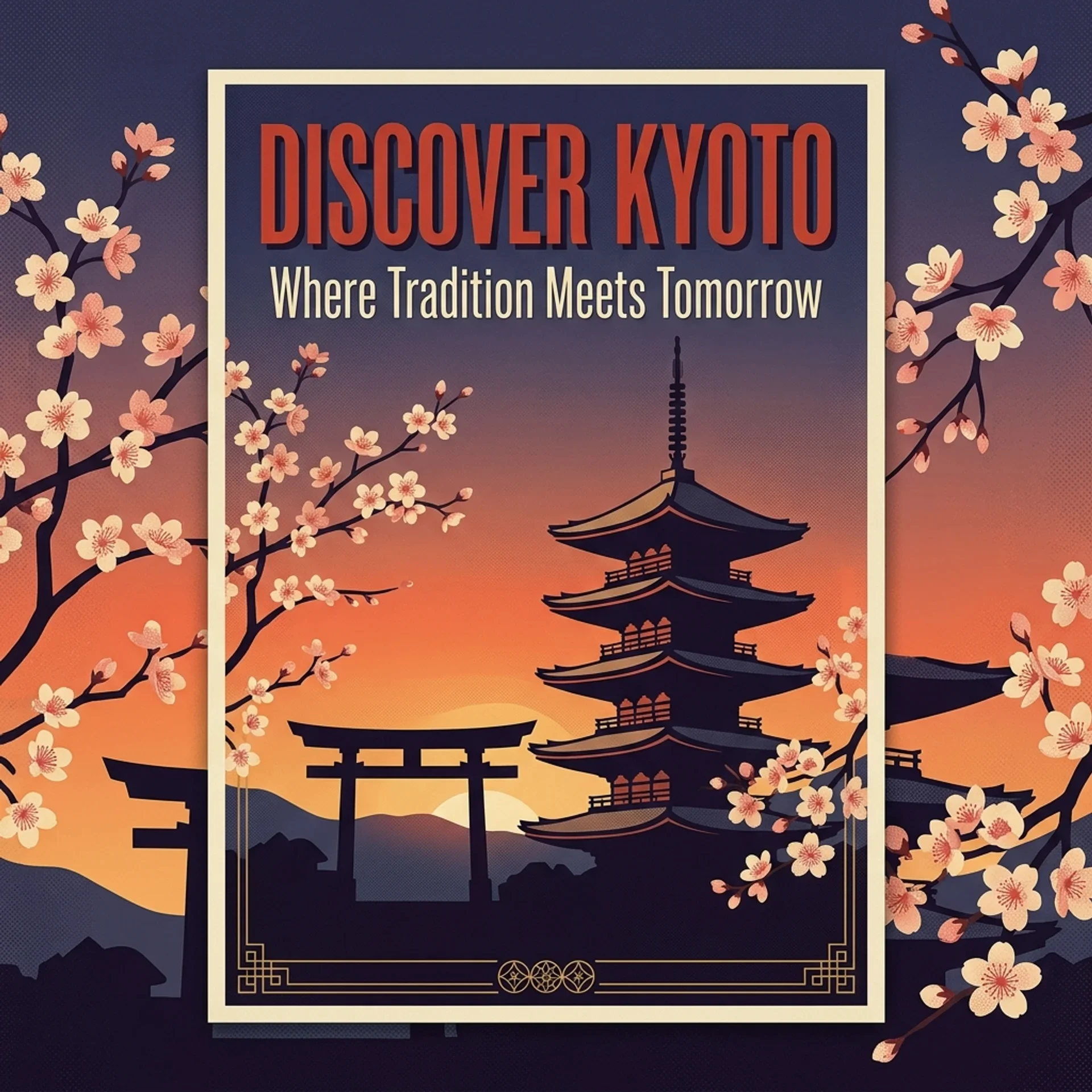
A travel poster reading Discover Kyoto, Where Tradition Meets Tomorrow, with a pagoda and torii gate silhouetted against a sunset and cherry blossoms.
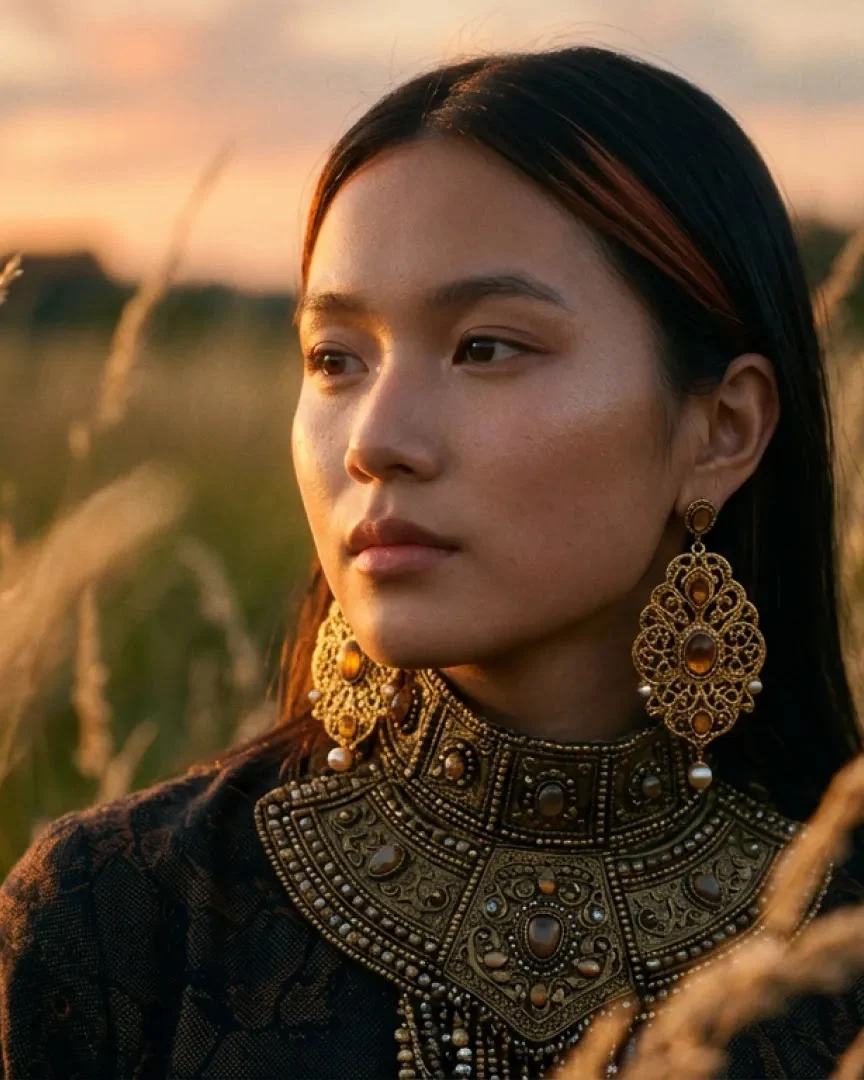
A young woman in ornate gold earrings and a beaded collar stands in tall grass at sunset.
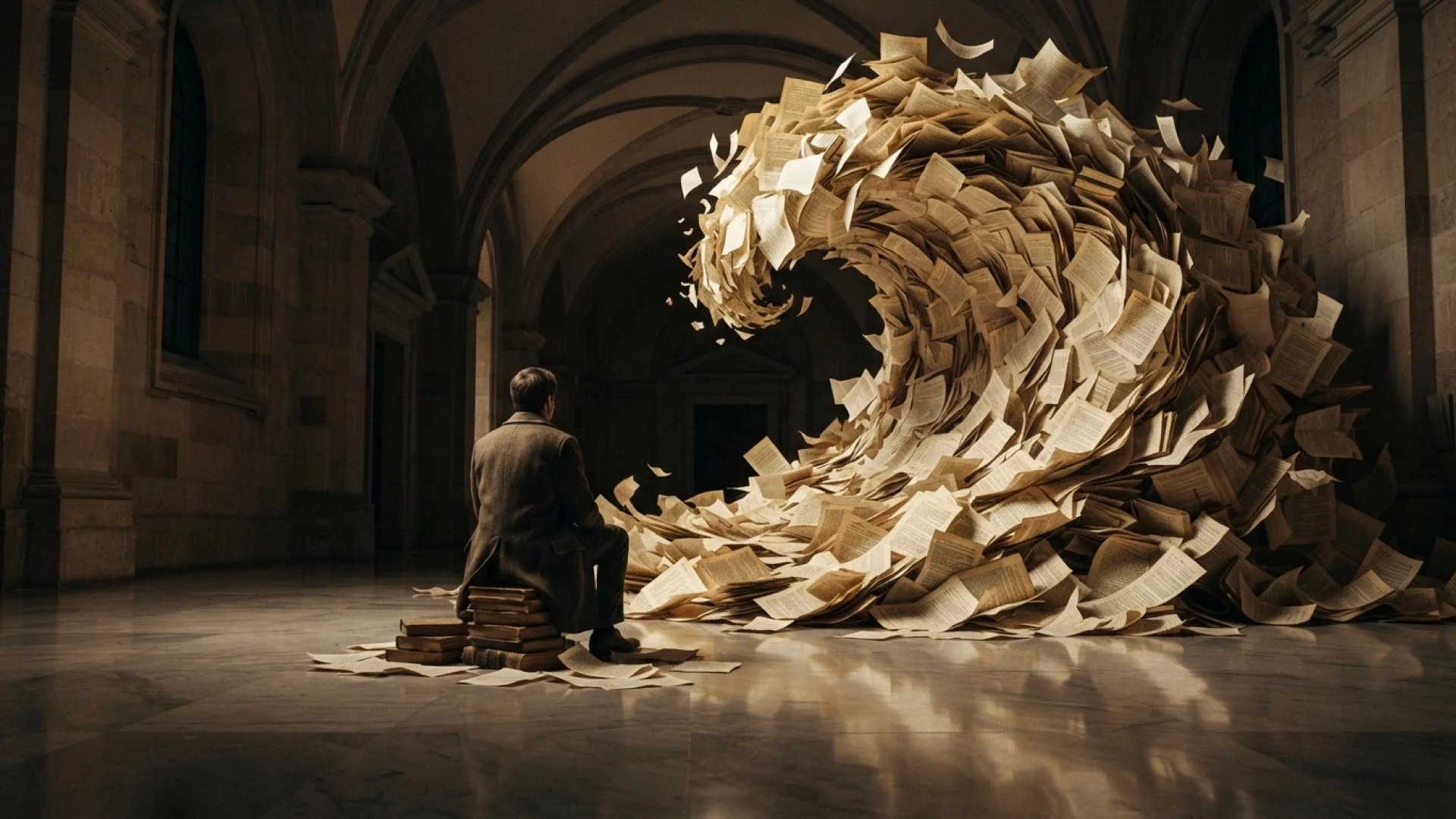
Nano Banana 2 Lite image of a man sitting on a stack of books before a towering wave of paper sheets in a stone hall.
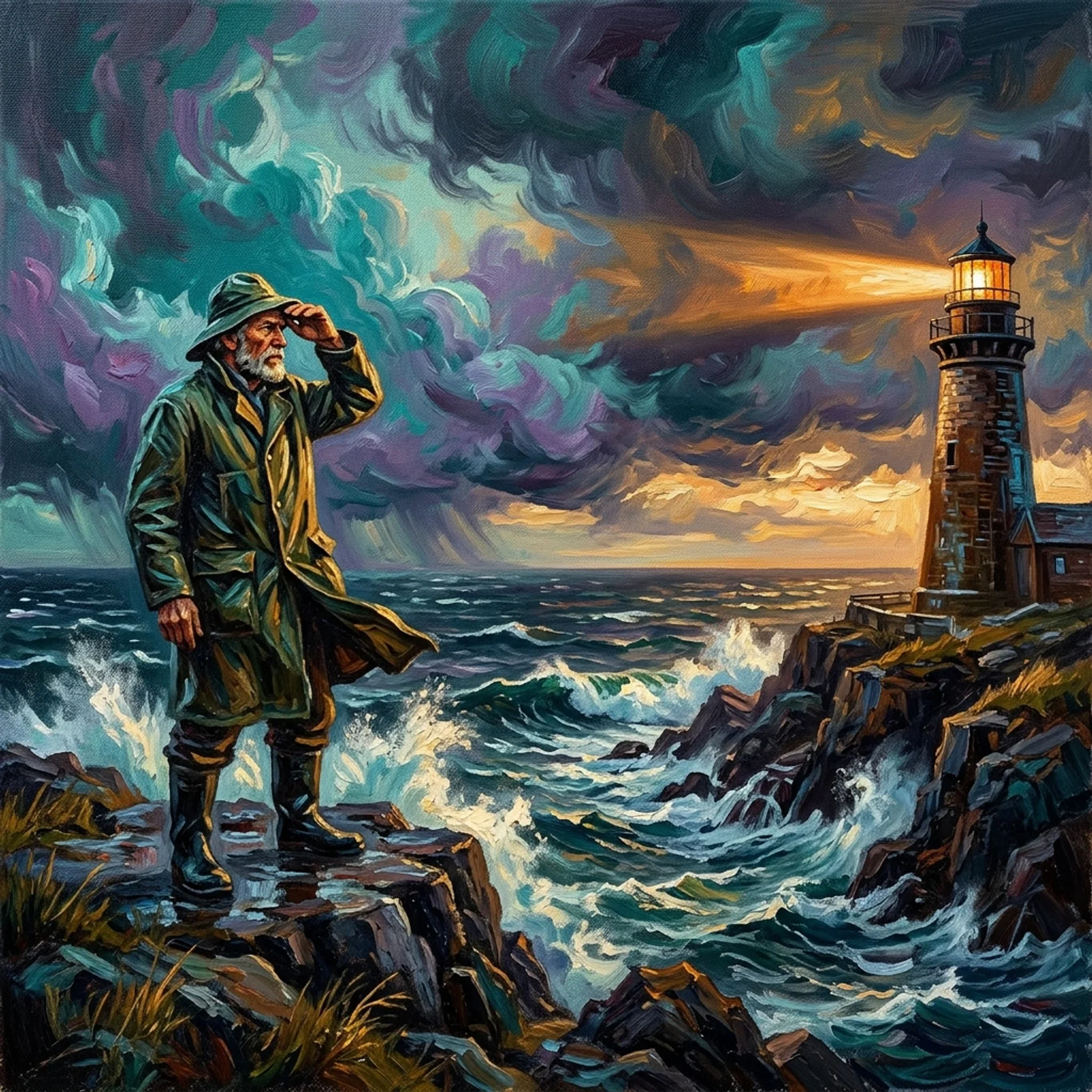
An oil painting in thick brushstrokes of a lighthouse keeper in a green raincoat shielding his eyes on the rocks as a storm rolls in.
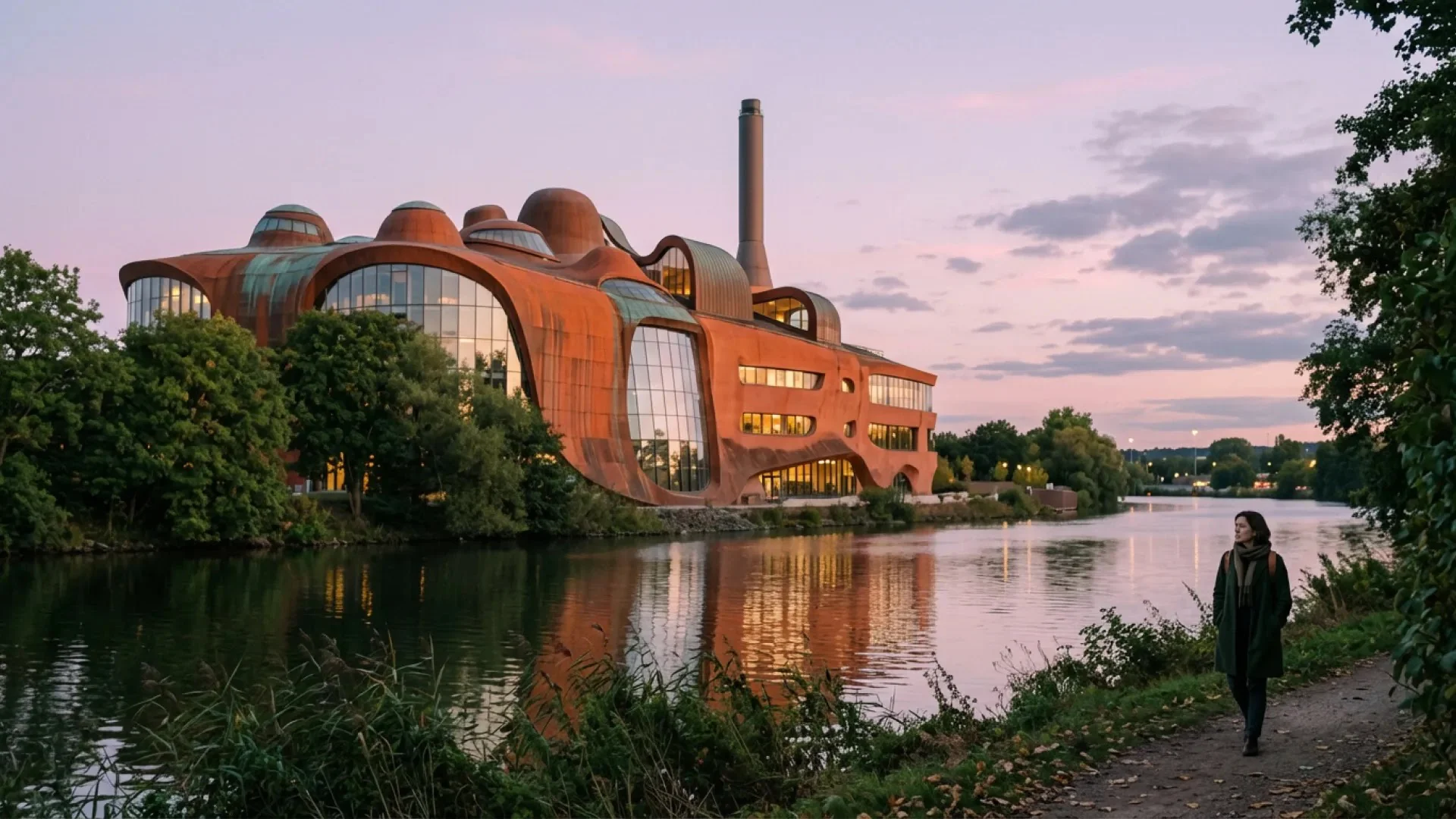
A rust-colored building with curving walls and tall windows glows beside a river at dusk as a woman walks the bank path.
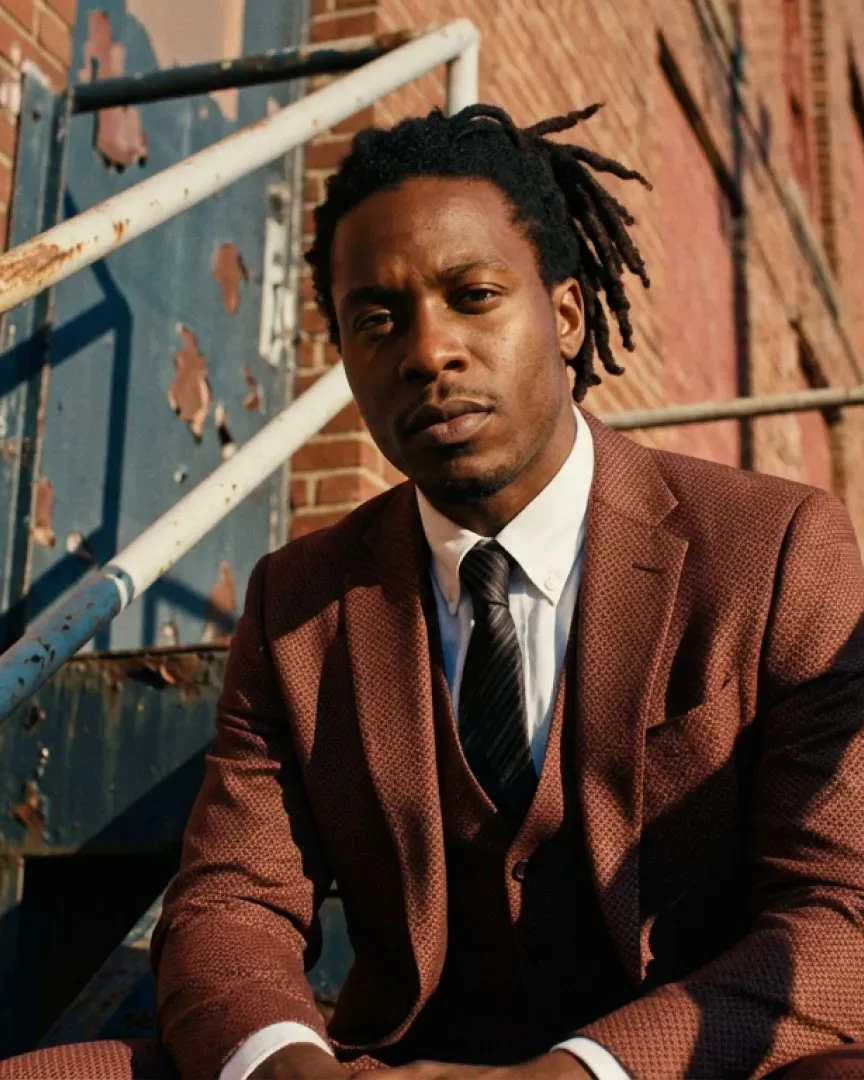
A man with dreadlocks in a rust-brown three-piece suit sits on weathered metal stairs against a brick wall.
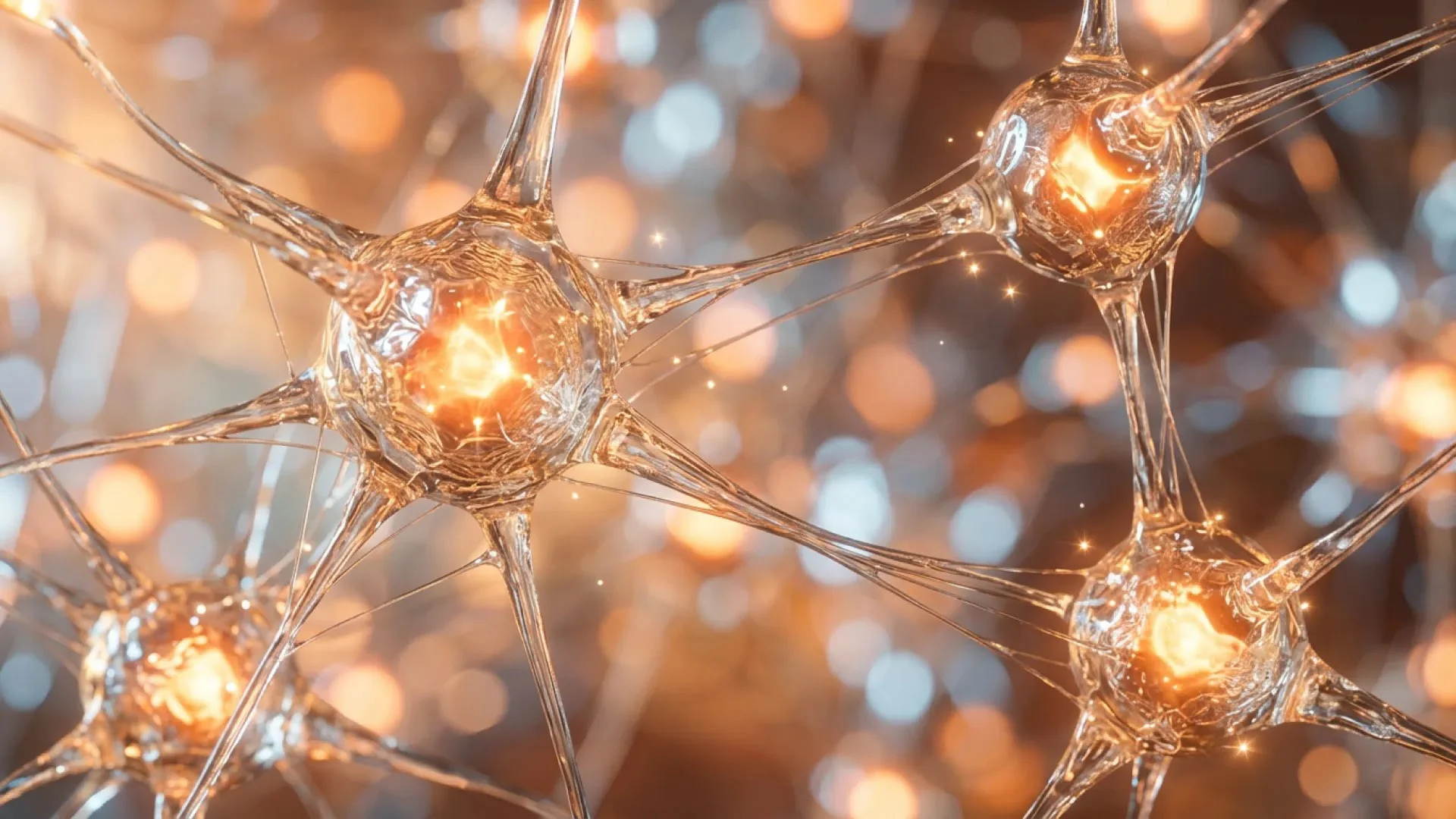
Glass-like neurons with glowing orange centers connect across a warm, blurred background.

How to Use Nano Banana 2

Begin with a text prompt or with reference images, and pass any result back in as the base for your next edit.

  1. Upload References

    Step 01

    Upload References

    Add up to 14 images, or 10 on Lite, or go straight to text. Note what each one is, such as the character, the product or the style.

  2. Describe the Image

    Step 02

    Describe the Image

    Cover the subject, layout and light. Quote any exact wording, and for an edit, say what changes and what stays.

  3. Set Options and Generate

    Step 03

    Set Options and Generate

    Choose Nano Banana 2 or Lite, then the ratio, resolution and image count, and generate and download.

Start with the Nano Banana 2 AI Image Generator

Bring a prompt or a few reference images and get clean lettering, characters that stay on model and labeled layouts, from single covers to tour posters. Sketch on Nano Banana 2 Lite, then render the final in 2K or 4K on Nano Banana 2.

Create with Nano Banana 2

Pricing

Upgrade or cancel anytime. Choose a plan for clean output, fast generation, full model access and priority support.

Monthly

Annual

36% OFF

Nano Banana 2 AI Image Generator FAQs

Common questions about the Nano Banana 2 AI image generator on RapVid, covering Nano Banana 2 versus Lite, references, text and credit cost.

It's Google's image model, listed as Gemini 3.1 Flash Image in the Gemini API and released on February 26, 2026. It creates and edits images with readable text, steady characters and real-world knowledge. Nano Banana 2 Lite (Gemini 3.1 Flash Lite Image) arrived on June 30, 2026, which Google built for speed and large batches. On RapVid you can run either one from a text prompt or from reference images in a single generator.

That depends on where the project is. Both write readable text, share the same aspect ratios and take reference images. Nano Banana 2 Lite renders at 1K with up to 10 references at the lowest cost per image, so we try cover layouts and wording there. Google says it isn't tuned for heavy reference use or long edit sessions. Nano Banana 2 adds 2K and 4K and accepts up to 14 references, so we keep it for the image that ships.

Up to 14 on Nano Banana 2 and 10 on Nano Banana 2 Lite. Add them in the generator, then name each in your prompt, like "the rapper in image 1" or "the jacket in image 3". Google's figures put dependable likeness at 4 to 5 people per image, with more headroom for objects, so for crew shots we keep the people few and let props and products fill the frame. Upload only images you hold the rights to.

Nano Banana 2 renders at 1K, 2K or 4K, and Nano Banana 2 Lite at 1K. Both support 1:1, 2:3, 3:2, 3:4, 4:3, 4:5, 5:4, 9:16, 16:9 and 21:9, plus Auto, which matches the ratio to your input. Every run returns 1 to 4 images. Our tip: lock the composition at 1K, then move to 4K for the cover you'll print or show on a big screen.

Well, for titles, labels, menus and short messages. Quote the exact words and say where they sit and how they look. Nano Banana 2 also handles other languages and scripts, and it can translate the text in a finished design without changing the style. Short lines are the most dependable, so we leave long paragraphs to a layout tool and proofread every image.

Yes. Add the photo as a reference, describe the change in plain language, such as a new backdrop, season or outfit, and list what must stay. Pass the result back in for the next pass. There's no web search option in the generator, so for a specific product, logo or landmark, upload a photo of it instead of relying on its name.