Timed Shots for a Hook
Give each shot a start time, such as 0-4s for the wide of the crowd and 4-9s for the close-up on the artist. H3 cuts in that order within one clip and keeps the characters consistent across cuts.

Bring a prompt, an artist photo or a stack of references, and the MiniMax H3 AI video generator returns a 4-15 second clip in 768P or 2K with stereo sound built in.
Picture and stereo sound come out of the MiniMax H3 AI video generator in a single render, and one 4-15 second clip can hold several cuts, the pacing a hook or a verse needs.
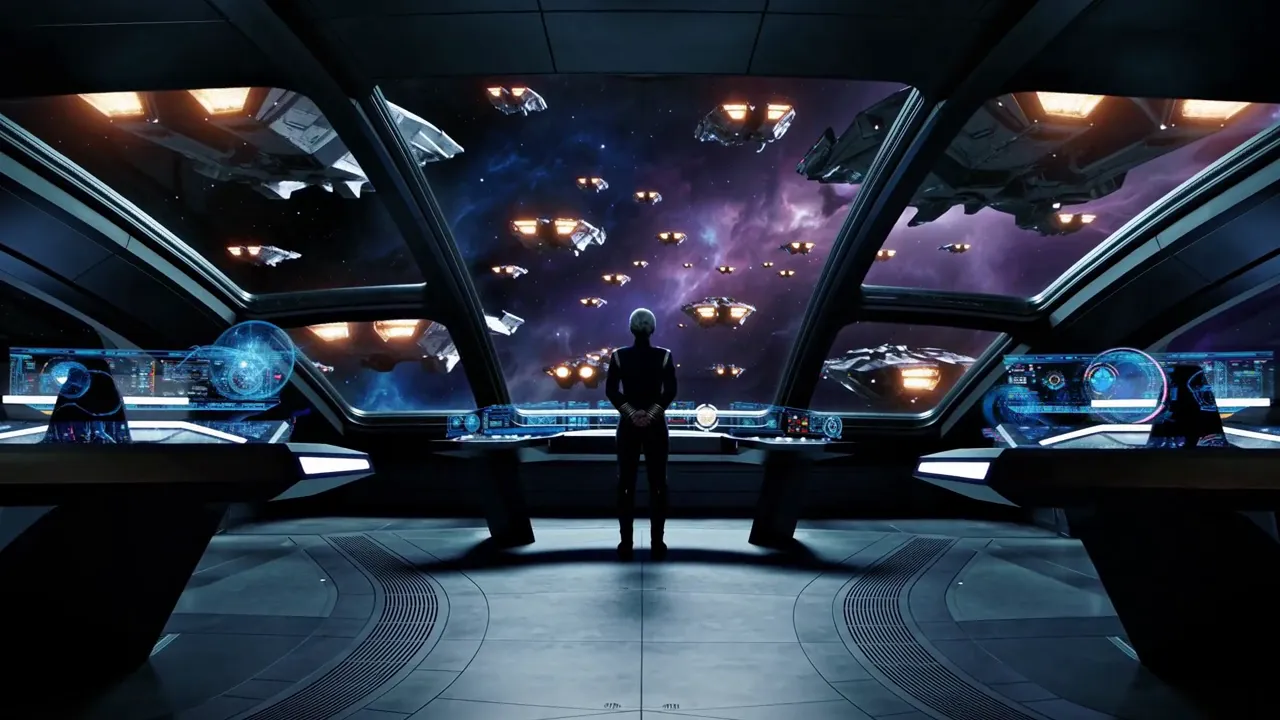
A Teaser Sequence from One Line One sentence for a space-opera teaser produced a wide on the bridge, a close-up of the captain and the empty window once the fleet jumps, the kind of cold open an album trailer needs.
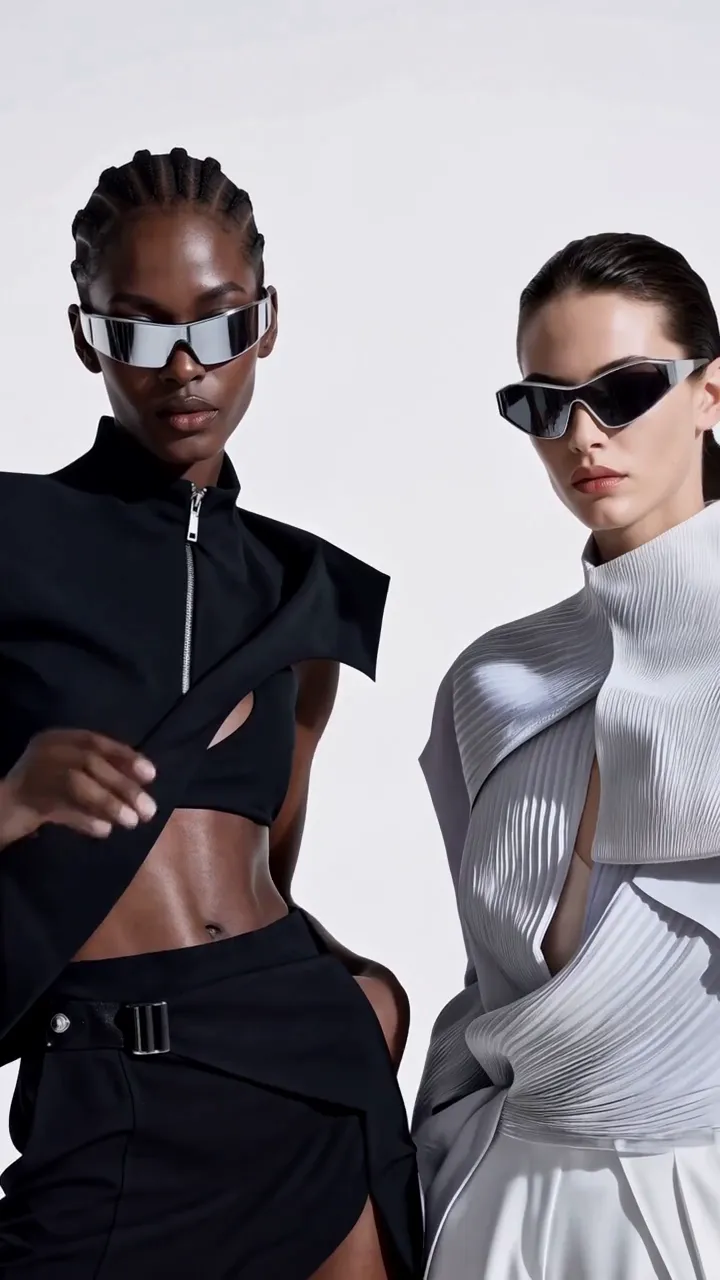
Vertical Fashion Cuts Close-ups, full-length looks and a closing brand card are cut together in 9:16, the same build an artist's eyewear or merch drop needs for Reels and paid social.
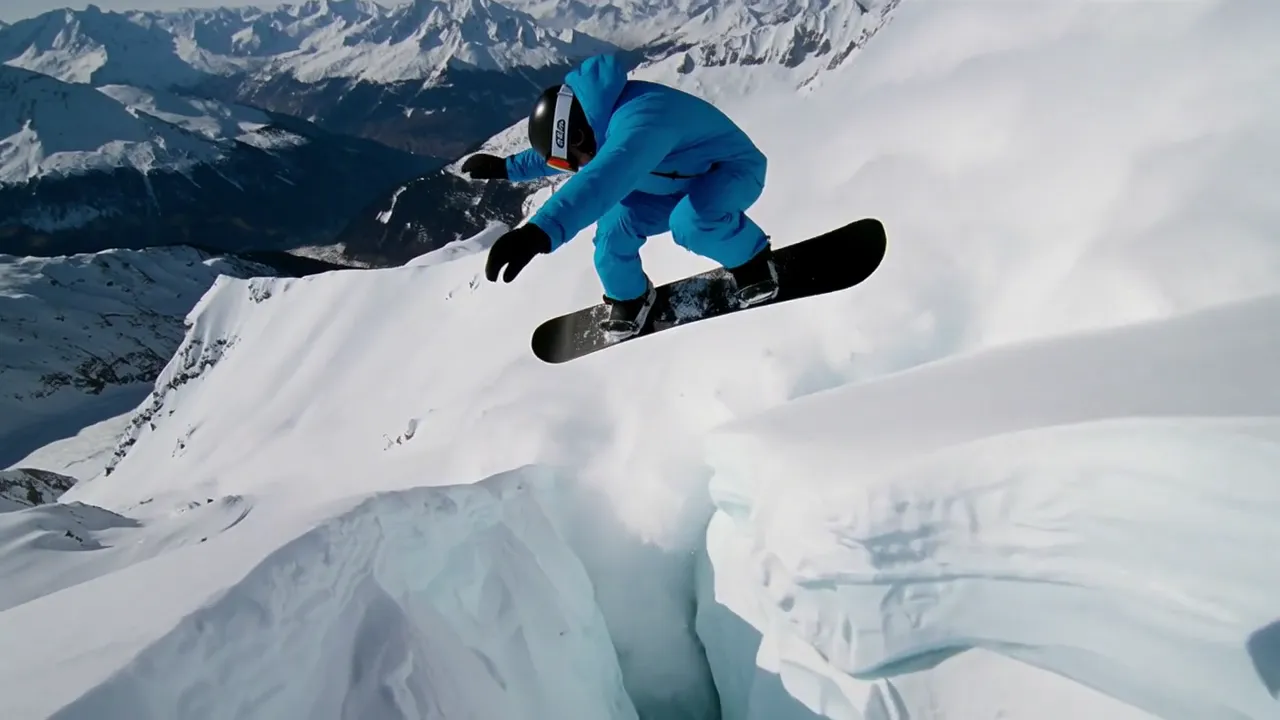
Weight and Speed in Motion Snow sprays, the landing carries real weight and the chase camera stays with the rider, so fast action plays as one unbroken run, useful for high-energy cutaways between verses.
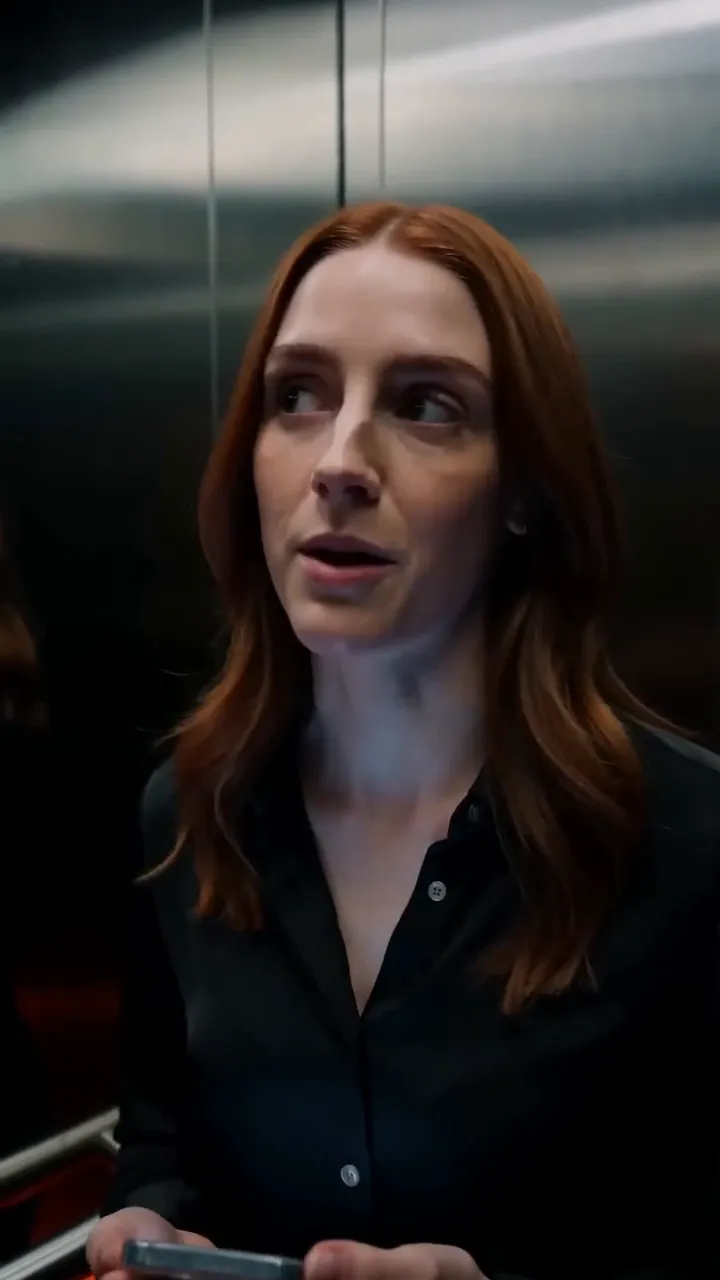
Spoken Scenes Without Dubbing Close coverage and reaction shots arrive with the lines already spoken, so a skit between tracks or a short-drama beat skips the dubbing pass.
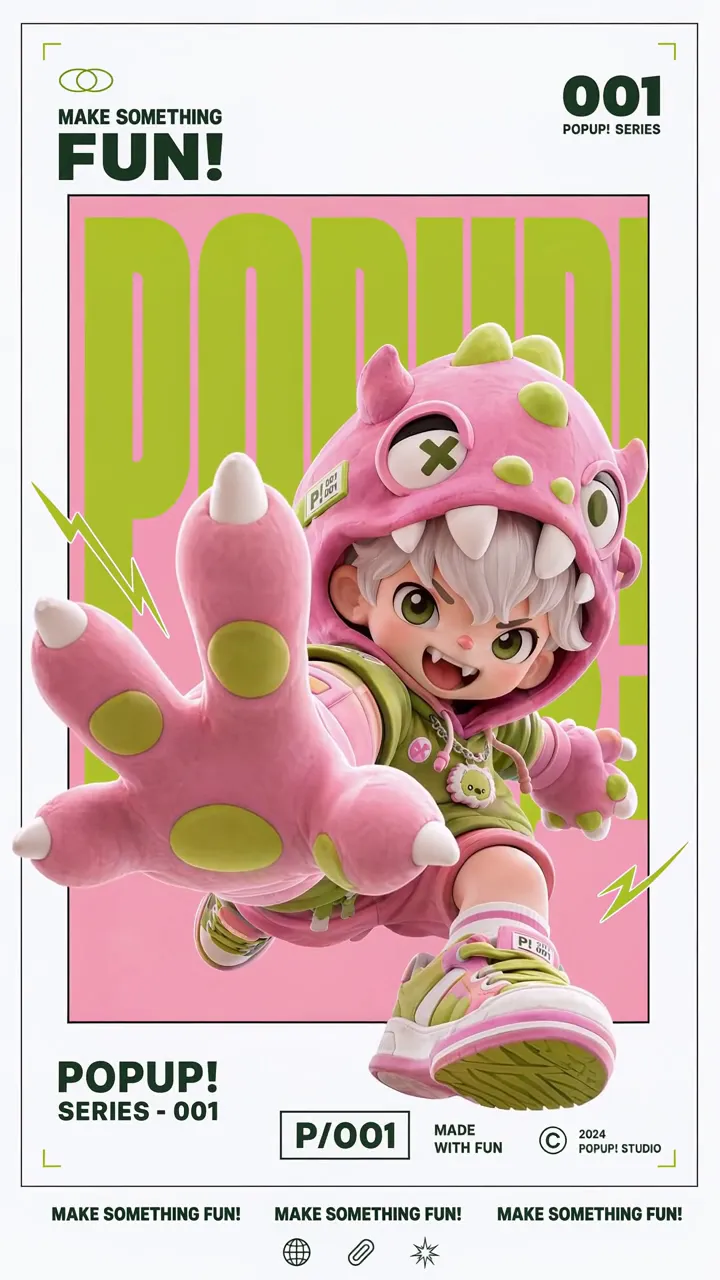
Posters That Come Alive The character leaps out of a flat poster layout while the headline, series number and small print stay crisp, a format that works for single and tour announcements.
The MiniMax H3 AI video generator reads text, images, video and audio as one brief and answers with a 2K clip and stereo sound. The artist's face, the camera move and the voice can each come from a file you name.
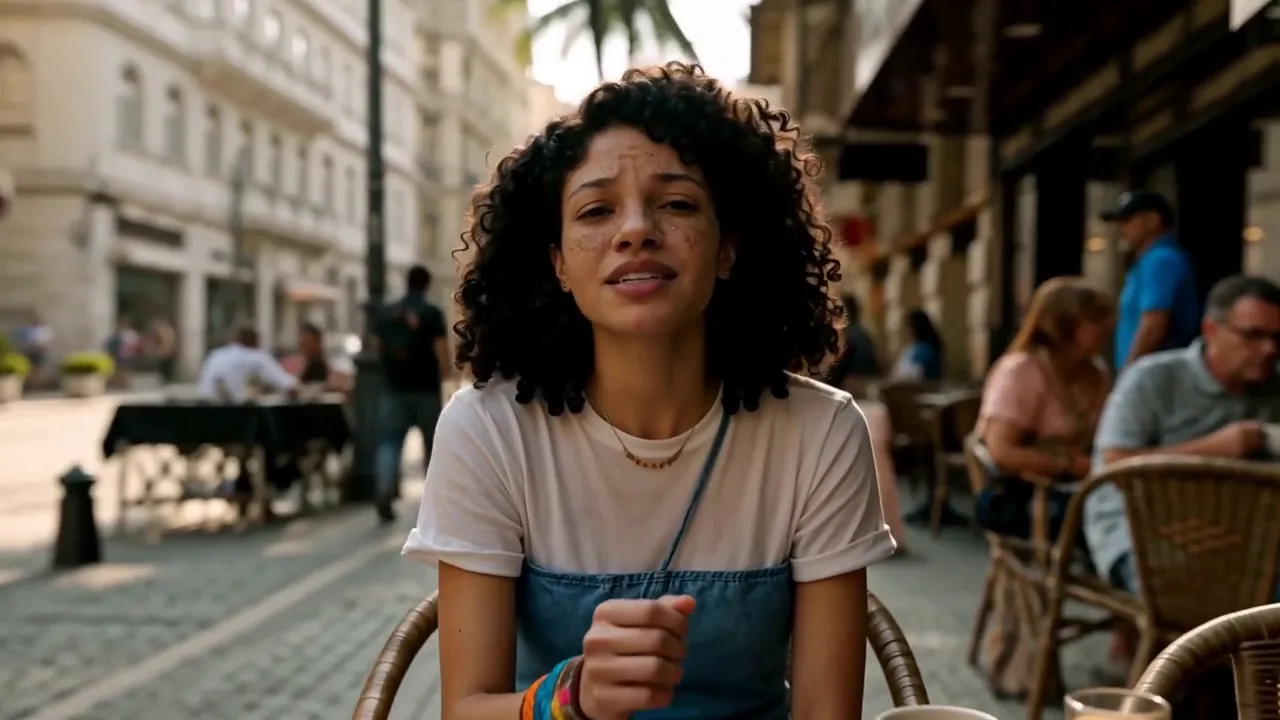
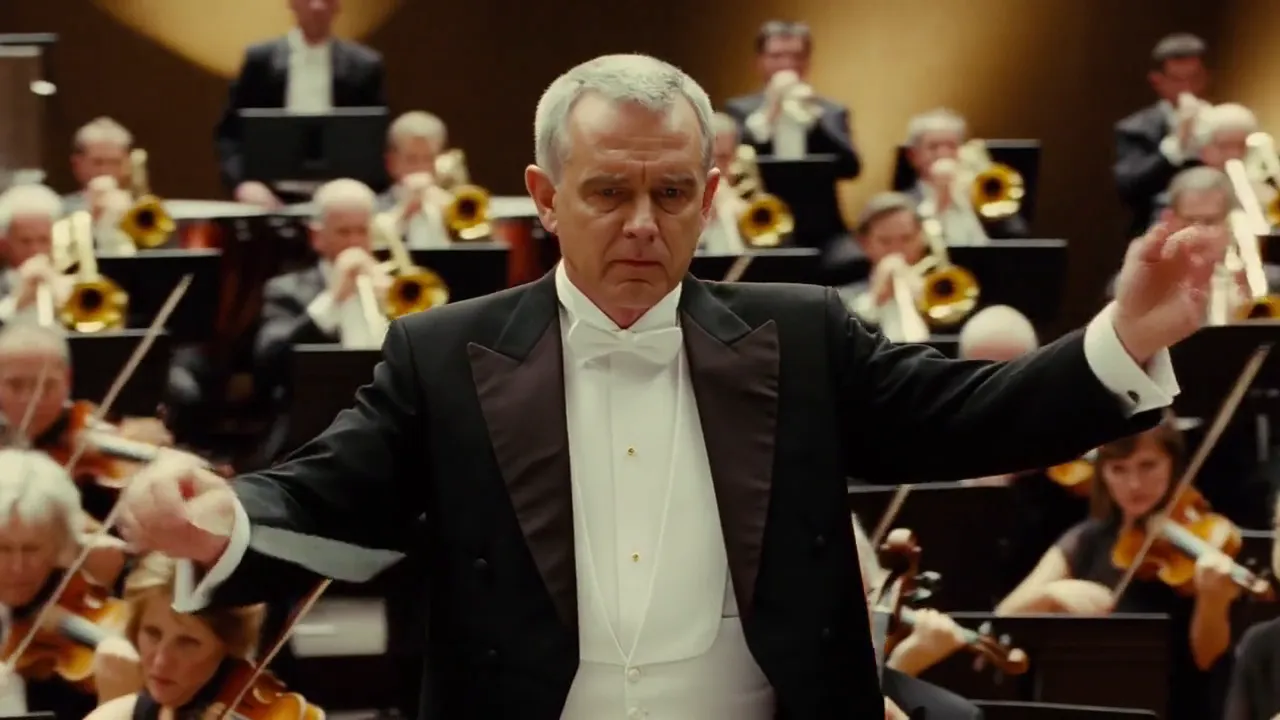
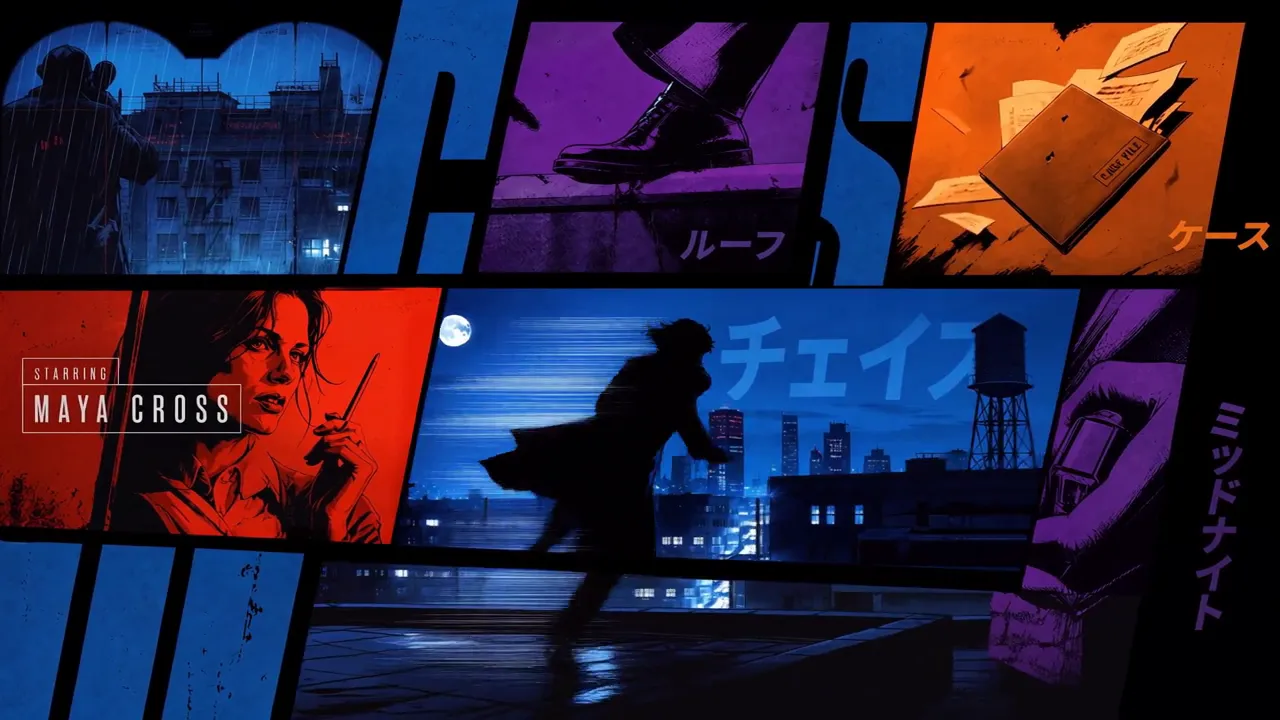
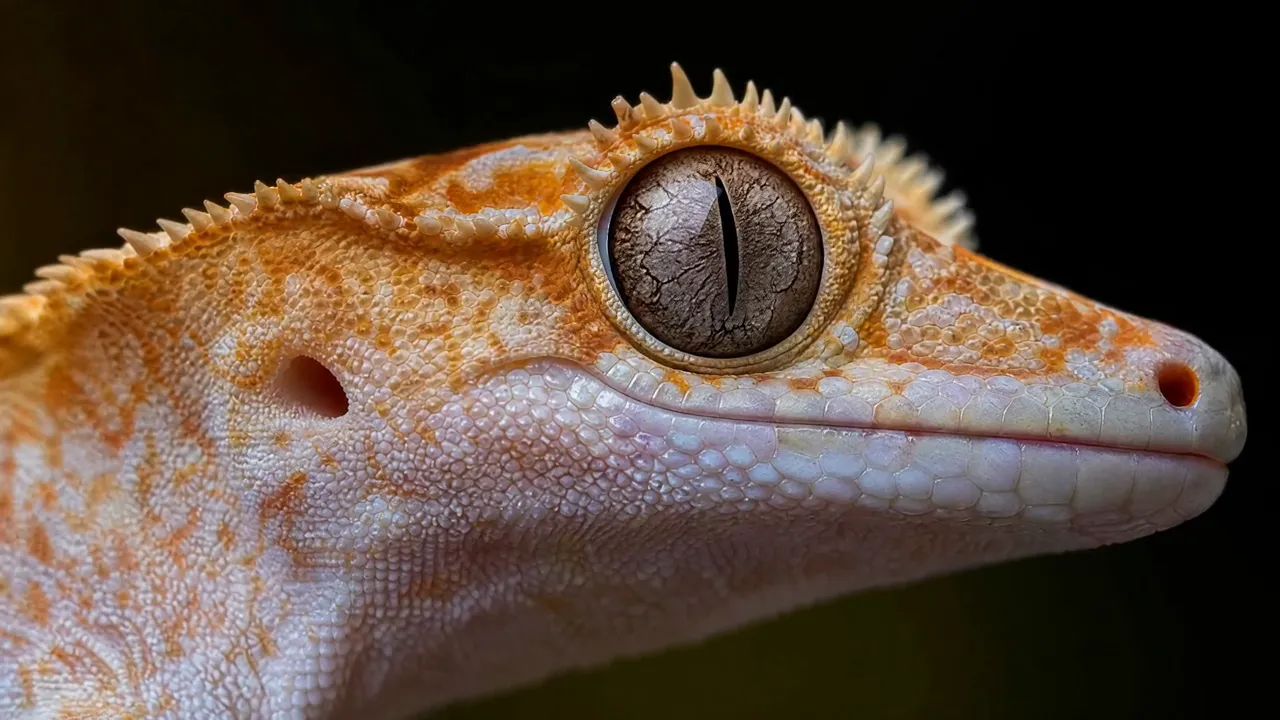
Put the MiniMax H3 AI video generator to work on rap videos, release promos, skits and social clips. Every clip arrives with sound, so a first draft already plays close to a finished cut.
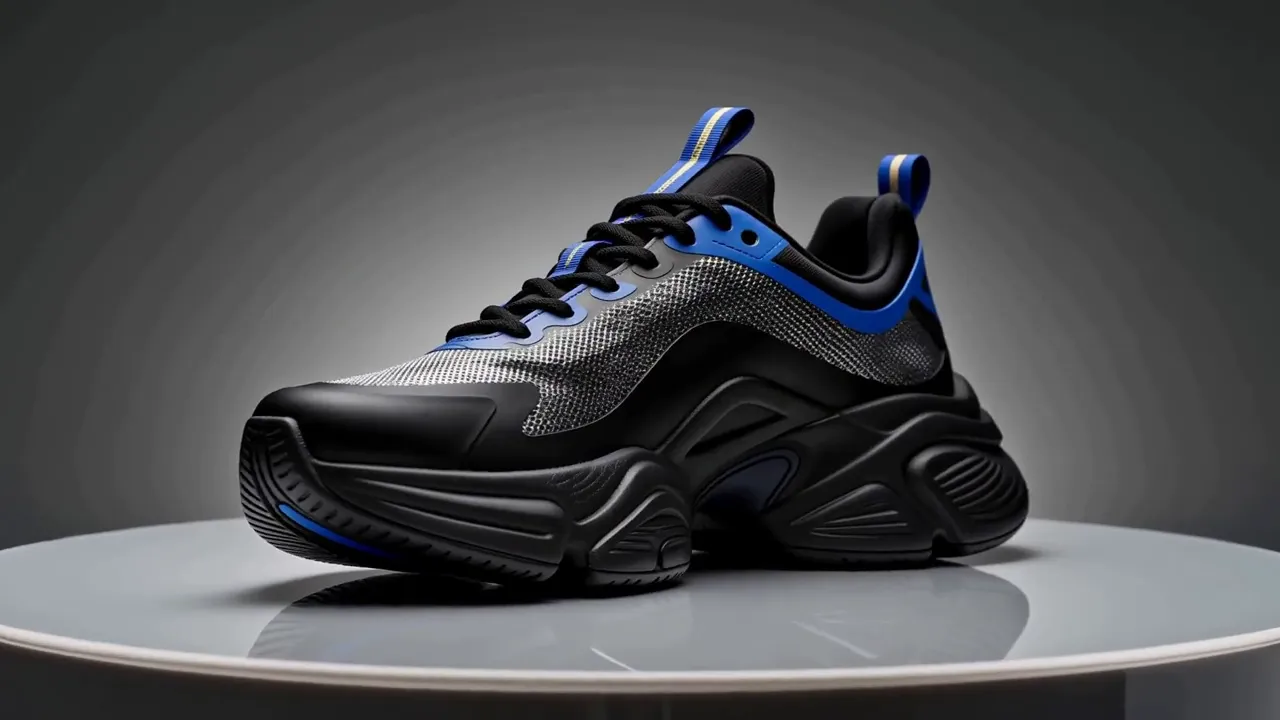
Upload a sneaker or product photo as the first frame, then write a slow turn, a cut to a detail and a pull back out. Shape and materials hold from every angle, ready for drop announcements, product pages and paid posts.
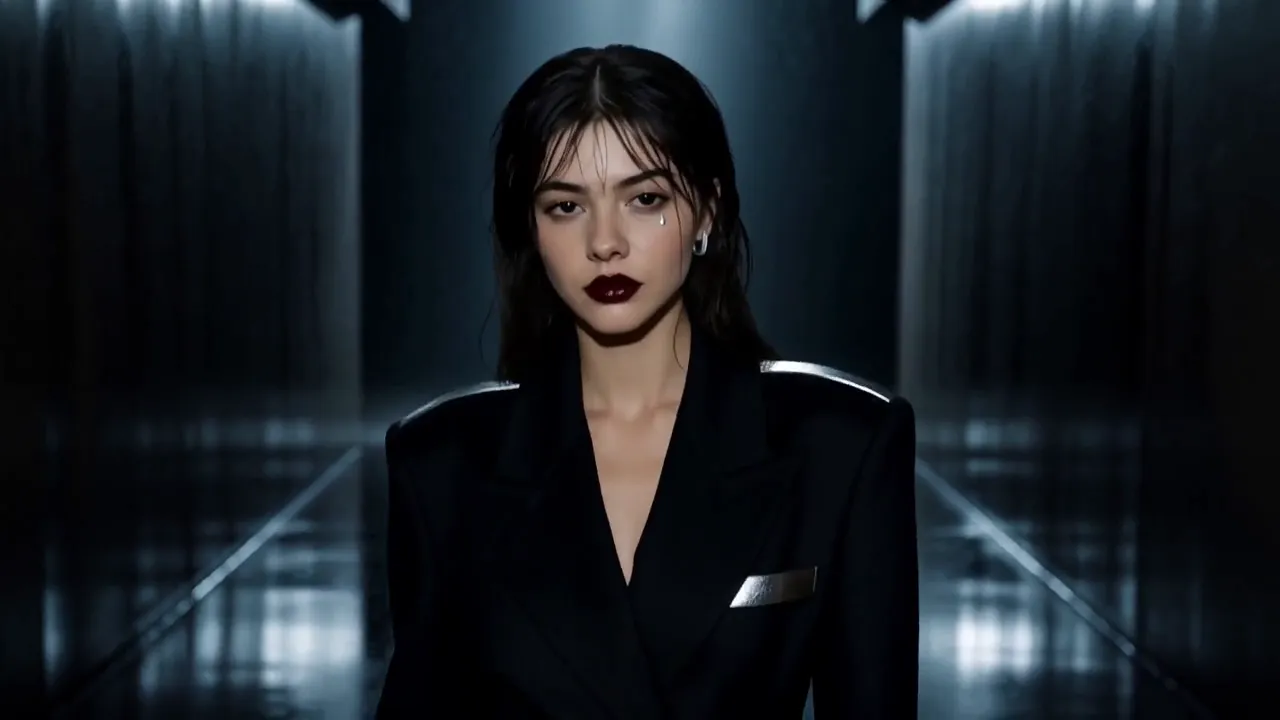
Add a portrait as a reference image and ask for a quick-cut campaign around her. Face, makeup and styling carry through each shot, with pacing that suits an outfit reveal or a single teaser.
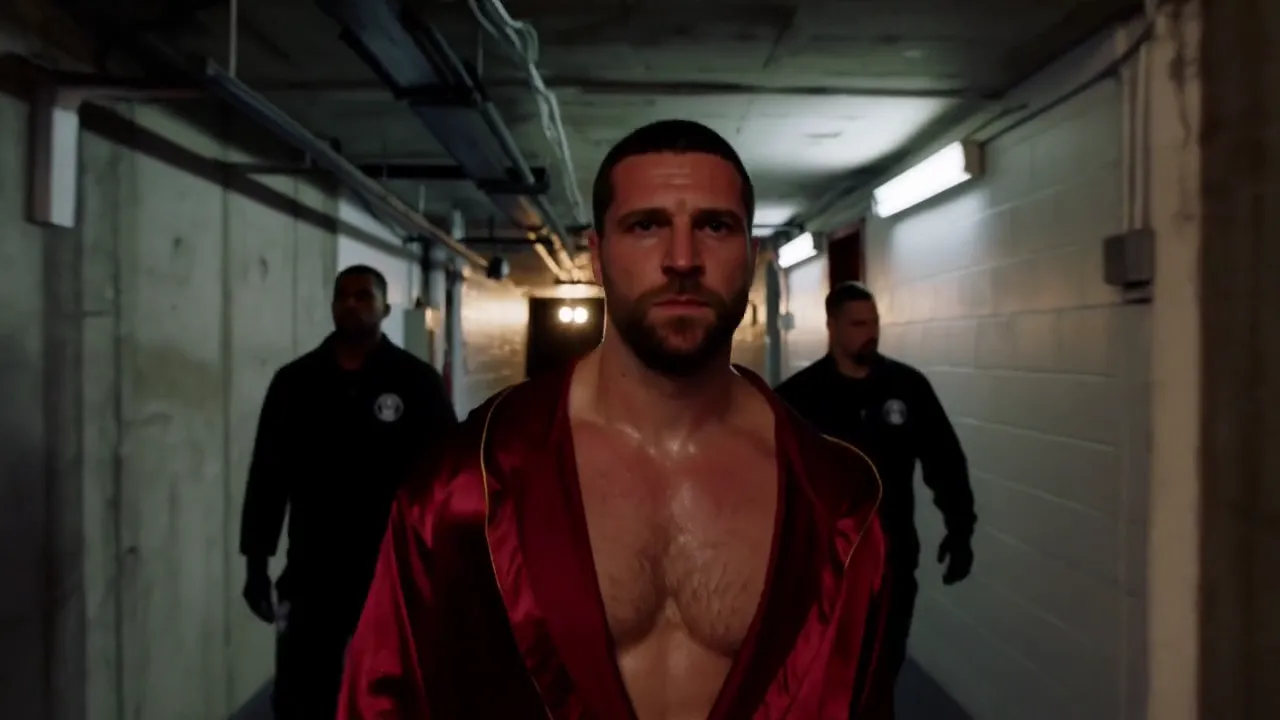
Write the tunnel, the walkout and the ring as separate shots, each with its own camera move. H3 cuts between them in one clip and keeps the fighter's face and robe consistent, a structure that also fits an artist's entrance in a music video or a pitch reel.
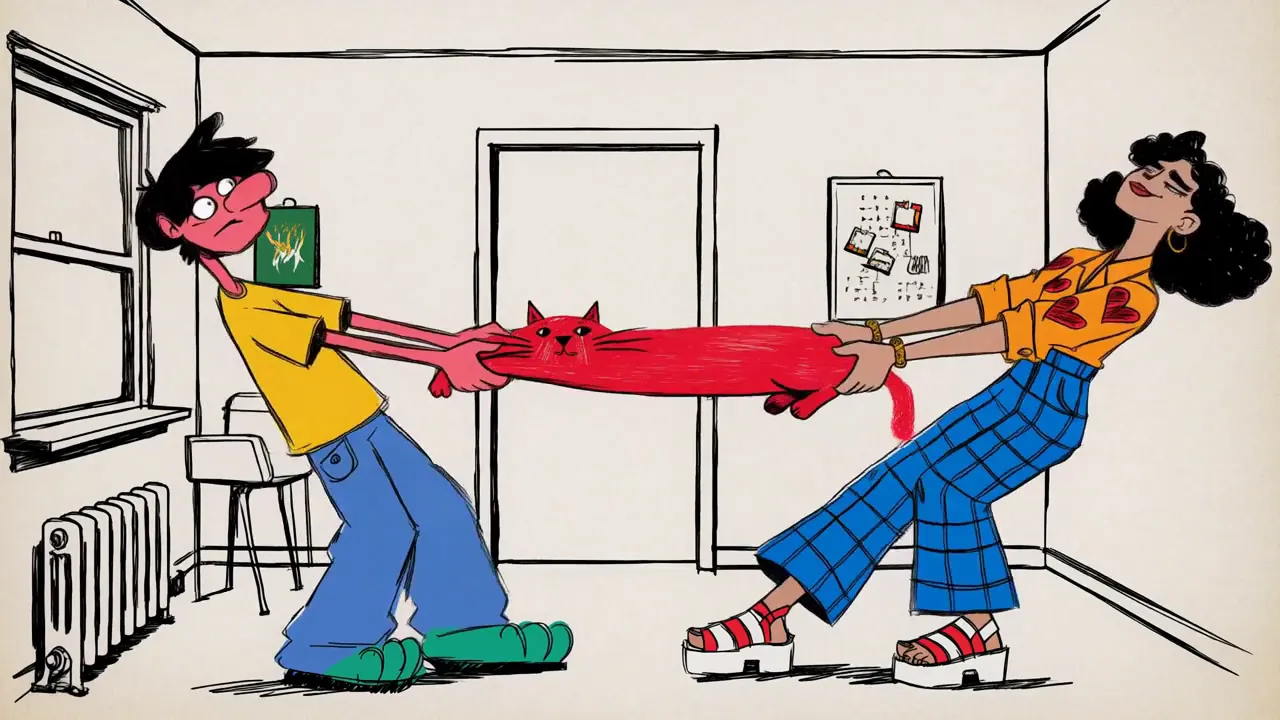
Upload a style frame or describe the look, such as hand-drawn line art with flat color. The style holds through every cut, so a cartoon character can carry a lyric video or a short episode that closes on a title card.
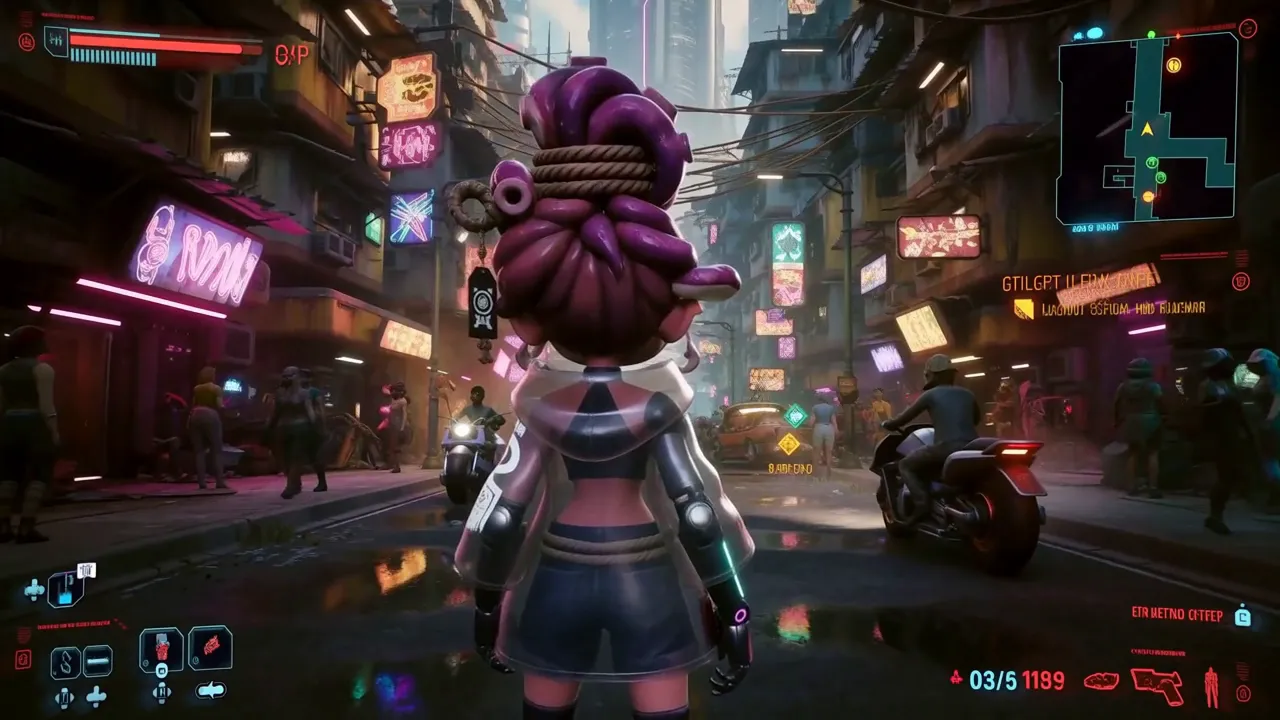
Describe a start menu, a loadout screen and the drop into gameplay. Buttons, cursor moves and HUD elements stay readable frame to frame, useful for game-themed visualizers, store pages and pitches.
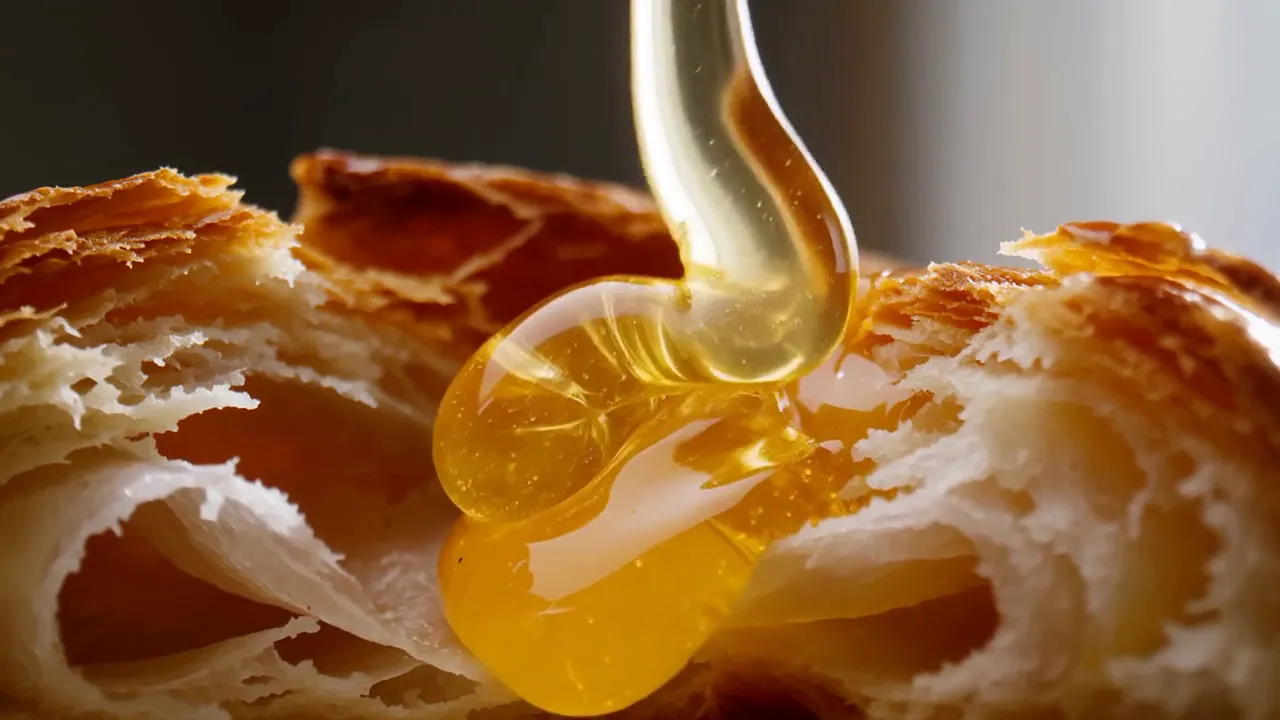
Write the texture, the pour and the sound, like honey over a split croissant and coffee filling a cup. Slow macro shots with matching effects suit social posts, café menus and the slower interludes of a lo-fi video.
Shot timing, opening and closing frames, references and voice are all set from the prompt in the MiniMax H3 AI video generator.
Give each shot a start time, such as 0-4s for the wide of the crowd and 4-9s for the close-up on the artist. H3 cuts in that order within one clip and keeps the characters consistent across cuts.
Upload a first image, a last image or both, and describe how the shot travels from one to the other. H3 fills in the motion, so the clip can land exactly on your cover art or pack shot.
Mix 9 images, 3 videos and 3 audio clips in a single generation and say what each one controls, such as the artist, the location or the look. When two references conflict, say which one takes priority.
Add a clip of a dance routine, a stunt or a camera move and refer to it in the prompt. H3 carries the movement over to your own character and set.
Add a voice sample, assign it to a character and write every line exactly as it should sound. MiniMax lists stable dialogue in 11 languages, among them English, Chinese, Japanese, Korean and Spanish.
Set any length from 4 to 15 seconds in 768P or 2K. Use 16:9 or 21:9 for widescreen music videos, 9:16 for TikTok, Reels and Shorts, and 1:1, 4:3 or 3:4 for feed posts.
From a single line of text to a scene built on reference clips and audio, the MiniMax H3 AI video generator follows what you write about camera, performance and sound.
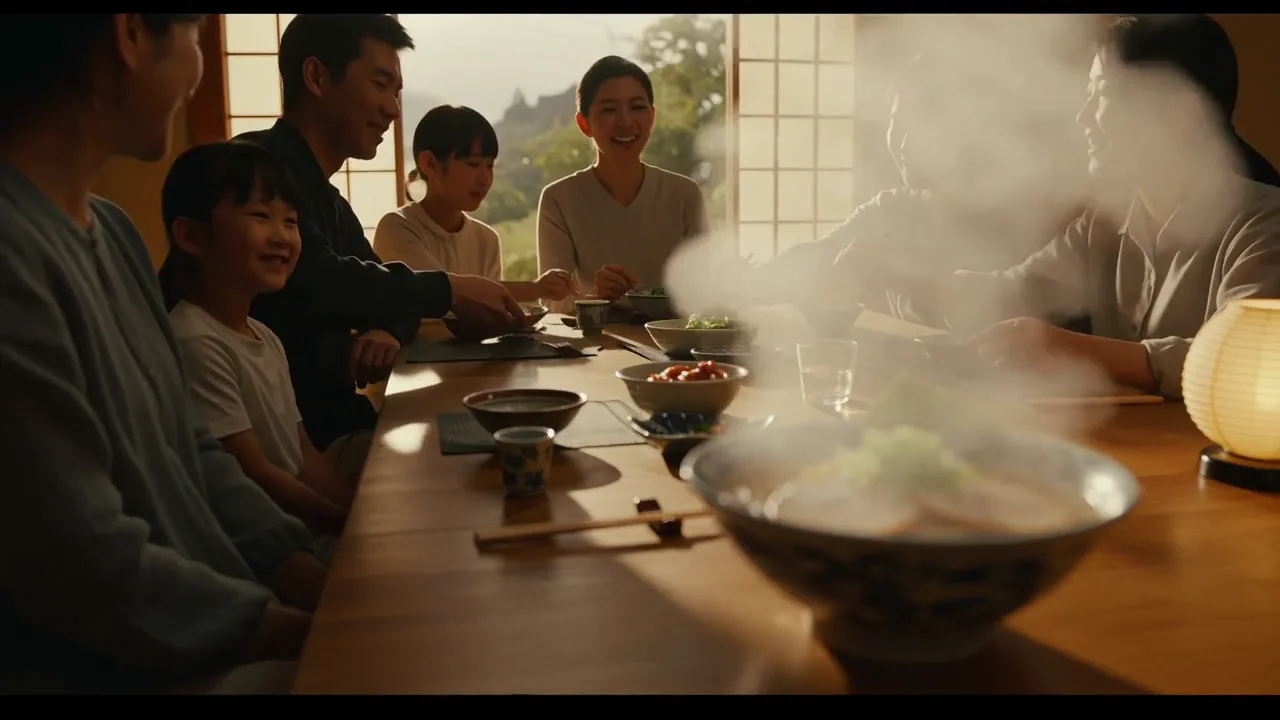
Image to video: dinner with steam
First frame: a family dinner photo with a bowl of ramen up front. Shift focus to the people in the background and add more steam rising from the ramen.
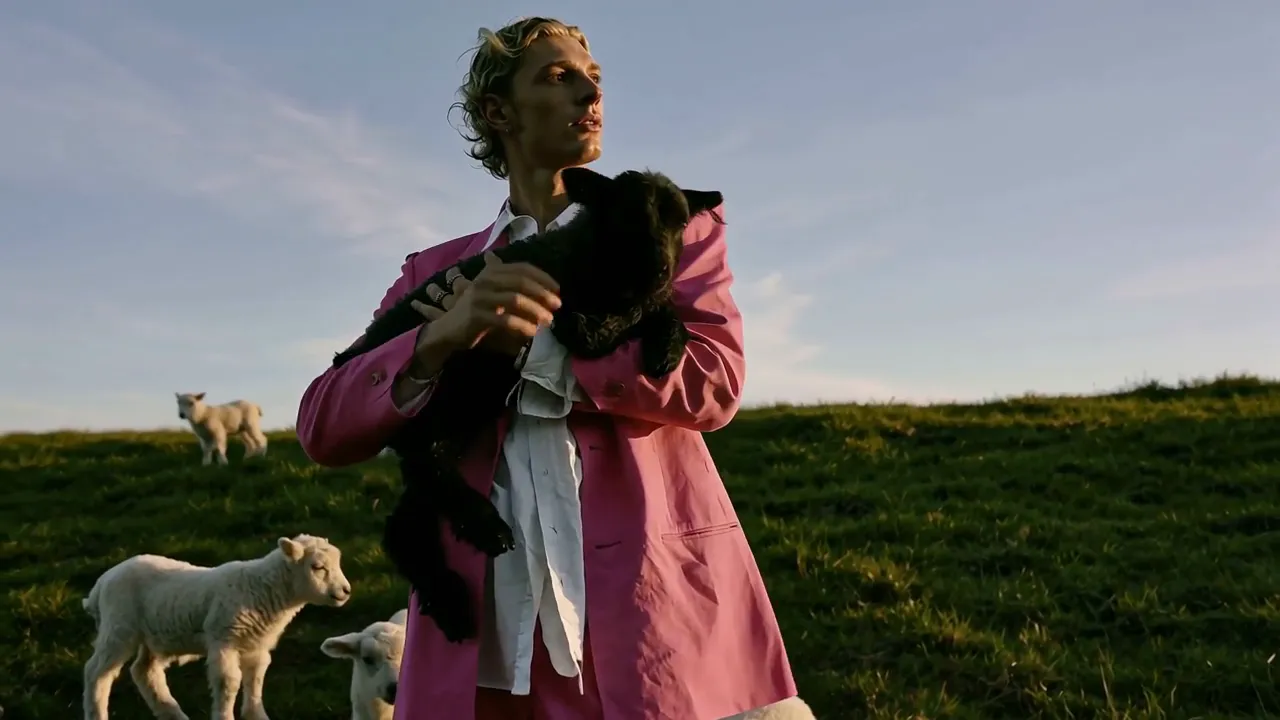
A voice taken from a reference clip
Reference video 1 and reference audio 1: the man in the pink suit says, "Follow the wind, live free. Leave worries behind, enjoy the moment." His voice matches the timbre of audio 1.
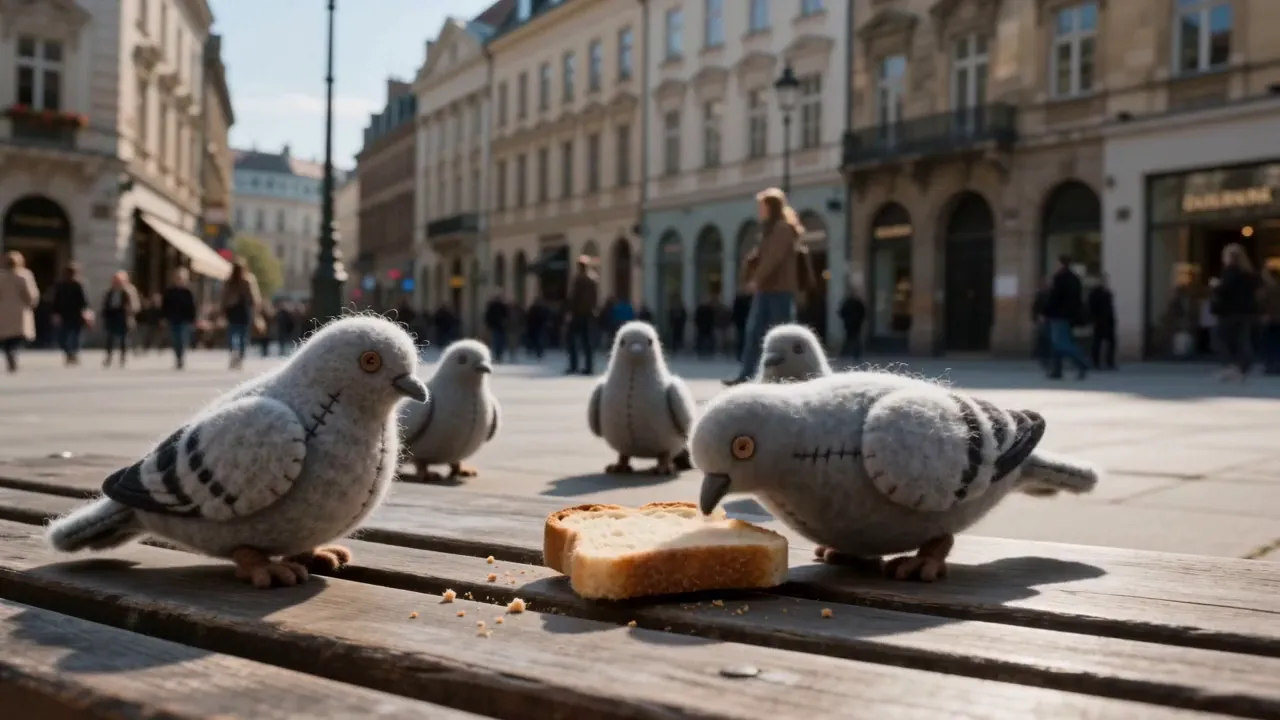
Stop-motion pigeons in the square
Stop-motion look: knitted felt pigeons peck at a slice of toast on a wooden bench in a crowded European square. Camera low at bench height, passersby soft in the background, with cooing, footsteps and street chatter.
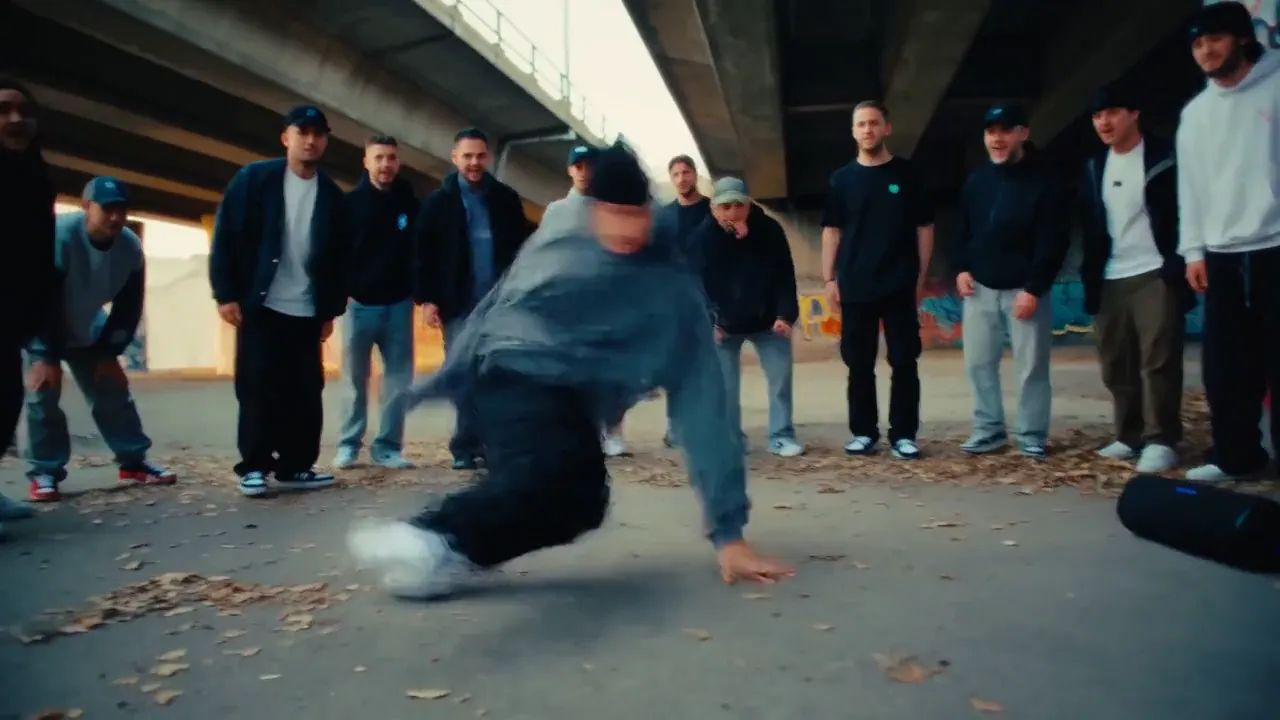
Breaking beneath the overpass
Handheld documentary shot under a highway overpass: a breakdancer drops into windmills and a freeze as a circle of onlookers in dark hoodies watches. A boom-bap beat plays from a speaker, with cheers on the freeze.
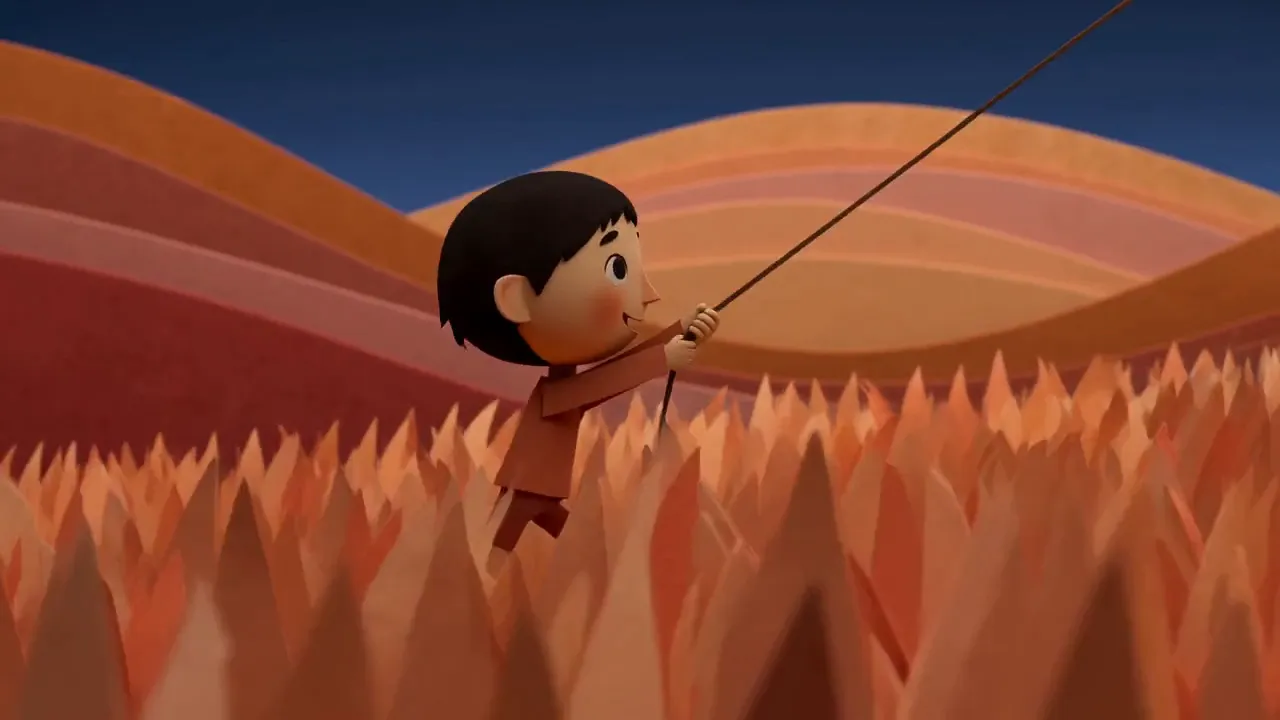
Papercut kite at dusk
Papercut animation at dusk: a small boy holds a kite string in tall paper grass below rolling orange hills. The camera pulls back and rises to reveal a bright kite high in a deep blue sky. Soft wind and rustling paper.
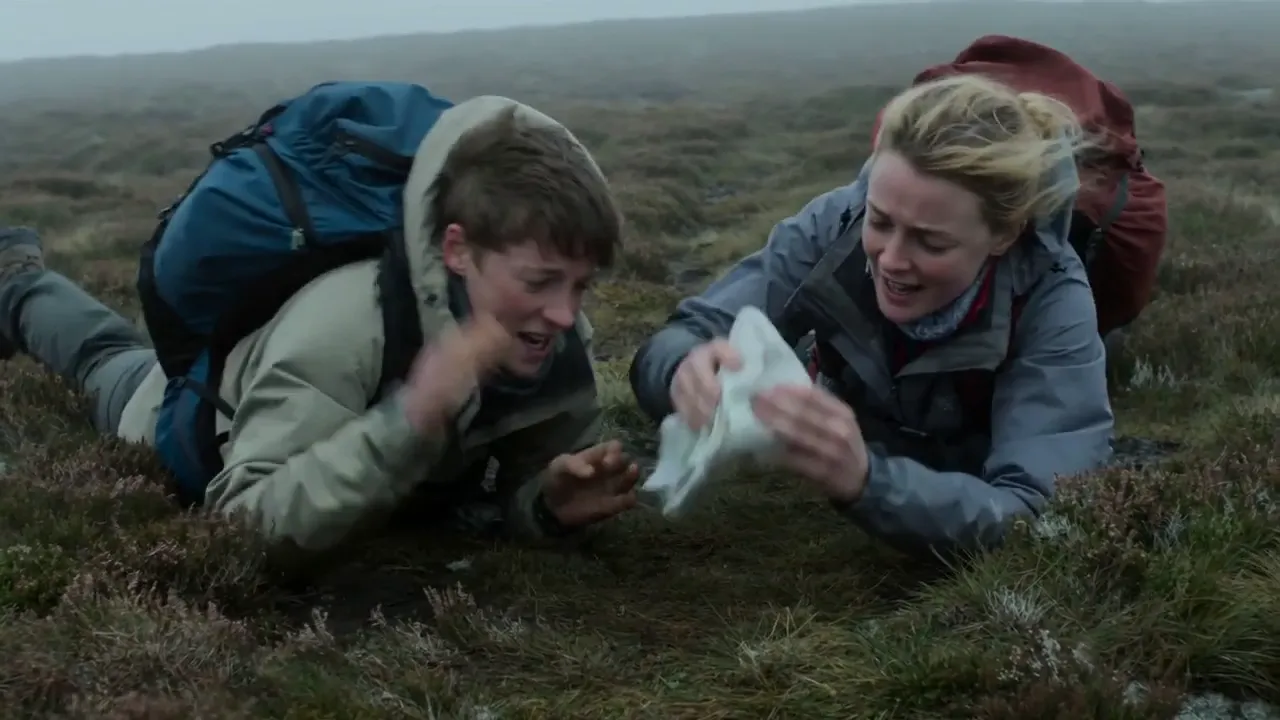
Wind steals the map
On a misty moor, a gust of wind snatches two hikers' map. A wide shot follows the chase downhill, then a low close-up catches them diving into the heather, laughing, to pin it down. Wind and breathless laughter.
Picture and sound from one render
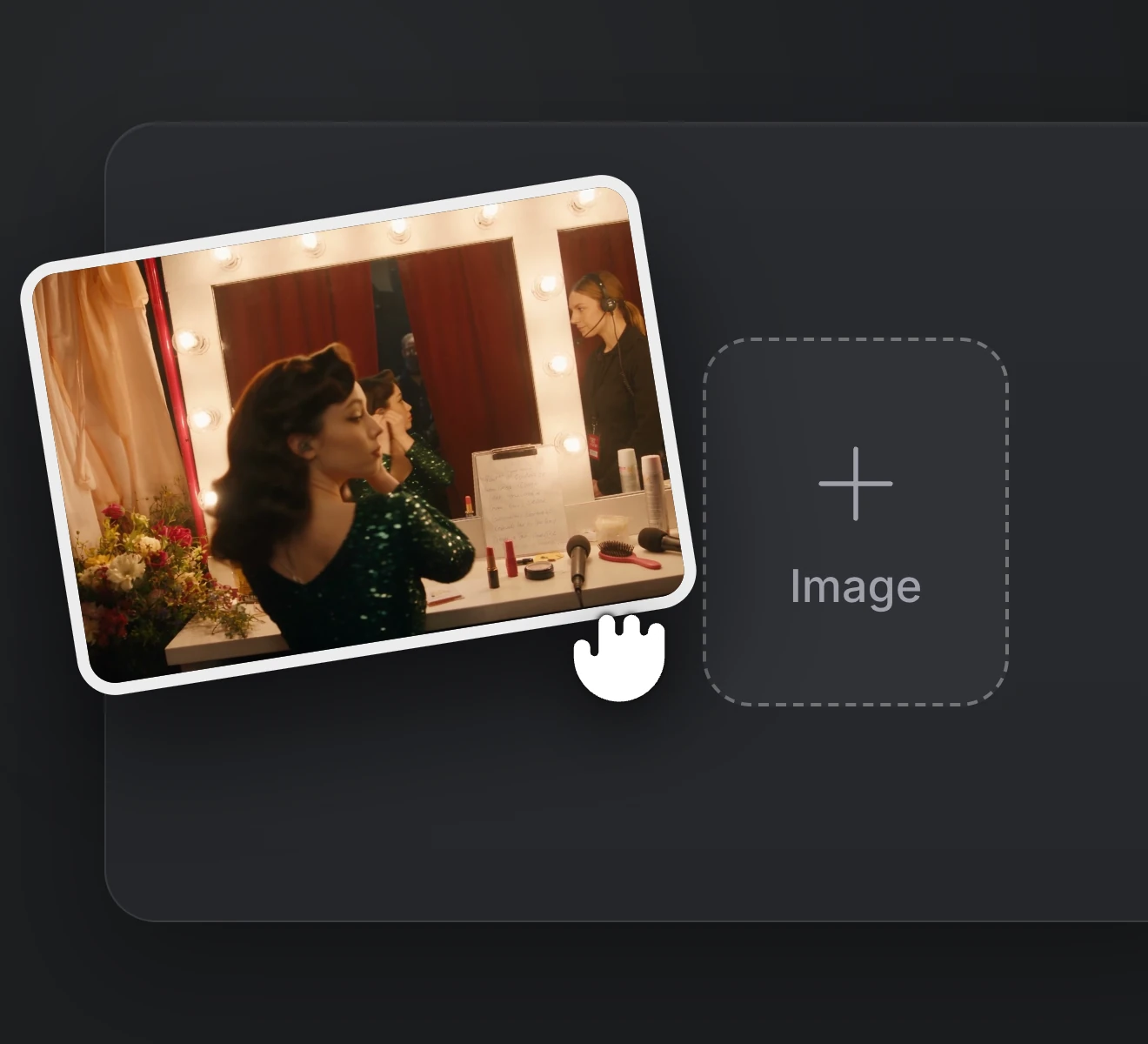
Step 01
Upload an artist photo to animate, or add images, clips and audio as references.
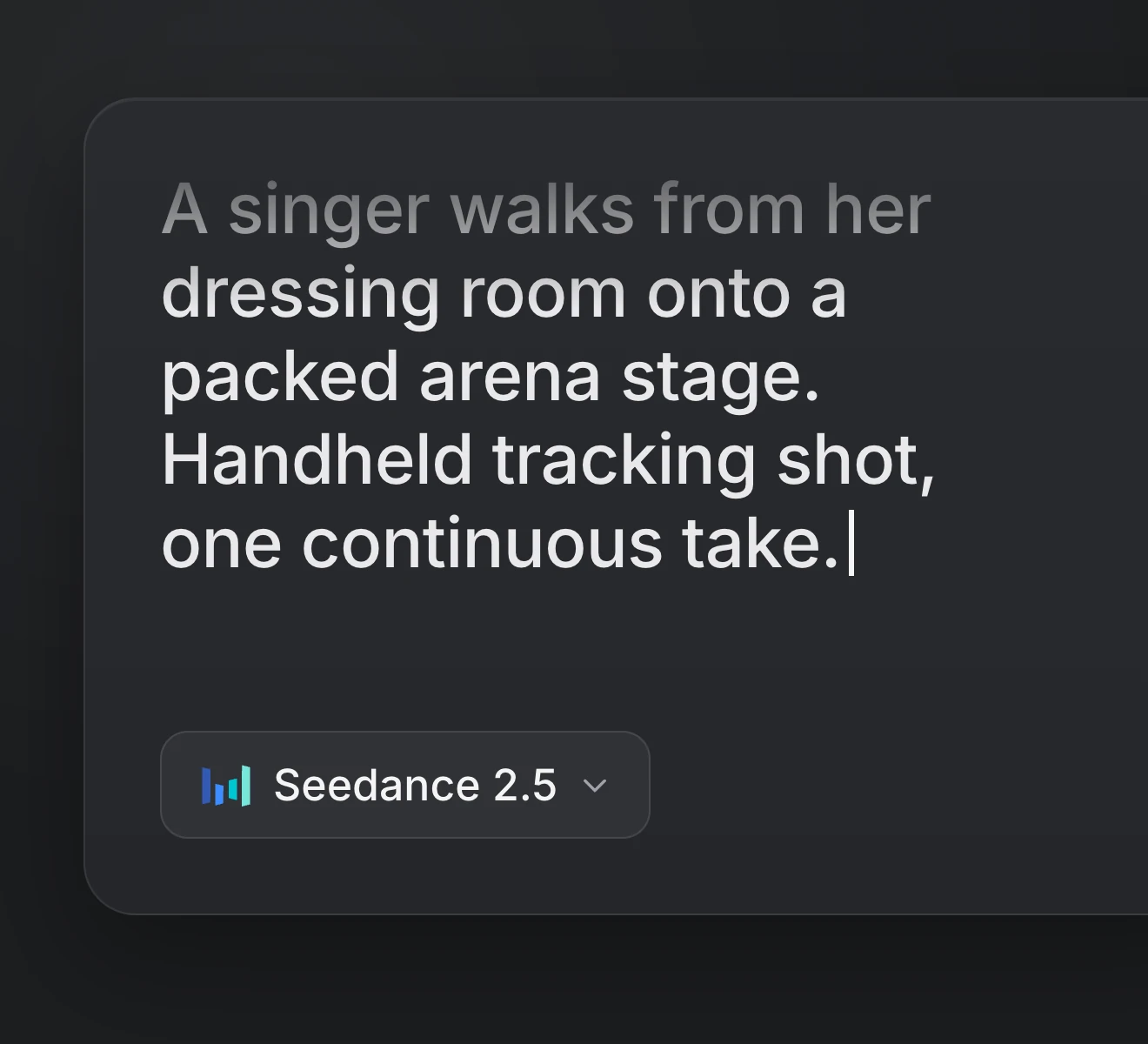
Step 02
Describe the shots, the camera moves and the sound, with any spoken line in quotes.
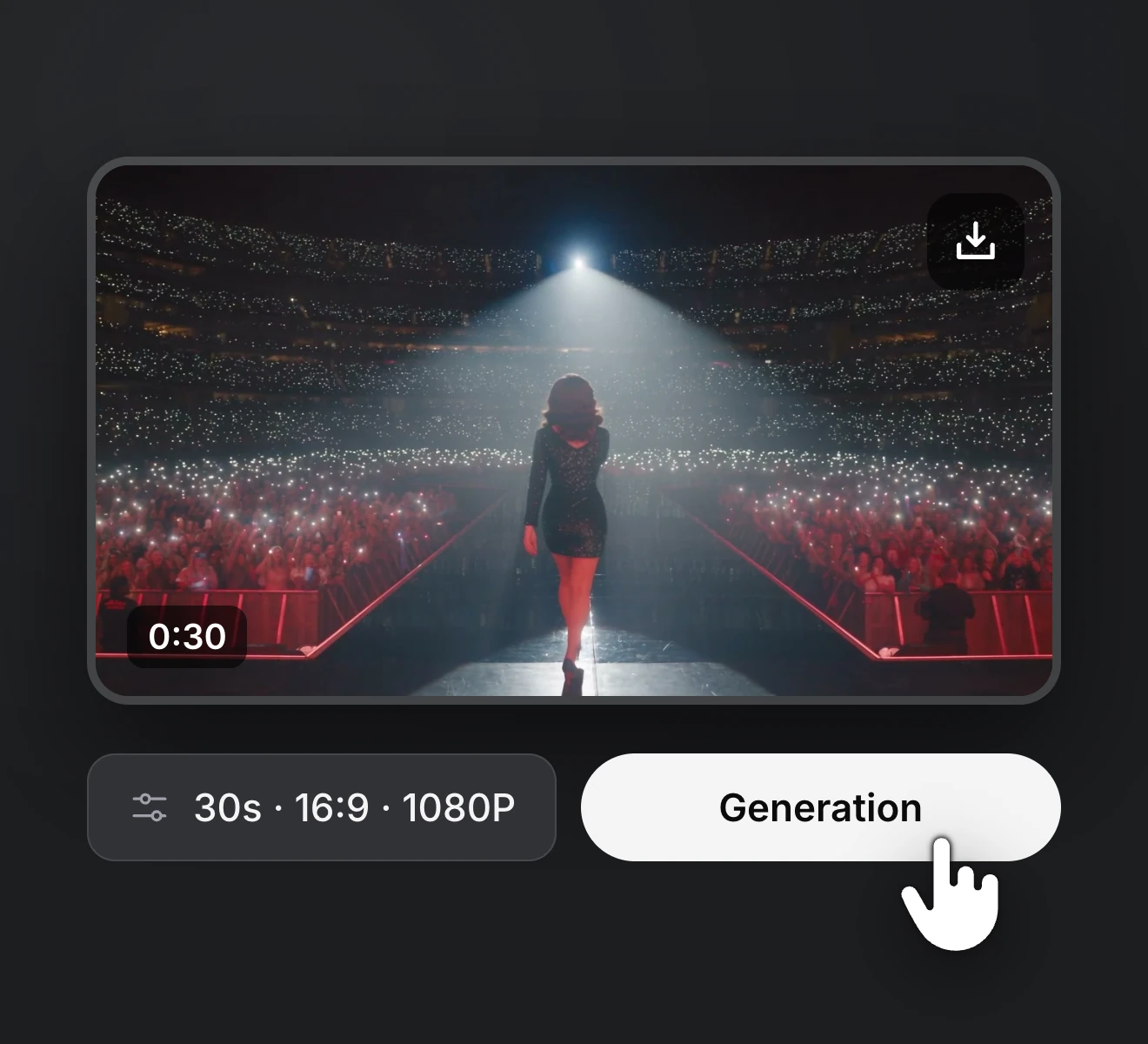
Step 03
Pick the length, resolution and aspect ratio, then generate and save the take you want.
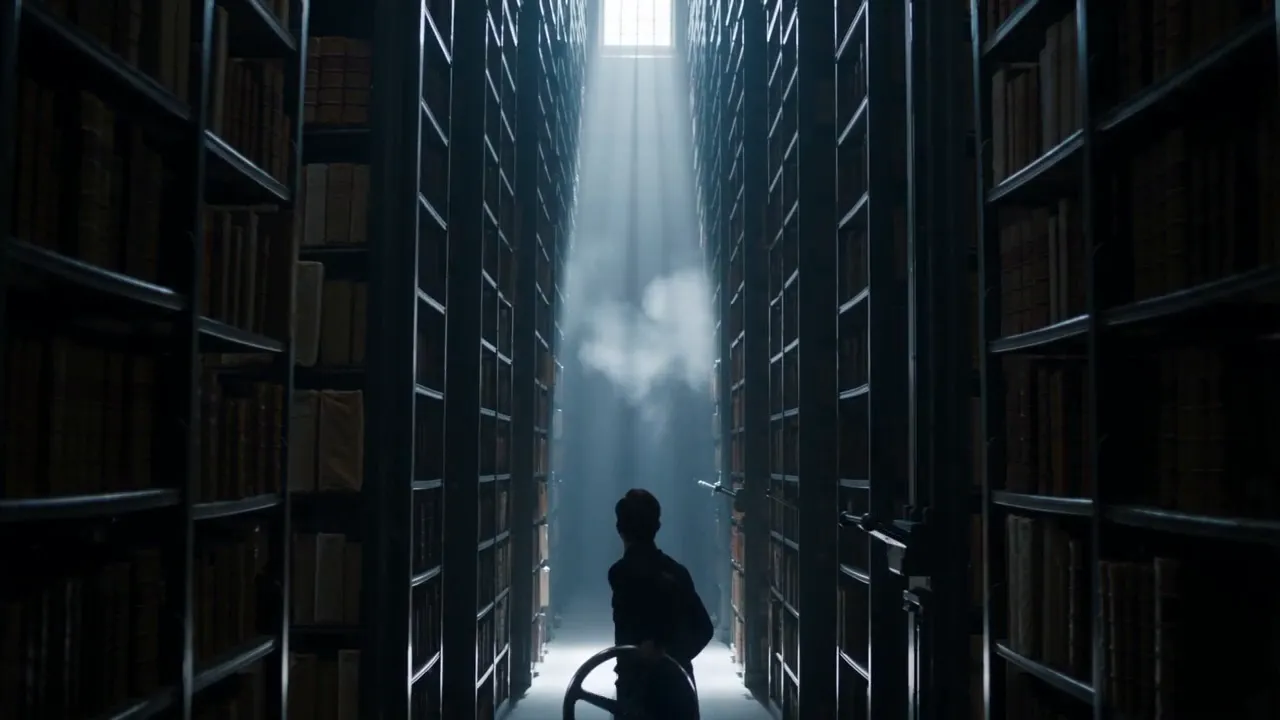
Start from a line of text, an artist photo or a full set of references. Generate takes with sound, compare them and download the keeper in 768P or 2K.
Upgrade or cancel anytime. Choose a plan for clean output, fast generation, full model access and priority support.
Monthly
Annual
Answers about using MiniMax H3 for rap and music video work, plus the plans, credits and billing behind it on RapVid.