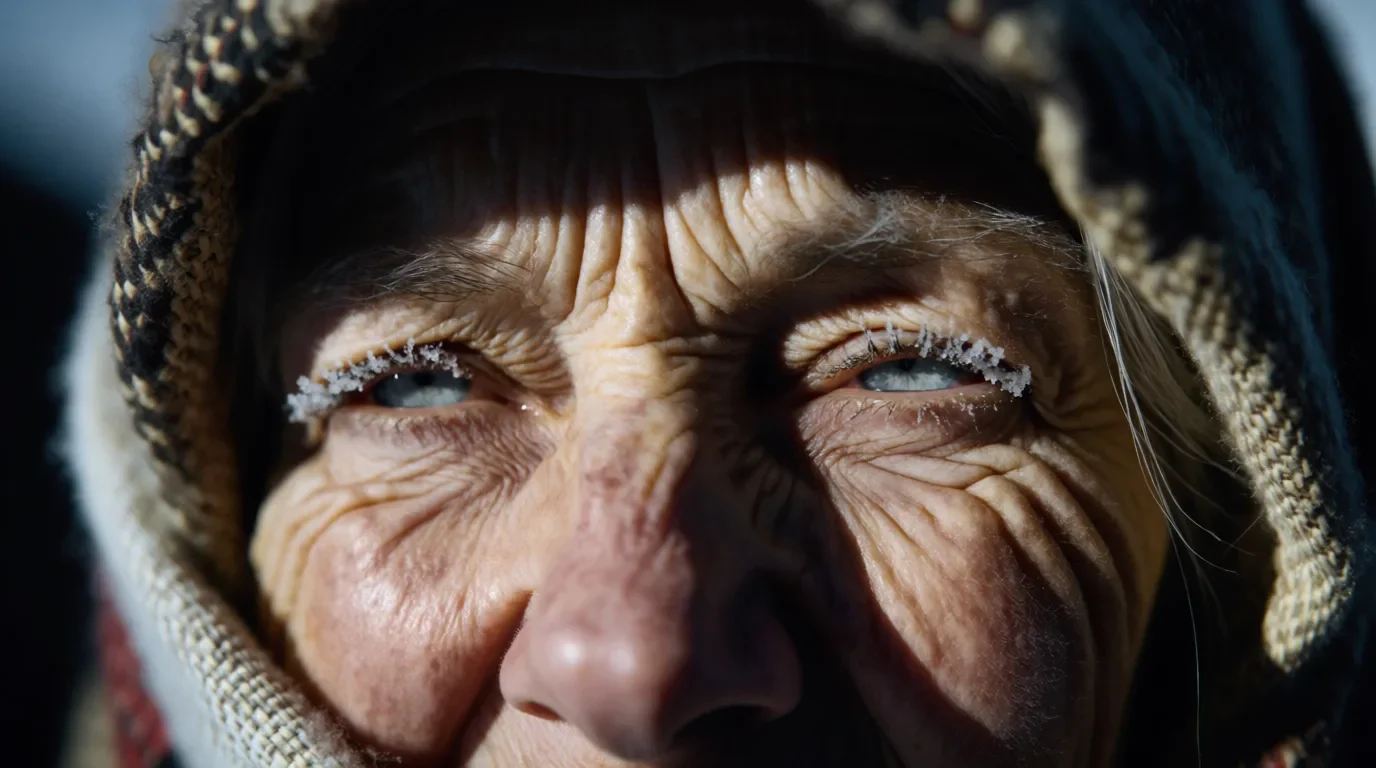
Editorial Portraiture
Give the subject, the light and the crop, for example low winter sun and a tight frame on the eyes. Wrinkles, frost and wool hold up at full size, ready for magazine features and campaign moodboards.
Write the scene, and the Krea 2 AI image generator paints it in the look you ask for, from grainy film photos to anime and ink, at 1K or 2K.
Krea designed its first foundation model so style counts as much as subject, and the Krea 2 AI image generator keeps your chosen medium, texture and palette consistent from edge to edge.
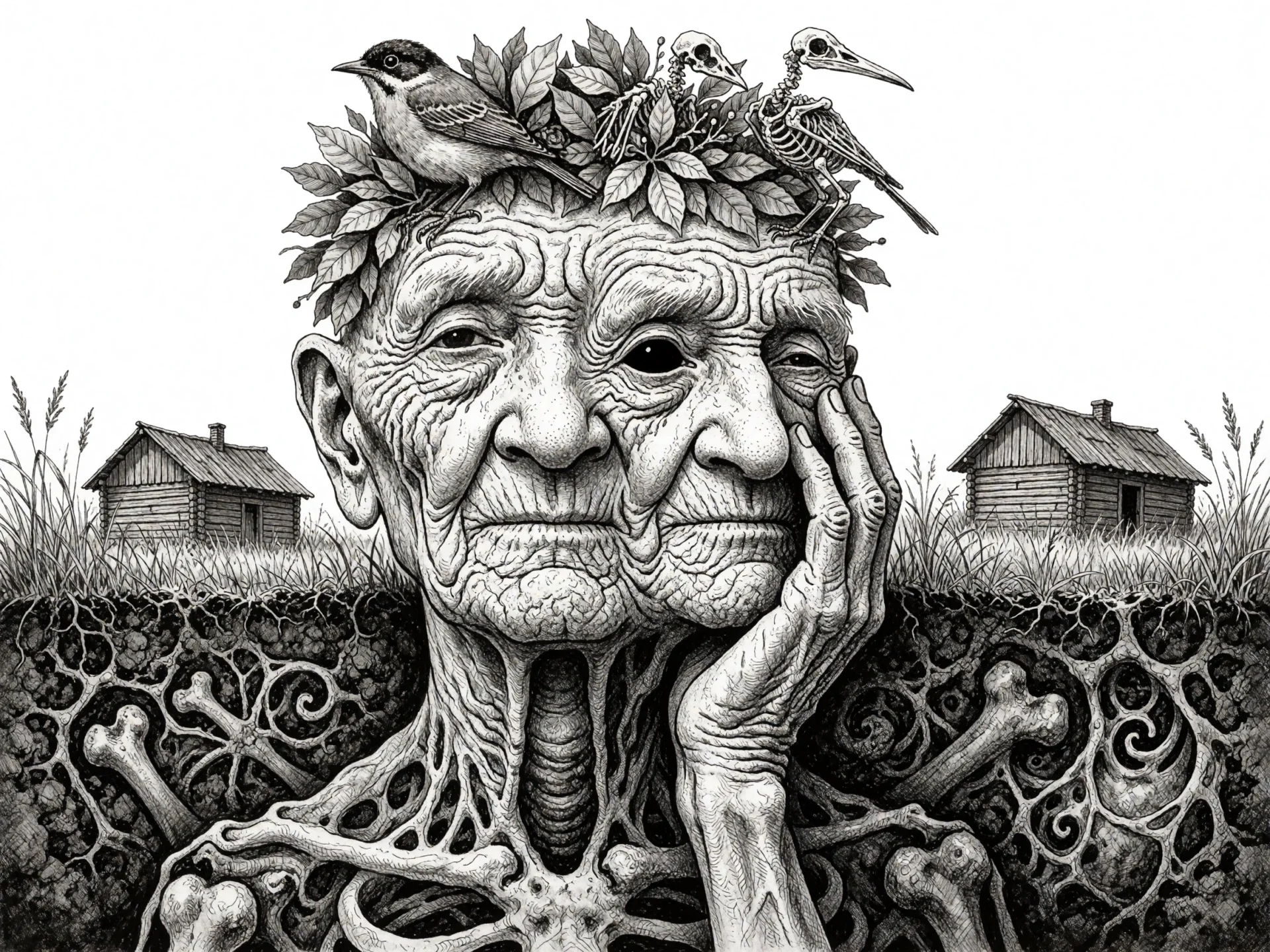
Call out the medium and the decade, like 1990s cel animation, a risograph print or macro photography, and Krea 2 commits to that look. The surface follows, from brushstrokes and stippling to paper grain and film grain.
Begin with a loose idea such as a cat riding a bicycle, and Krea 2 fans it out across photography, illustration and 3D. Add a hint like retro cartoon illustration, and the next batch tightens toward that look while keeping some range.
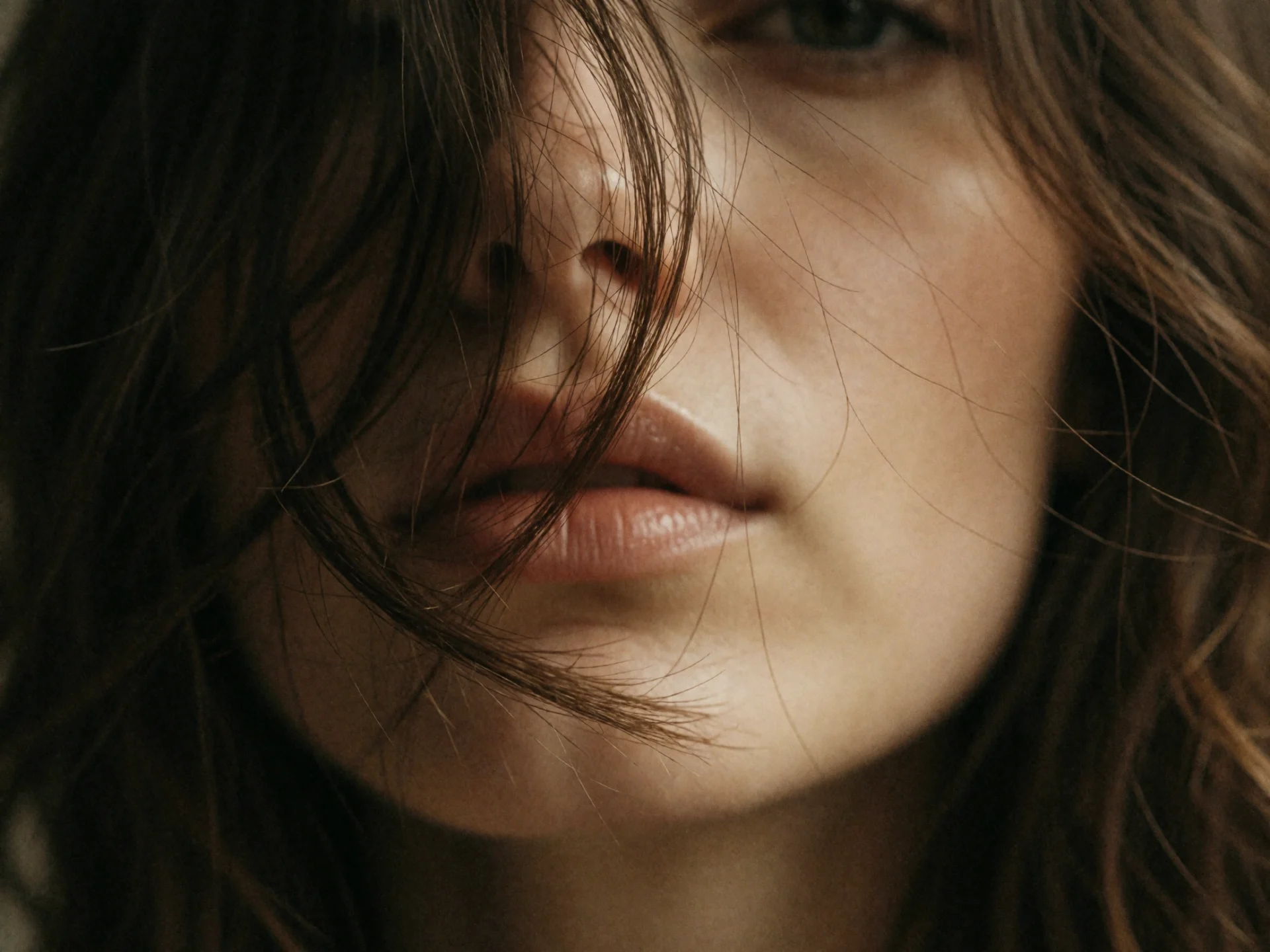
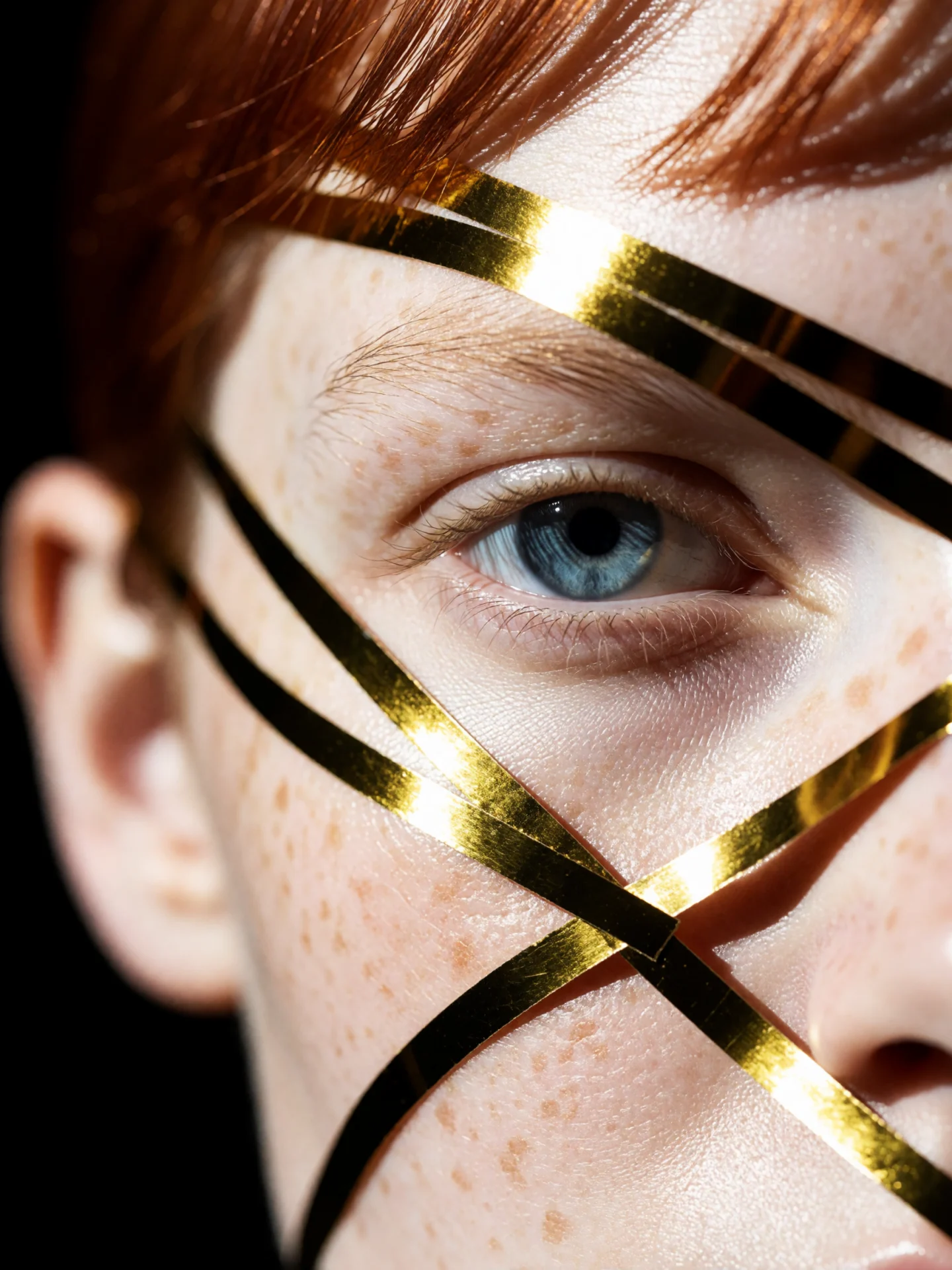
Describe the lens, the light and the finish, for instance a macro lens, warm side light and film grain. Pores, flyaway hairs and shallow focus survive tight crops, ready for beauty, editorial and artist portrait work.
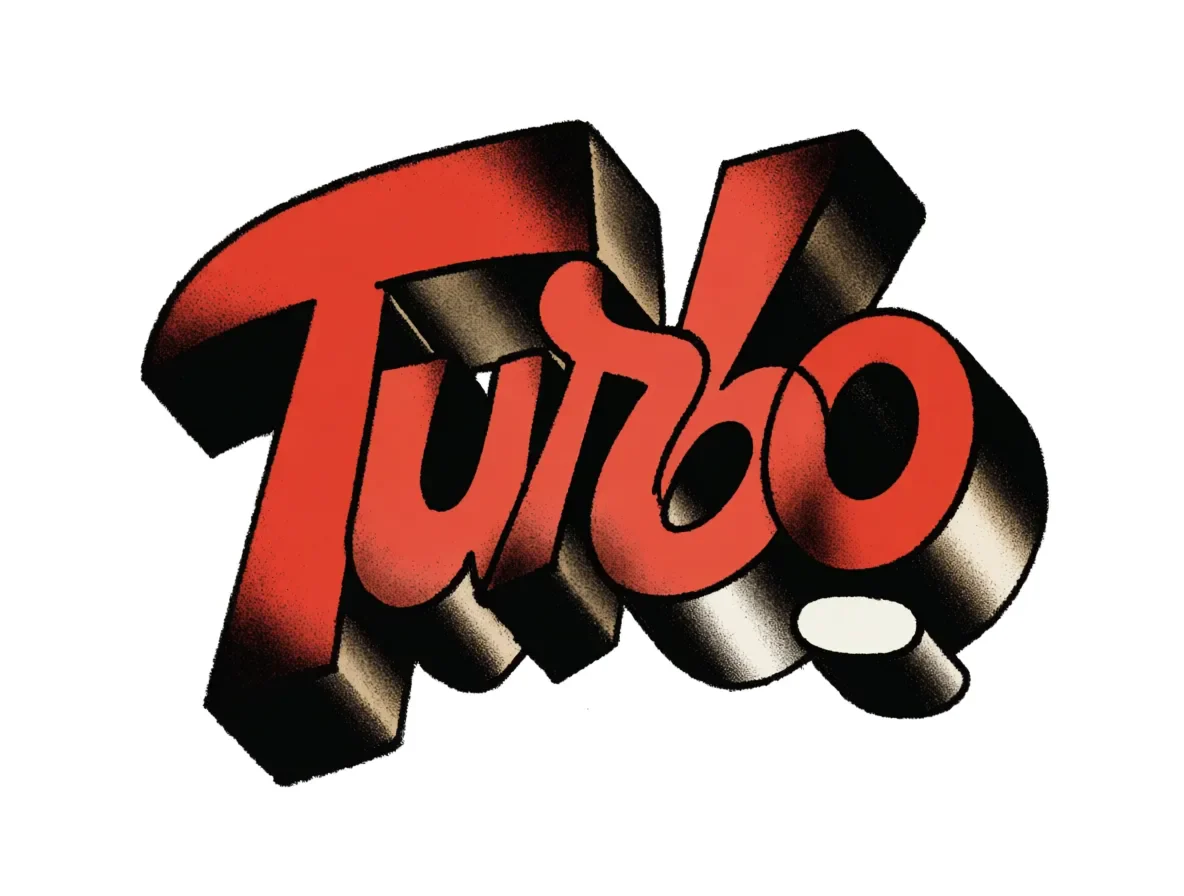
Quote the words you want in the image and describe the letters, such as red 3D type with a chrome edge. Keep it to one word or a short title for logos, single covers and merch mockups.
The Krea 2 AI image generator keeps one visual language across the frame, which fits projects where the look is the brief, like a release campaign. Eleven aspect ratios run from 9:16 stories to 2:1 banners.
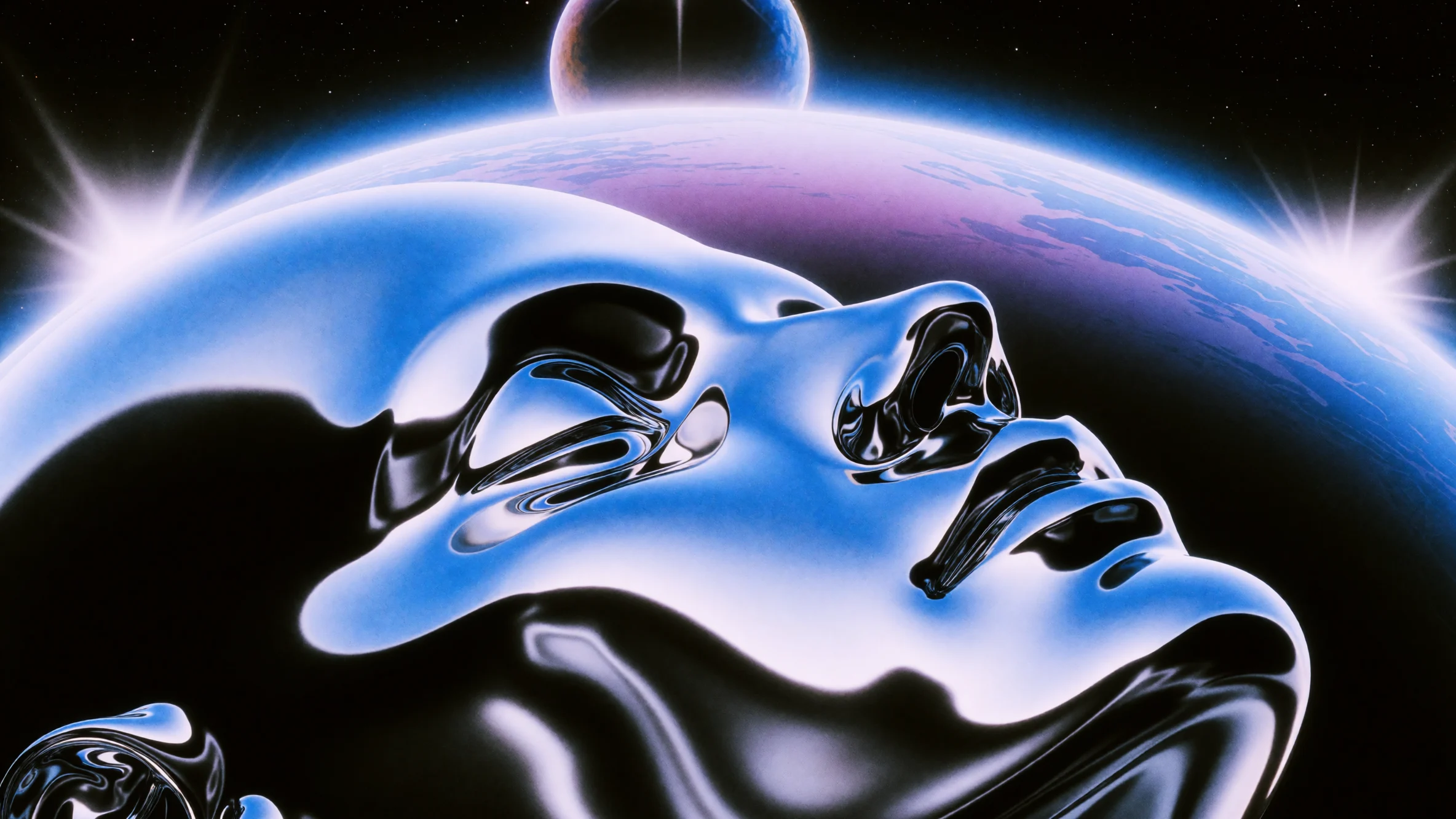
Editorial Portraiture
Give the subject, the light and the crop, for example low winter sun and a tight frame on the eyes. Wrinkles, frost and wool hold up at full size, ready for magazine features and campaign moodboards.
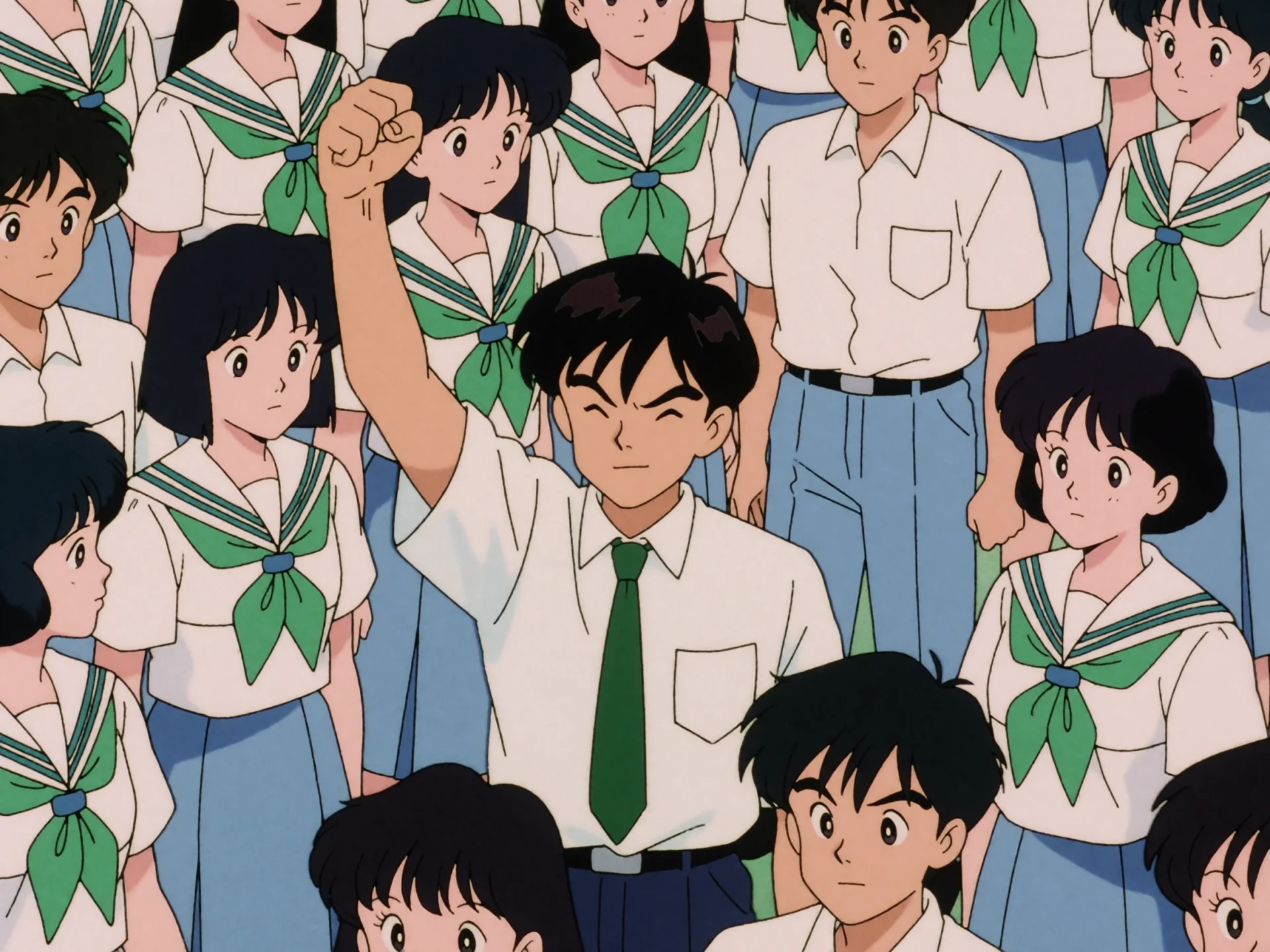
Anime and Cel Looks
Name the era and the technique, such as 1990s cel animation with flat shading. Krea 2 matches that period's linework, muted palette and character design, for key visuals, anime-style cover art and music video pitch boards.
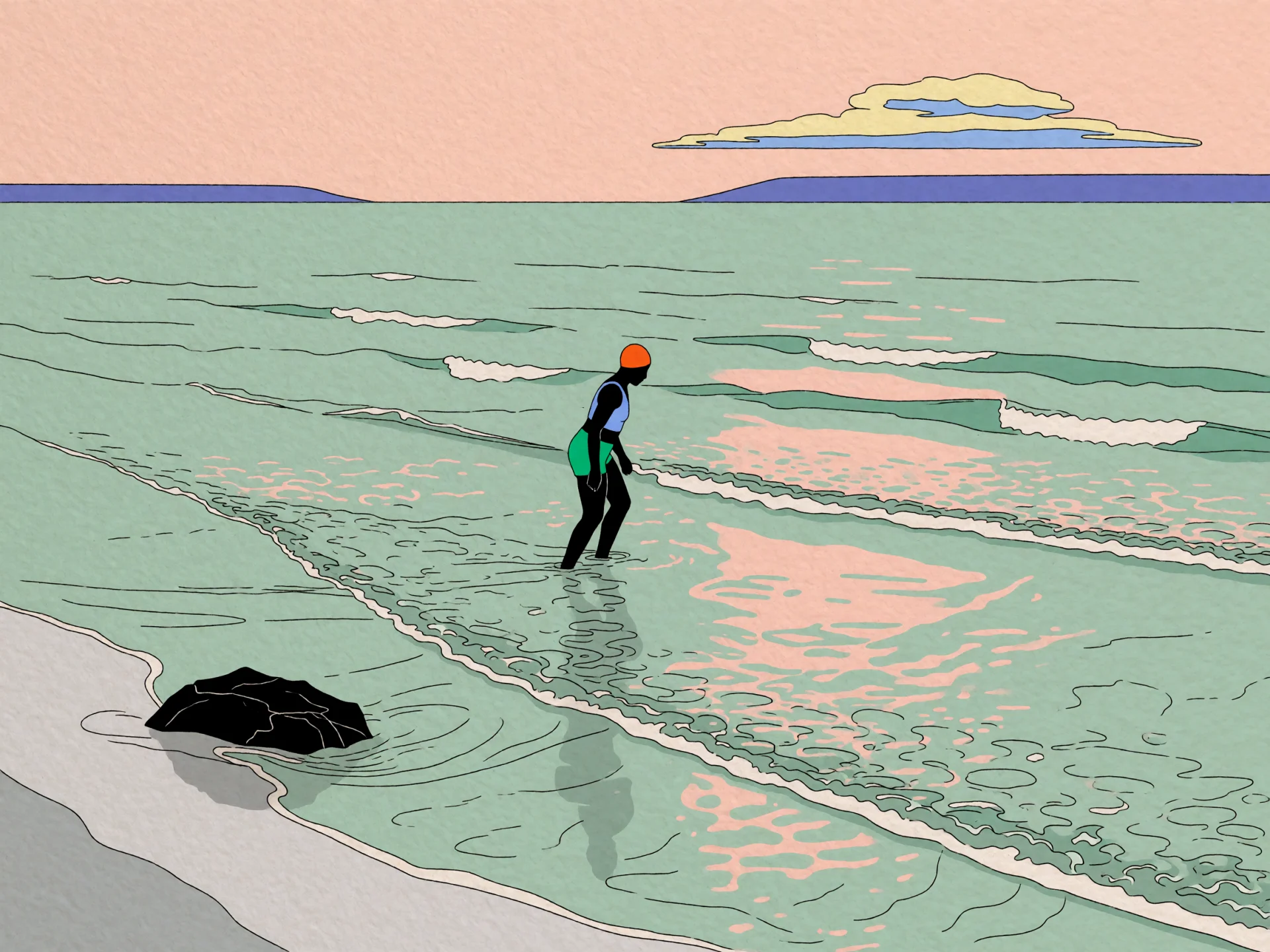
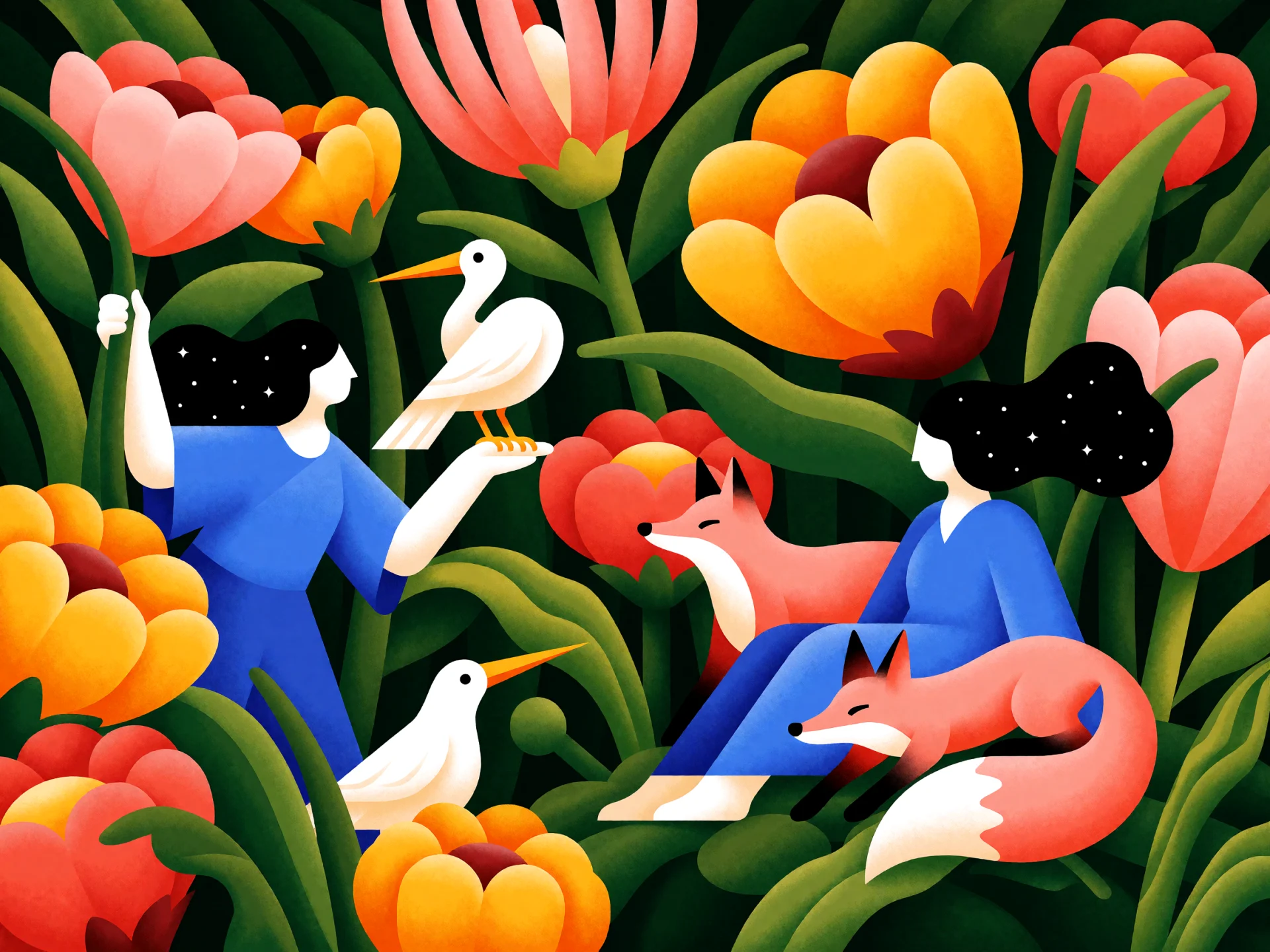
Book and Editorial Illustration
Set the palette and the line, like flat mint green with fine black outlines. The image reads as the work of one illustrator, ready for magazine spots, picture books and brand campaigns.
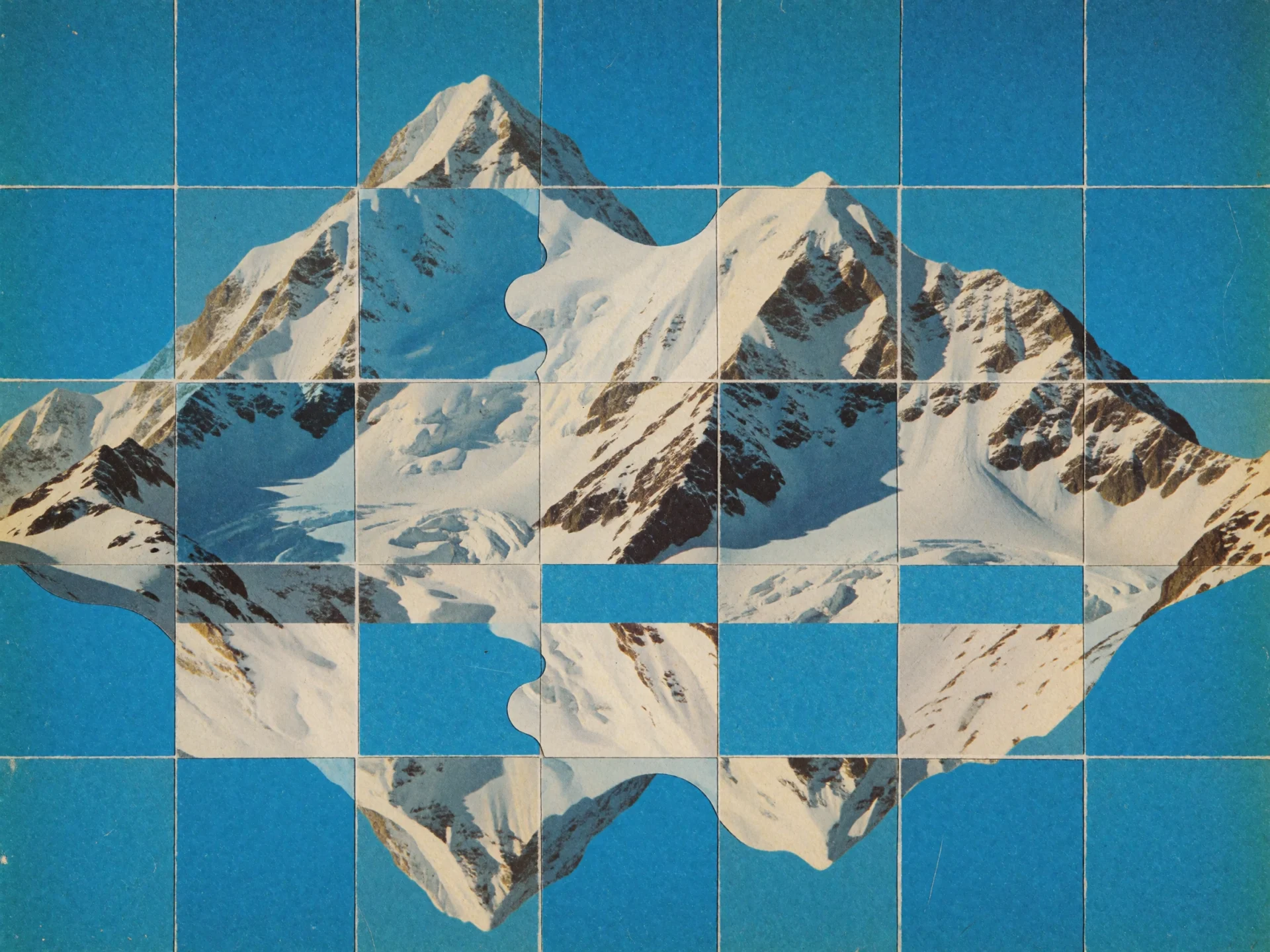
Collage Posters and Record Sleeves
Request a print method or a layout, such as a mid-century collage on a 12 by 16 grid with grainy paper. Krea 2 builds the arrangement and the paper texture at once, for gig posters, record sleeves and flyers.
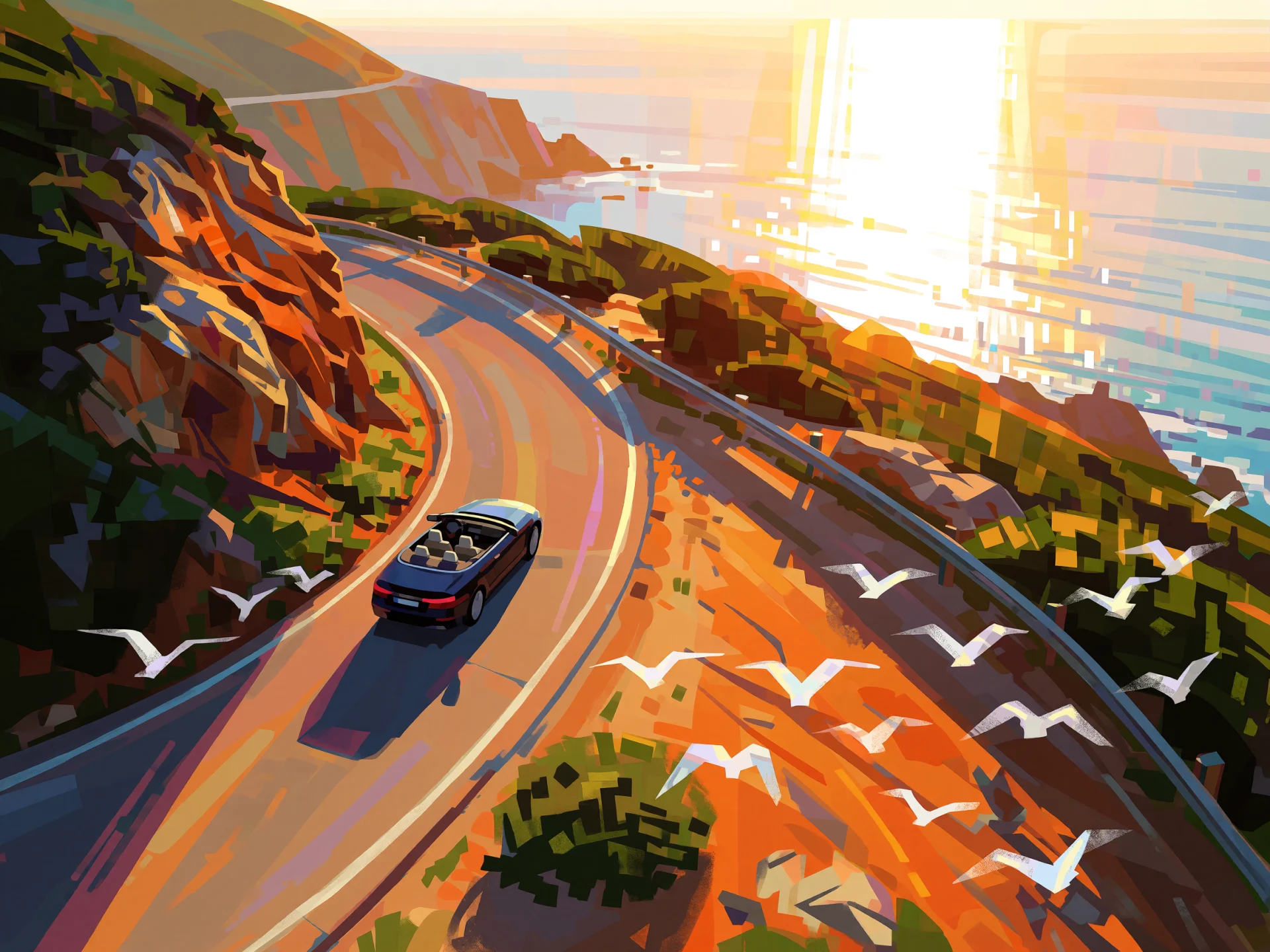
Car and Travel Visuals
Put a car or a destination in a setting, then name the painting style, the hour and the camera height. The frames feed launch moodboards, travel campaigns and music video concepts before anyone scouts a location.
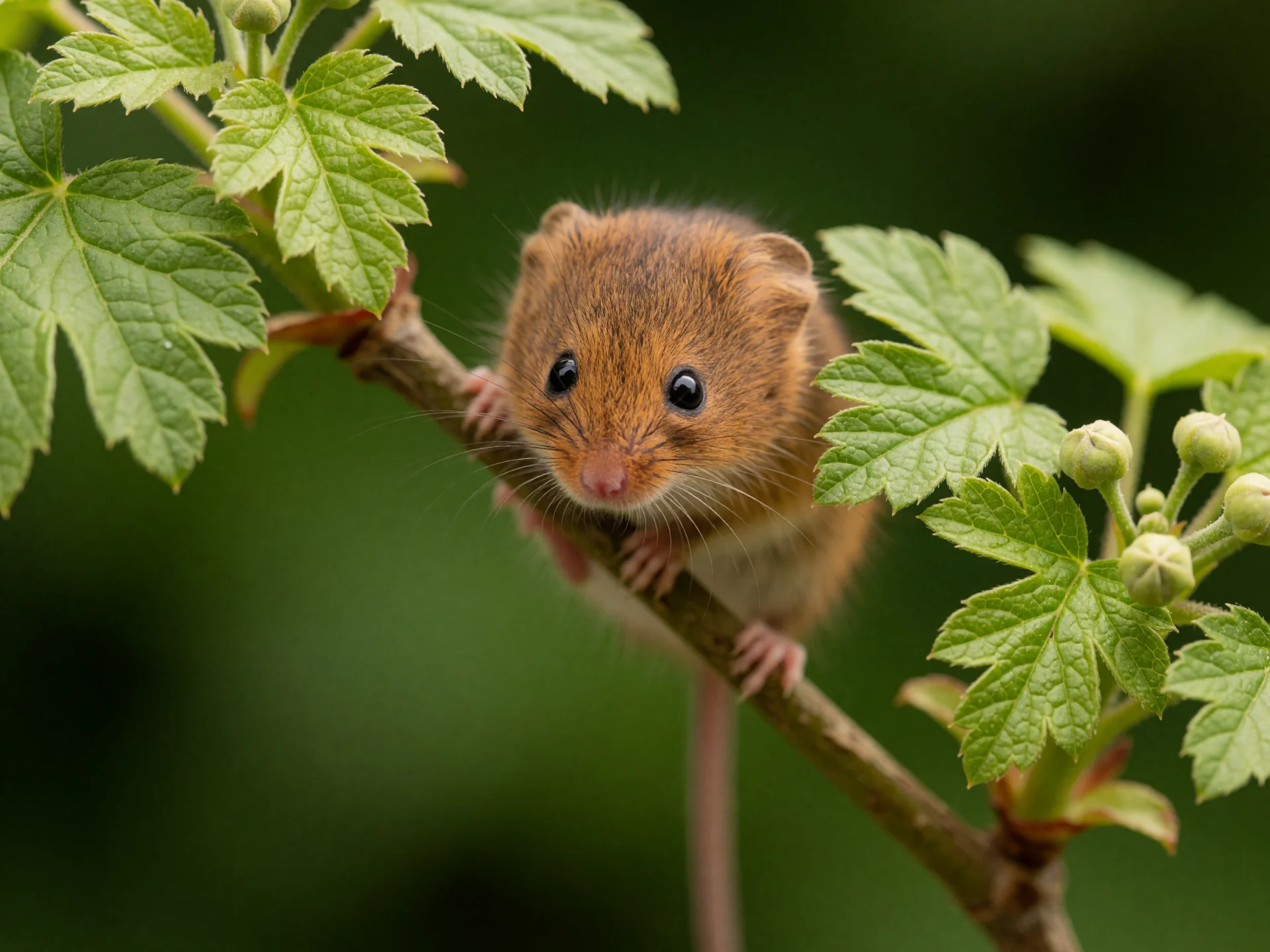
Macro and Wildlife Photography
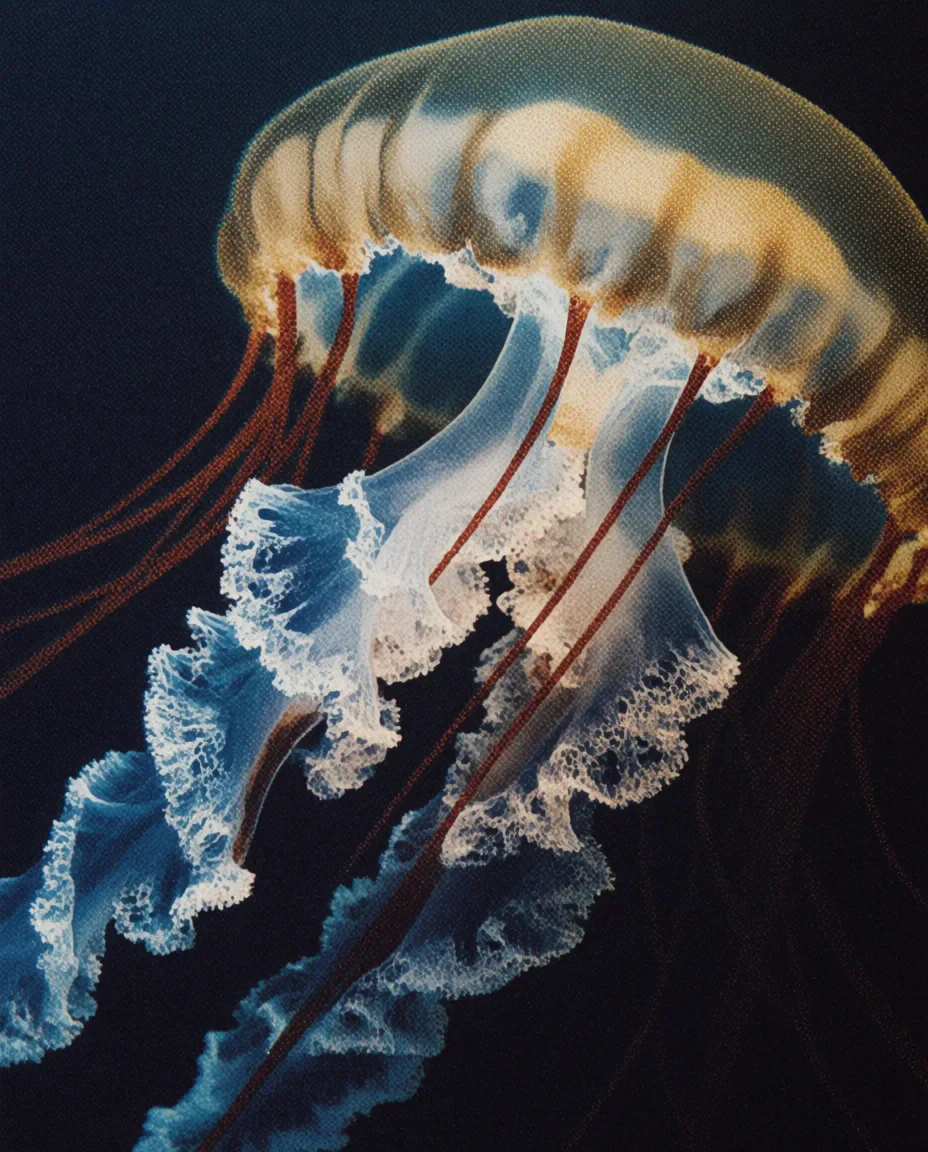
State the lens and the depth of field, for example a macro shot with smooth bokeh. Fur, whiskers and leaf edges stay crisp where the focus lands, for nature features and seasonal campaigns.
The Krea 2 AI image generator jumps between photography, 3D renders, anime and painted illustration from prompt to prompt, and each look brings its own surface, from vinyl-toy sheen to stippled leaves.
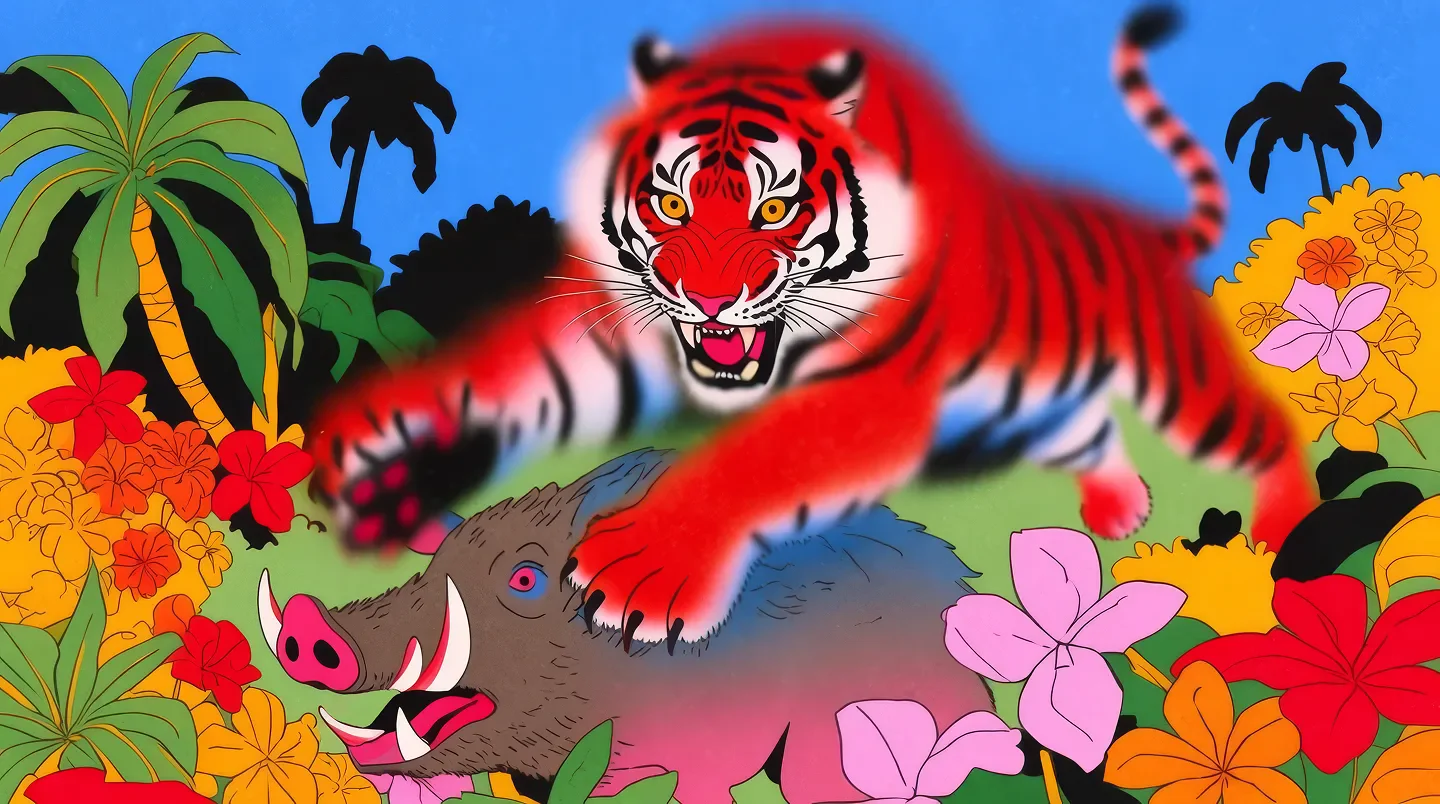
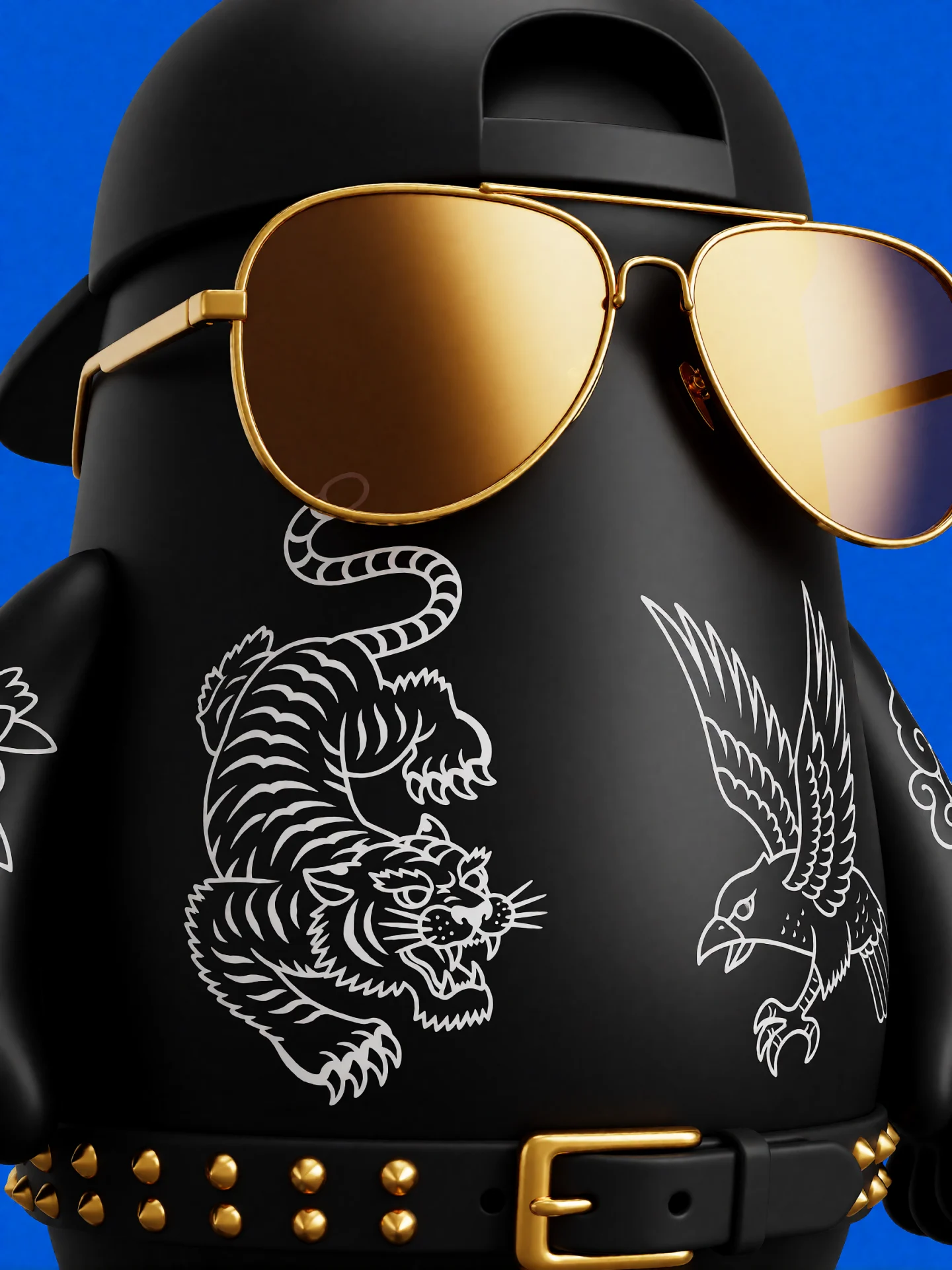
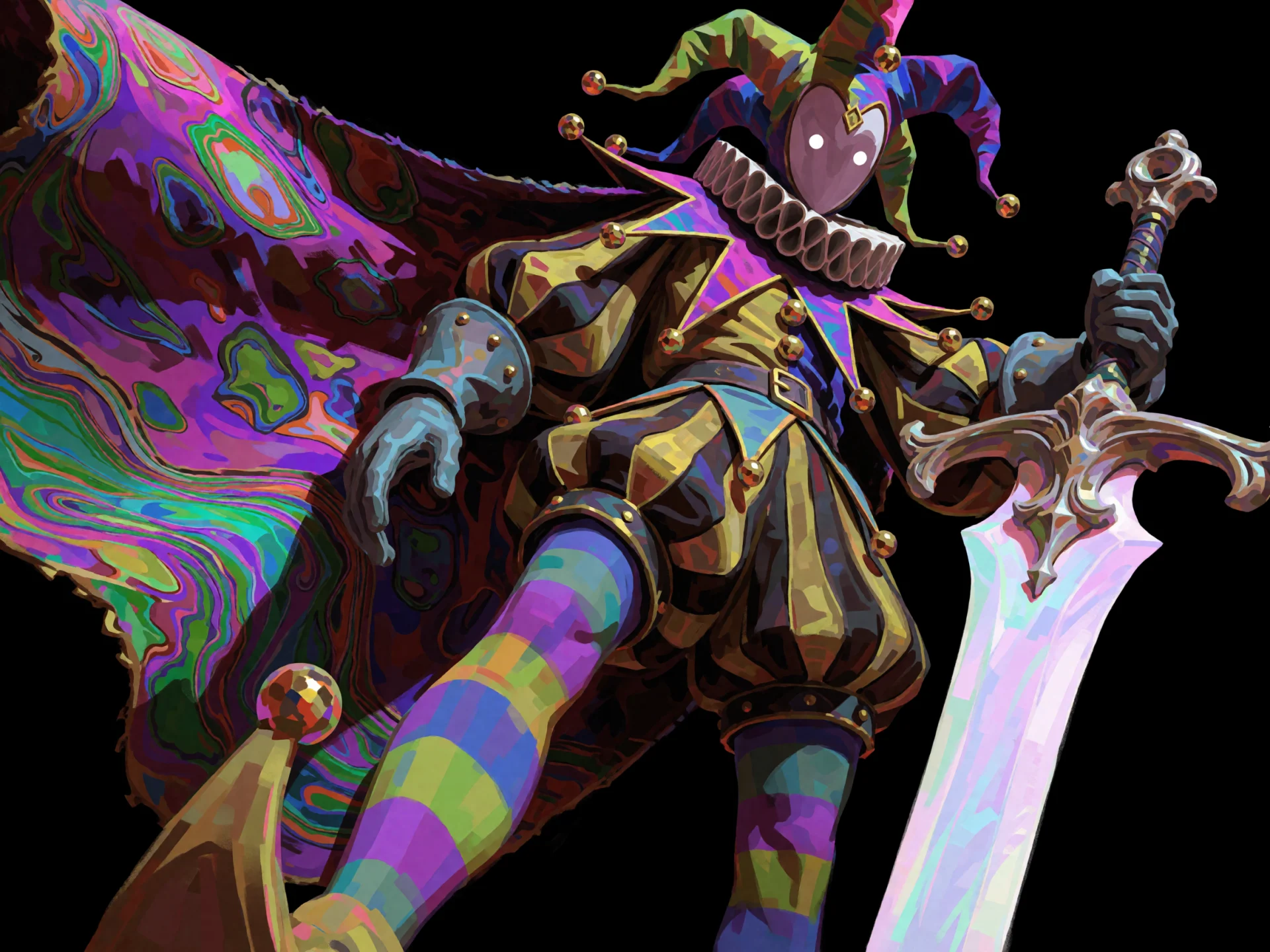
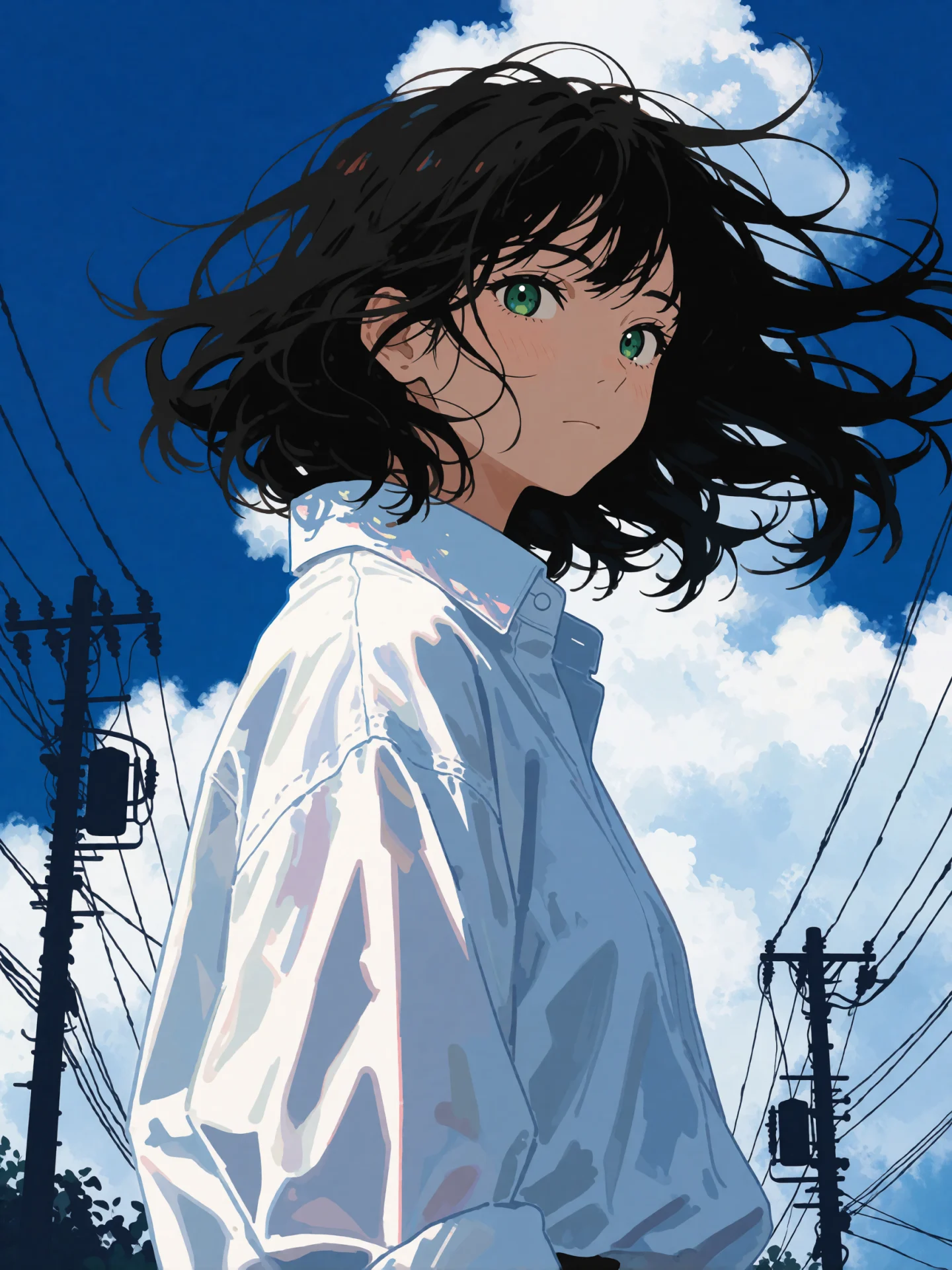
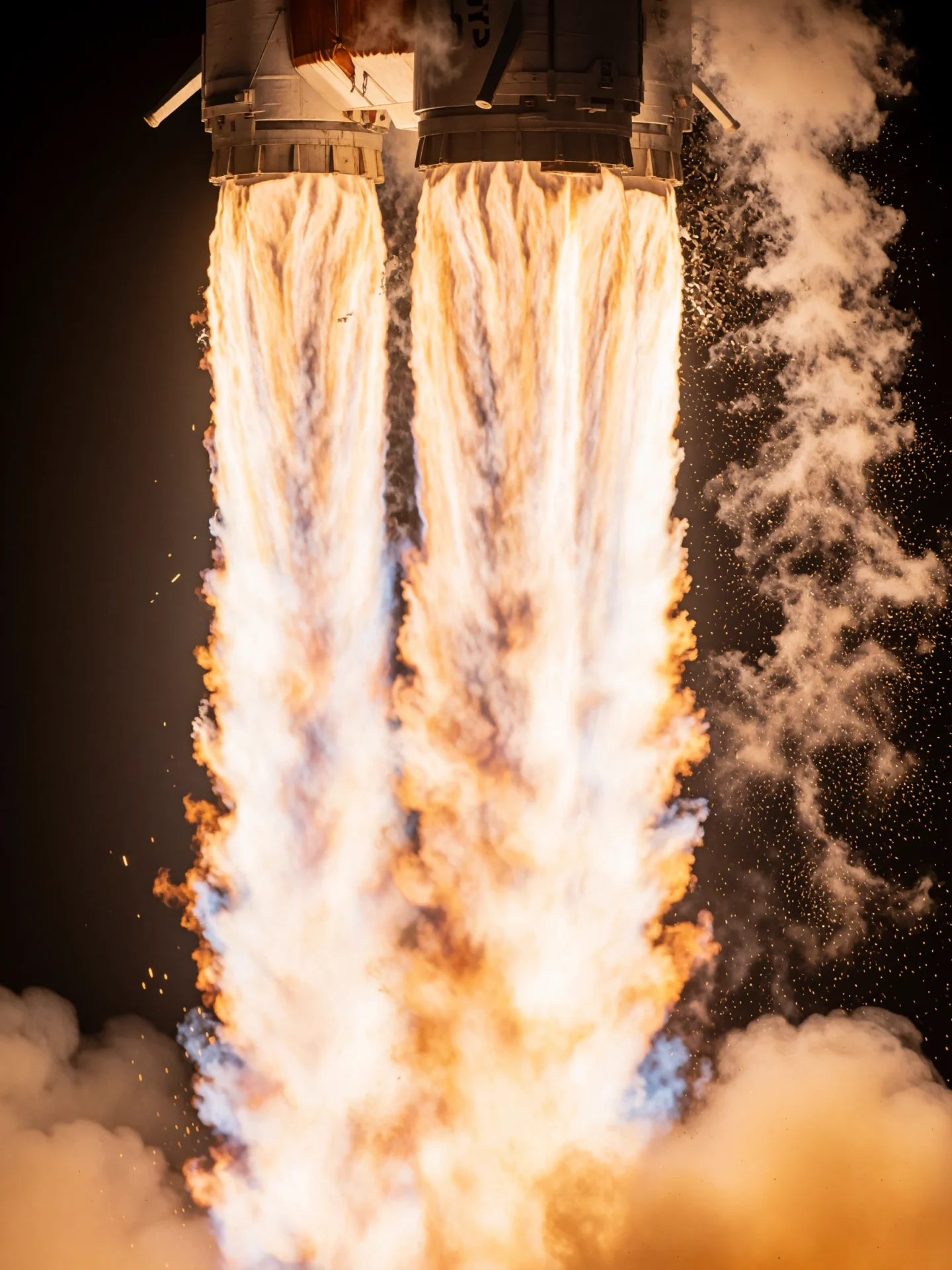
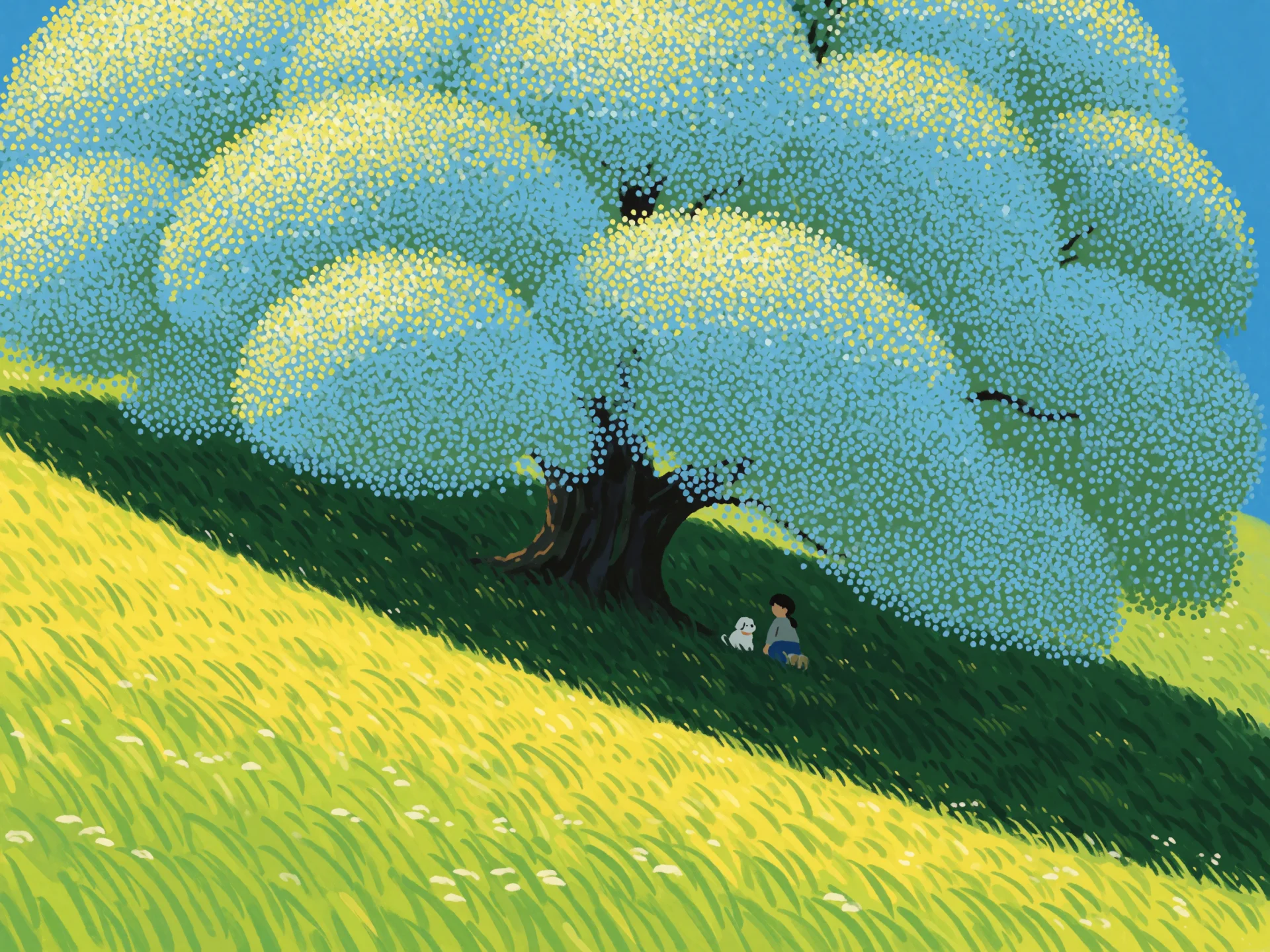
Krea 2 builds every image from a written prompt
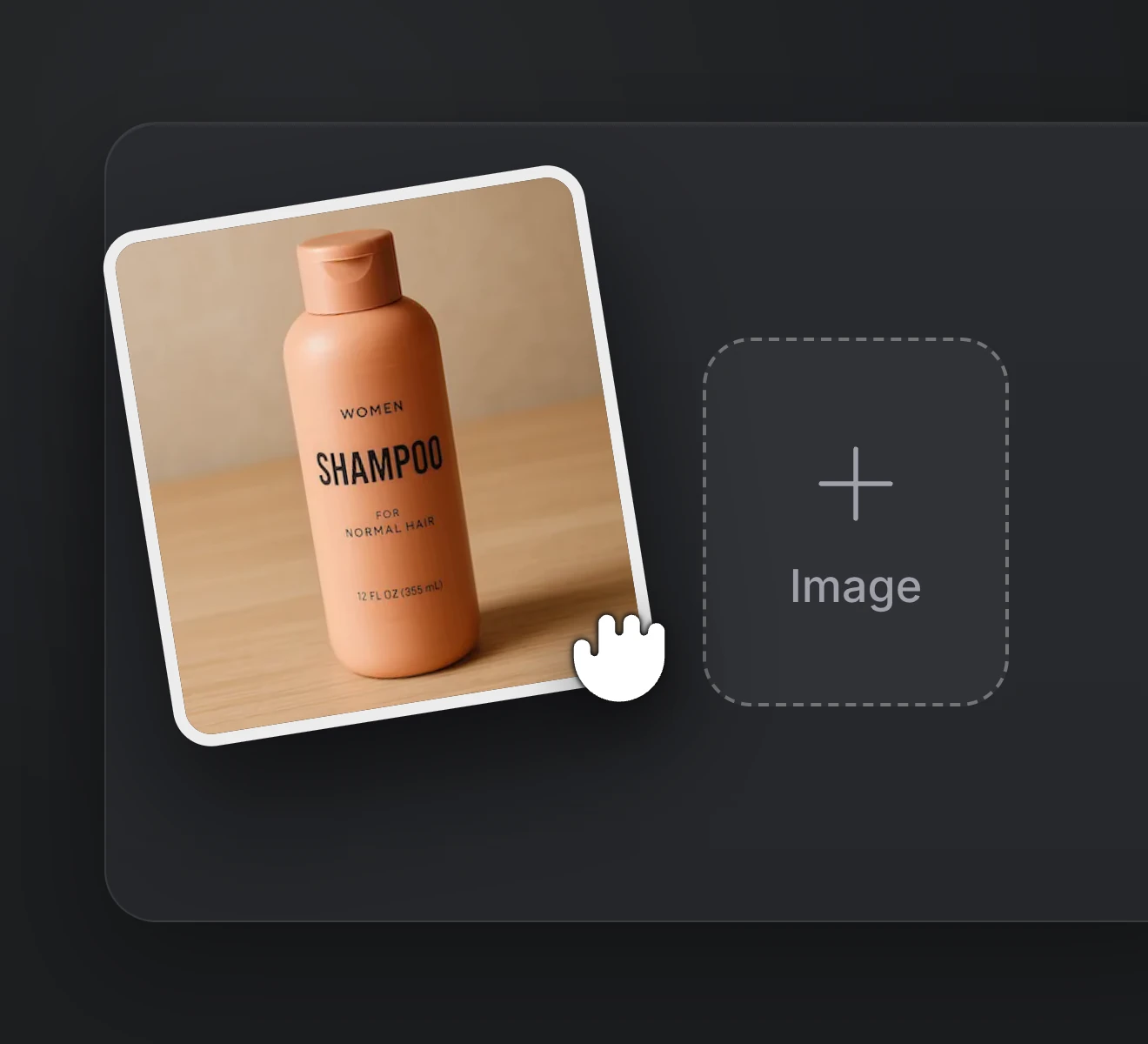
Step 01
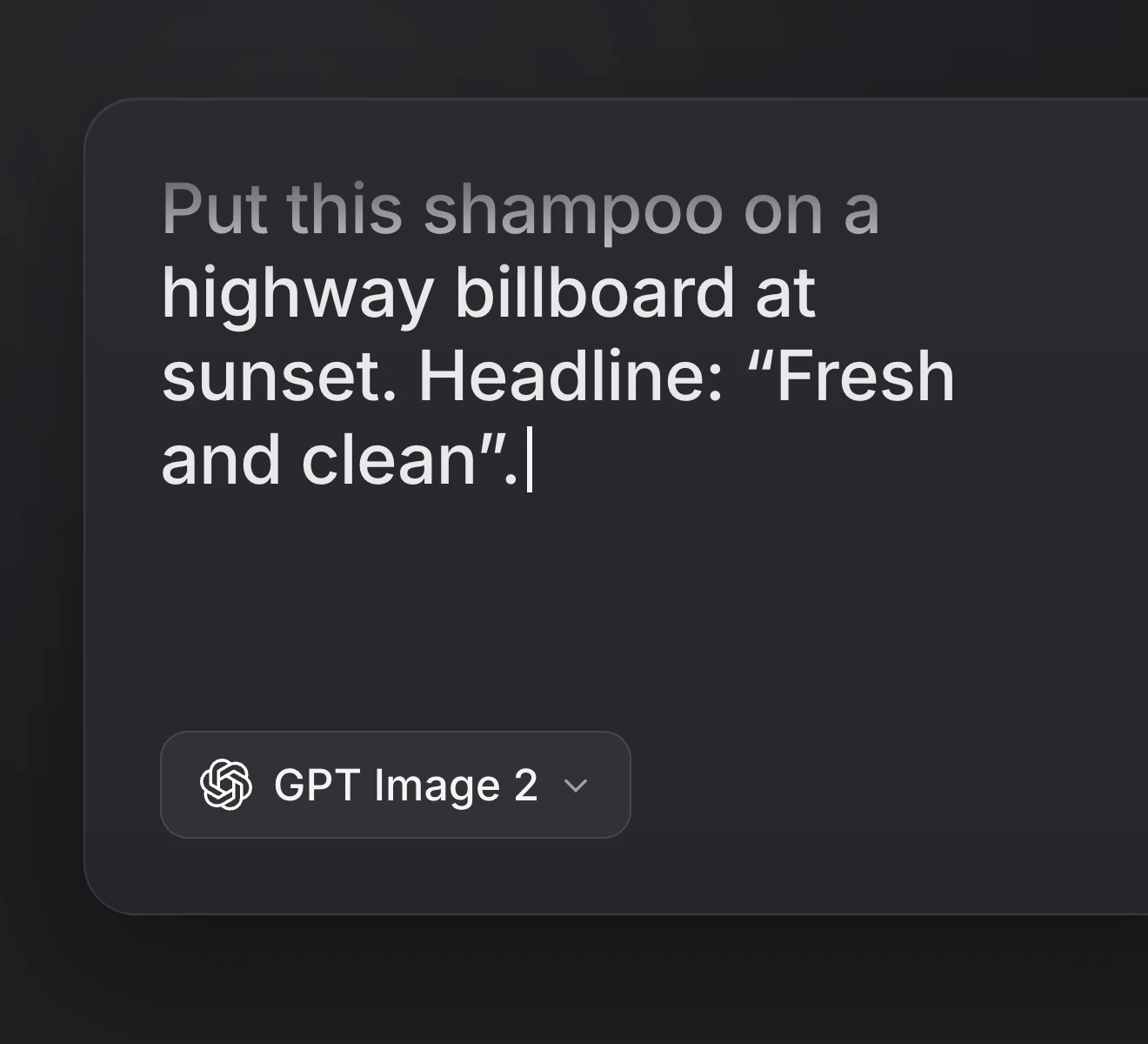
Krea 2 reads text alone and does not accept image uploads, so put the subject, setting and composition into words.
Step 02
Add the medium, decade, palette and light. Quote any words that should appear in the image.
Step 03
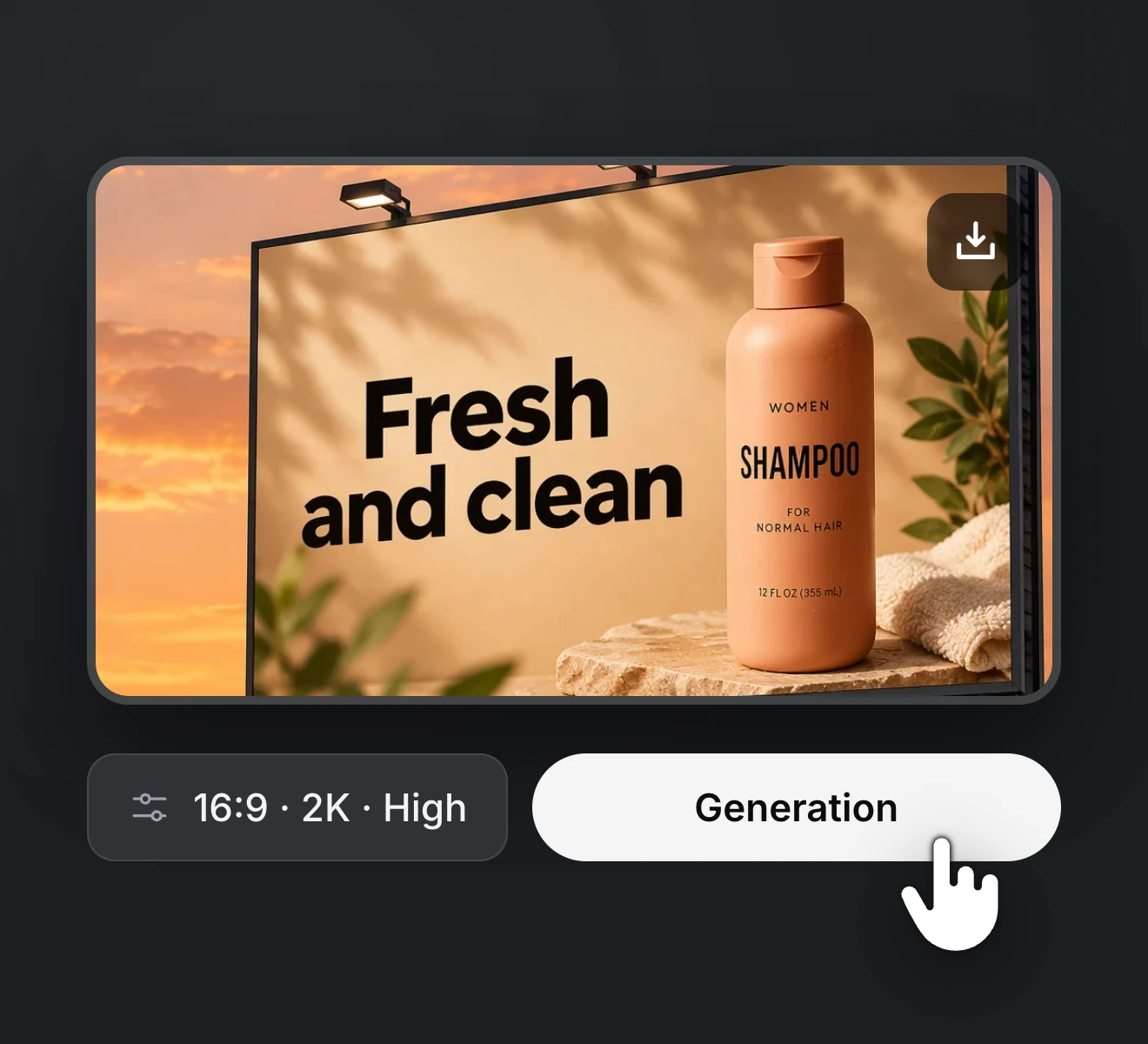
Pick 1K or 2K, the aspect ratio and the image count, then generate and save.
Write a prompt, name a style and get 1K or 2K images in 11 aspect ratios, from cover art to poster concepts. Krea 2 Turbo is the quick 8-step build of the model, made for testing lots of directions before you pick one.
Upgrade or cancel anytime. Choose a plan for clean output, fast generation, full model access and priority support.
Monthly
Annual
Common questions about the Krea 2 AI image generator on RapVid, covering the Turbo version we run, styles, text and credit cost.