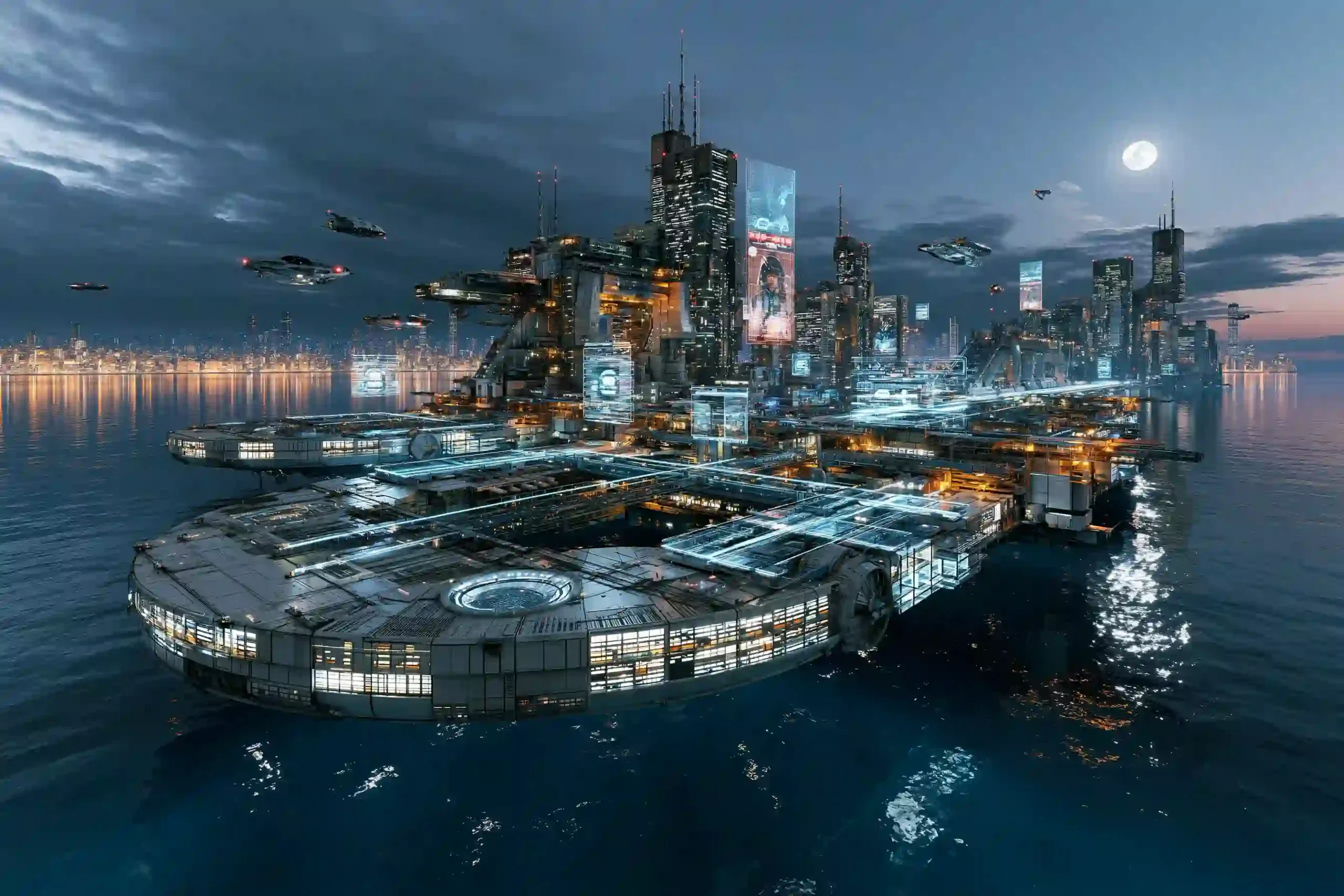
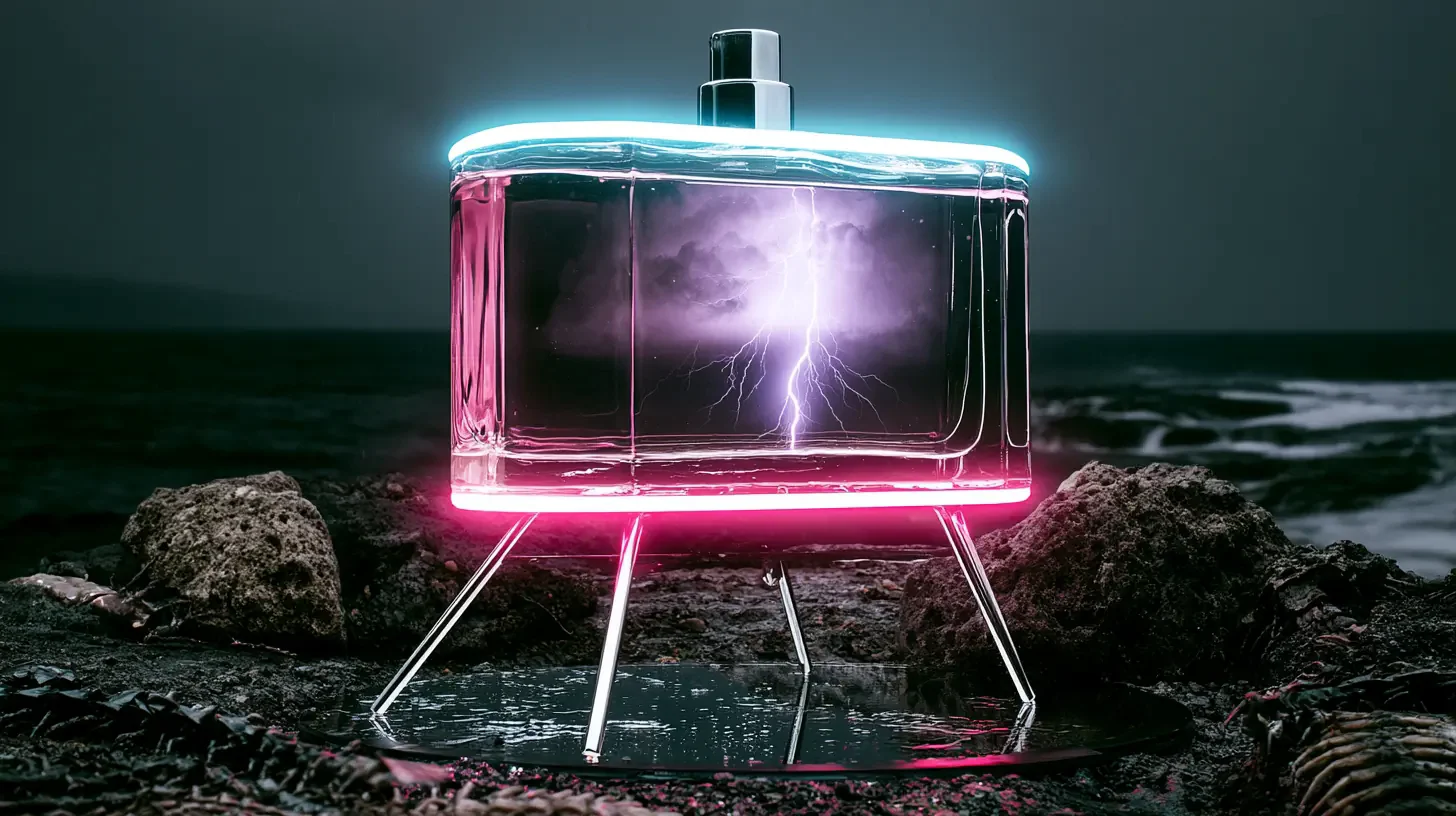
Fragrance and Product Concepts
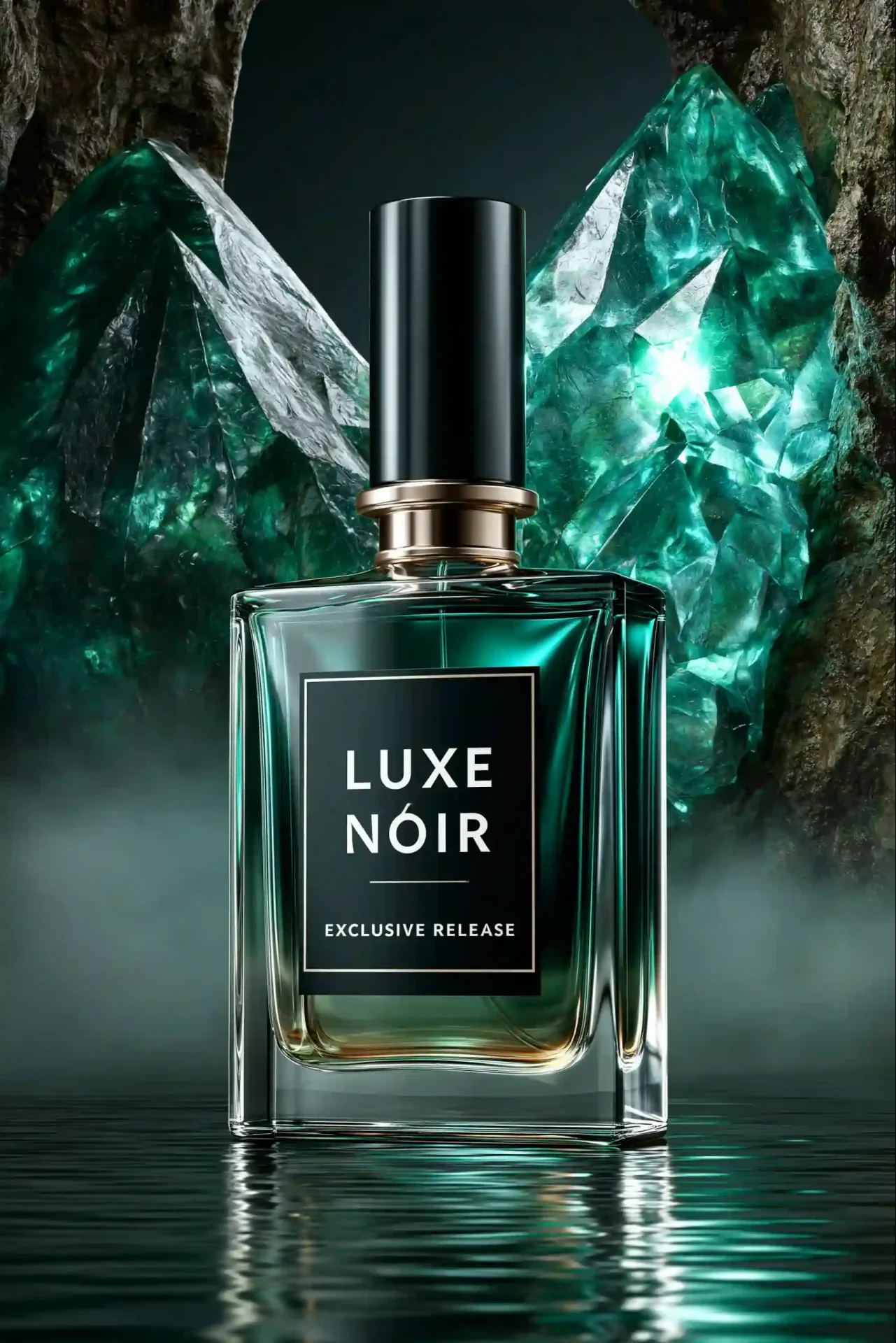
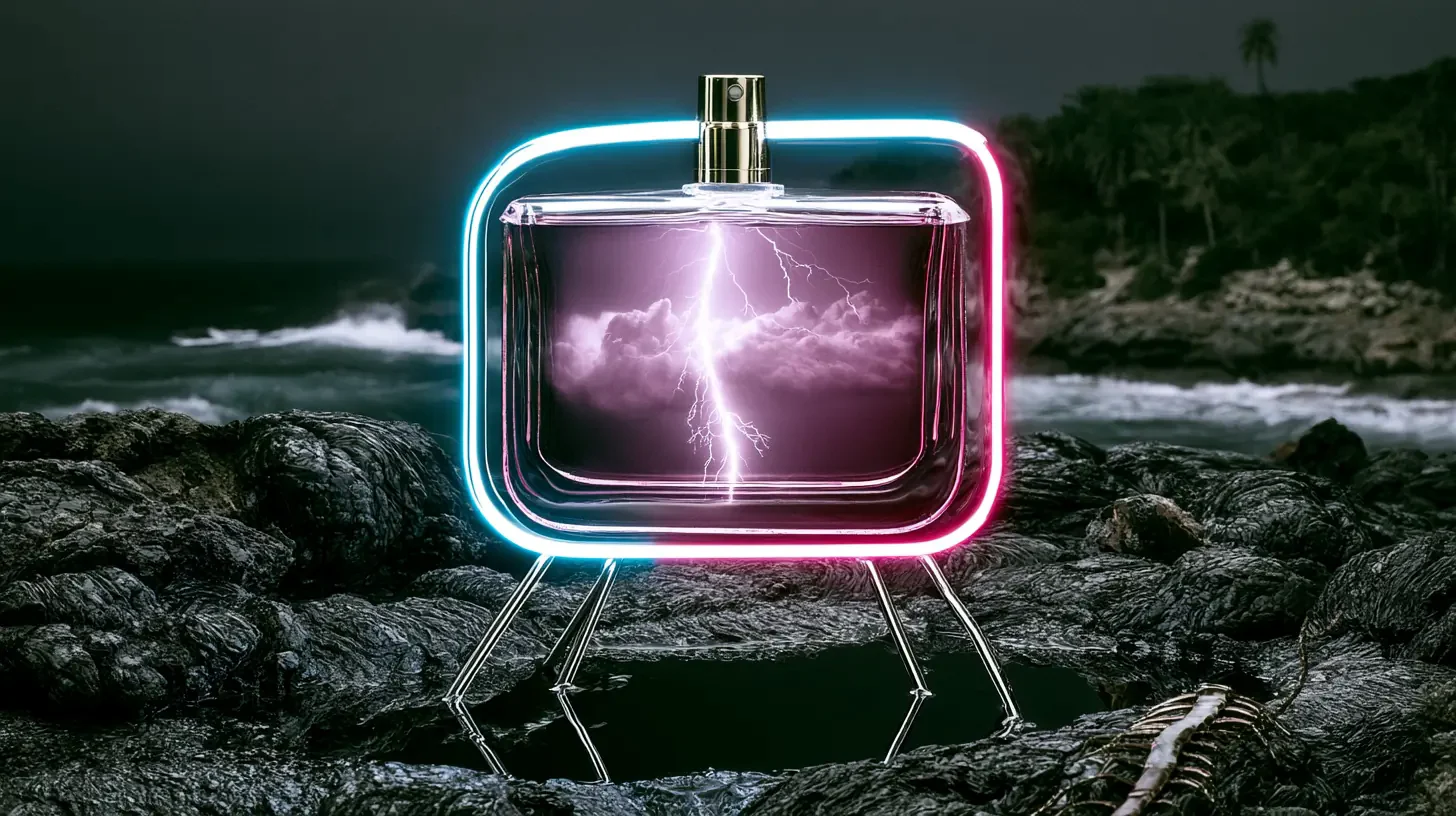
Describe the bottle, the material and the one idea that makes it strange, like a storm sealed inside the glass. A single run returns four compositions, ready for campaign moodboards and pitch decks.
Write a scene, and the Midjourney V8.1 AI image generator hands back four versions of it in 1K or native 2K, in any frame from 9:21 to 21:9.
The Midjourney V8.1 AI image generator keeps track of long, detailed prompts, spells the words you quote and renders HD sets at native 2K with no upscale step.
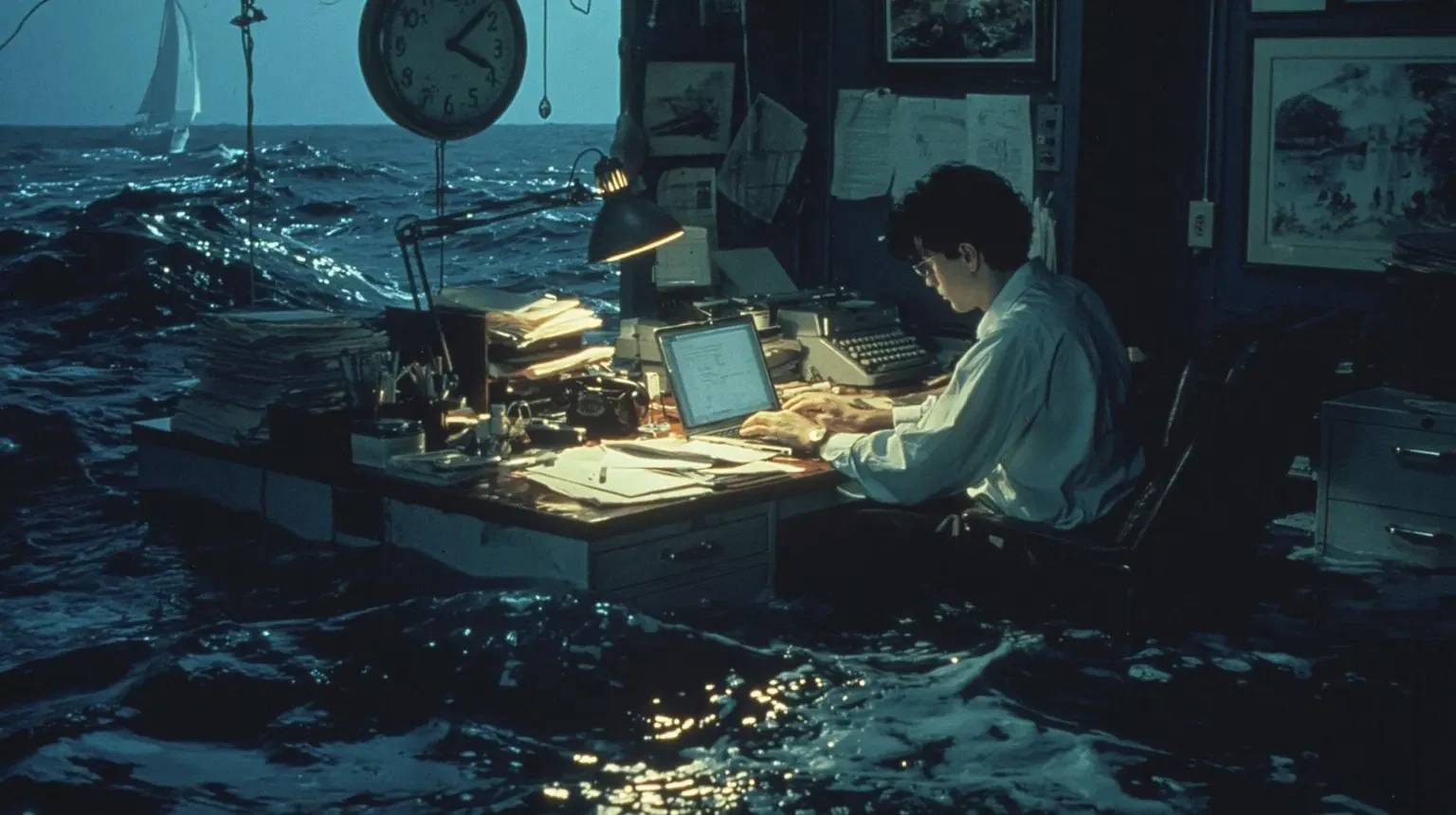
Midjourney tuned V8.1 to hold the details of longer prompts, and it responds better to scene direction than to keyword piles. Give the subject, the place, the light and one strange detail, like an office desk floating in open sea, and V8.1 builds the frame around every part.
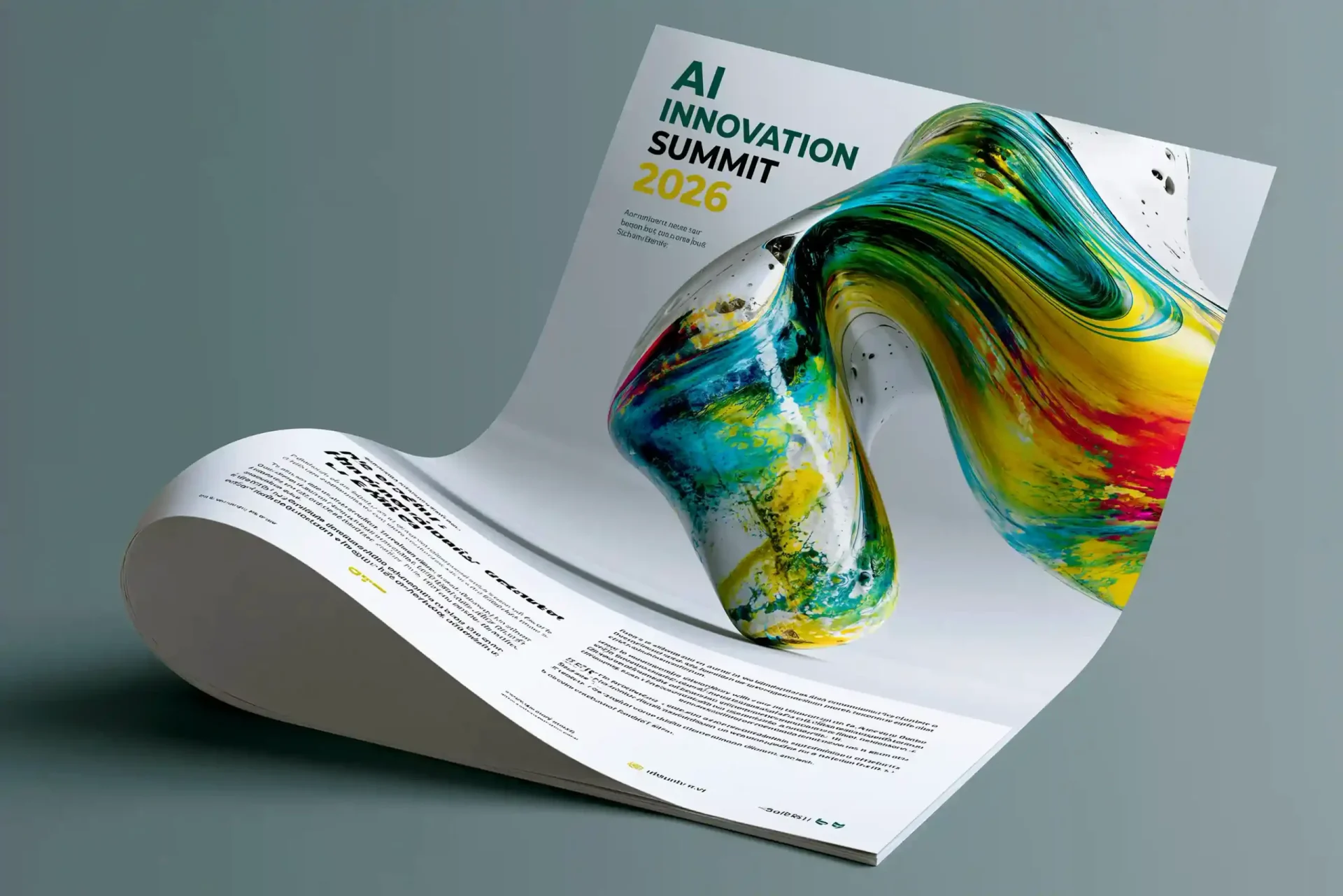
Wrap a headline in quotation marks, such as "AI Innovation Summit 2026", and V8.1 works it into the design spelled correctly. Titles, labels and signs come out clean, though long paragraphs belong in a layout tool, since small body text still dissolves into shapes.
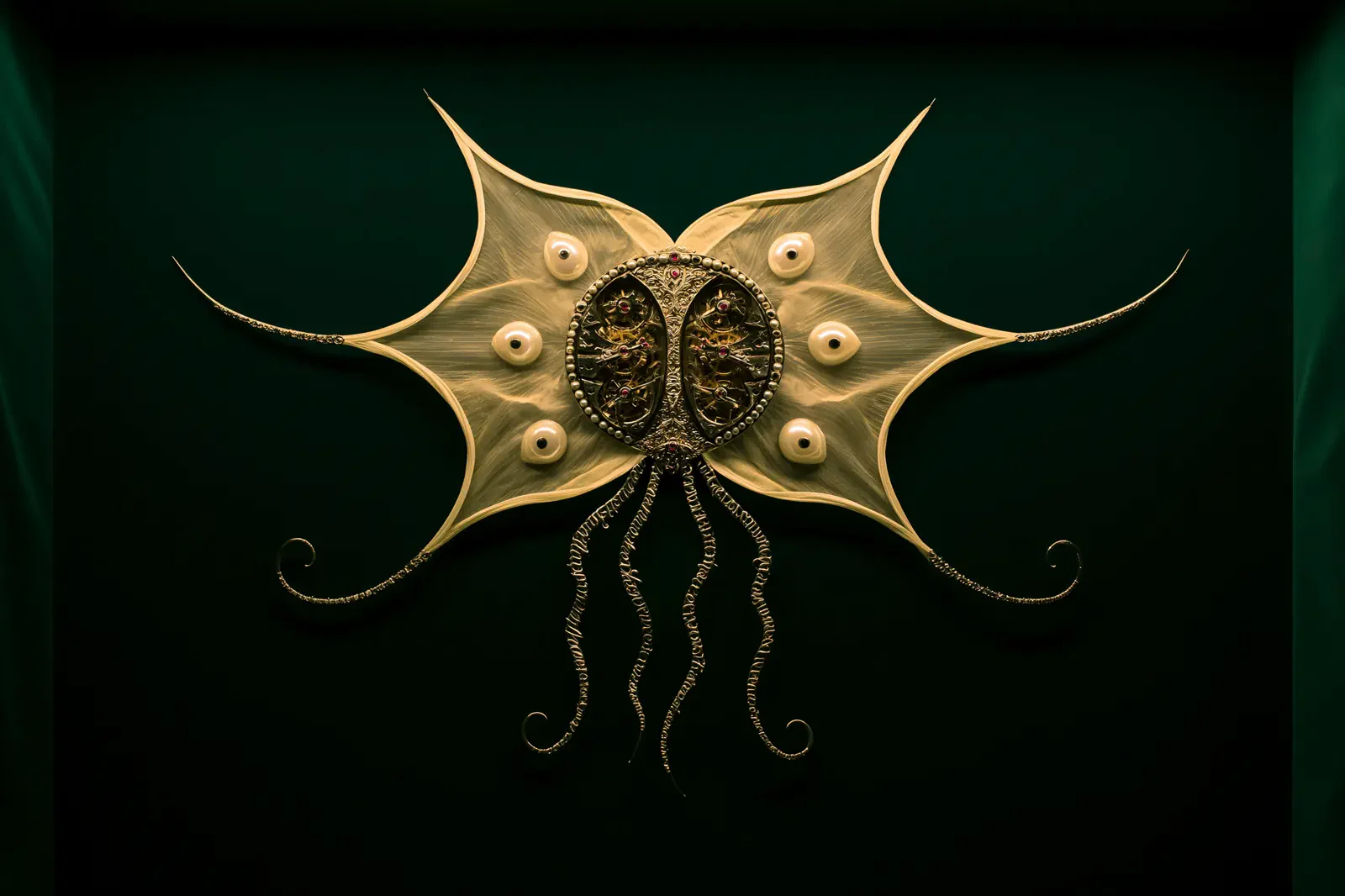
Switch to 2K and V8.1 renders the full image at double the standard size, so fine strands, fabric weave and printed labels stay sharp on big screens. Explore at 1K and keep 2K for the set you'll deliver.
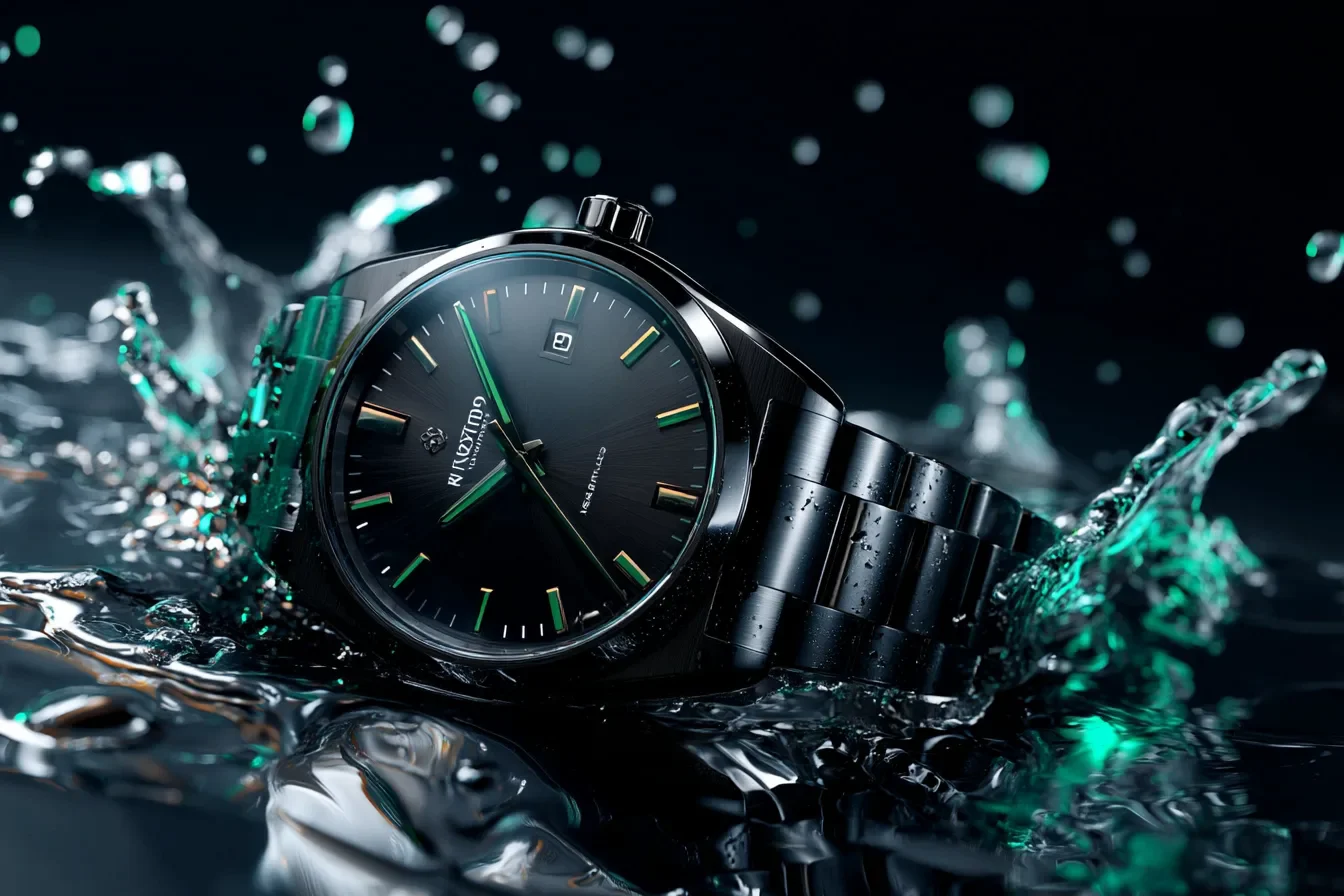
Add up to five images with your prompt to guide the subject, layout and palette. Include a product shot, describe the new setting, and V8.1 builds the scene around a design that stays close to yours.
The Midjourney V8.1 AI image generator answers each prompt with four directions, so one brief becomes a set of options an artist, label or team can react to. The picks render in 2K for decks, campaigns and print.
Fragrance and Product Concepts
Describe the bottle, the material and the one idea that makes it strange, like a storm sealed inside the glass. A single run returns four compositions, ready for campaign moodboards and pitch decks.
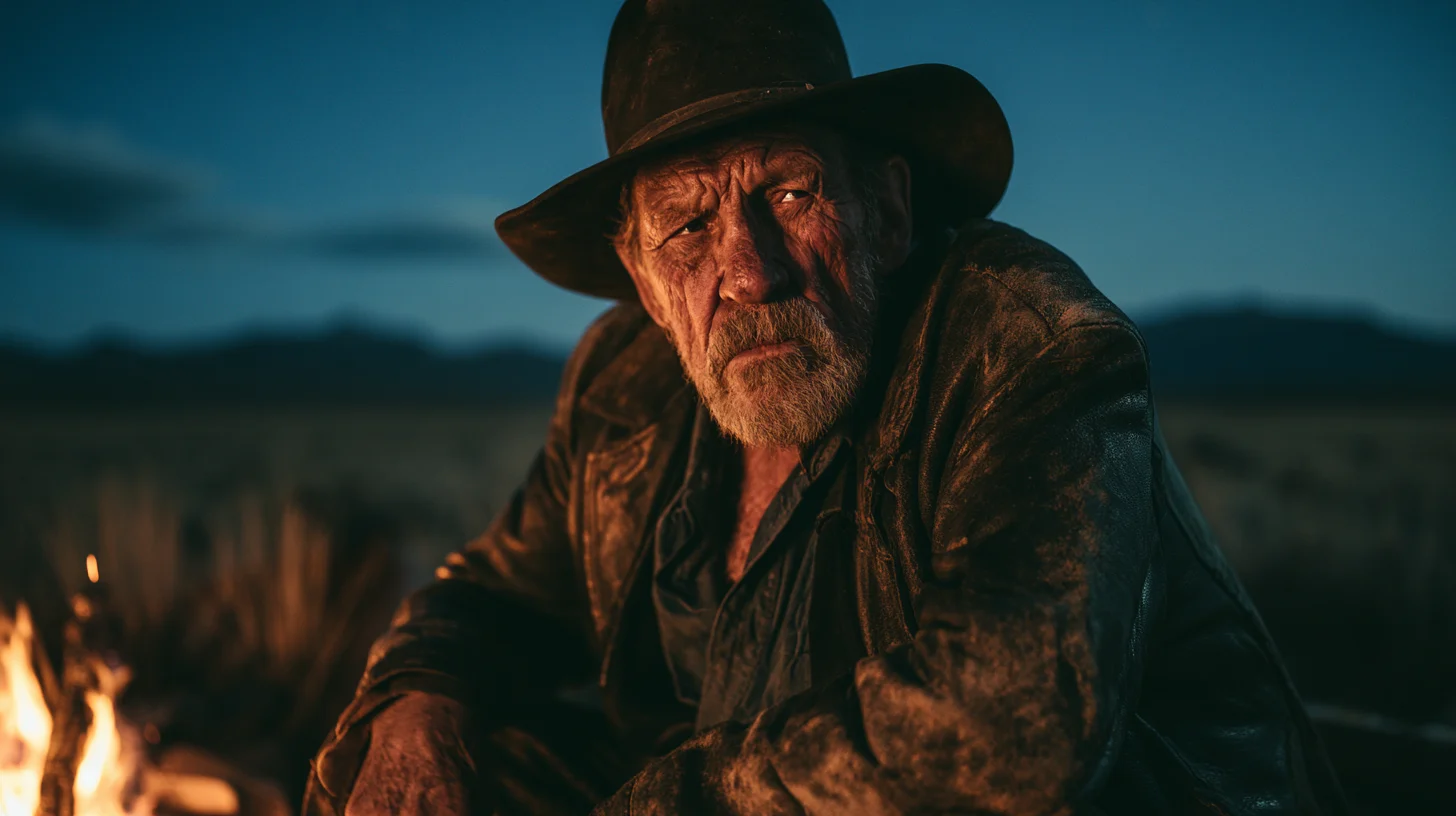
Film Stills and MV Storyboards
Open with the medium, then the shot, for example a cinematic still of an old cowboy by a campfire on the Patagonian steppe. V8.1 lights the face from the flames and keeps the night sky in view, ready for look books and music video storyboards.
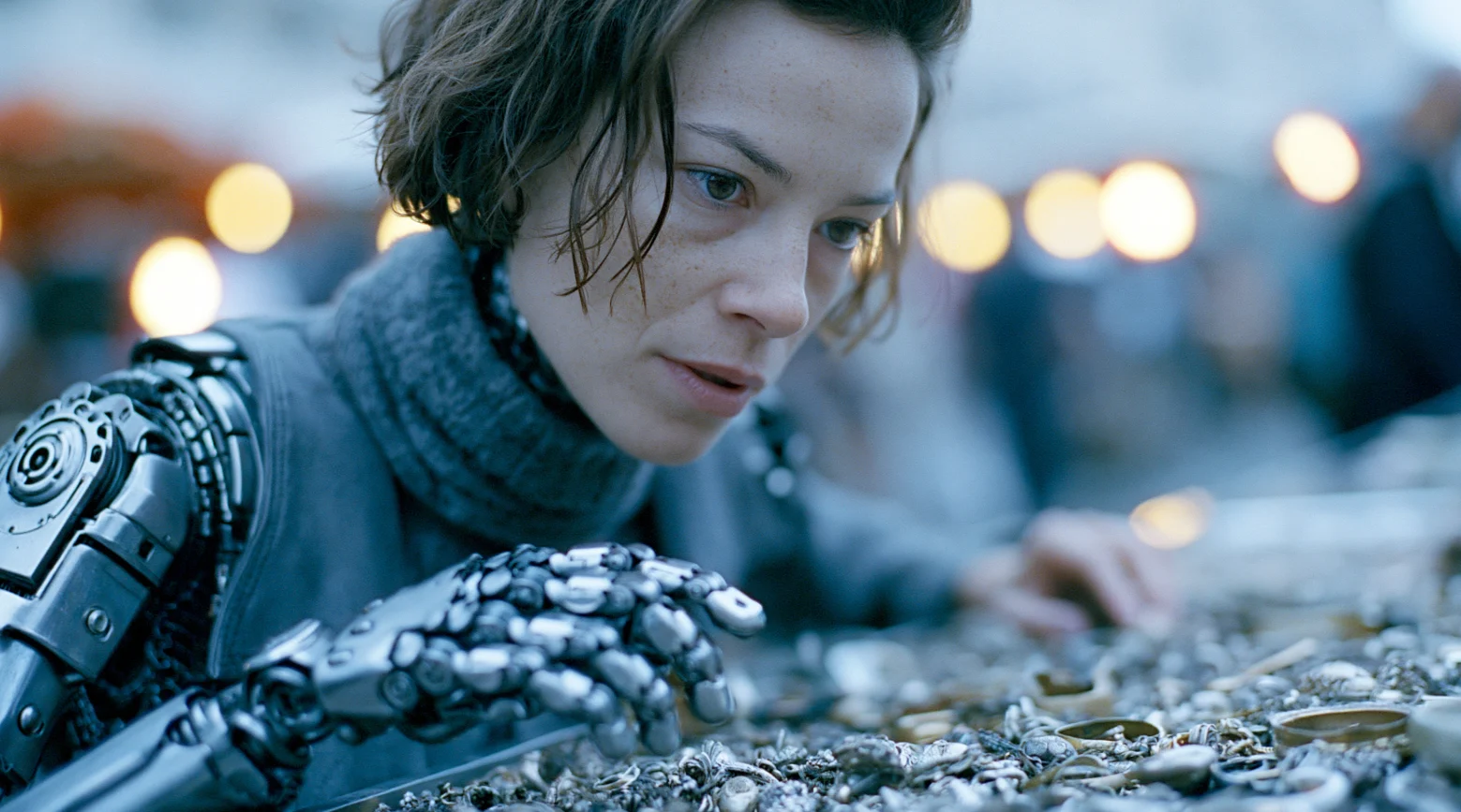
Character Portraits
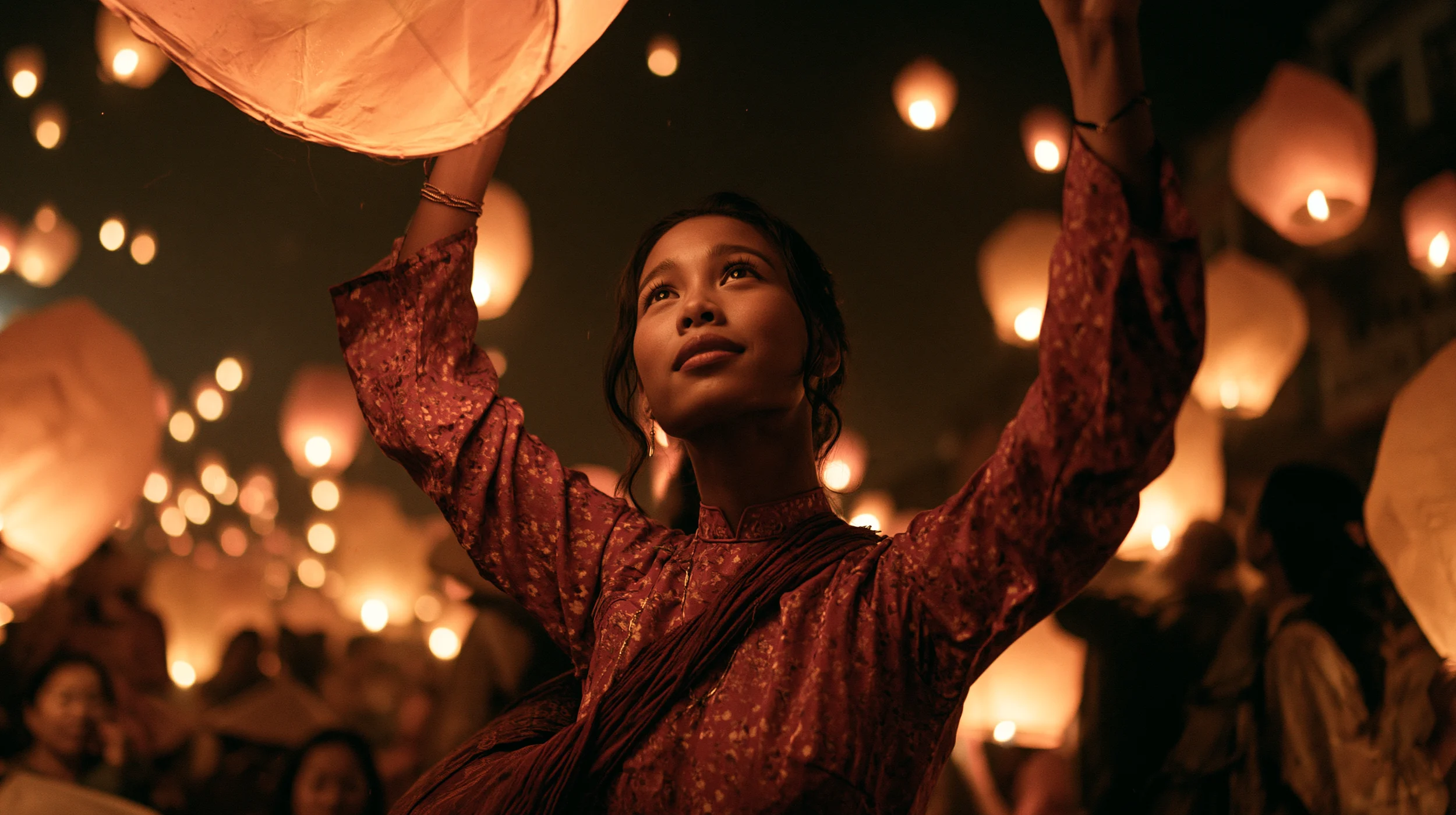
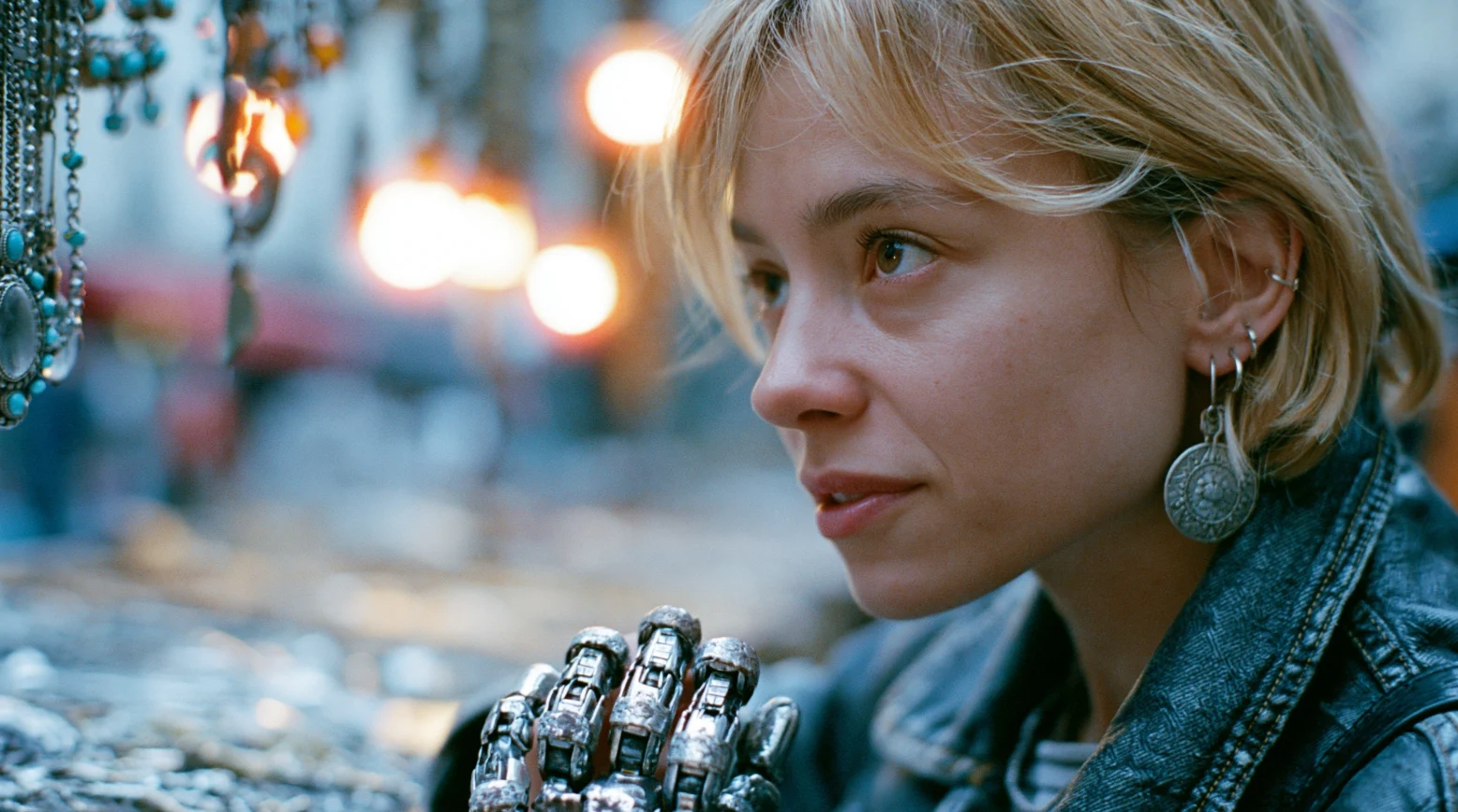
Give a character a task in a real place, such as a cyborg sorting silver at a Paris flea market. Expression, film grain and street-photo shallow focus arrive together, for covers, key art and character boards.
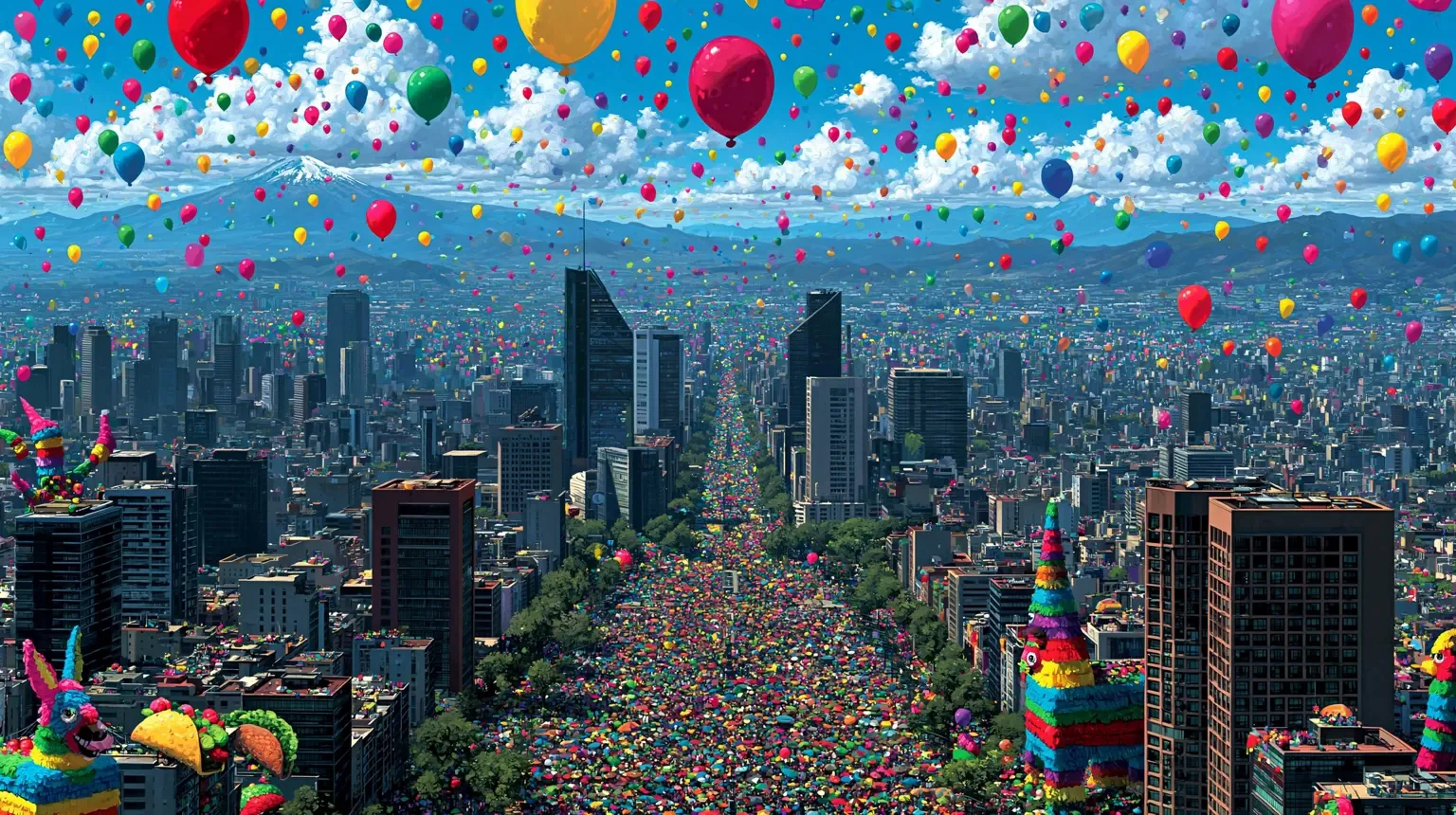
Illustration for Editorial Work
Lead with the medium, like watercolor, gouache or ink, then fill in the scene. V8.1 paints crowds, skylines and hundreds of tiny shapes in one steady style, a fit for magazine spreads and travel posters.
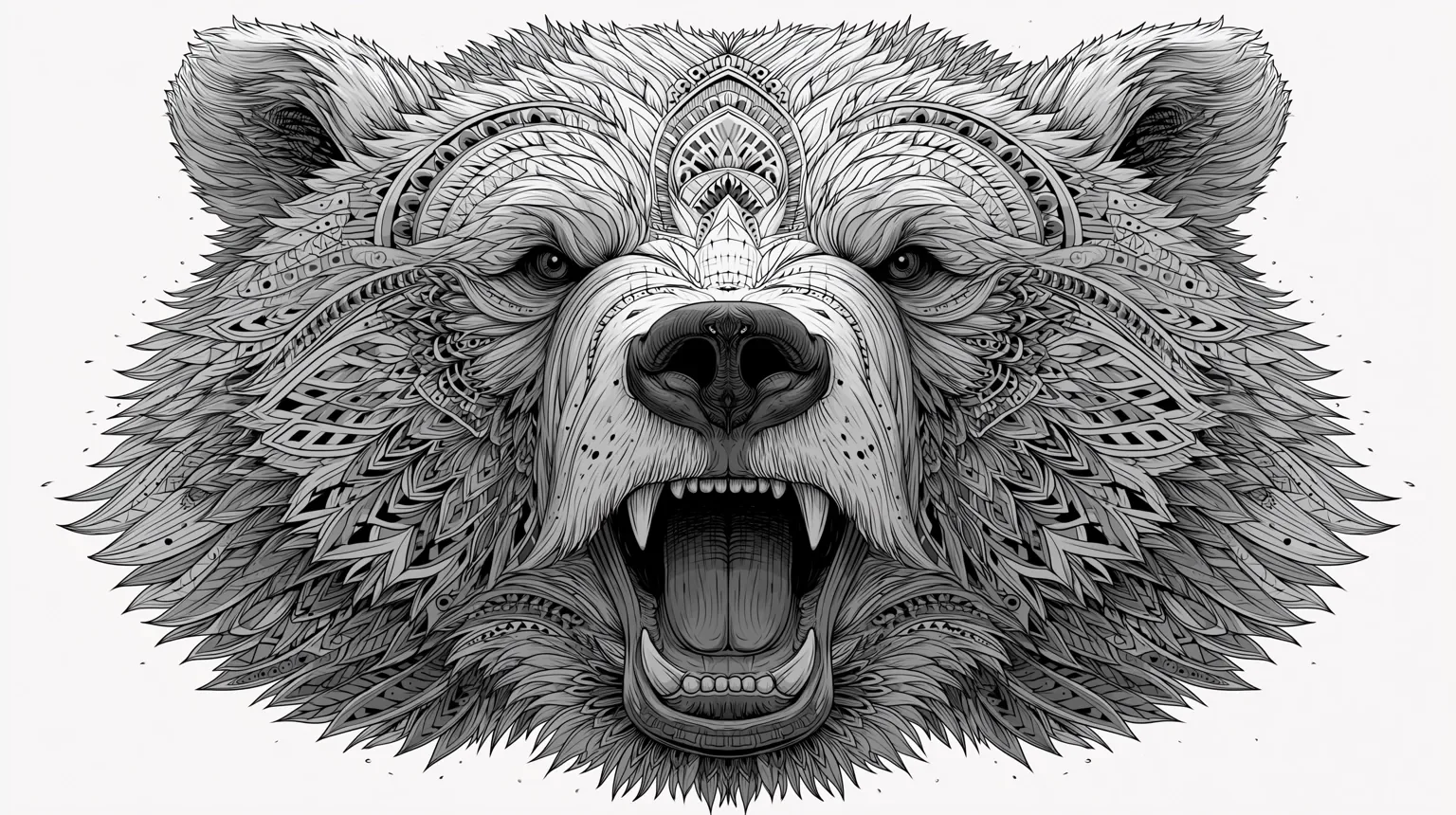
Tattoo Flash and Merch Art
Request bold black linework on white, and V8.1 gives you art with crisp edges and dense ornament. It's ready for tattoo flash, tour T-shirts and sticker sheets.
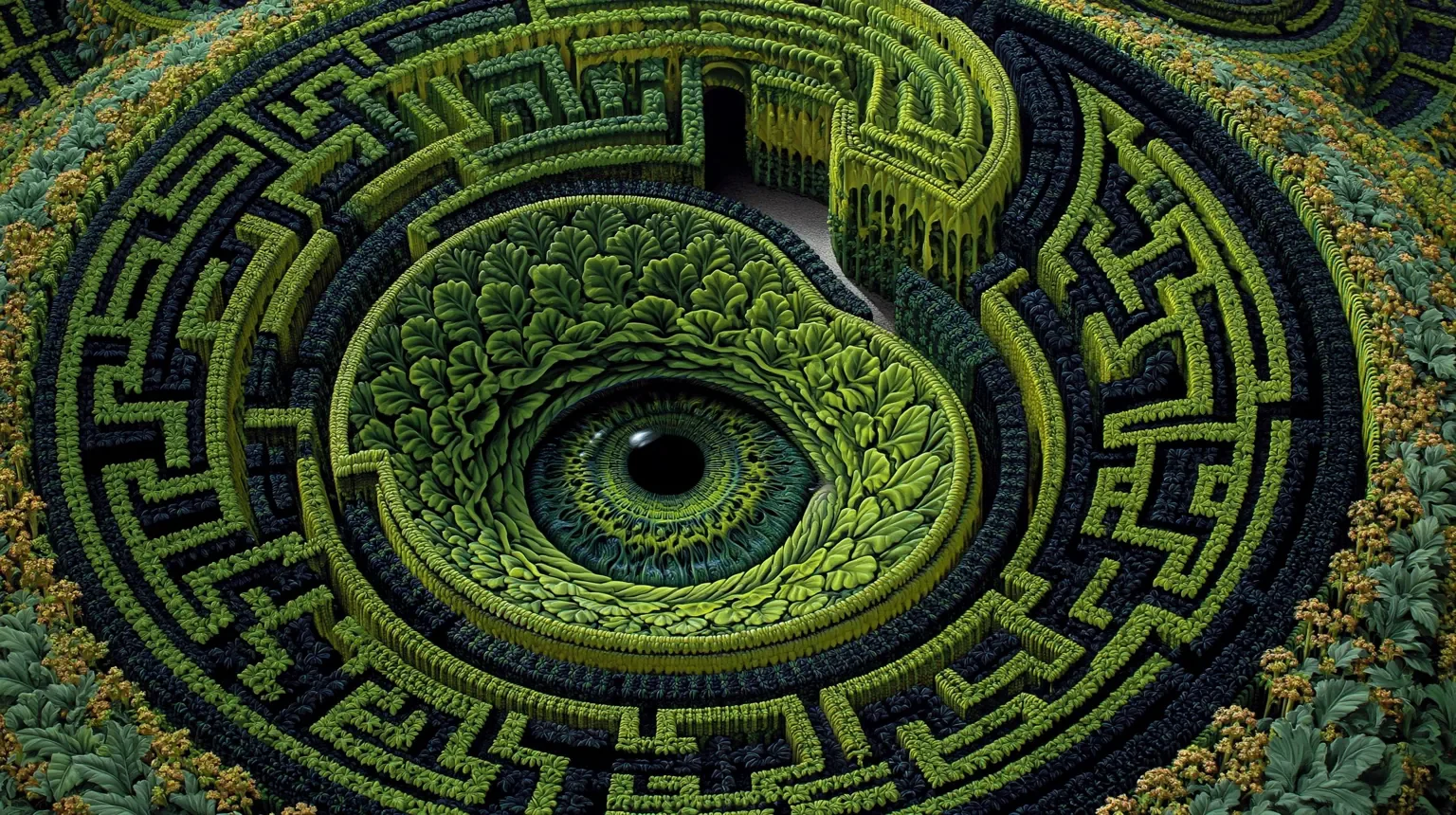
Album Art and Prints
Take an idea somewhere surreal, like a hedge maze that curls into an eye, and V8.1 runs the pattern across the entire frame. Render in 2K for album and single covers, posters and wall prints.
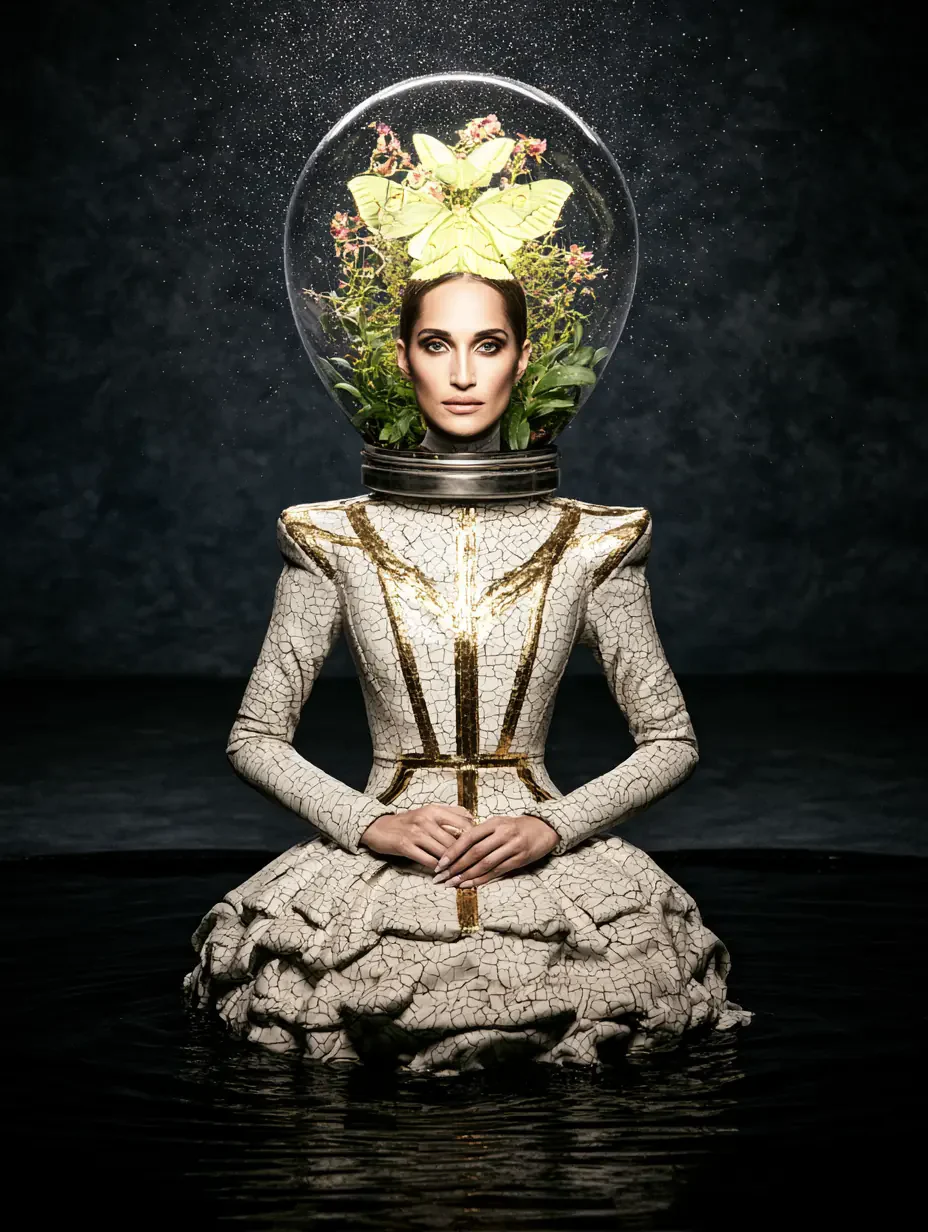
The Midjourney V8.1 AI image generator moves from product photos to fashion editorials and concept art while keeping its feel for light, glass and texture.
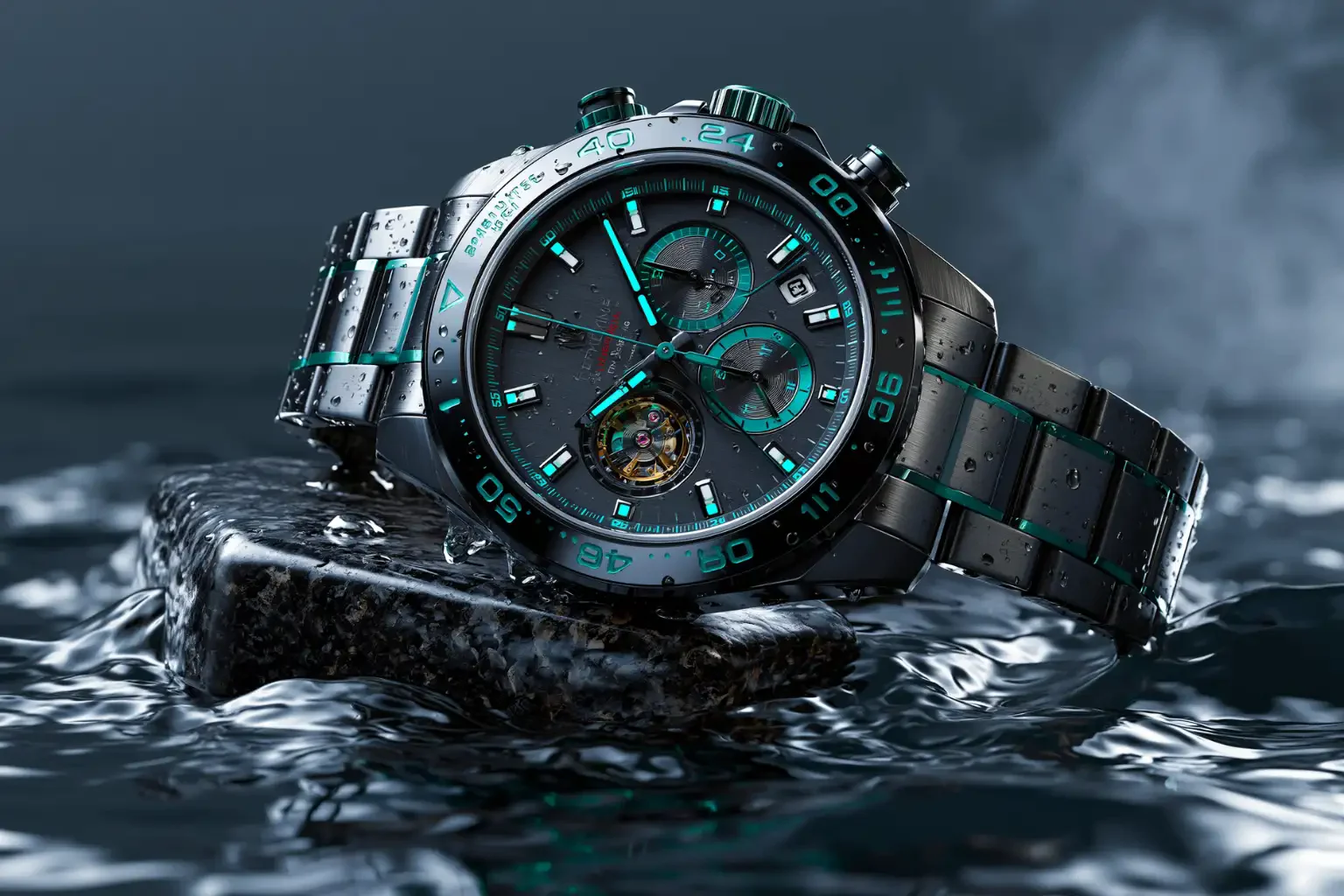
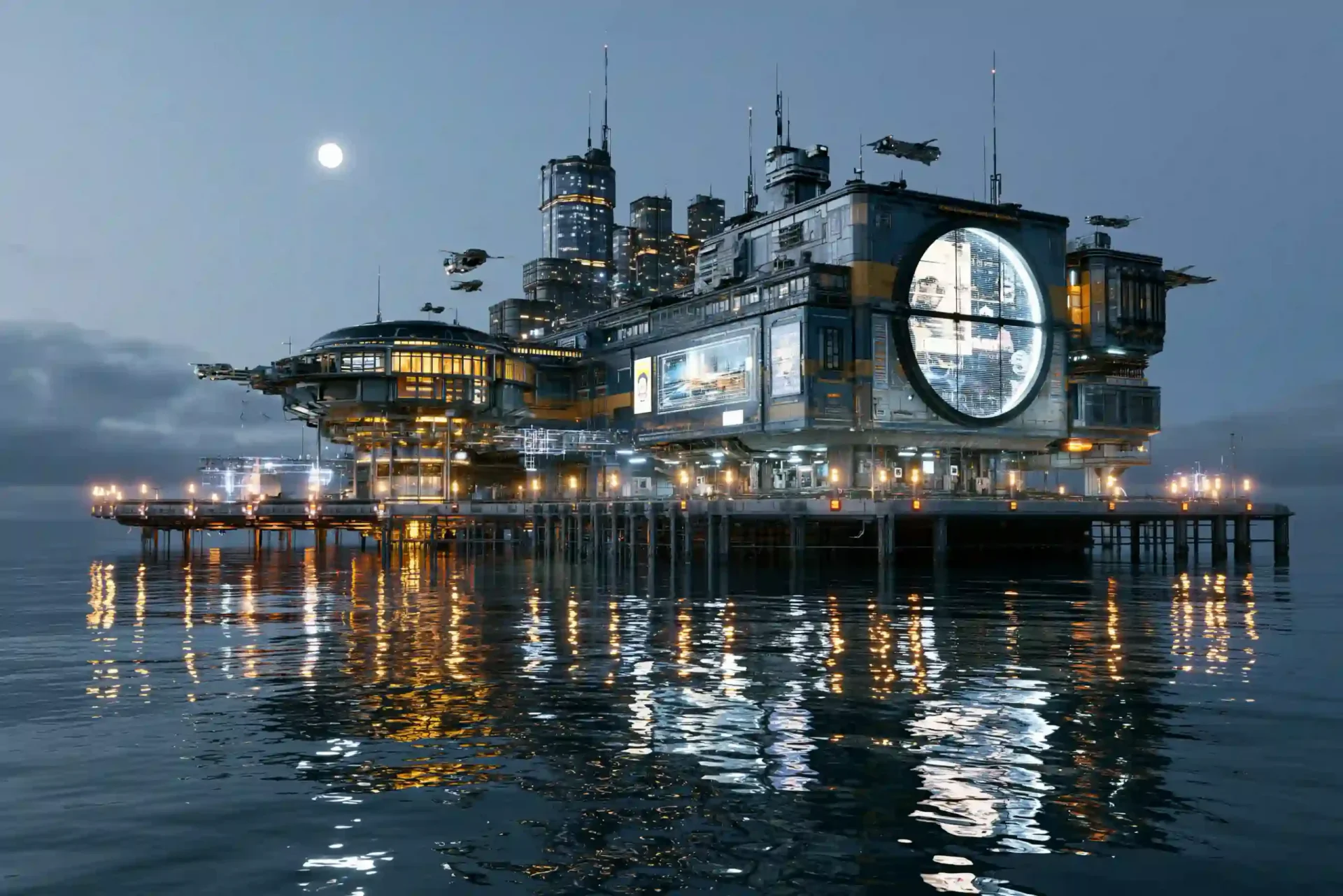
Three steps take an idea to a finished set in the Midjourney V8.1 AI image generator.
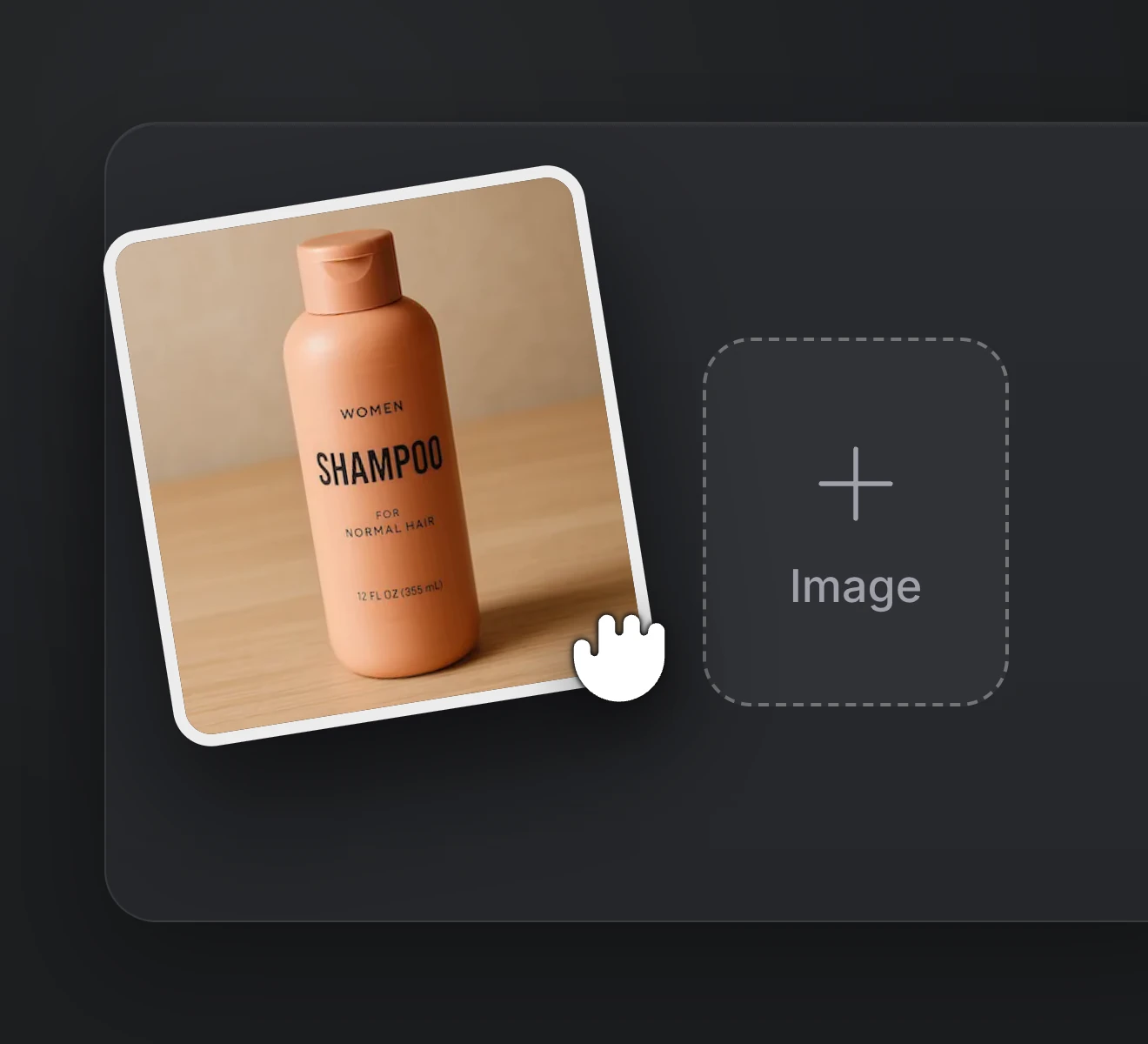
Step 01
Add up to five images to steer the subject, layout or palette, or skip ahead and start from text.
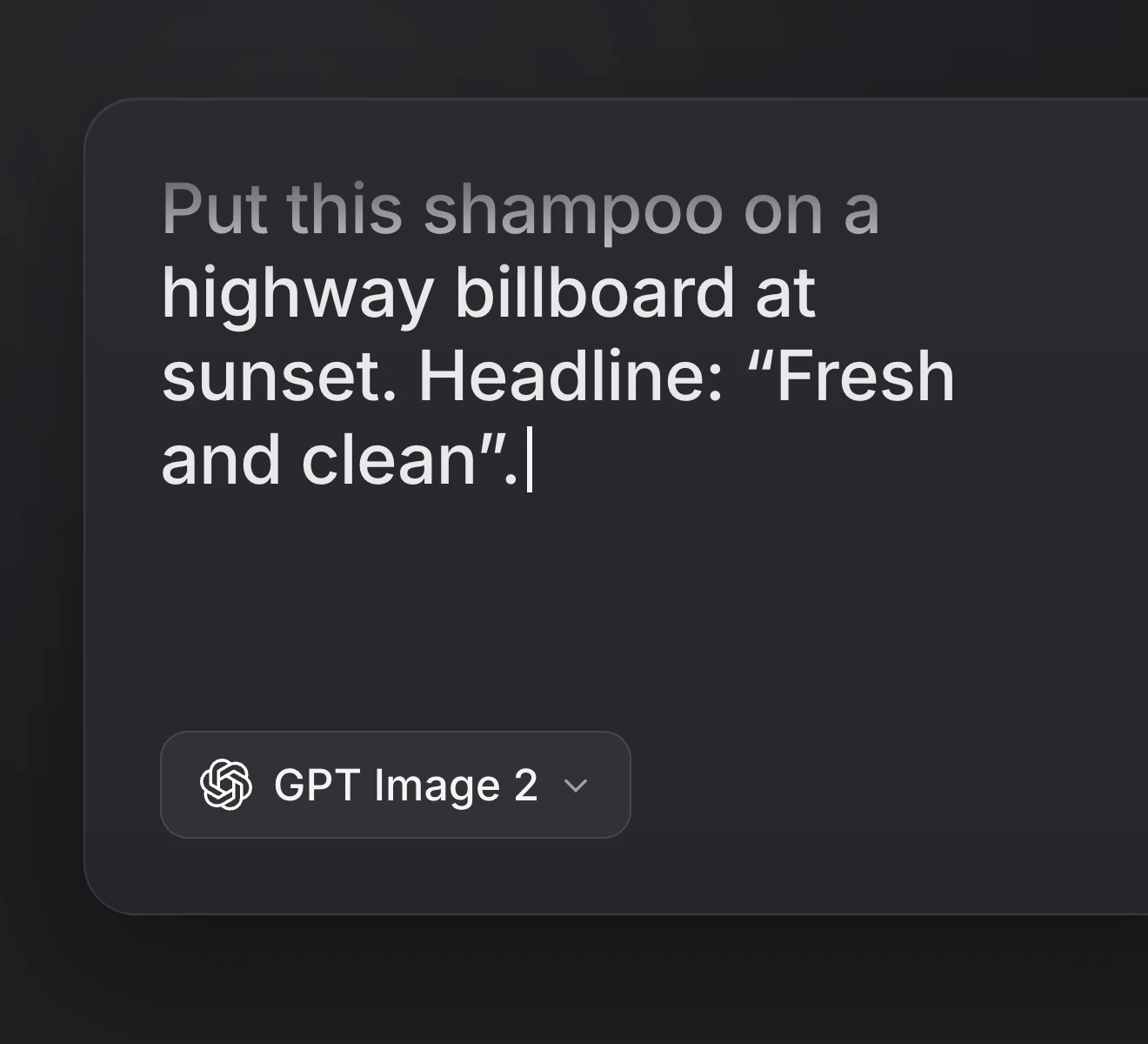
Step 02
Cover the subject, setting, light and medium. Quote any words that should show up in the image.
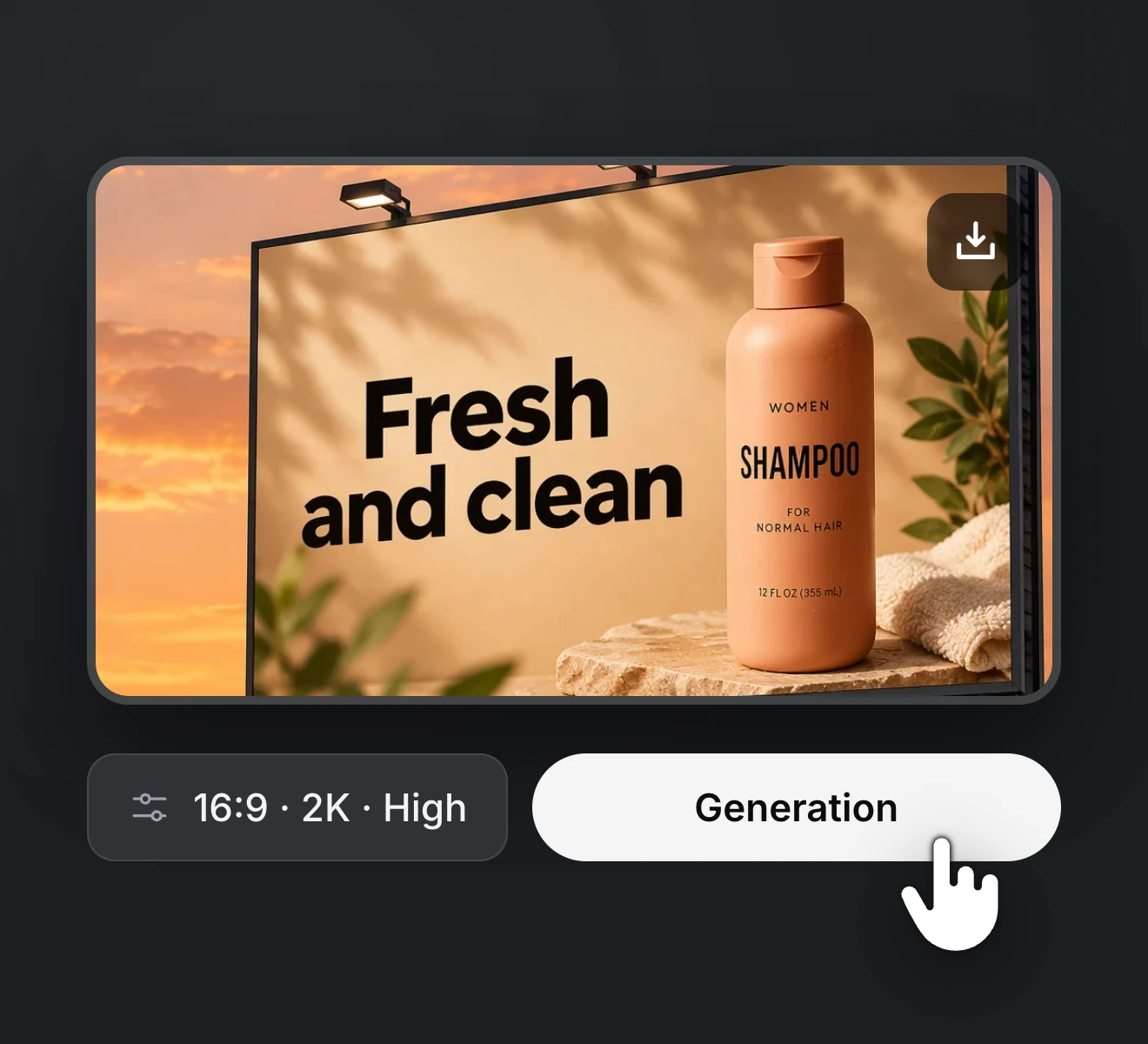
Step 03
Pick 1K or 2K and a ratio, generate a set of four and save the ones you like.
Bring a prompt and a few references, and the Midjourney V8.1 AI image generator returns four directions for your next cover, poster or MV still. Try ideas at 1K, then output your keepers in native 2K.
Upgrade or cancel anytime. Choose a plan for clean output, fast generation, full model access and priority support.
Monthly
Annual
Common questions about the Midjourney V8.1 AI image generator on RapVid, covering prompting, references and the credit cost of each set of four.