Same Cast in Every Shot
Cut between angles in one video and every face, outfit and location stays put. Attach one reference image per recurring artist or dancer, and they remain the same person from the wide shot to the close-up.
Bring a photo, a few references or a written scene, and the Seedance 2.5 AI video generator returns a 30-second clip with synced sound in 1080p, long enough to carry a hook and a verse.
One generation from the Seedance 2.5 AI video generator runs as long as 30 seconds with sound, and the same faces, light and camera style hold from the first shot to the last, so a music video sequence cuts together without visual jumps.
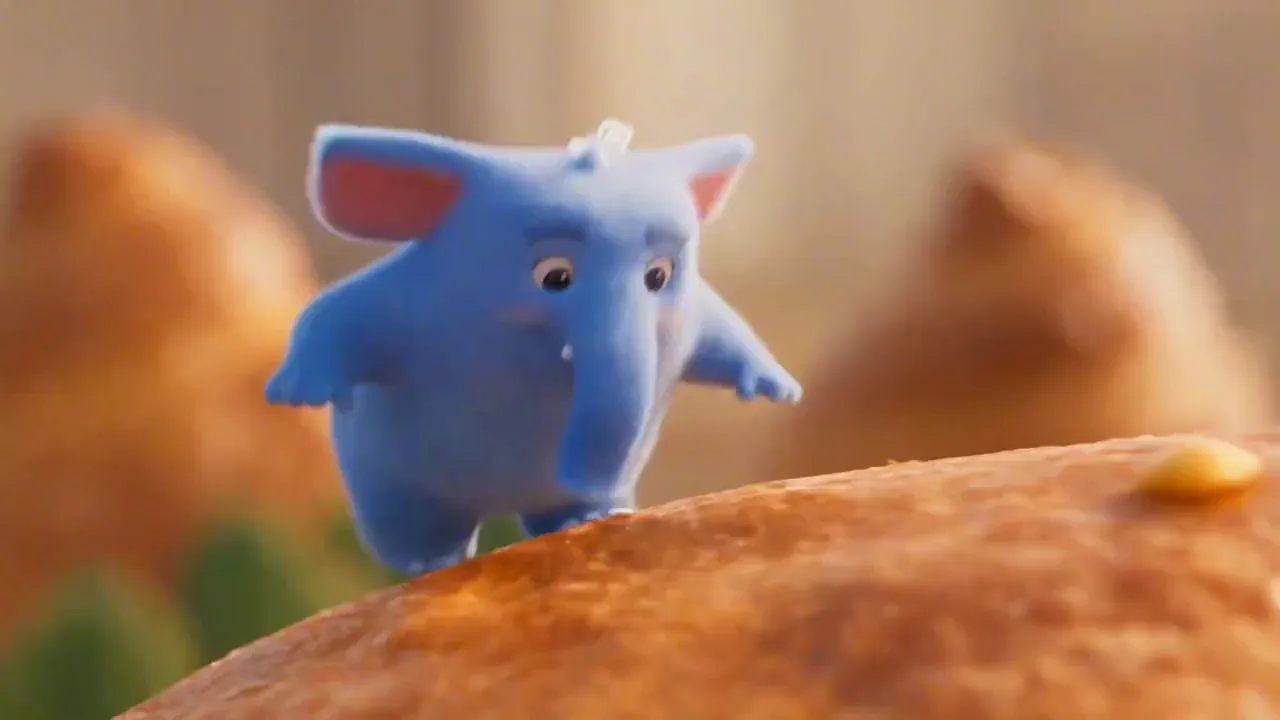
Mascots That Stay On Model Its shape, color and face stay fixed while the pastry world shifts around it, which keeps a mascot or cartoon artist recognizable from clip to clip.
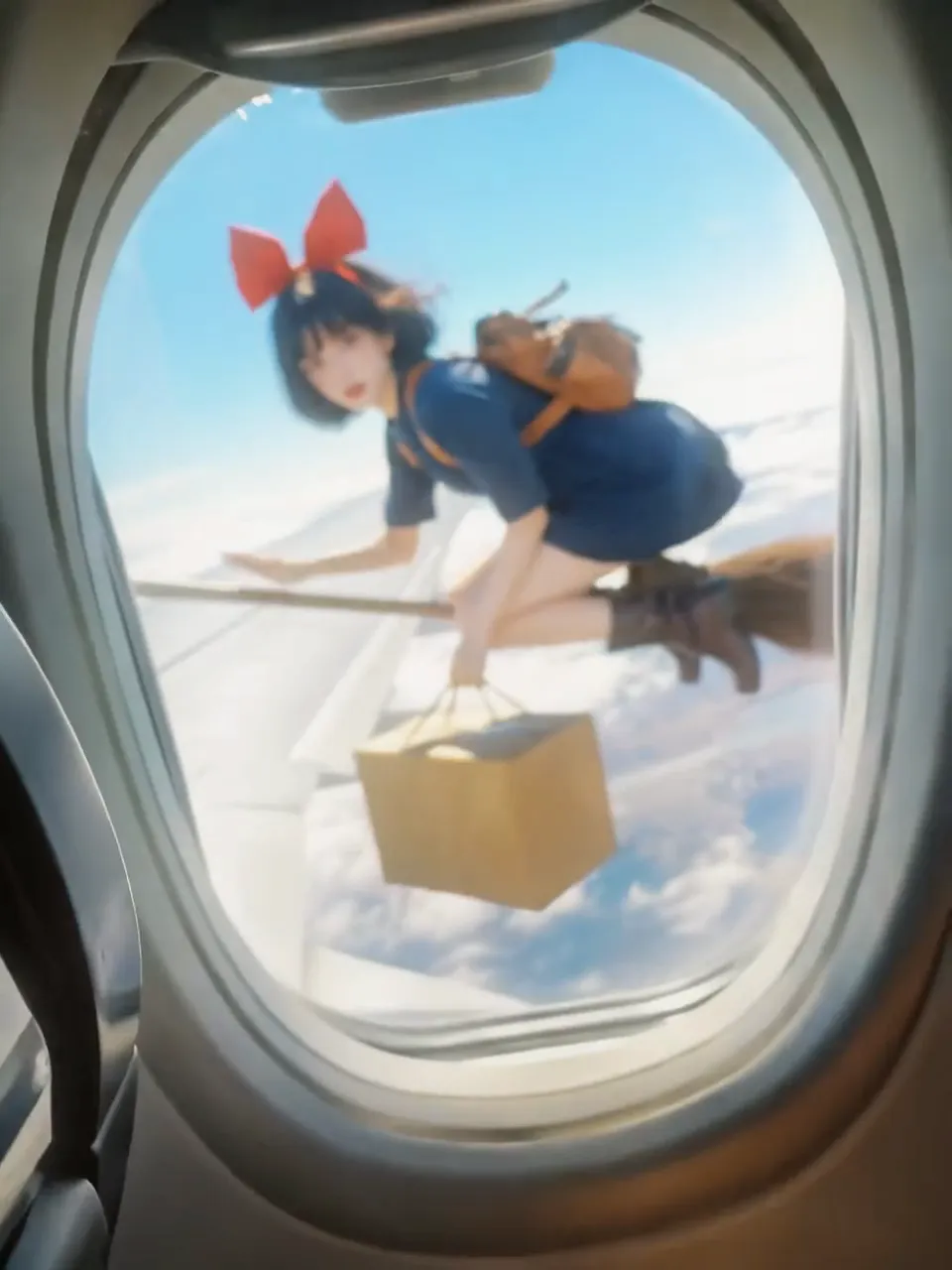
One Character, Many Locations The witch keeps her red bow and outfit as the story moves between locations, the kind of continuity a narrative music video needs.
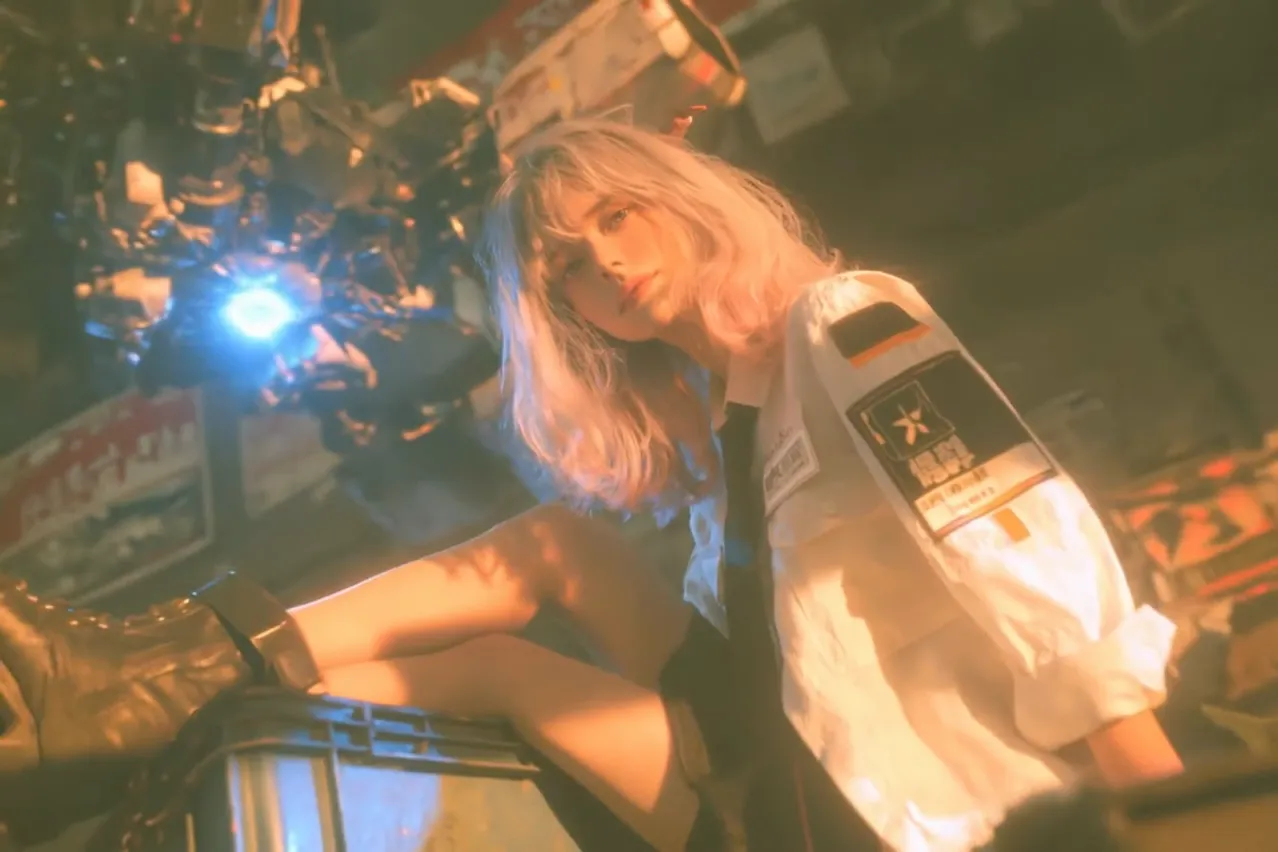
Large-Scale Scenes with Real Light Fire, haze and light beams behave like practical effects, and the ship keeps its size as the camera travels, giving an album trailer or a single teaser real scale.
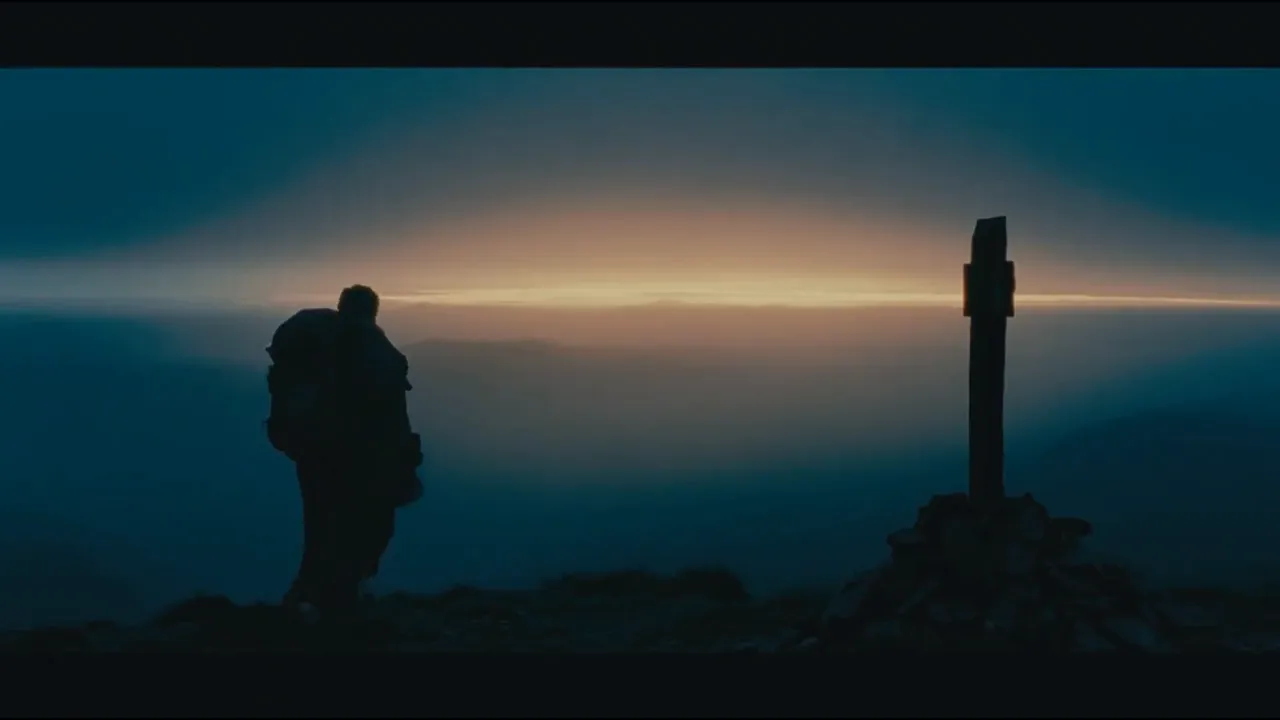
Shot Lists Followed in Order Write a wide shot, a silhouette and a final close-up into the prompt, and Seedance 2.5 frames them in that order under one grade, a setup that works for a slow intro before the beat drops.
The Seedance 2.5 AI video generator renders 30 seconds of picture and sound together and keeps your artist the same across every shot. You can start from a written scene, one photo or a stack of 50 references.
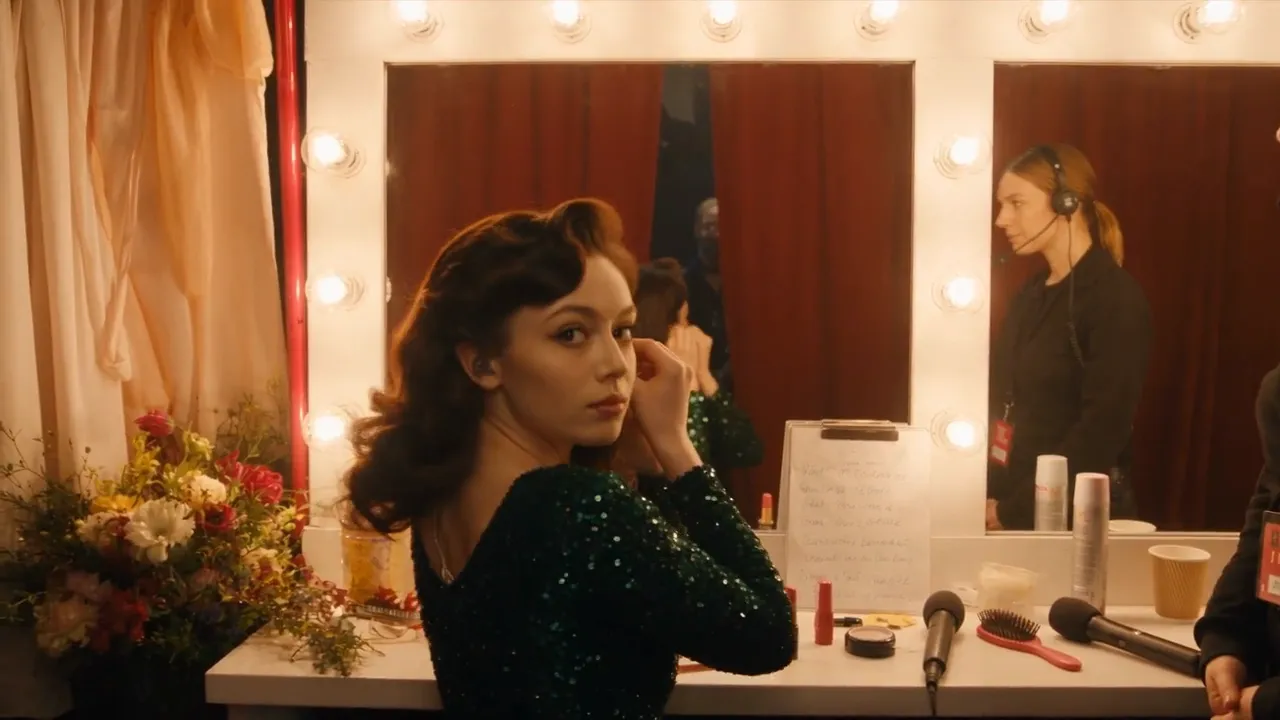
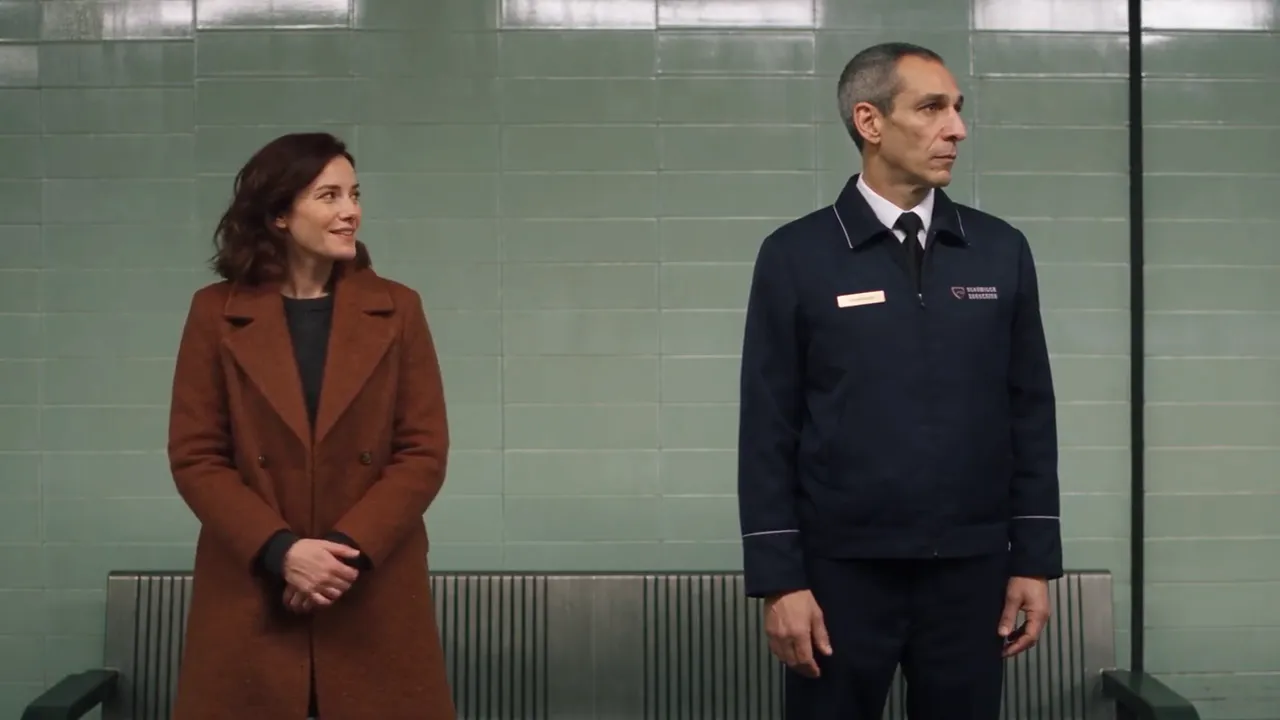
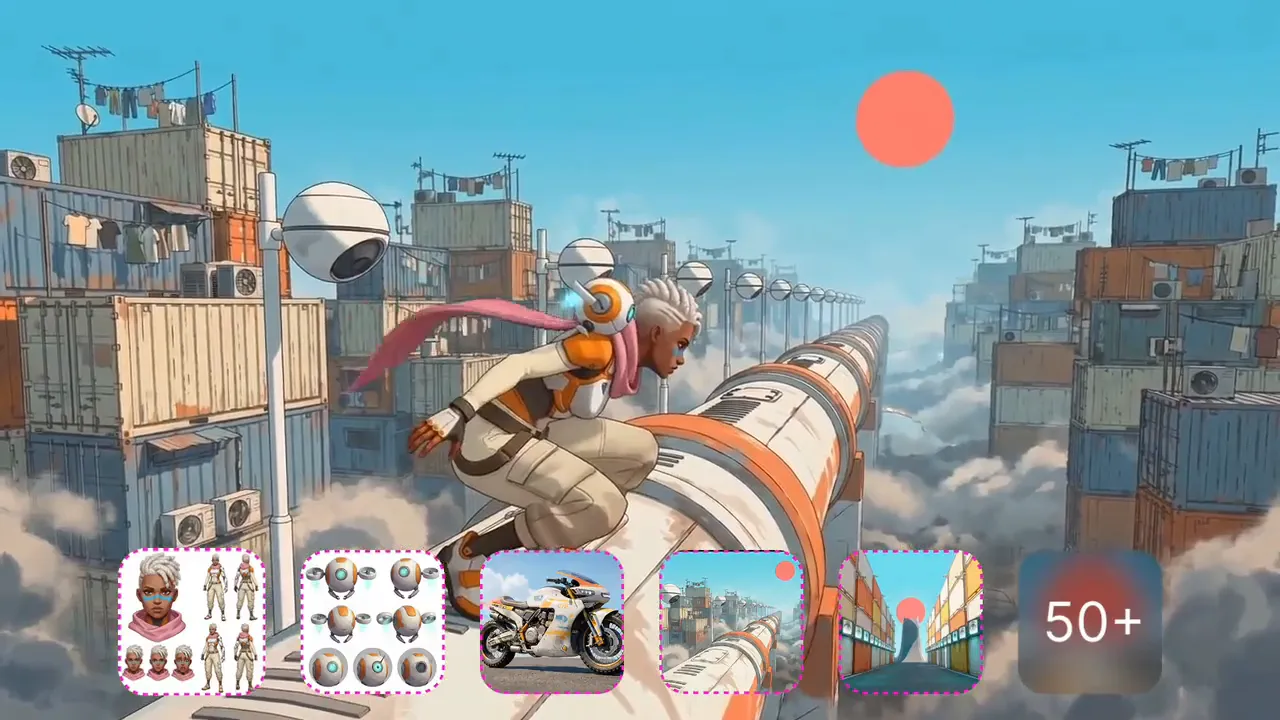
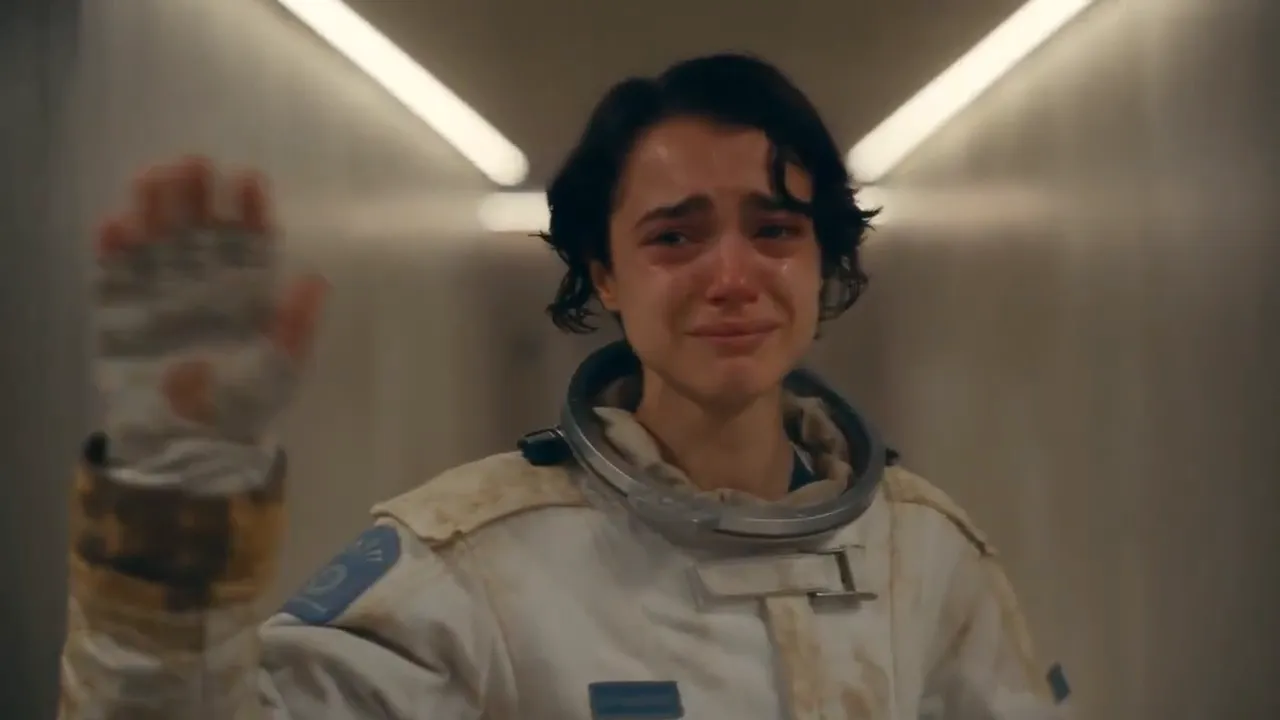
The Seedance 2.5 AI video generator fits the release cycle of an independent artist, from teaser clips to full music video scenes. Clips arrive with sound and run long enough to hold a section of a song, so there's less to rebuild in the edit.
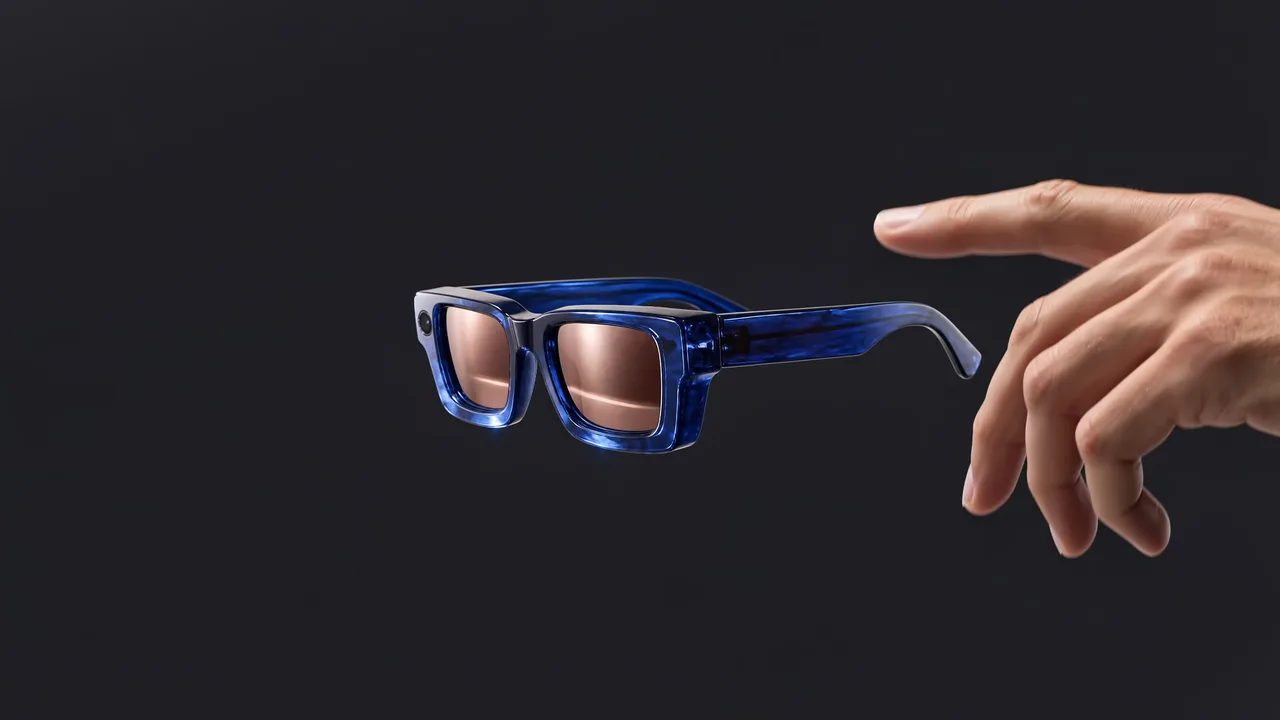
Upload photos of your merch or a brand partner's product, describe a slow move across the details and a moment of wear, and Seedance 2.5 returns a 15 or 30-second spot with music for a store page or a launch post.
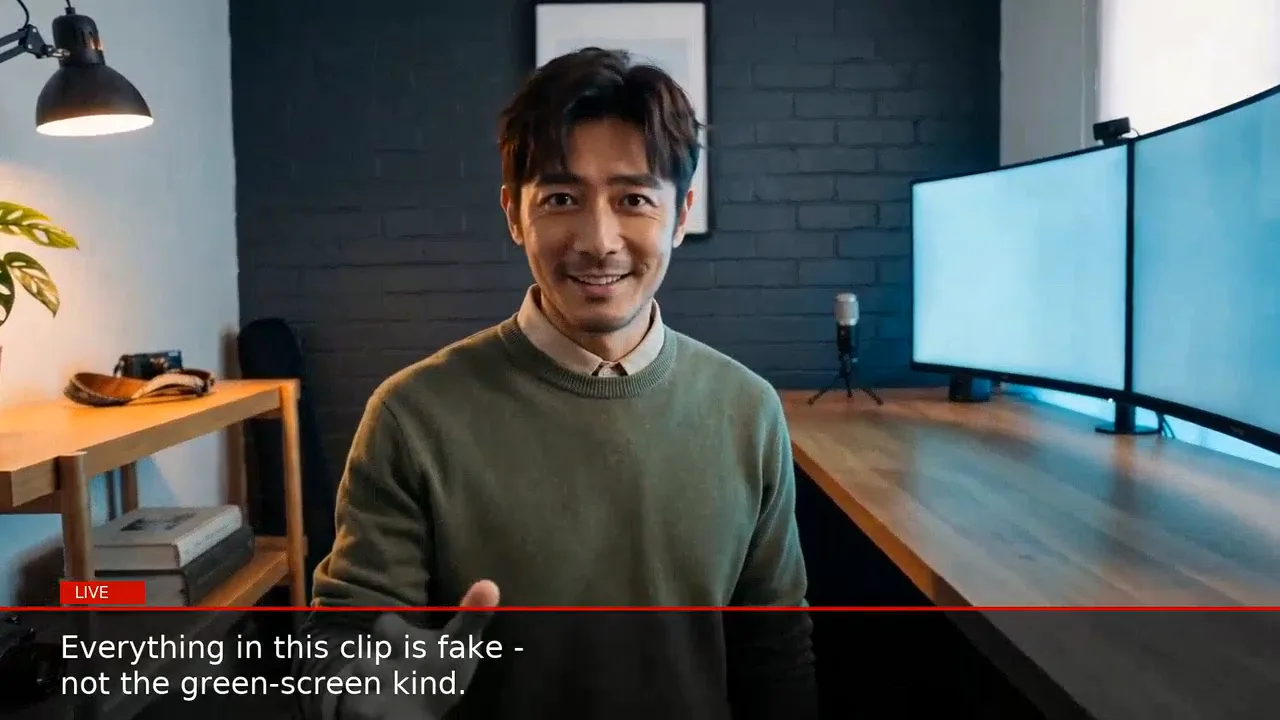
Describe the artist, where they stand and the line they say to camera, and you get a vertical clip with matching lip movement for TikTok, Reels and Shorts, without organizing a shoot.
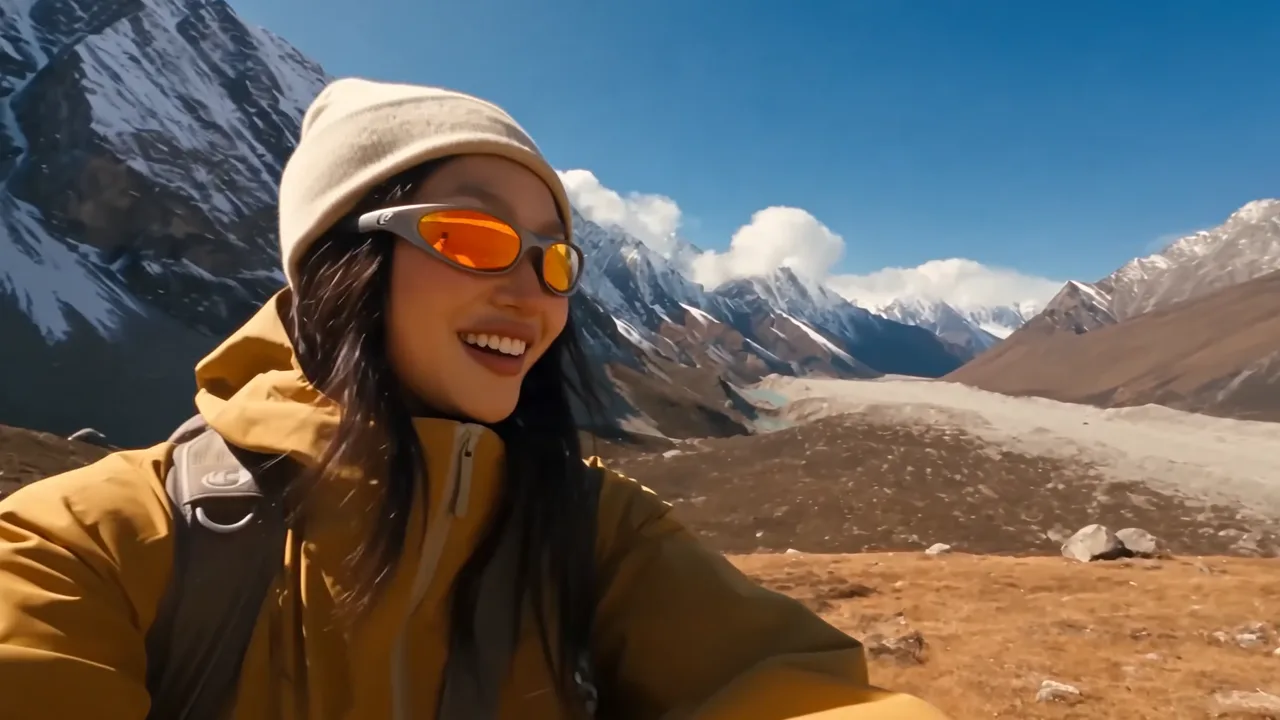
Begin with a portrait and an outfit reference, then plan a day across several locations. The face and styling hold in every scene, so a tour diary or a lifestyle reel looks like one shoot.
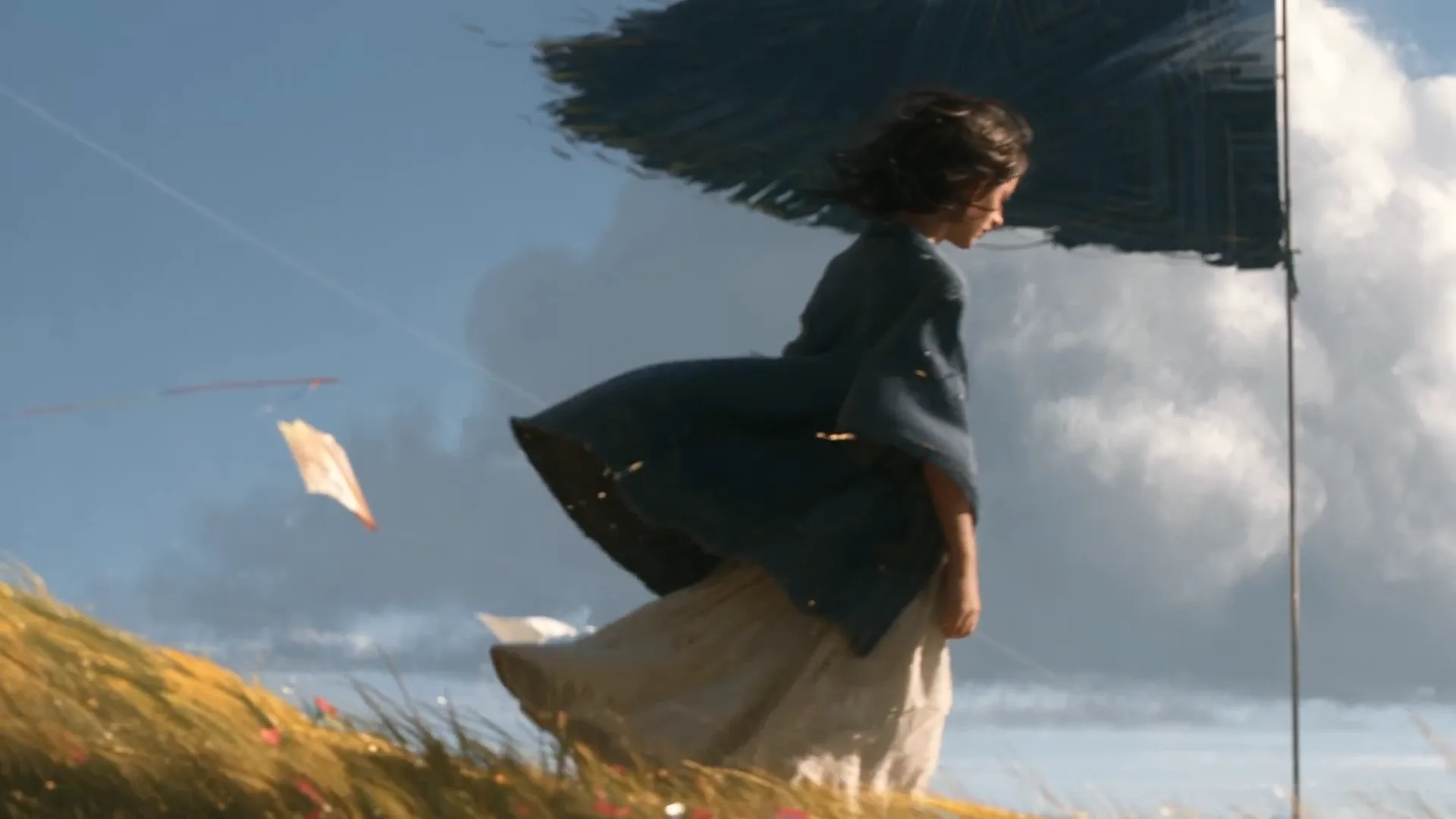
Upload your character art and write the action one beat at a time. Seedance 2.5 keeps your line work and colors while adding motion, effects and a score, turning one illustration into an animated music video scene.
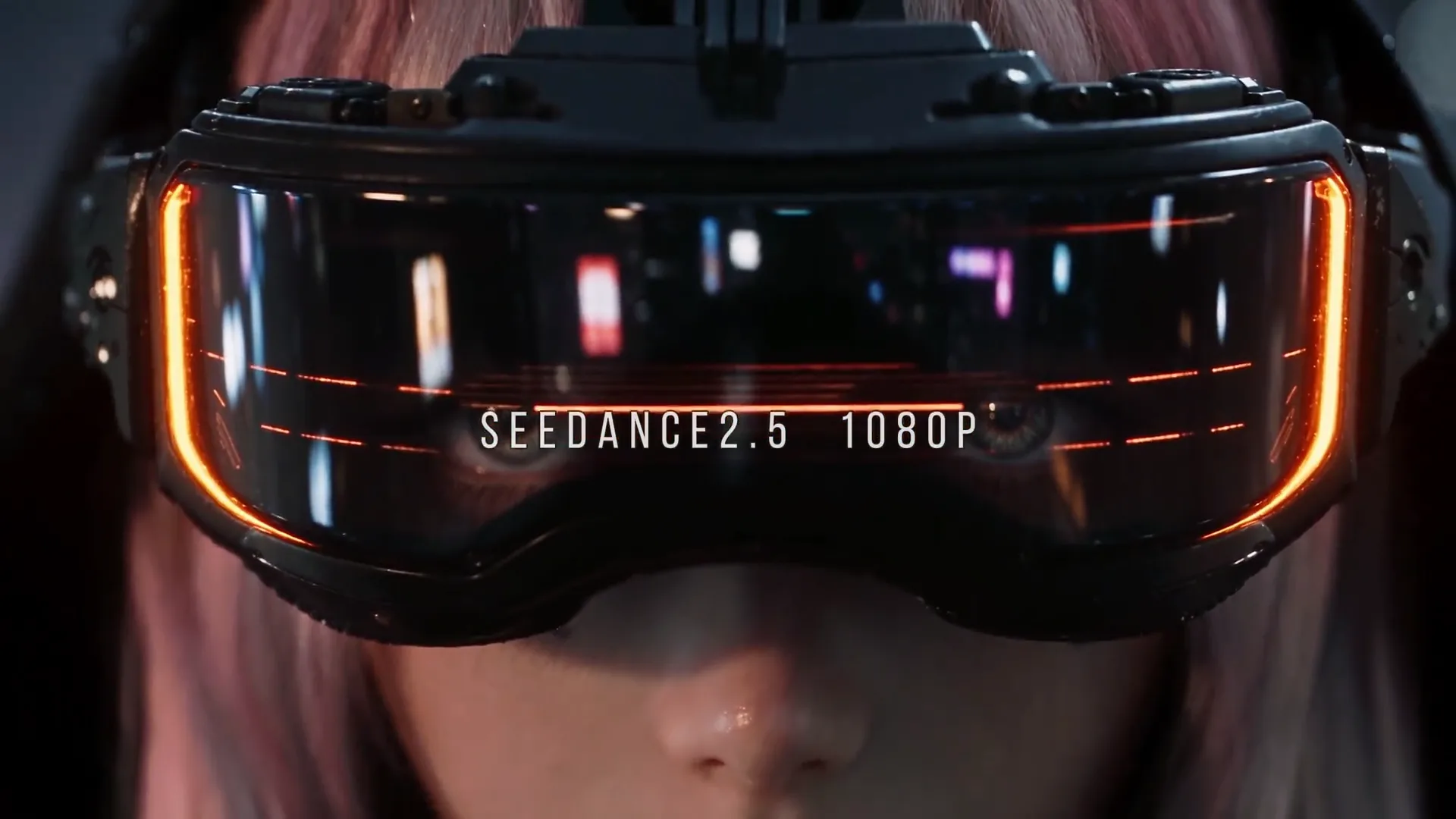
Upload a character sheet and set art, then call for an entrance, a showdown or a reveal. The result matches your designs, ready as a cinematic intro for a single or a concept pitch to your team.
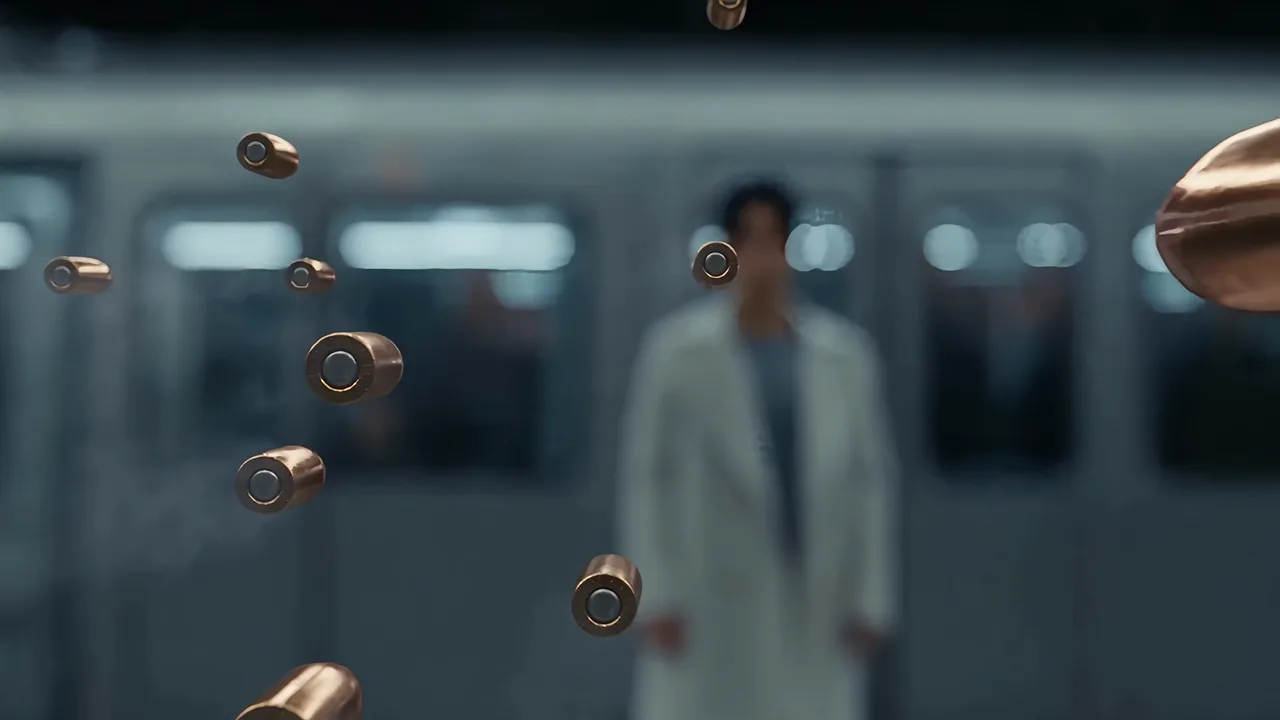
Write a short scene with a setup, a twist and a reaction, with each character's lines in quotes. Thirty seconds holds the whole scene, with lip-synced dialogue and sharp close-ups, ready to open or split a story-driven music video.
With the Seedance 2.5 AI video generator you direct cast, timing, look, movement, sound and format separately, the way a music video director plans a shoot.
Cut between angles in one video and every face, outfit and location stays put. Attach one reference image per recurring artist or dancer, and they remain the same person from the wide shot to the close-up.
Break the prompt into seconds, for example 0-8s for the hook and 8-20s for the first verse. Seedance 2.5 plays each section at the time you gave it.
Add a style frame, a palette or a mood board and state its job in the prompt. Seedance 2.5 carries that look through the clip while your artist stays unchanged, handy for matching your cover art.
Upload a dance routine, a fight or a camera move and point to it in the prompt. Seedance 2.5 lifts the movement and puts it on your own characters in your own setting.
Include a voice sample so a character sounds the same in every scene, or drop in your beat to set the tempo. Cuts and movement follow the rhythm of the track you supply.
Set any length from 4 to 30 seconds and render in 480p, 720p or 1080p. Go vertical for TikTok and Reels, square for feeds or 21:9 for a widescreen music video.
The Seedance 2.5 AI video generator reads a prompt like a shot list, taking second-by-second timing, camera direction and sound cues, the same detail a music video treatment carries.
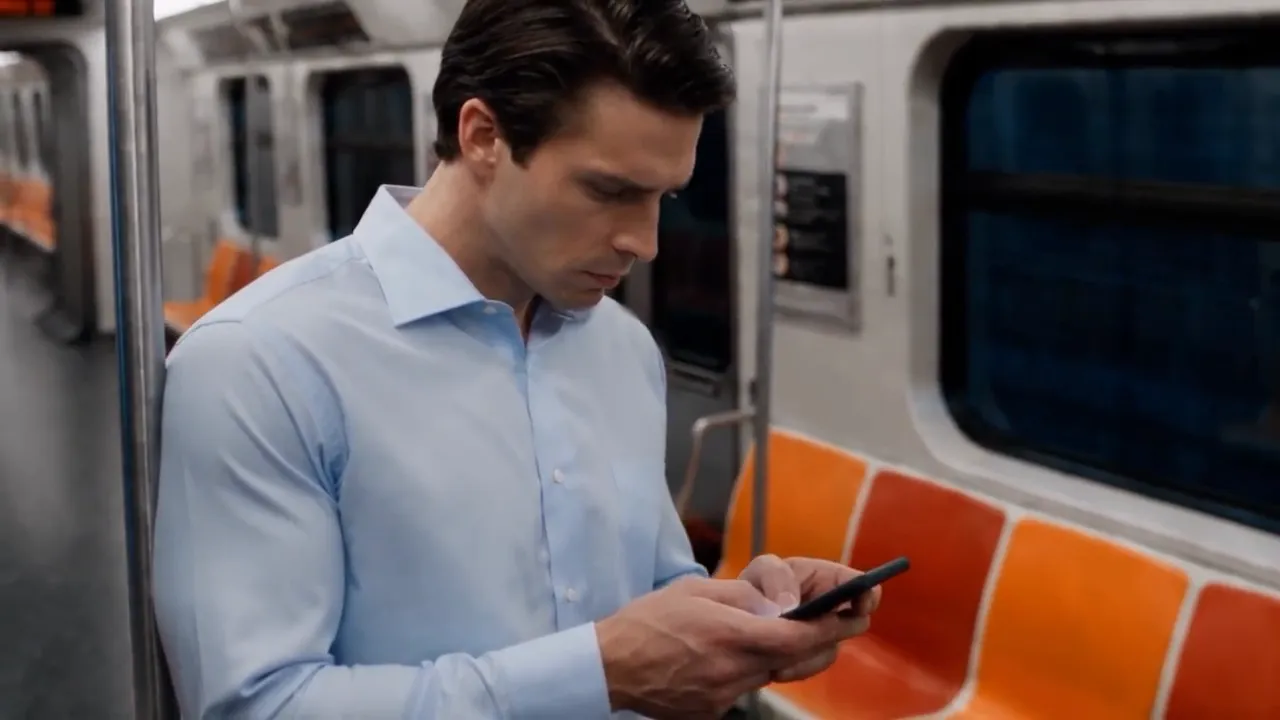
Three beats on the subway
0-10s: on a New York subway car, a man in a light-blue shirt checks his phone while a small boy holds a soccer ball behind him. 10-20s: the ball slips loose and rolls down the aisle. 20-30s: the man runs after the boy through the empty train.
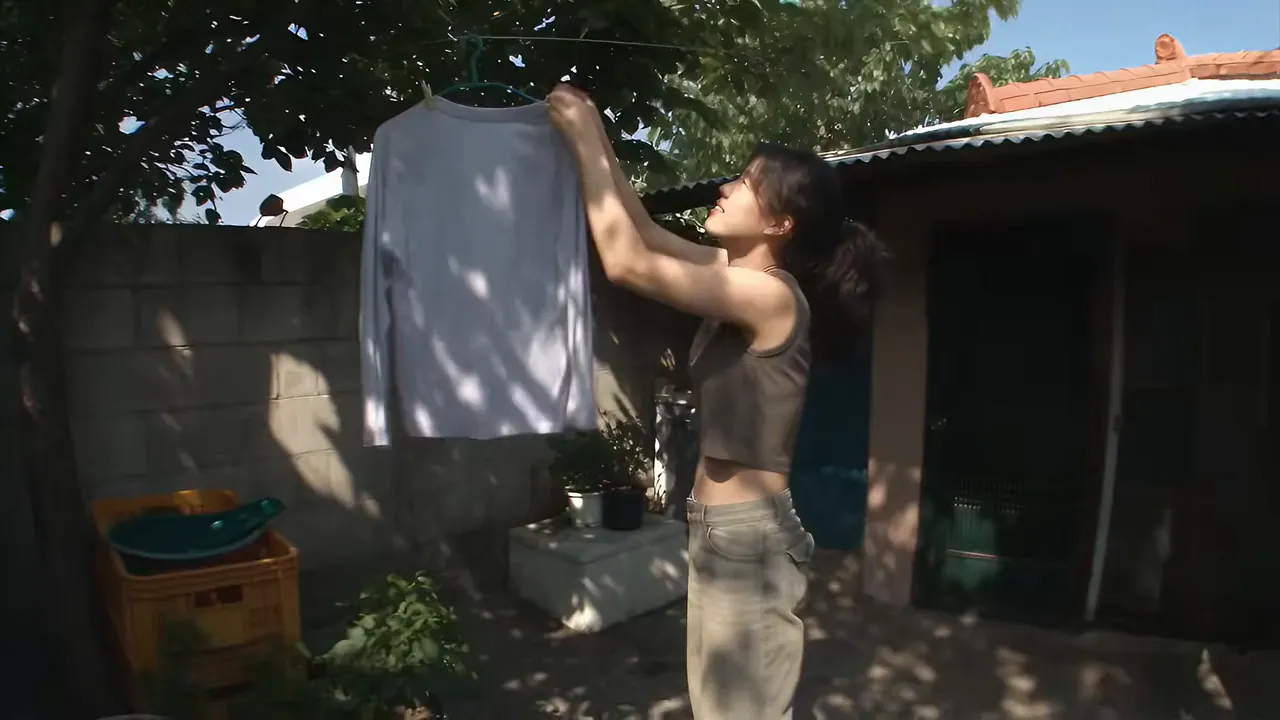
Morning routine in Seoul
Handheld wide-angle follow shot of a young woman on a summer morning in a hillside Seoul neighborhood: she stretches at her door, pets a street cat, drinks coffee on a rooftop and hangs up laundry. Natural sound, single take.
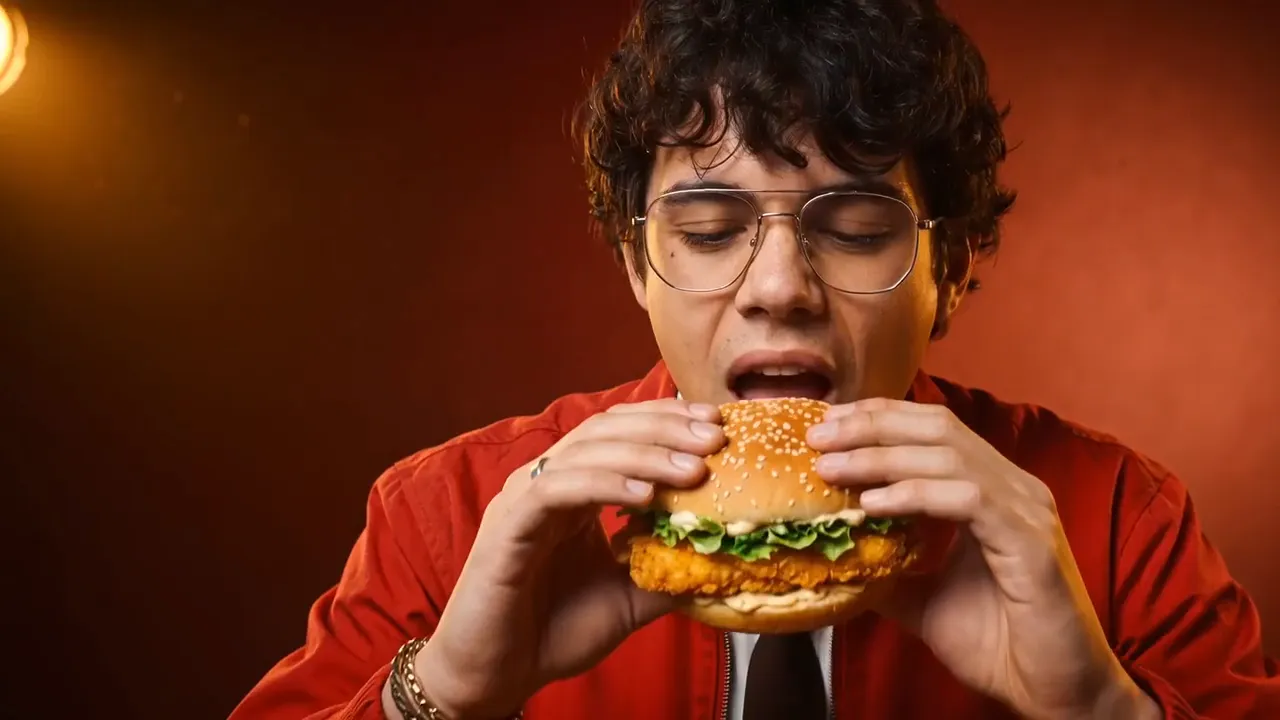
Burger spot with crunch
Macro food commercial: steam rises from a crispy chicken burger on a sesame bun. A man in glasses and a red jacket takes a big bite and shuts his eyes. Cut to a cold cola bottle covered in condensation. Crunch sound effects.
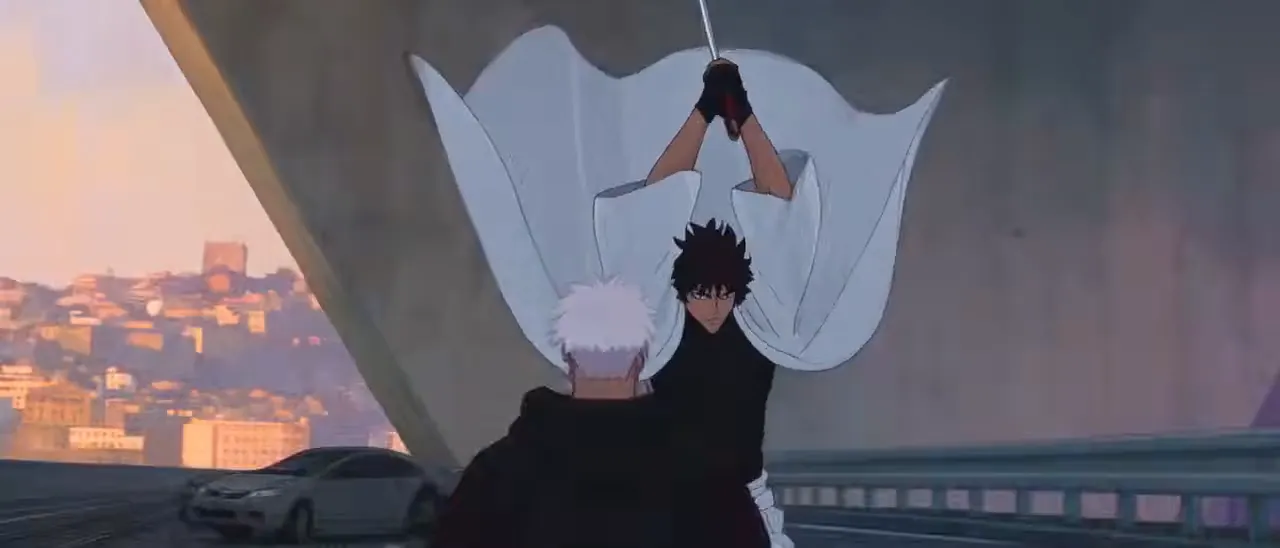
Overpass anime fight
2.5D anime under a highway overpass at golden hour: a swordsman in white robes runs along the rails, a white-haired fighter in a black hoodie vaults a parked car to meet him, and kicks clash with the katana. Quick cuts, impact sounds.
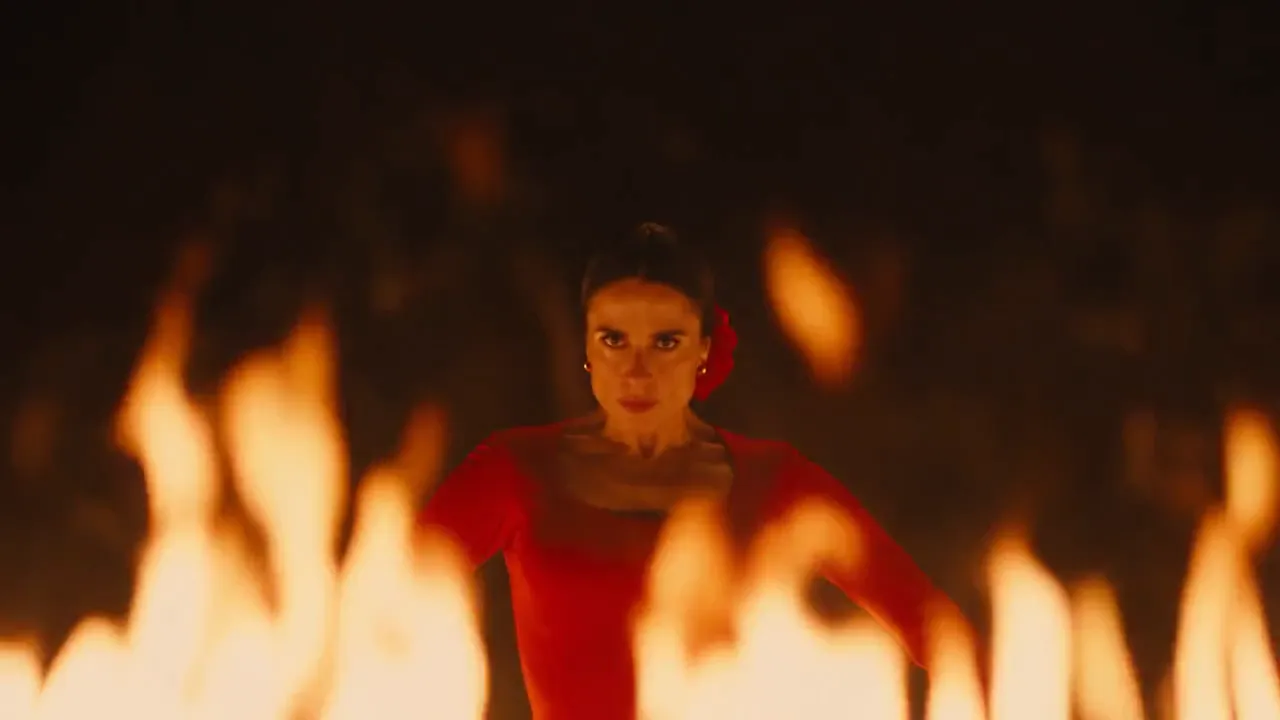
Dance performance in fire
On a black stage circled by fire, a flamenco dancer in a red dress performs. Close-up through the flames, wide arm poses and heel strikes, then an overhead shot of her skirt turning inside the ring of flame. Guitar and palmas.
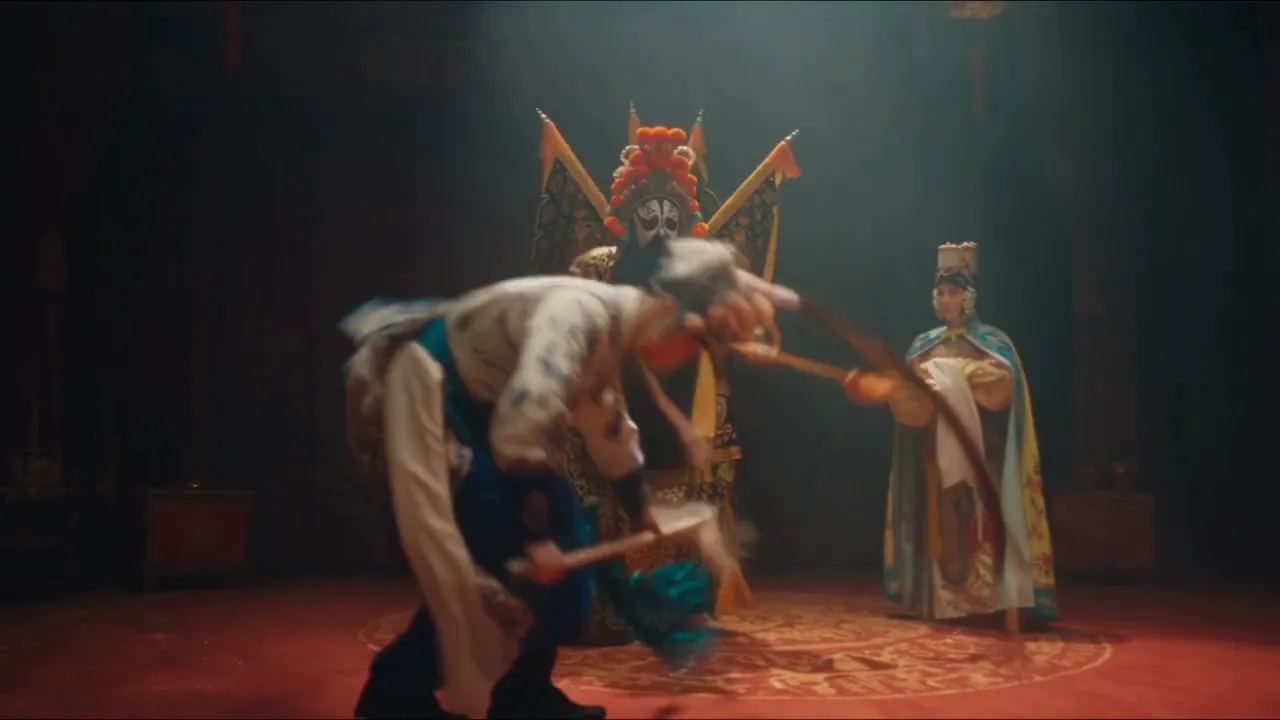
Stage battle with percussion
Peking opera stage lit by one spotlight: a painted-face general with back flags twirls his spear, a female lead in a phoenix crown snaps her water sleeves, and a warrior in blue enters the fight. Drums and cymbals.
From one photo to a 30-second clip with sound
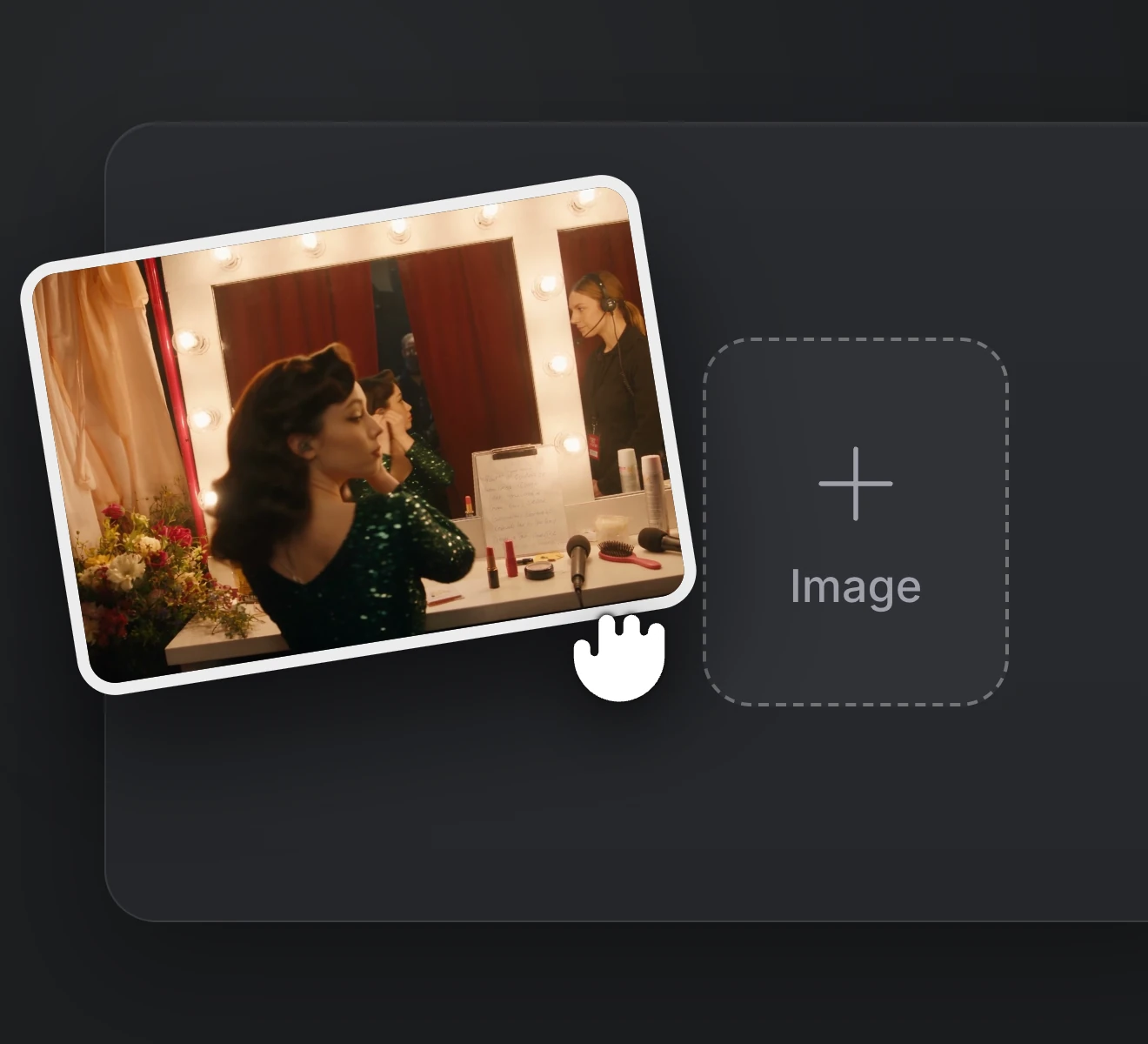
Step 01
Add the photo you want to animate, or attach image, video and audio references such as your beat.
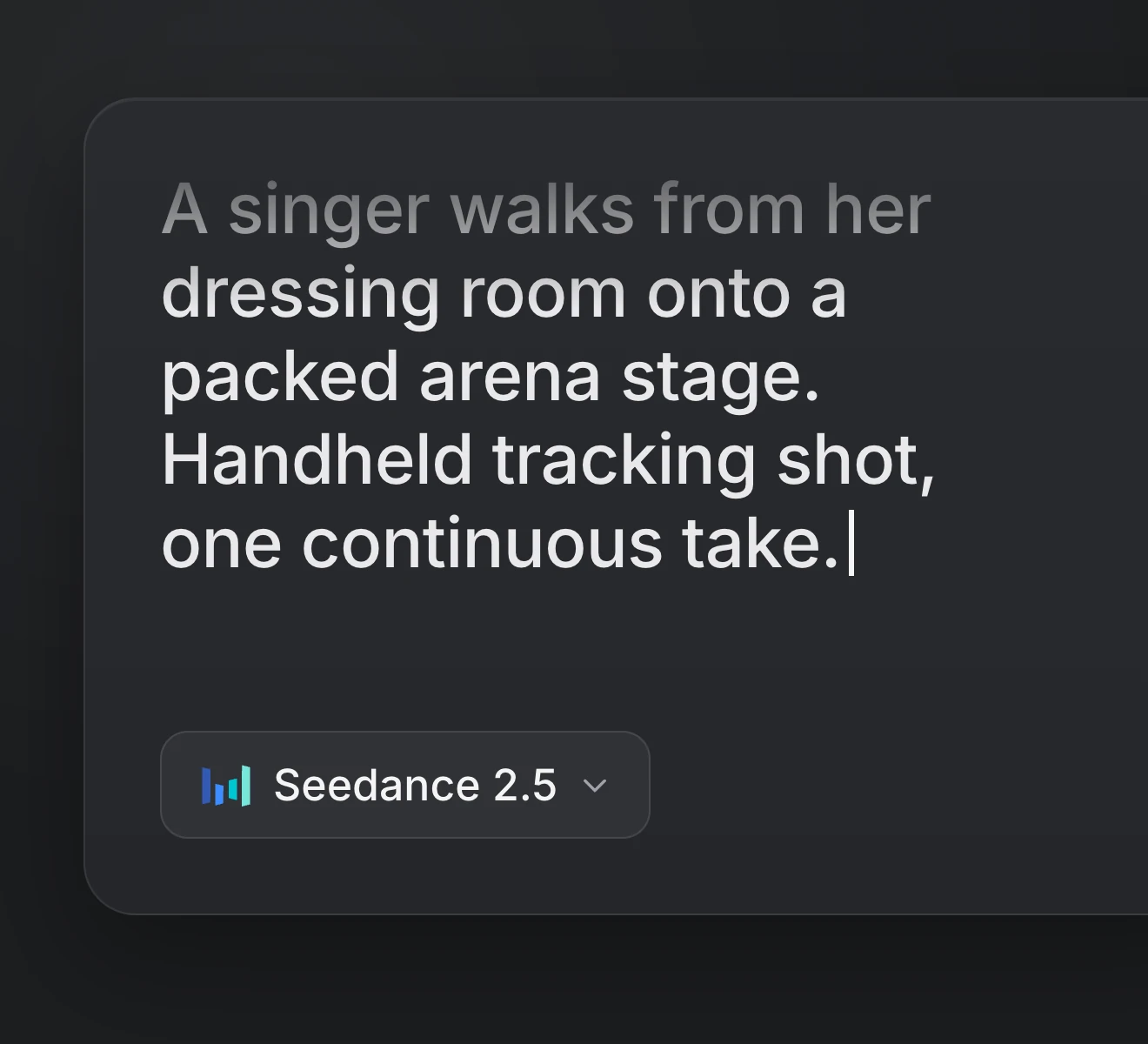
Step 02
Write the performance, the camera move and the sound. Quote any spoken lines.
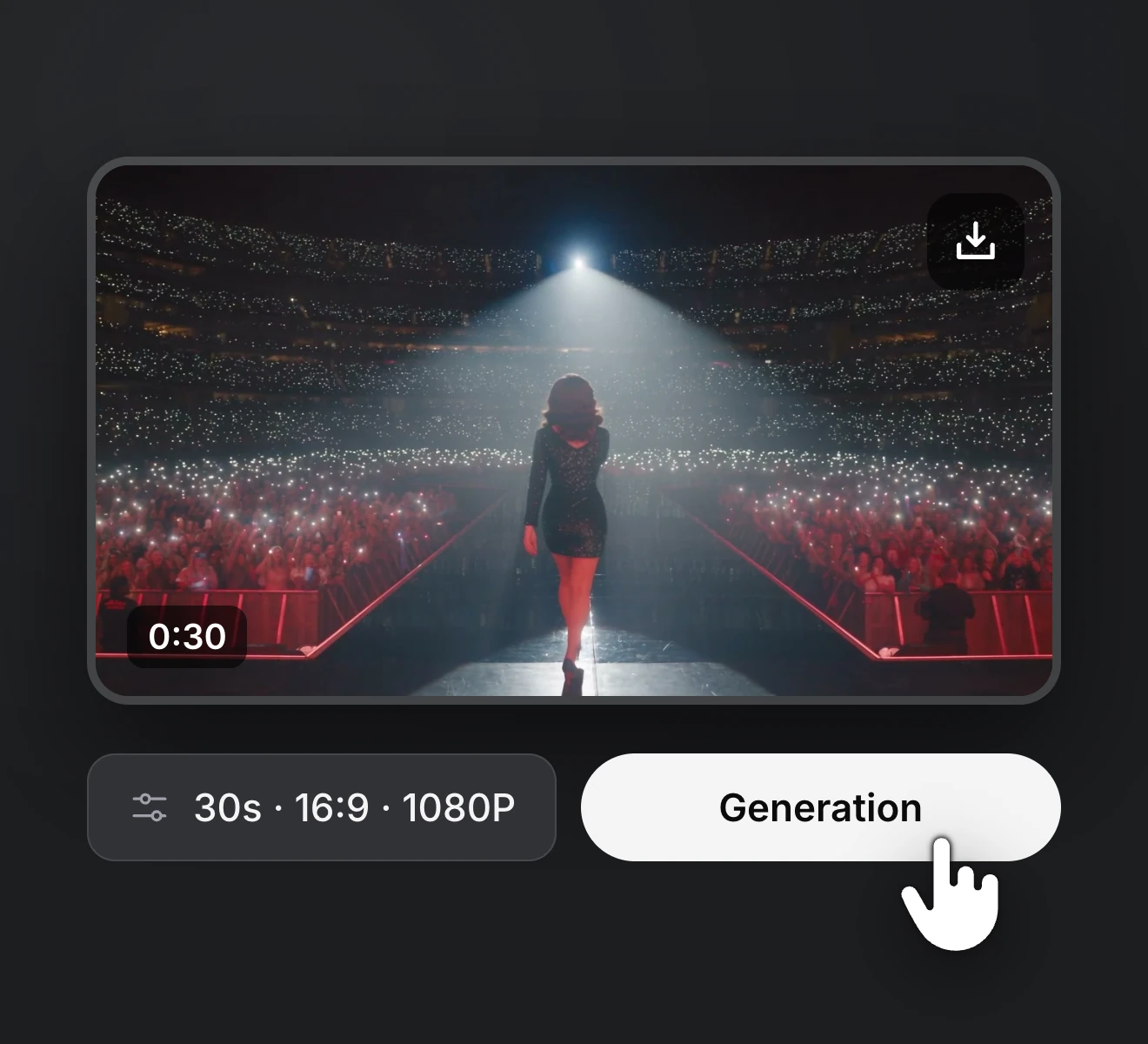
Step 03
Choose length, resolution and aspect ratio, then generate and save the take.
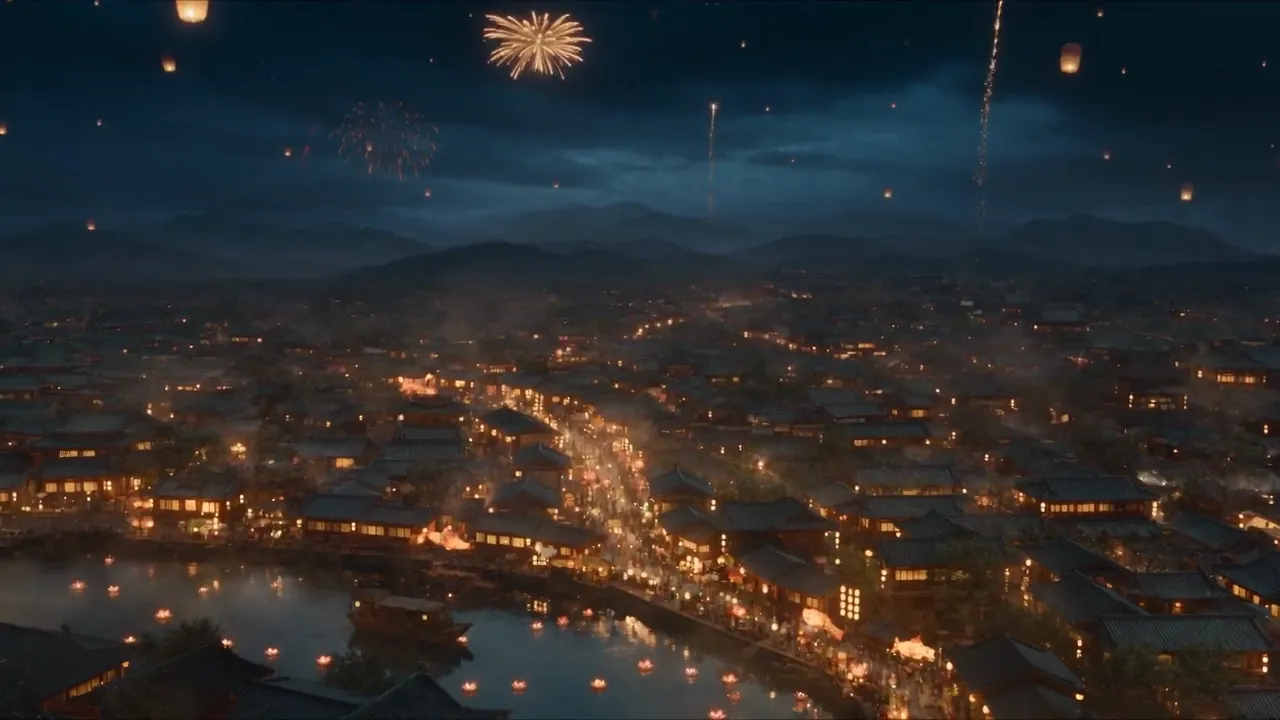
Start from a photo, a handful of references or one line of an idea. Render 30-second clips with sound as many times as the song needs and download the keeper in 1080p.
Upgrade or cancel anytime. Choose a plan for clean output, fast generation, full model access and priority support.
Monthly
Annual
Straight answers about Seedance 2.5 for rap and music video work, along with how plans, credits and billing work on RapVid.