Upload your photo
The photo with your subject, plus a background image if you have one.
Upload a photo and describe a new background, or upload the background you want. Your subject stays exactly the same while the scene, light and shadows change around them.
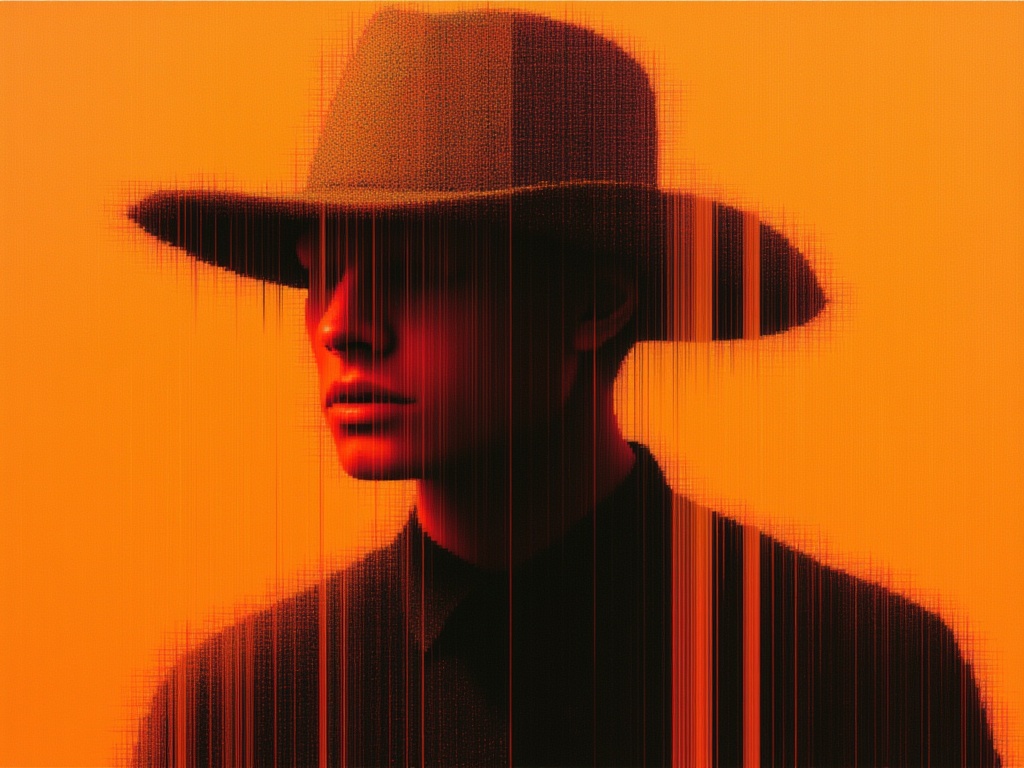
Three steps from your files to the finished result.
The photo with your subject, plus a background image if you have one.
Write where they should be, like 'a neon-lit street in Tokyo at night', or rely on your background image.
Choose the aspect ratio and resolution, then download.
Workflows tailored for your creativity. Each one opens ready to use.
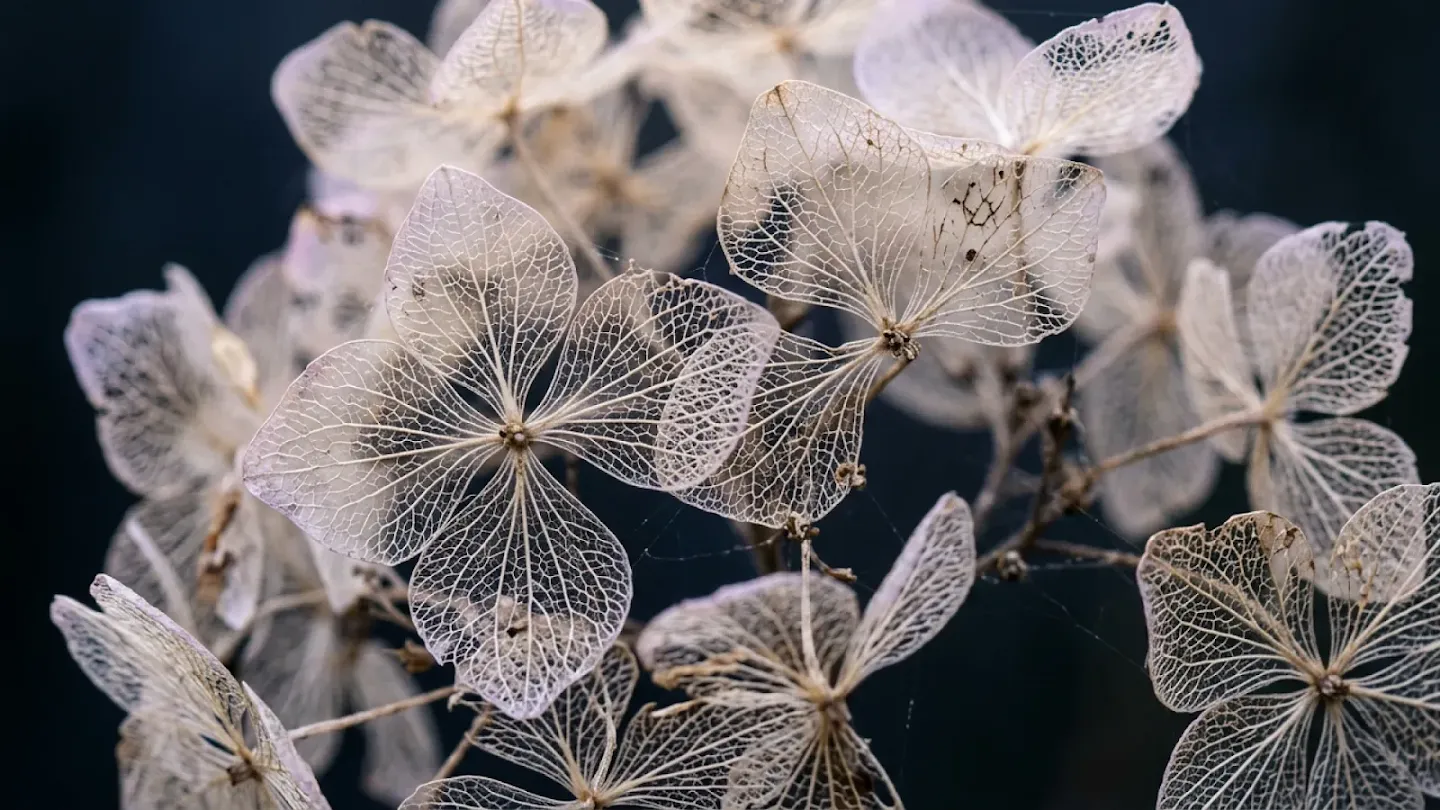
Restyle any image while keeping its subject and composition.
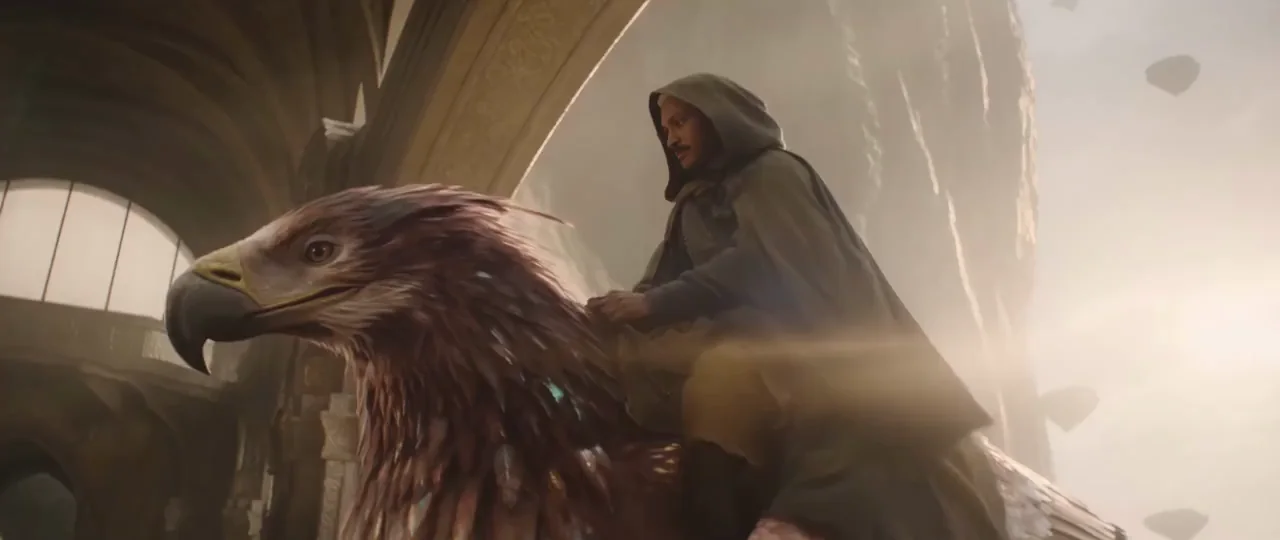
Turn a track into a multi-shot video cut on the beat.
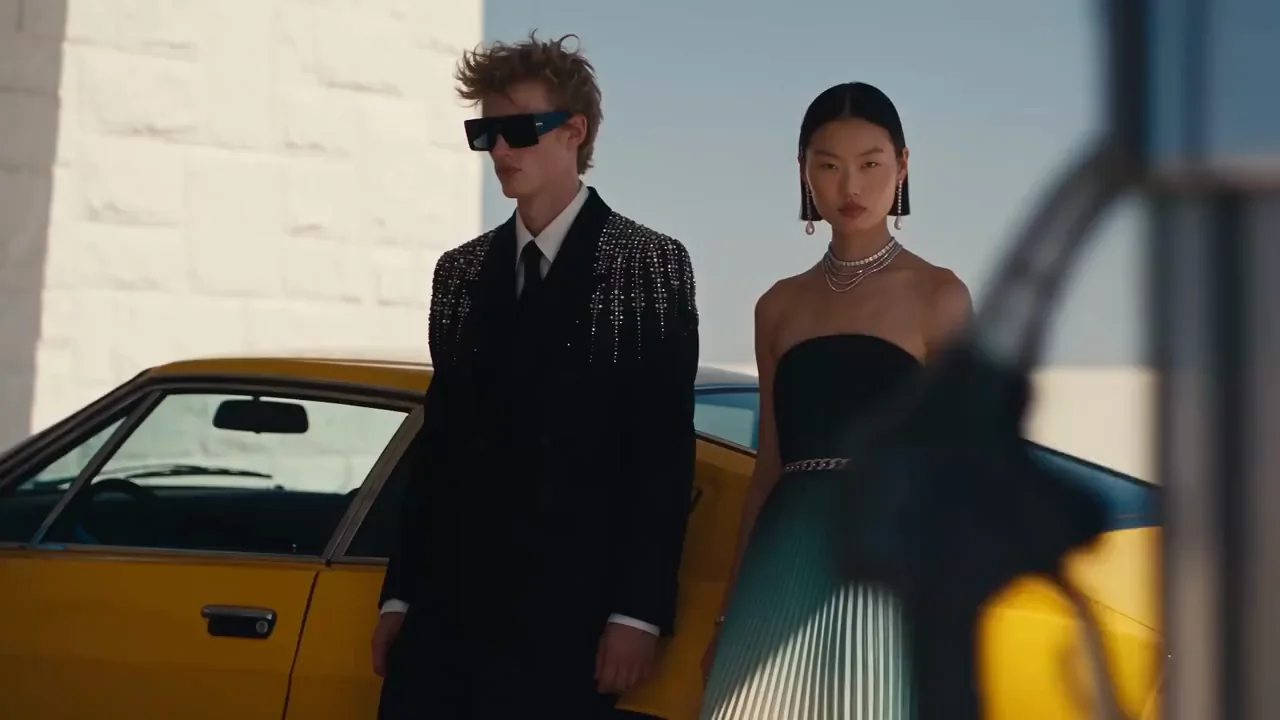
Bring a still image to life with natural motion.
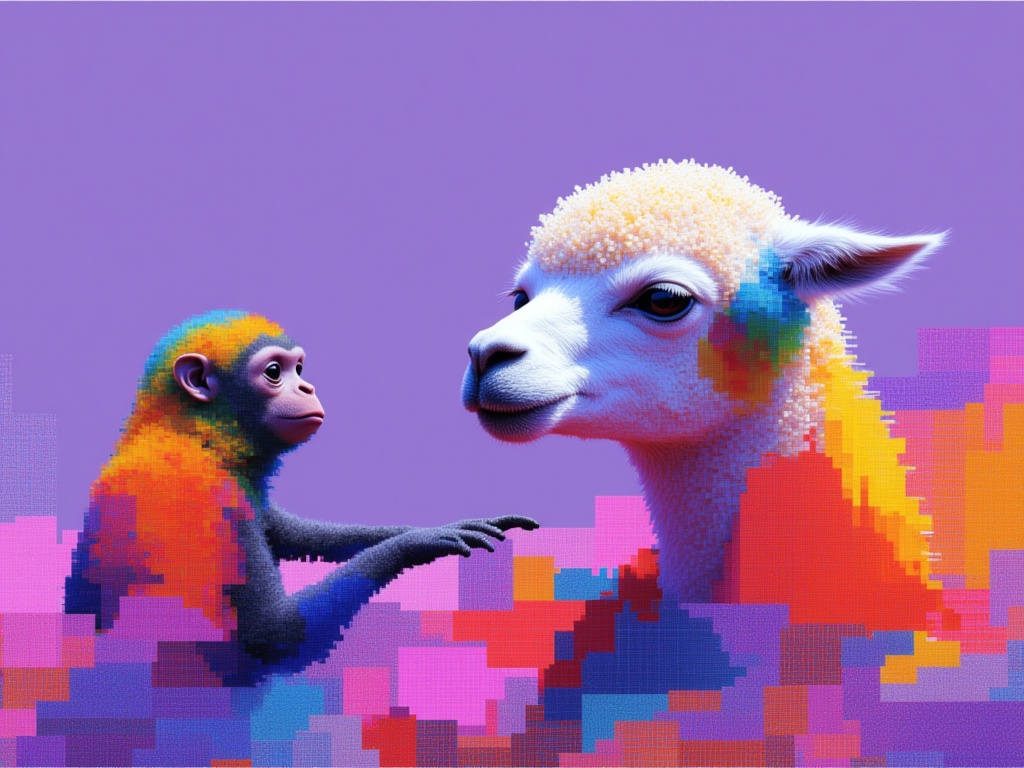
Change exactly what you ask for and leave the rest alone.

Make a portrait speak your words with lip sync.
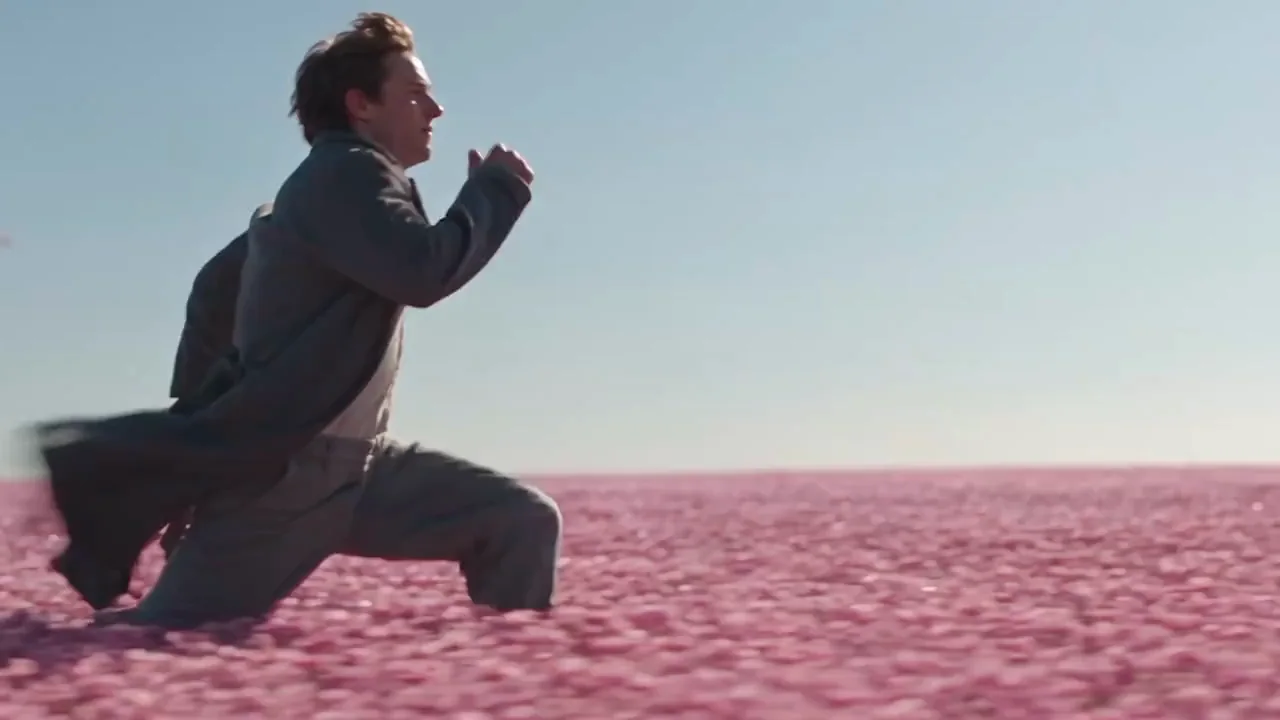
Connect a start and an end frame with one smooth shot.
Put your subject in a new scene without changing them.
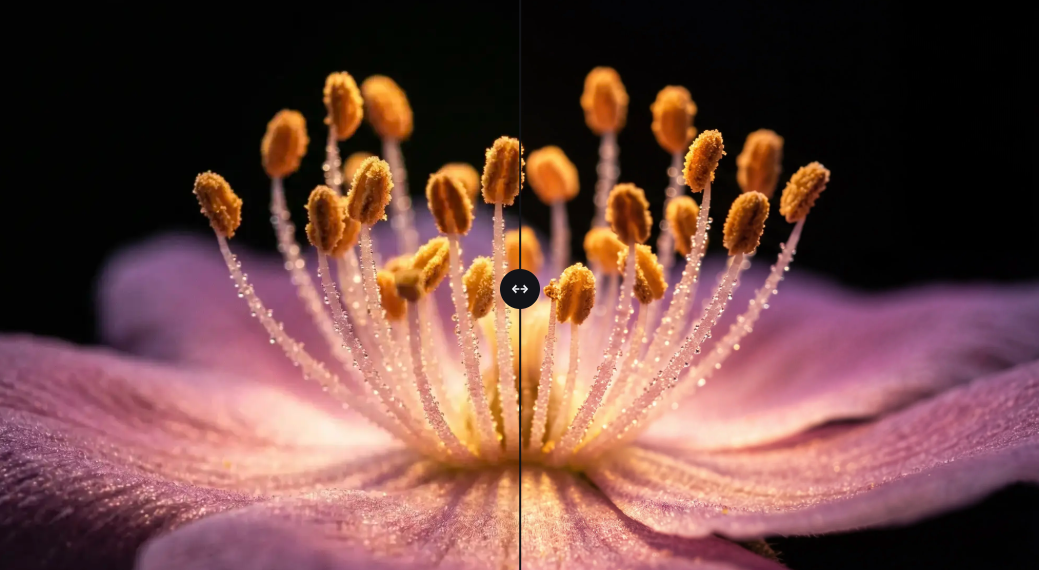
Merge people, products and places into one image.
What Background Swap does and how to get the best results.
Upload a photo and describe a new background, or upload the background you want. Your subject stays exactly the same while the scene, light and shadows change around them.