Upload your photos
Add one photo for the performer on the left and one for the right. People and pets both work.
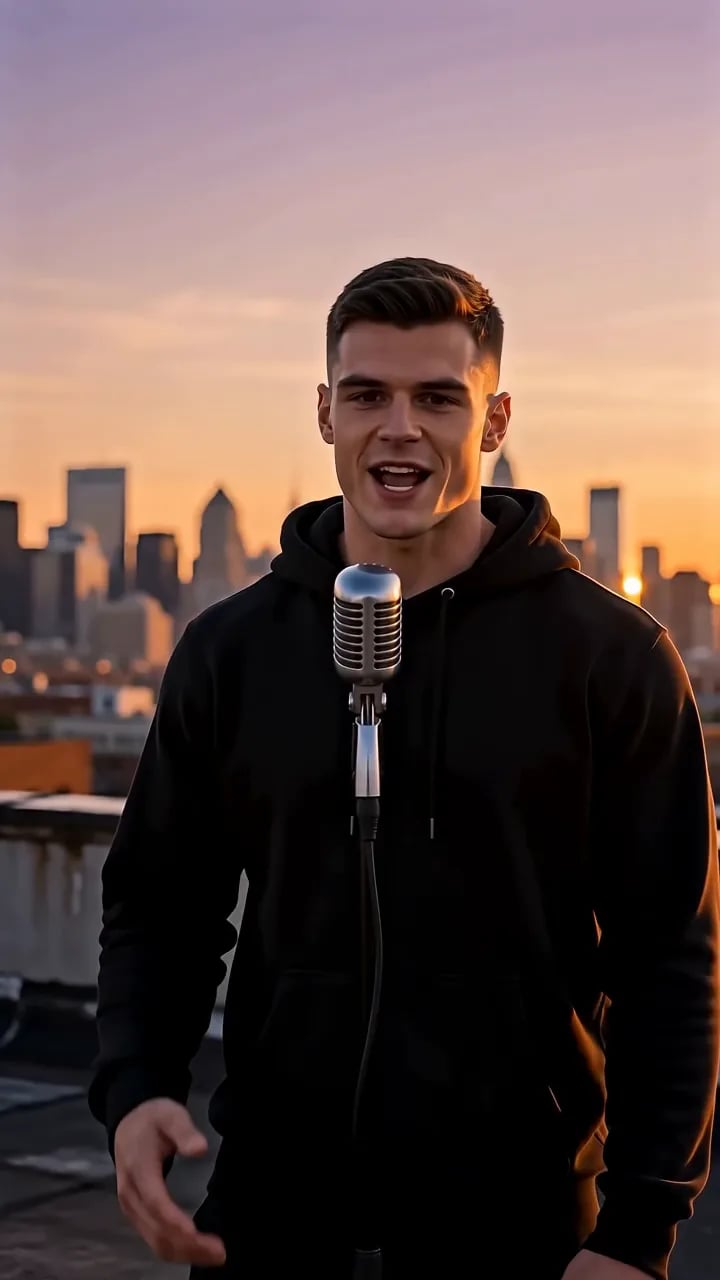
Upload two photos and put both of you on a rooftop at golden hour, the city glowing behind you and one vintage mic in the middle. You trade verses, the AI handles the vocals and the beat.
From photos to a finished rap video in three steps.
Add one photo for the performer on the left and one for the right. People and pets both work.
Rap Video Classic is already selected. Add a few bars if you want your own lyrics, or switch the stage from the menu.
Choose the length, the aspect ratio and the resolution, then press Generate. The video lands in your library in a few minutes.
Eight trending stages to start from. Each one opens ready to go, so you only add your photos.
Golden-hour rooftop, city skyline, one mic between two rappers.
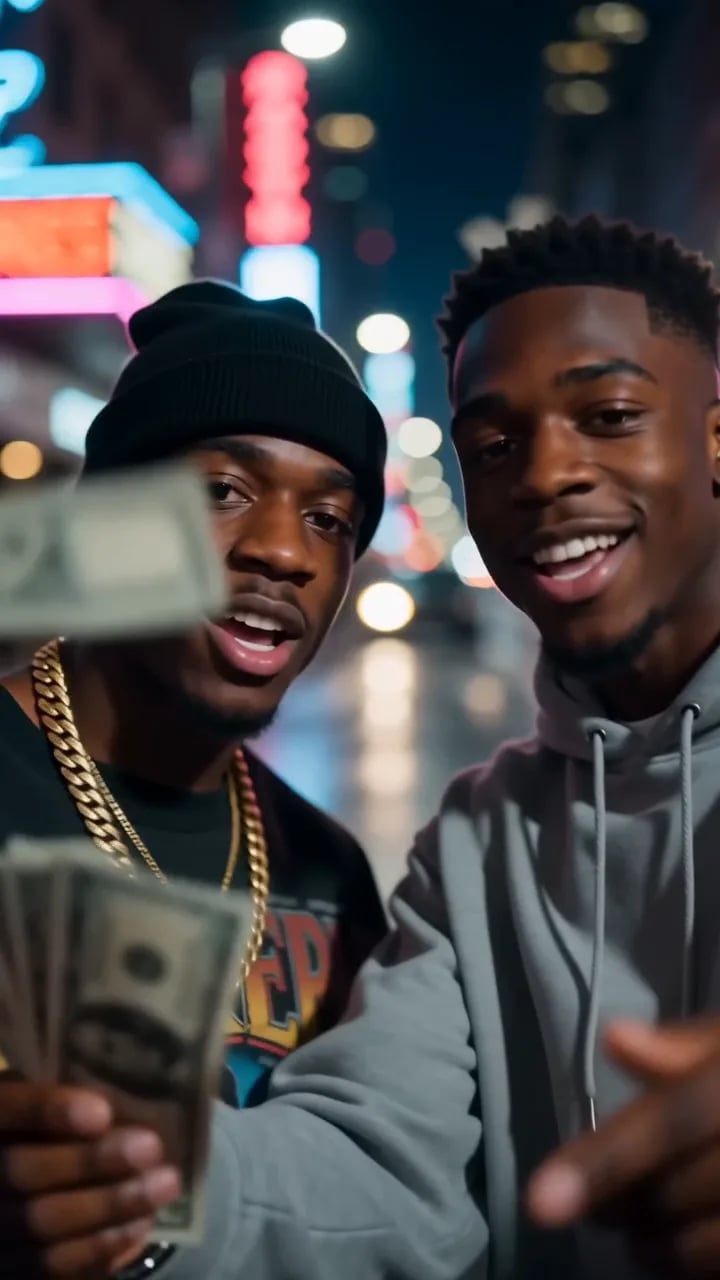
Bills fall in slow motion while the duo counts cash on beat.
The orange booth and the hanging mic that started the trend.
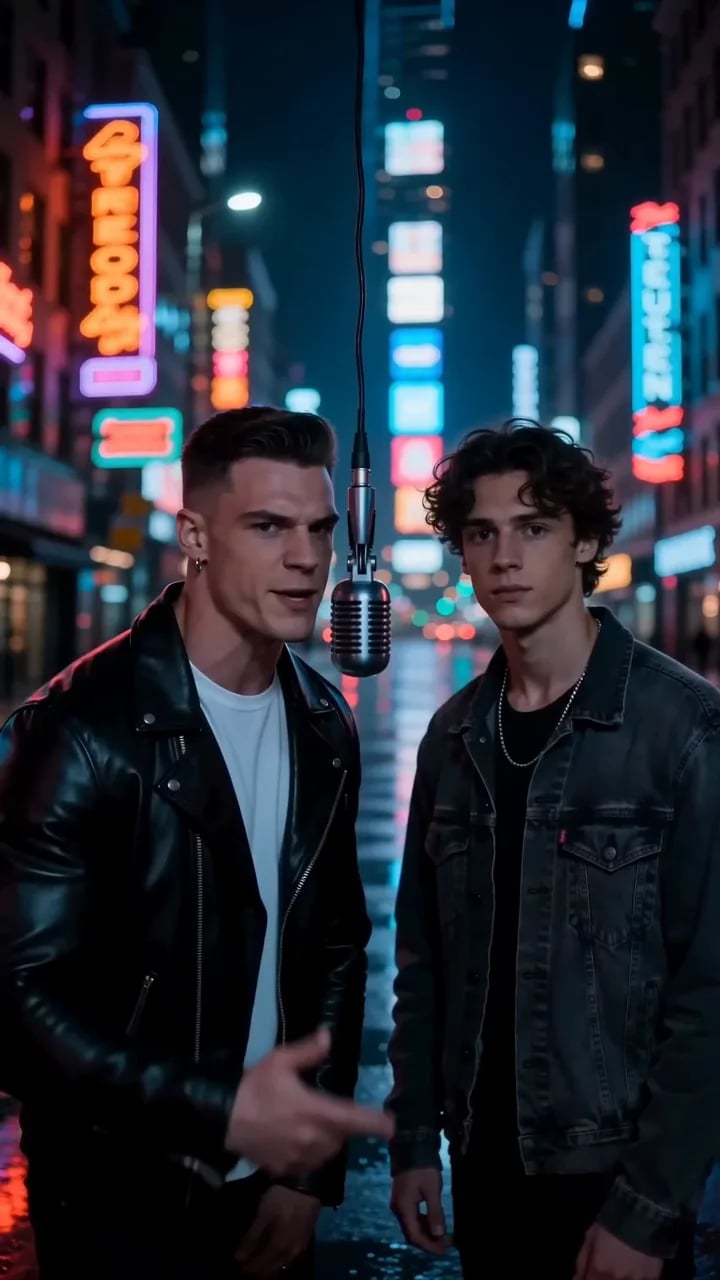
Neon signs and wet asphalt, the after-dark remix of the duet.
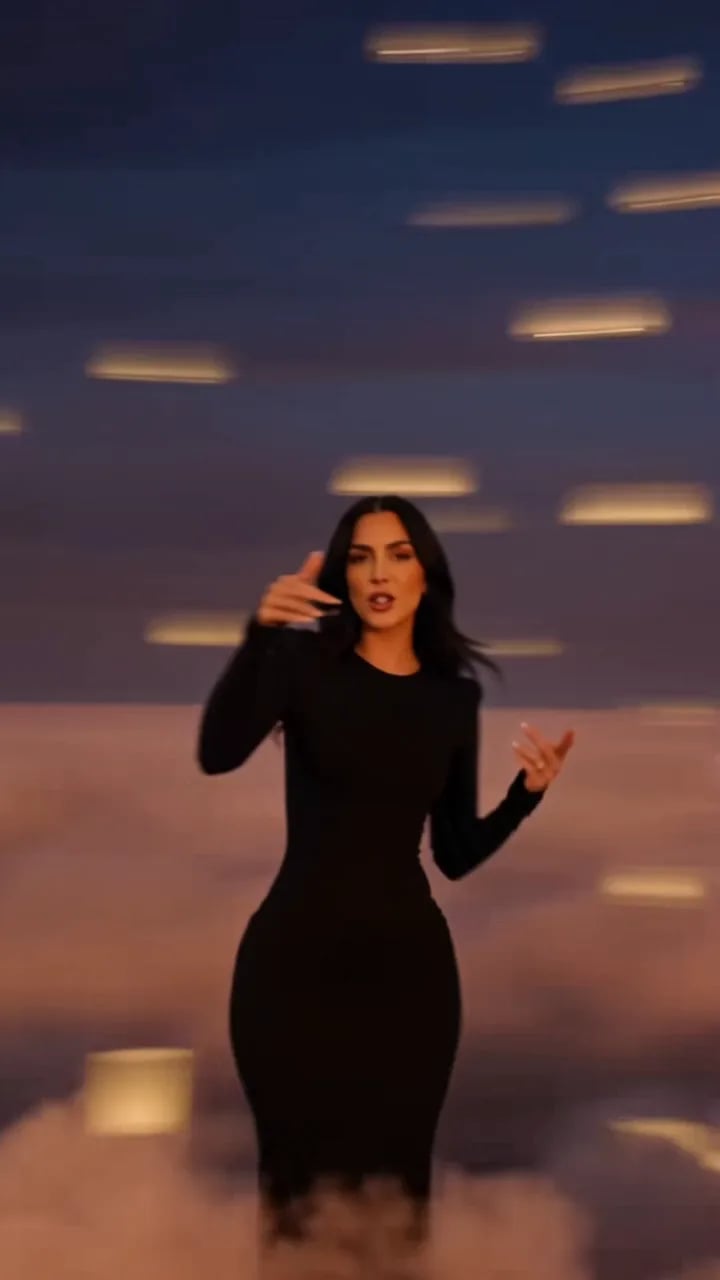
One spin and the room flips into another world mid-verse.
One mic and rapid-fire bars, the camera can barely keep up.
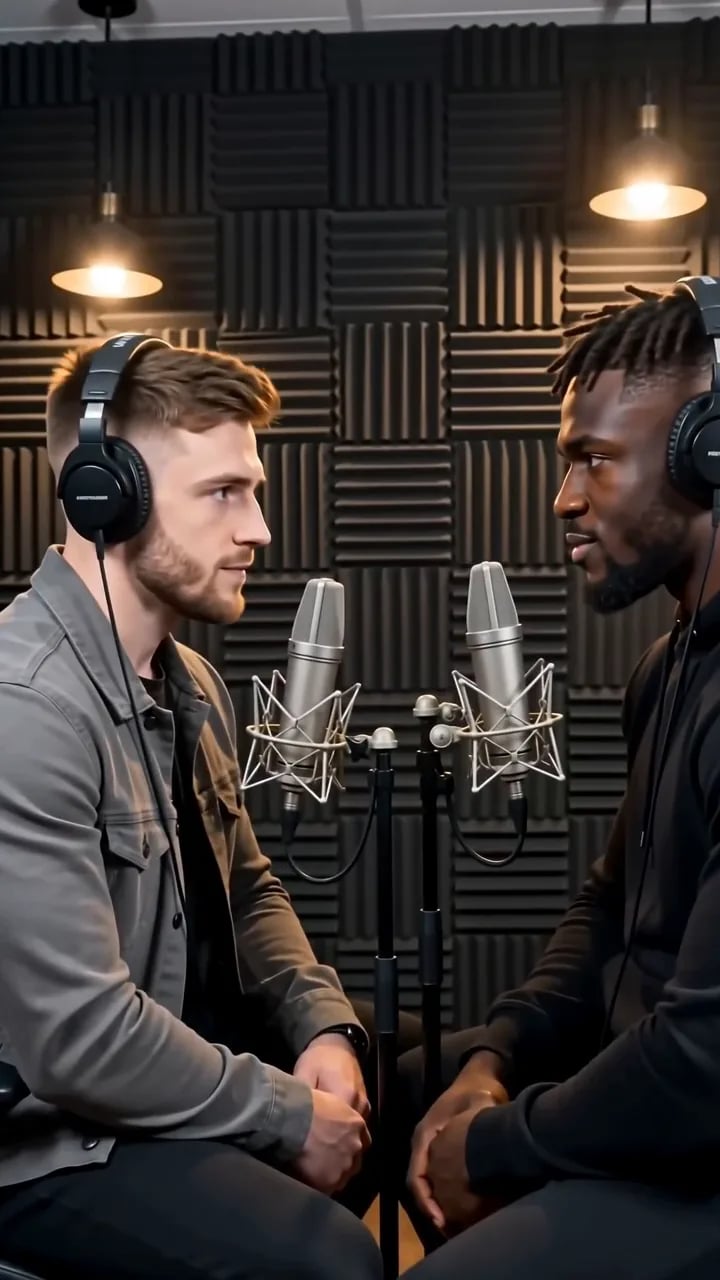
Two mics in a radio studio, trading bars like a live broadcast.
One photo, one spotlight, your solo freestyle moment.
The stage, the performance and the sound come from your photos and one click.
Your photos are used as performer references, so faces, hair and outfits carry onto the stage.
An original hip-hop beat and lip-synced rap vocals come with every render, or switch them off for a silent clip.
Vertical 9:16 for TikTok, Reels and Shorts or 16:9 for YouTube, 5 to 15 seconds long, up to 1080p with no watermark.
How the Rap Video Classic AI rap video works, what to upload and what it costs.
Bring your photos, pick the length and the format, and the clip comes back with the performance, the vocals and the beat. Download the MP4 and post it anywhere.