Upload two photos
Add one photo for the left performer and one for the right. People, pets and characters all work.
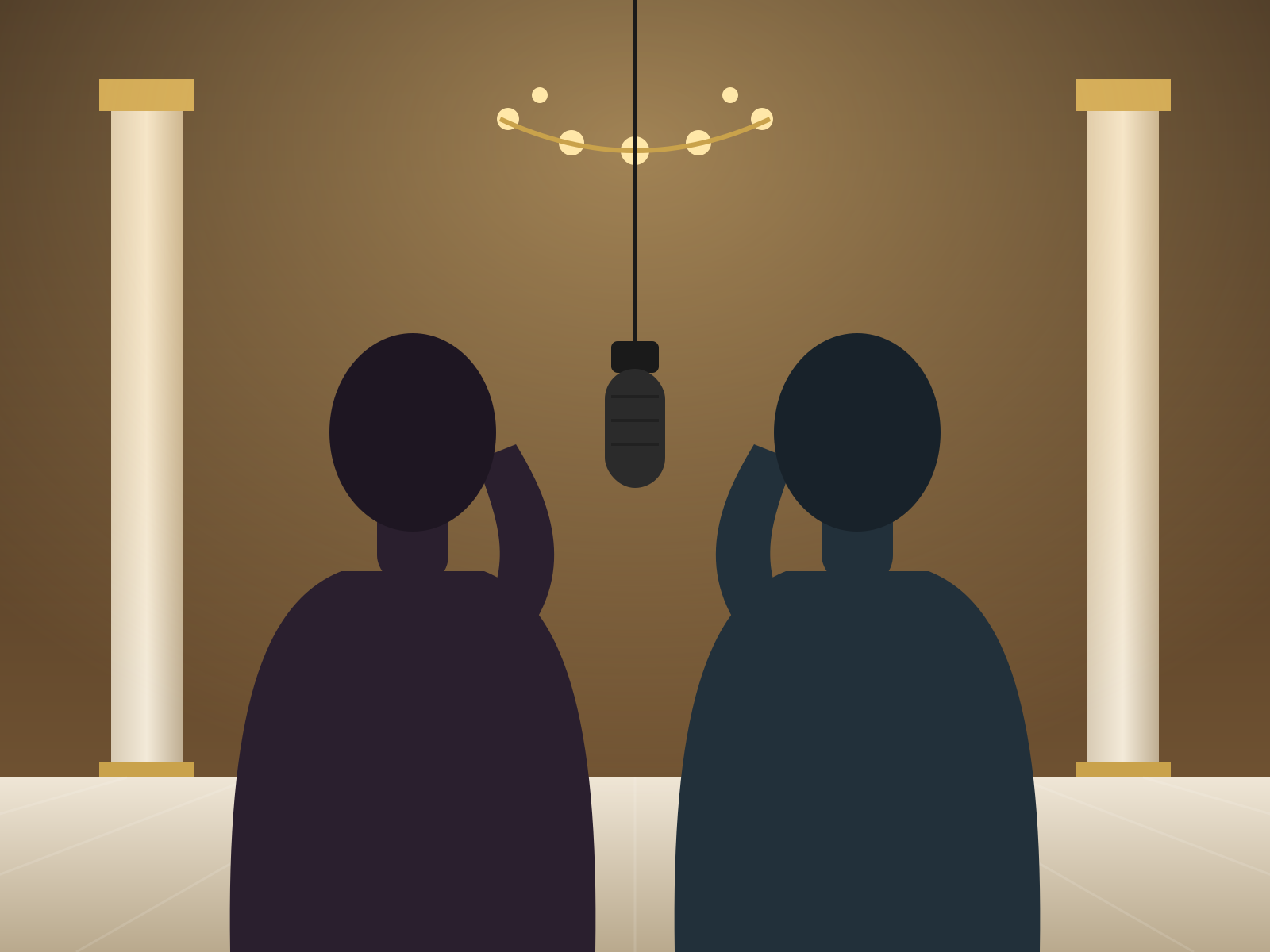
Take the name literally: put your rap duo in a grand hotel lobby with marble floors, velvet chairs and a glowing chandelier, still sharing one hanging mic.
From two photos to a finished rap video in three steps, no editing app needed.
Add one photo for the left performer and one for the right. People, pets and characters all work.
Keep Luxury Lobby or switch to another stage. Add a line of direction if you want a mood, outfit or move.
Choose the length, the aspect ratio and the resolution, then press Generate. The video lands in your library in a few minutes.
Same two-photo rap duo, five different stages. Each one has its own page with the stage ready to go.
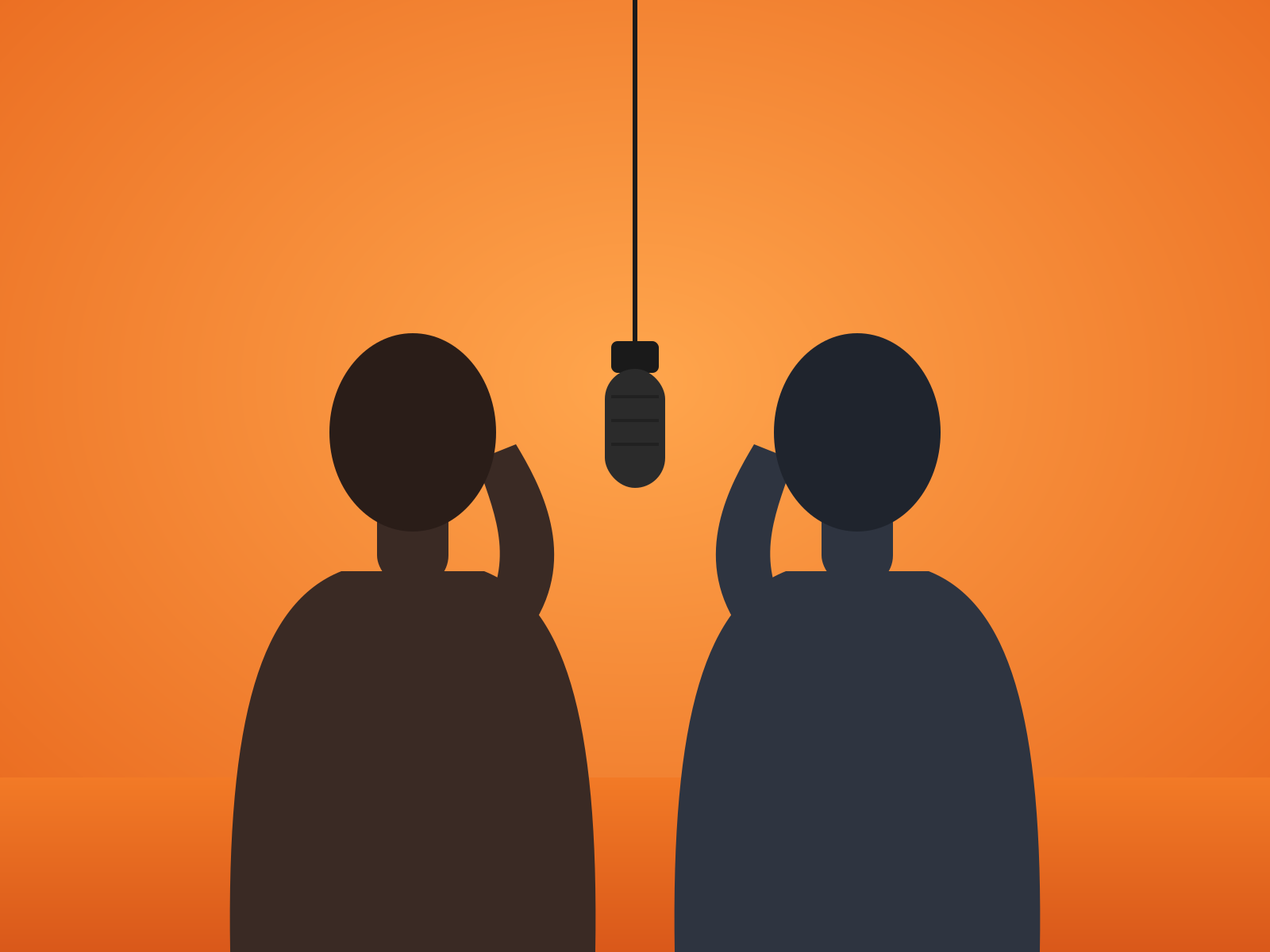
The original look: a seamless orange booth and one hanging mic.
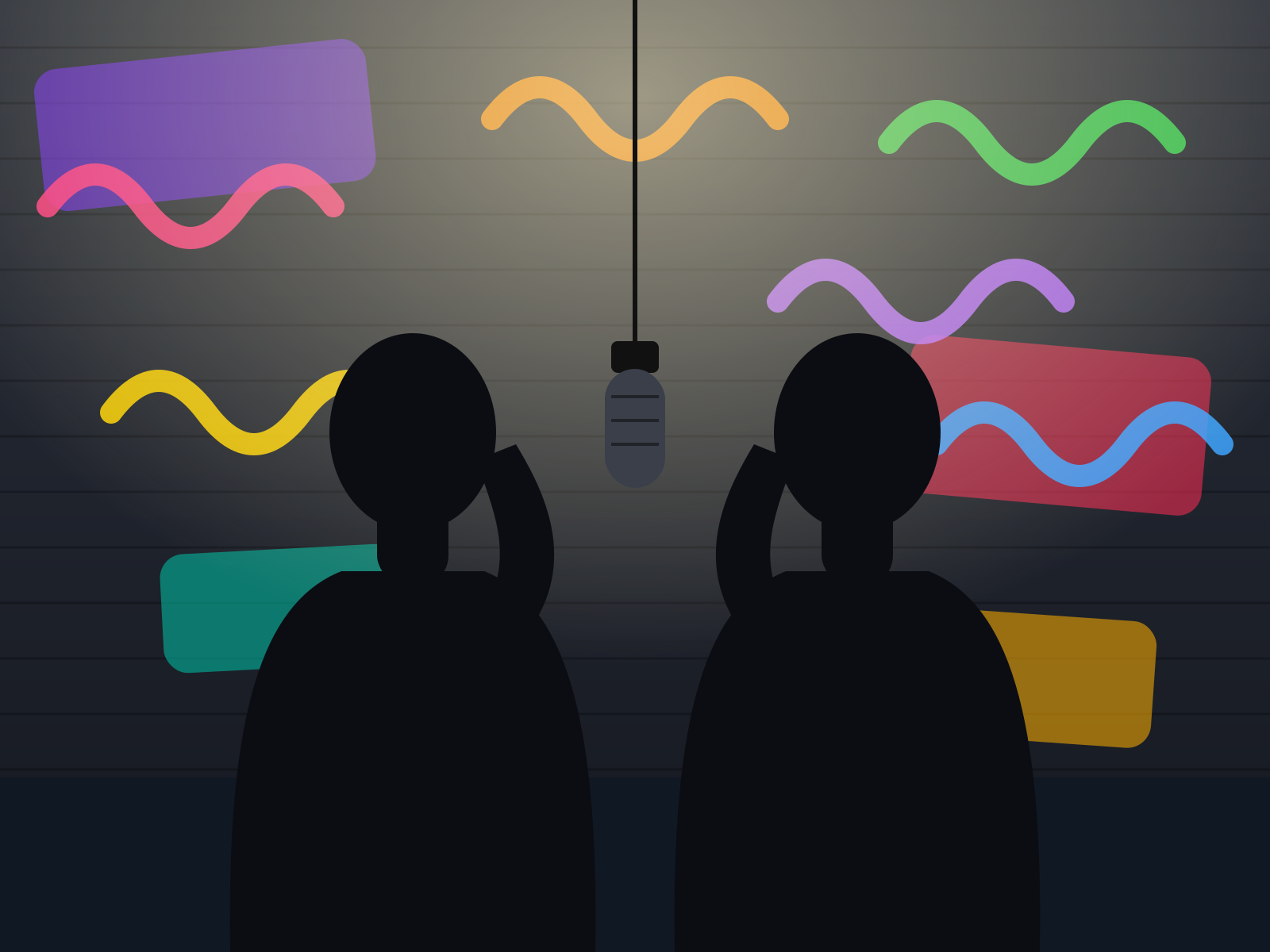
A night alley of layered murals, wet asphalt and one street lamp.
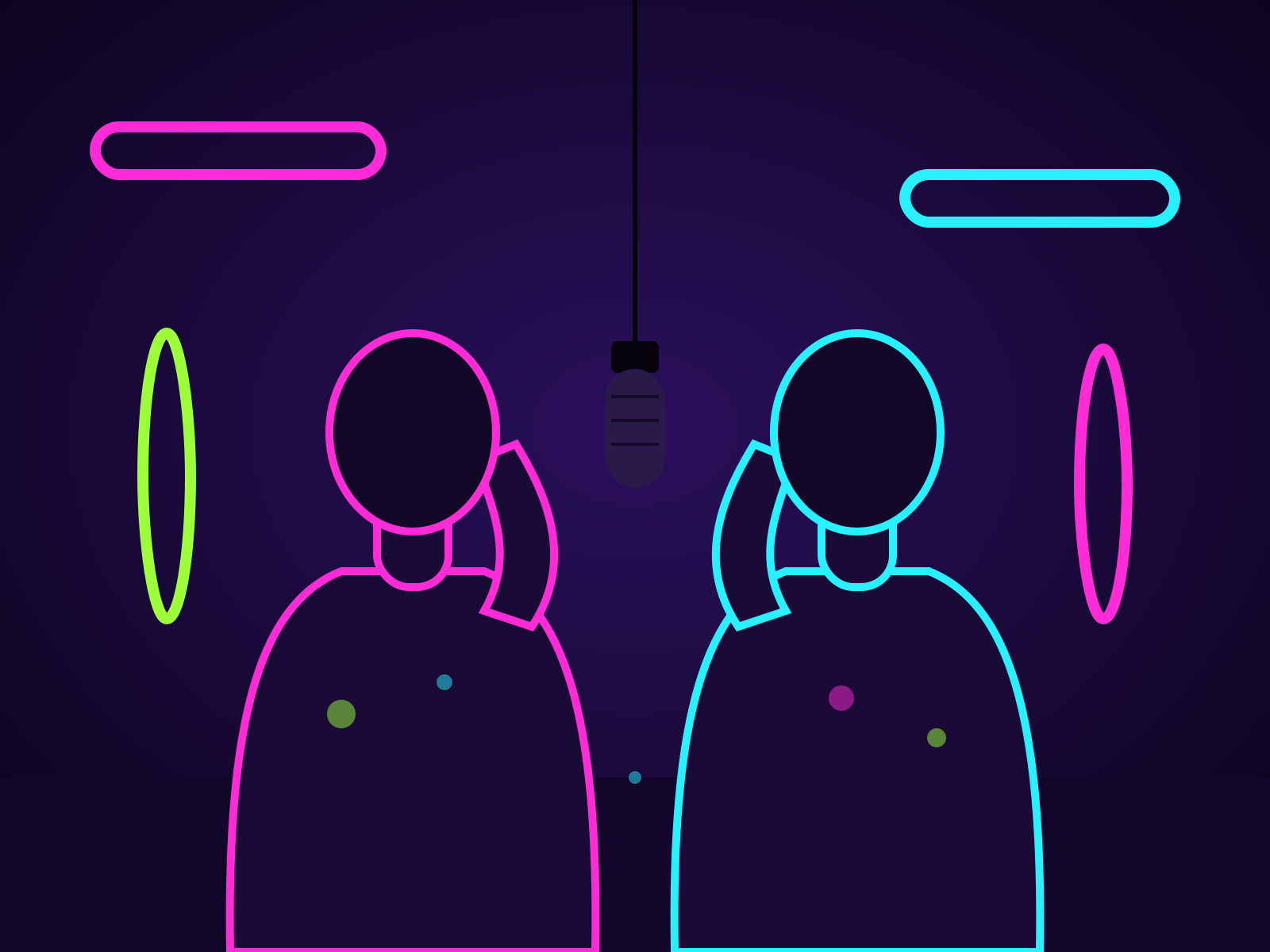
Blacklight, glowing neon tubes and paint that glows on your clothes.
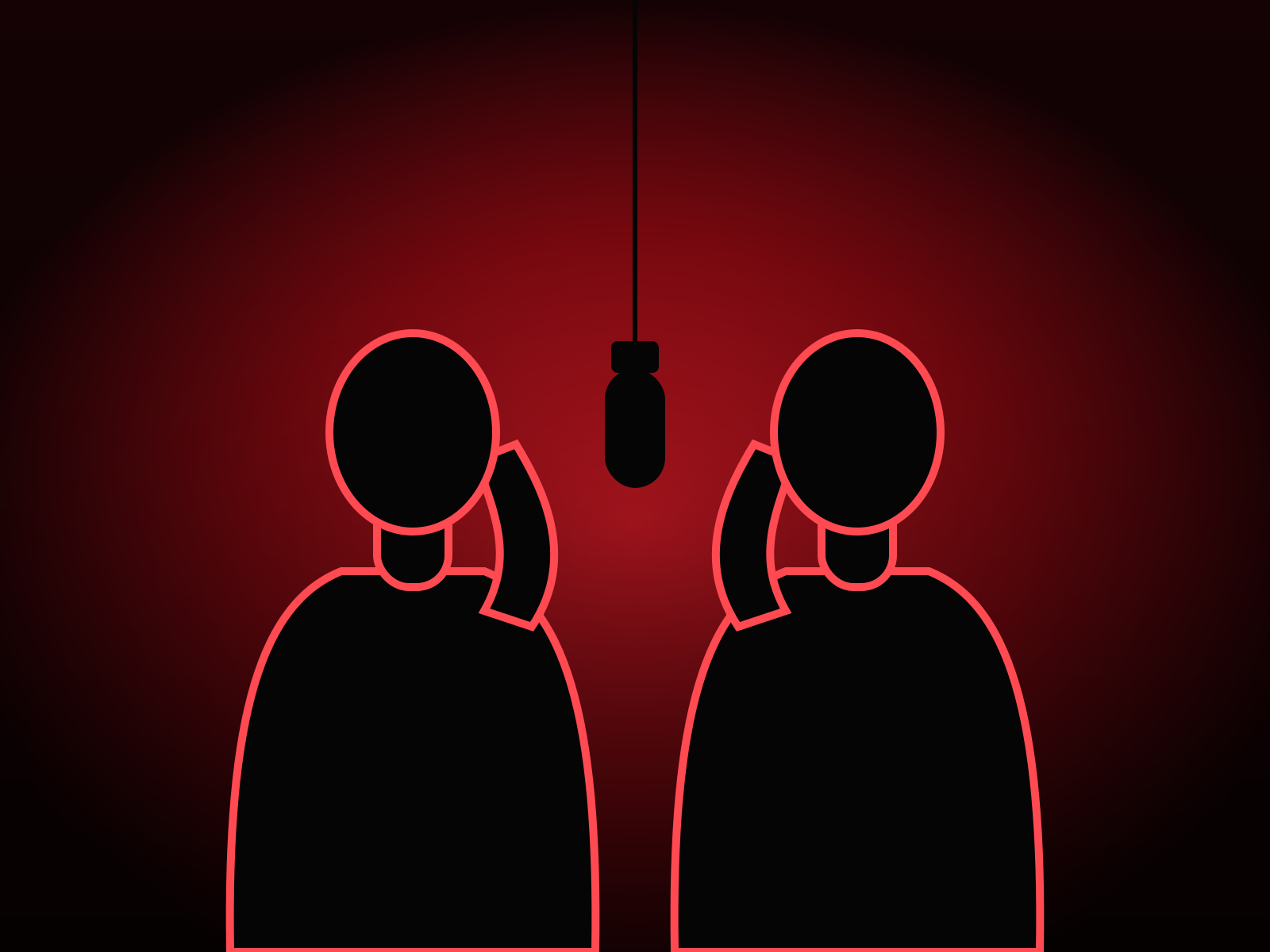
One red backlight, bold silhouettes and haze.
Marble, brass and a crystal chandelier in warm evening light.
Everything the trend needs is built in, so a video takes two photos and a click.
Each photo becomes one performer. They stand side by side and trade verses on a single hanging mic, the format people recognize at a glance.
A trap beat and lip-synced rap vocals come with every render, so there is nothing to add before posting.
Friends, couples, your cat and your dog: anyone with a clear face photo can join the duo.
What the Hotel Lobby AI trend is, how to make one and what you can upload.
Pick two photos and a stage, and the video comes back with both performers trading verses over an AI beat. Download it as MP4 and post it anywhere.