Upload your photo
Add one photo for the performer on the left and one for the right.
Upload two photos and get a rap video of you and a friend moving to the beat in front of a painted wall, trading lines straight to camera.
From a photo to a finished rap video in three steps.
Add one photo for the performer on the left and one for the right.
Type the bars you want performed, or leave them out and let the AI write a verse for the style.
Choose the length, the aspect ratio and the resolution, then press Generate. The video lands in your library in a few minutes.
Eight looks to start from. Each one opens with the style ready, so you only add a photo and your bars.
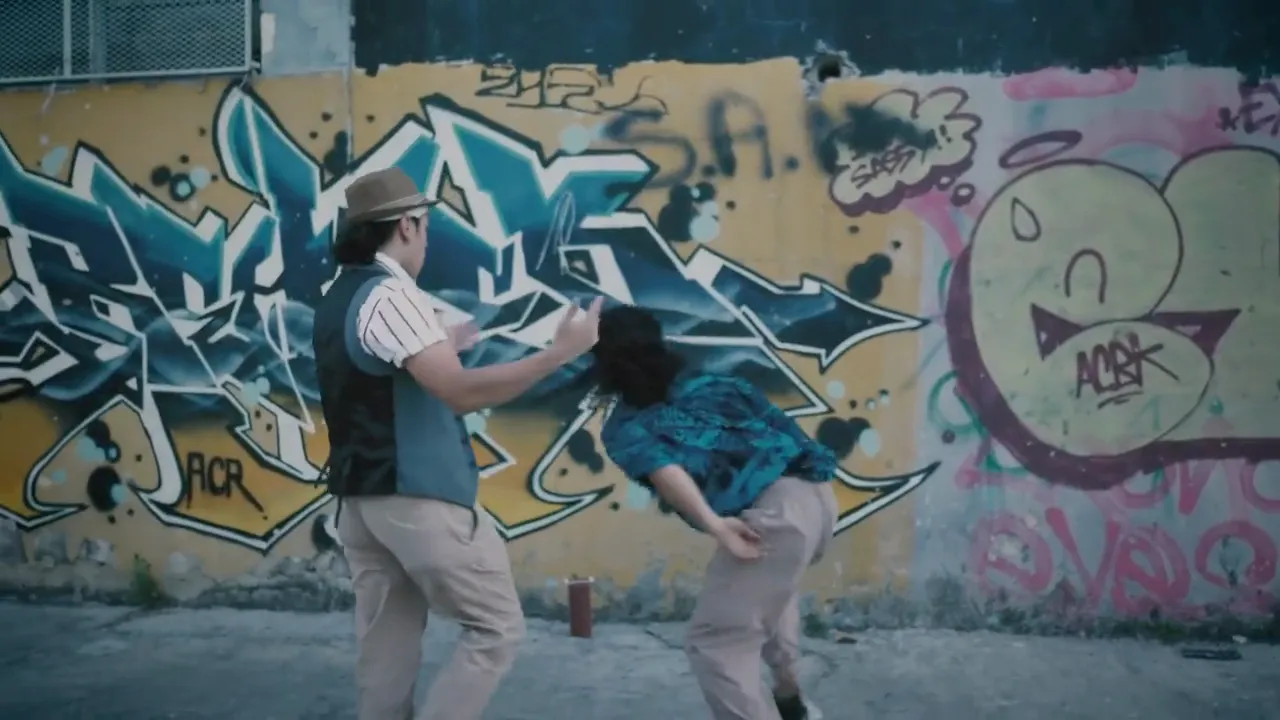
Bars in front of a painted wall with handheld street energy.
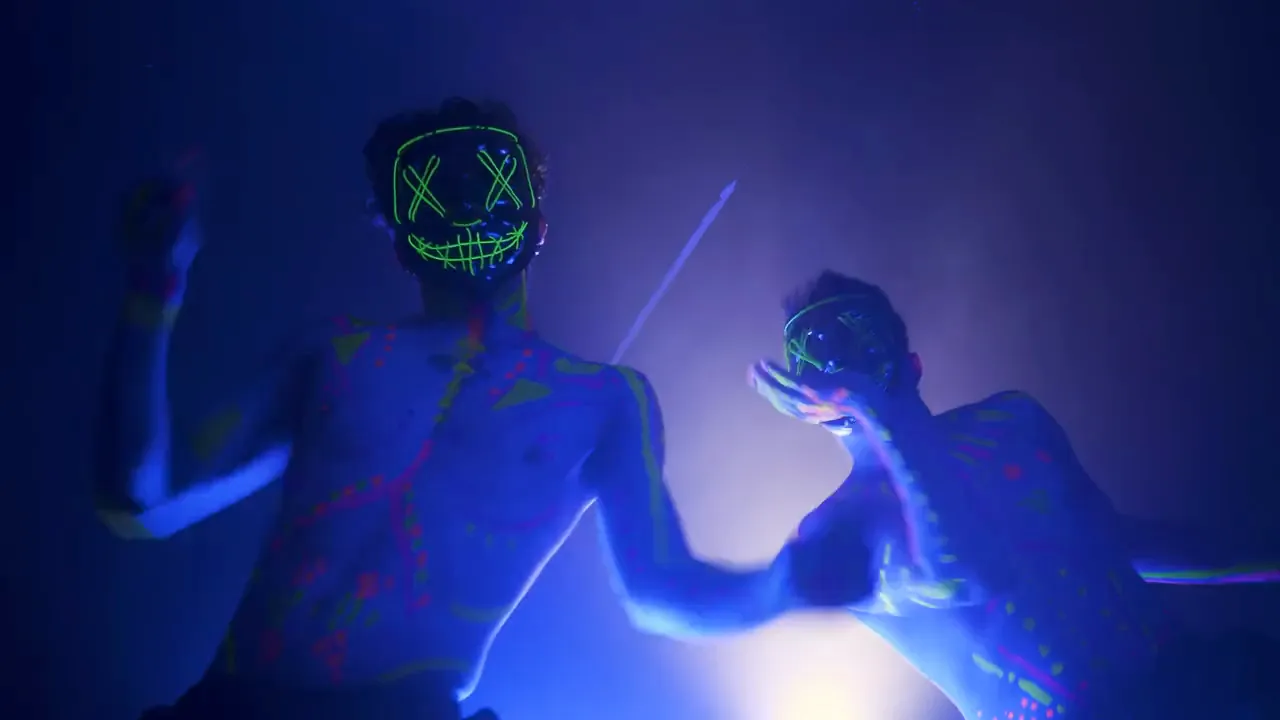
Glowing outfits and blacklight for late-night tracks.
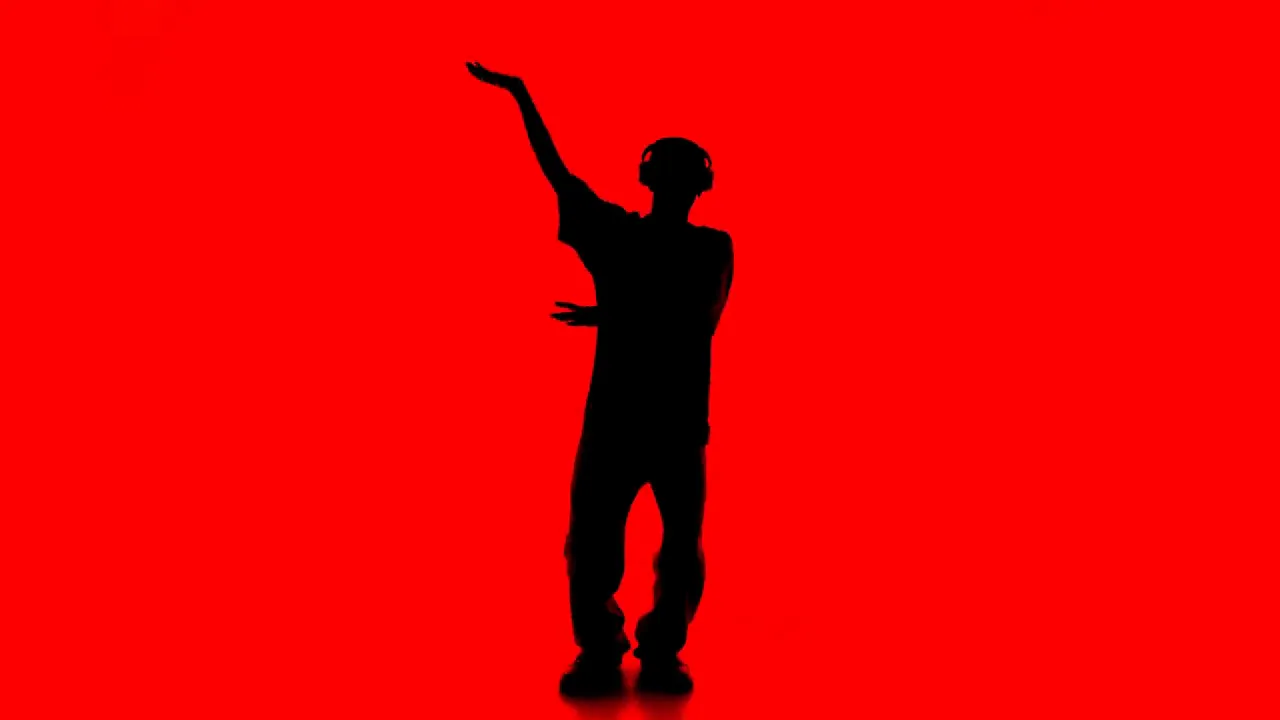
A dark figure against hard red light for moody verses.
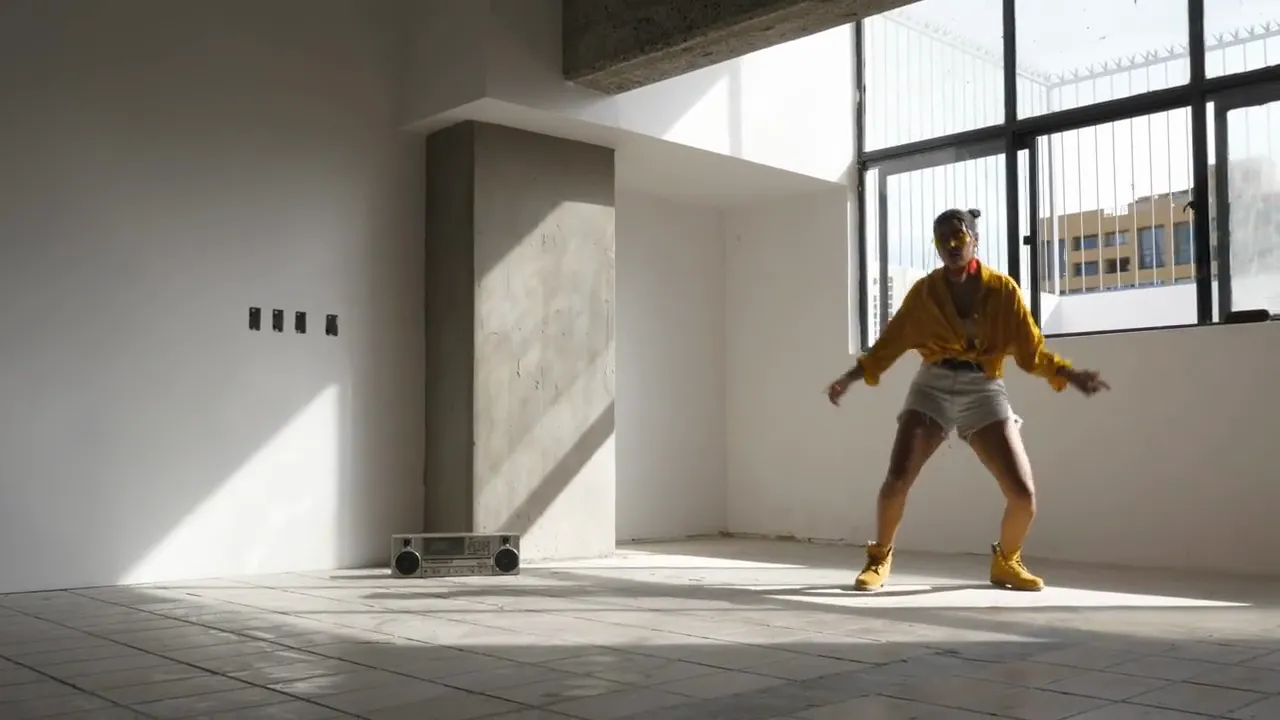
Soft window light for laid-back, conversational flows.
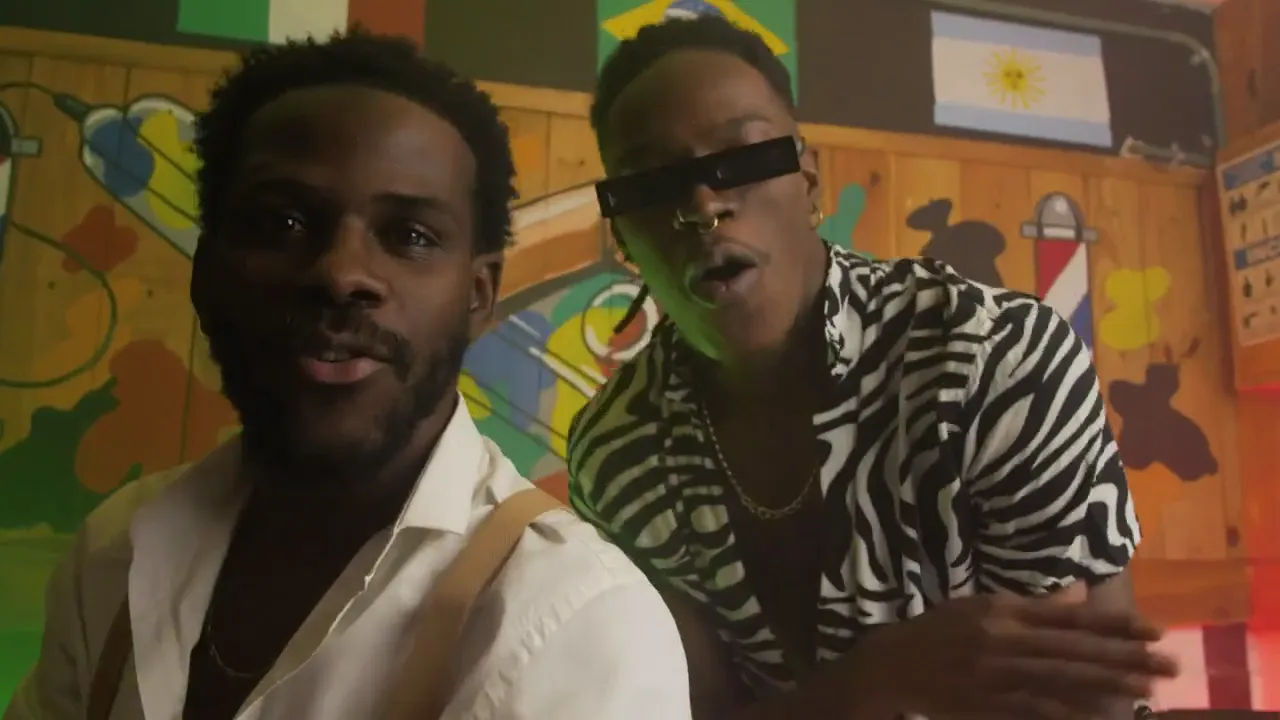
Two friends move to the beat in front of a painted wall.
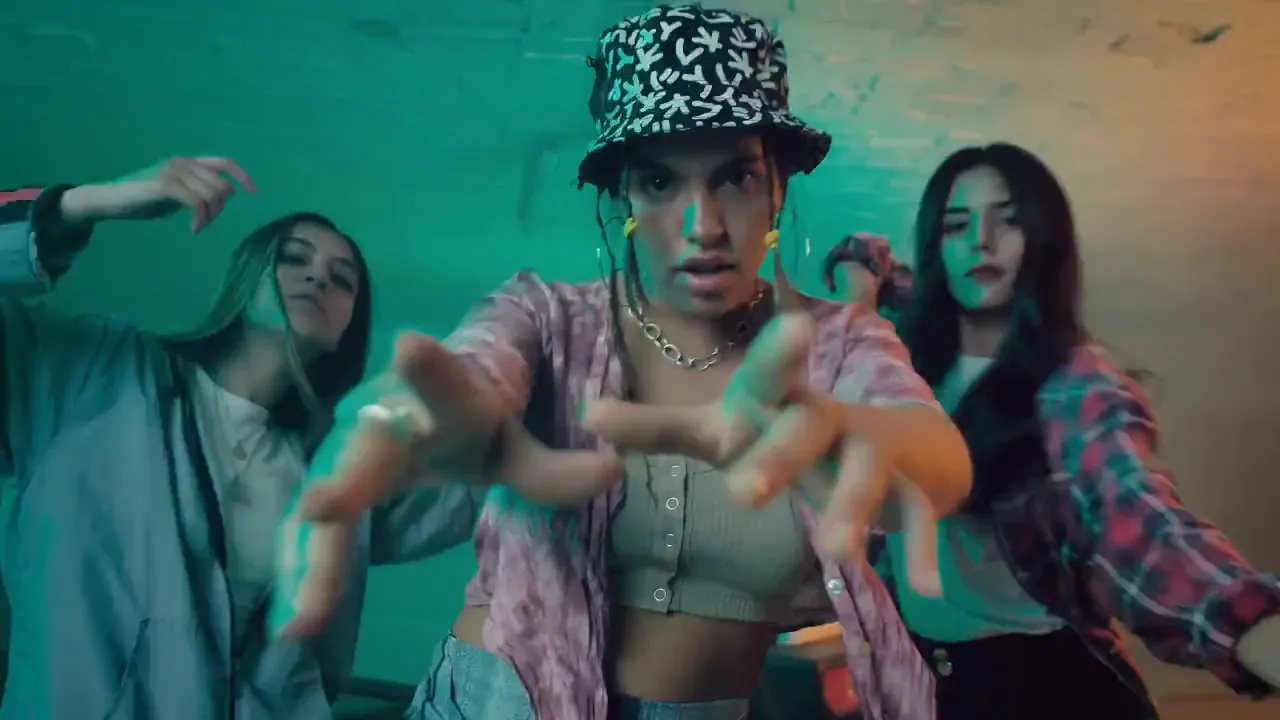
A whole crew leans into the lens on the hook.
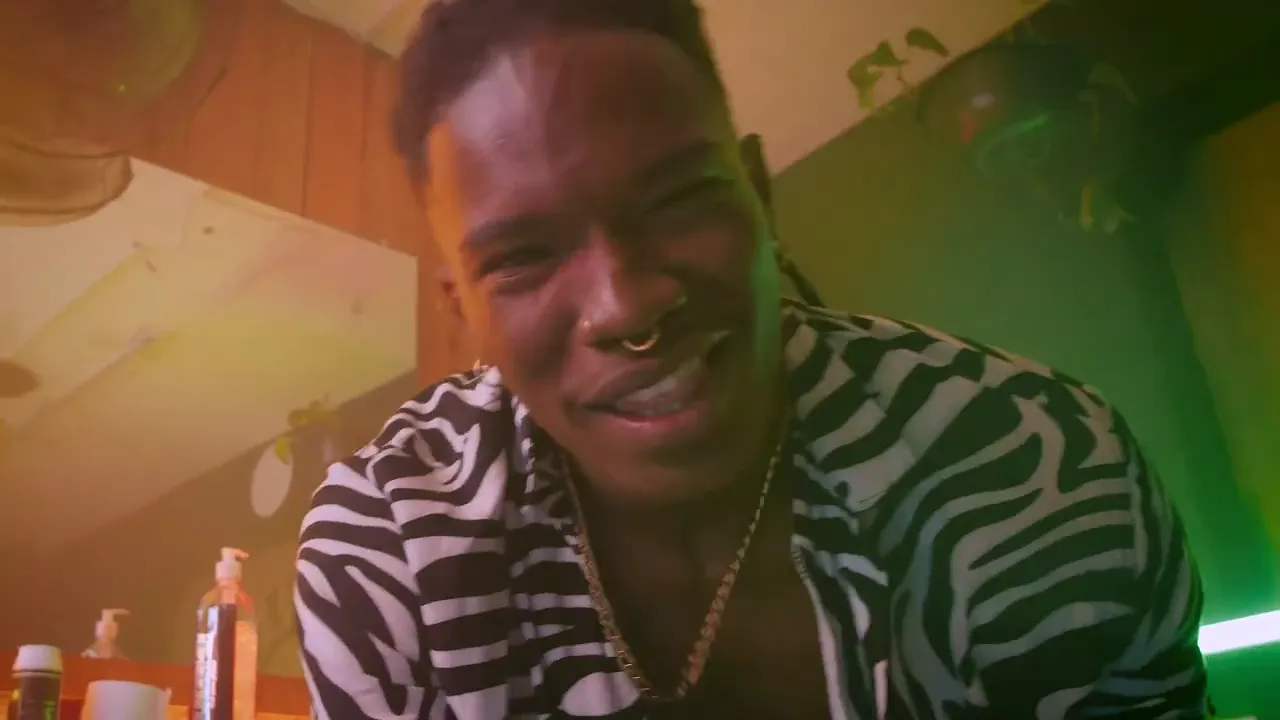
Sing and dance to camera in a neon-lit barbershop.
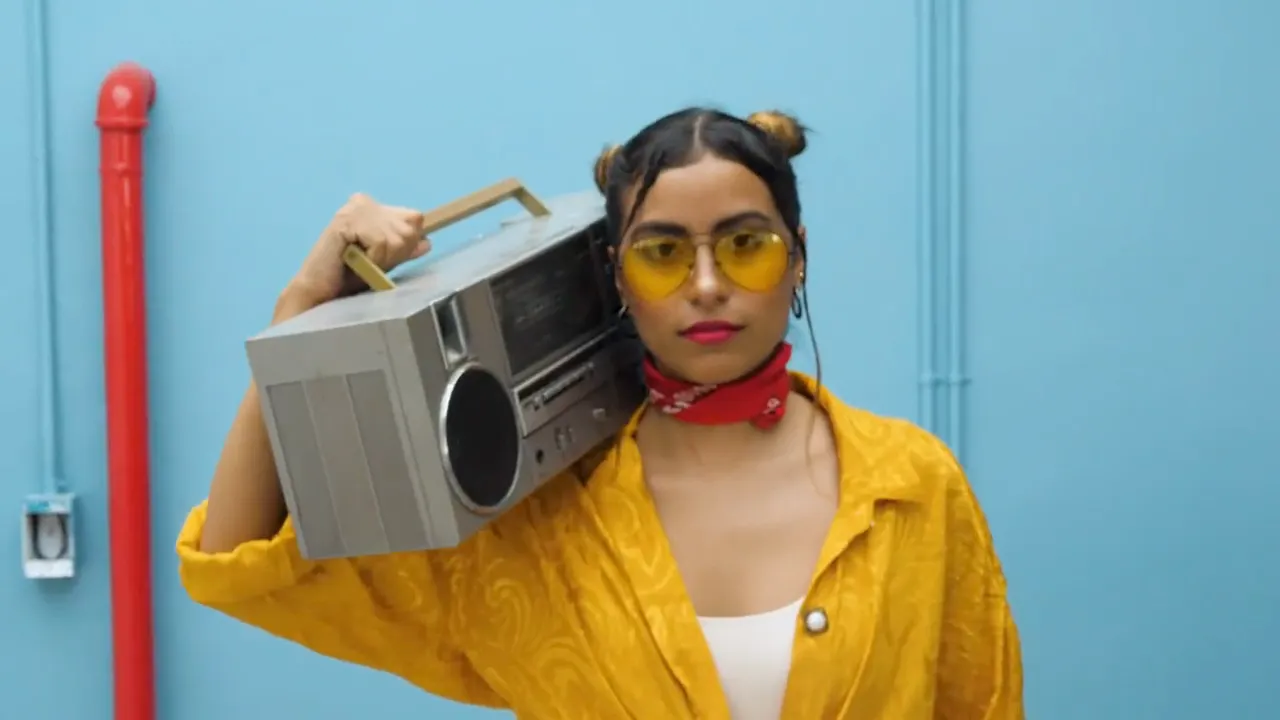
A bold, colorful teaser for your next single.
The look, the performance and the sound come from one photo and a click.
Your photo is used as the performer reference, so the face, hair and outfit carry into a brand-new scene.
A hip-hop beat and lip-synced rap vocals come with every render, so the clip is ready to post.
Vertical 9:16 for TikTok, Reels and Shorts or 16:9 for YouTube, 5 to 15 seconds long, up to 1080p.
How the Duo to Camera rap video works and what you can upload.
Bring a photo and a few bars, and the clip comes back with the performance, the vocals and the beat. Download it as MP4 and post it anywhere.